
17560721
Descripción

Mapa Mental por Angie Lorena Castro Muñoz, actualizado hace más de 1 año

|
Creado por Angie Lorena Castro Muñoz
hace más de 6 años
|
|
Visual Basic
- FORM
Nota:
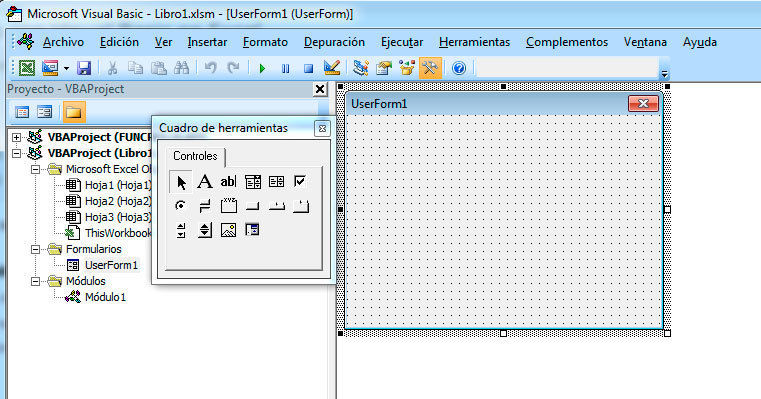
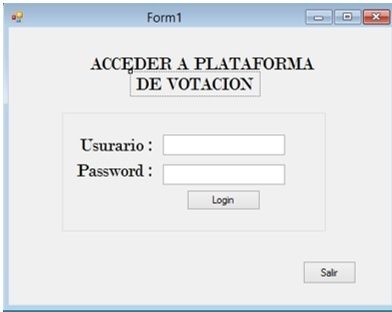
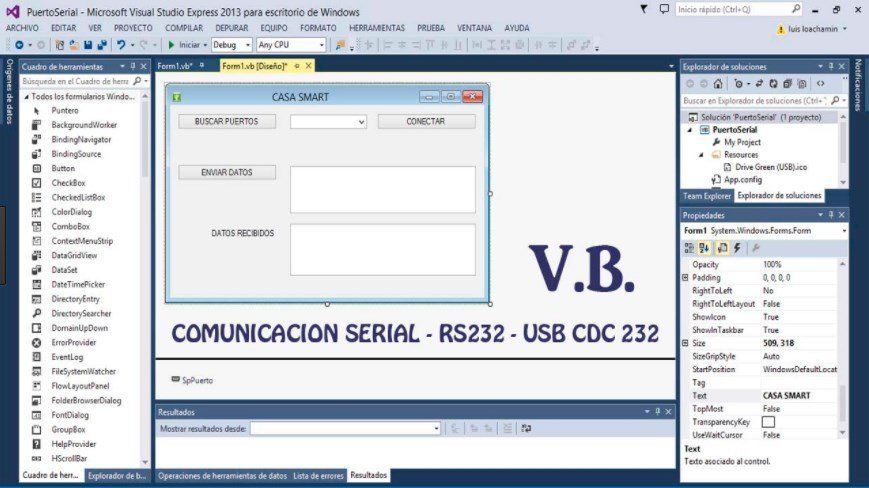
- The form is the first object or control that is displayed in Visual Basic and constitutes the screen or window over which other objects or controls are placed such as labels, text controls, buttons, etc. and of course the necessary code of our programs, therefore will constitute the User Interface.
- PROPERTIES
- Name
- Caption
- Backcolor
- Forecolor
- Name
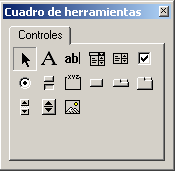
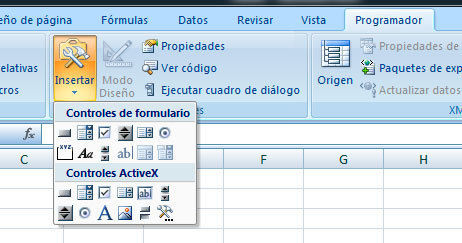
- Tool box
- Select objects
Nota:
- Selecting objects is the only element in the toolbox that is not drawn by a control. When you select it, you can only resize or move a control that has already been drawn on a form.
- Label
Nota:
- It allows you to maintain text that you do not want the user to change, such as a title below a graphic.
- ComboBox
Nota:
- Allows you to draw a text box and a combination list box. The user can choose an item from the list or specify a value in the text box.
- Textbox
Nota:
- Contains text that the user can specify or change.
- Image
Nota:
- Displays a graphic image of a bitmap, an icon, or a metafile on the form. The images that are displayed in an Image control are only decorative and use fewer resources than an image frame.
- CommandButton property
Nota:
- Create a button that the user can choose to carry out a command.
- Select objects
- Controls
- properties of objects
Nota:
- The data type of a programming element refers to the type of data it can contain and how it stores the data. The data types are applied to all values that can be stored in the computer's memory or participate in the evaluation of an expression. Each variable, literal, constant, enumeration, property, procedure parameter, procedure argument, and return value of a procedure has a data type.
- variable
- Literal
- constant
- enumeration
- Property
- Procedure parameter
- Control structures
Nota:
- They are used to control the flow of the program in a function, these structures allow to control by means of a condition the execution or not of a line or set of lines of codes
- IF- THEN- ELSE
Nota:
- allows through a condition that is executed or not
- While-When
Nota:
- This structure will be repeated without stopping, determining codes while fulfilling a function
- Select-case
Nota:
- Select evaluates a condition and case contains values
- Type of data
- applications and programs
Nota:
- Ease of use and learning. ... Integrated development environment. ... Integration of different programming languages in the same Visual Studio development environment (Visual Basic, Visual C ++, Visual C #). Possibility of creating applications for Microsoft Office. Access to the functions of the Windows API.
Recursos multimedia adjuntos









¿Quieres crear tus propios Mapas Mentales gratis con GoConqr? Más información.