
37899675
Descrição

FlashCards por Rick Schoenman, atualizado more than 1 year ago

|
Criado por Rick Schoenman
aproximadamente 3 anos atrás
|
|
| Questão | Responda |
| What are the 3 options to make DHCP high available? | - DHCP failover - Implement DHCP role in Windows Server failover clustering - Implement DHCP split scopes |
| What is the preferred way to provide high available DHCP services? | DHCP Failover |
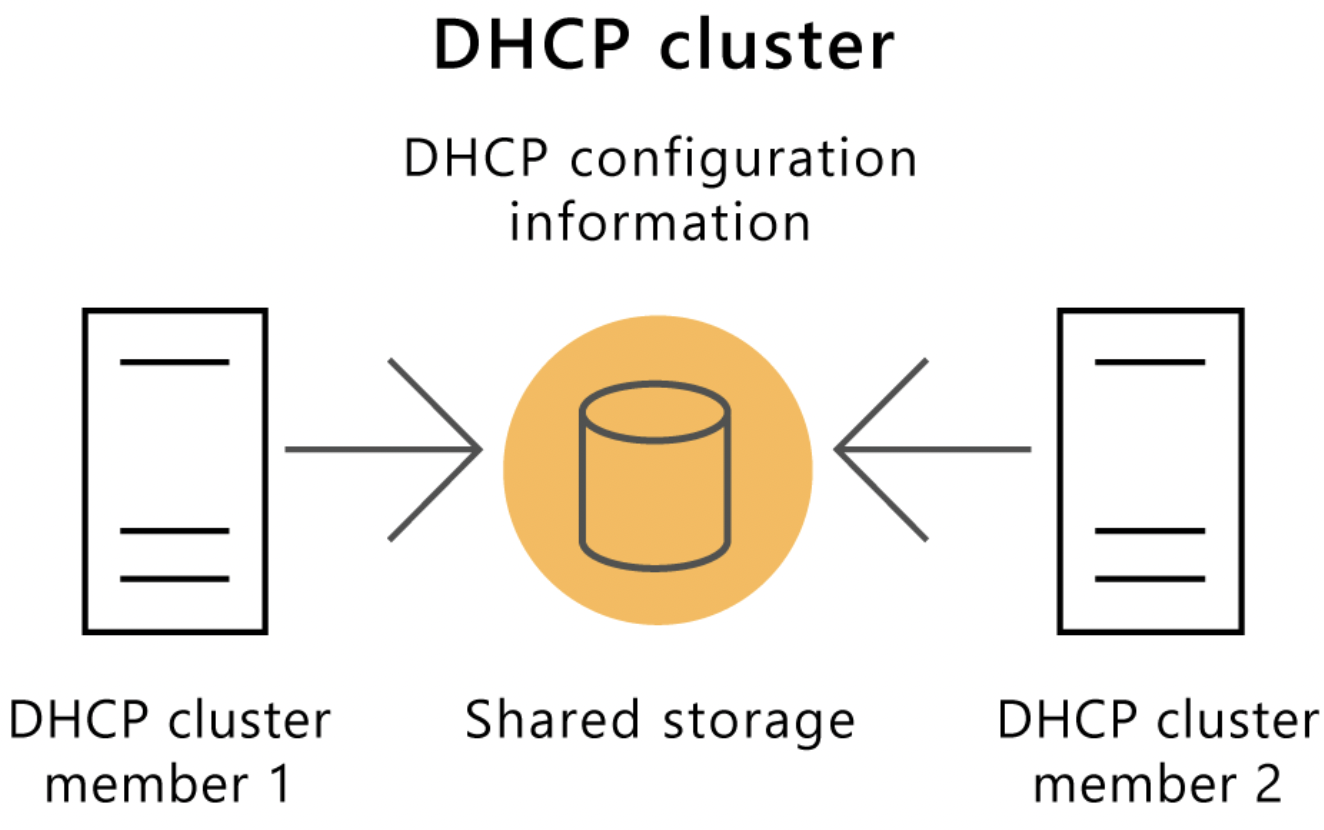
| Describe the implementation of DHCP on a Windows Server failover cluster | 1. Install the DHCP role on all cluster nodes 2. Create the failover cluster 3. Add the DHCP server role to the failover cluster |
| . | |
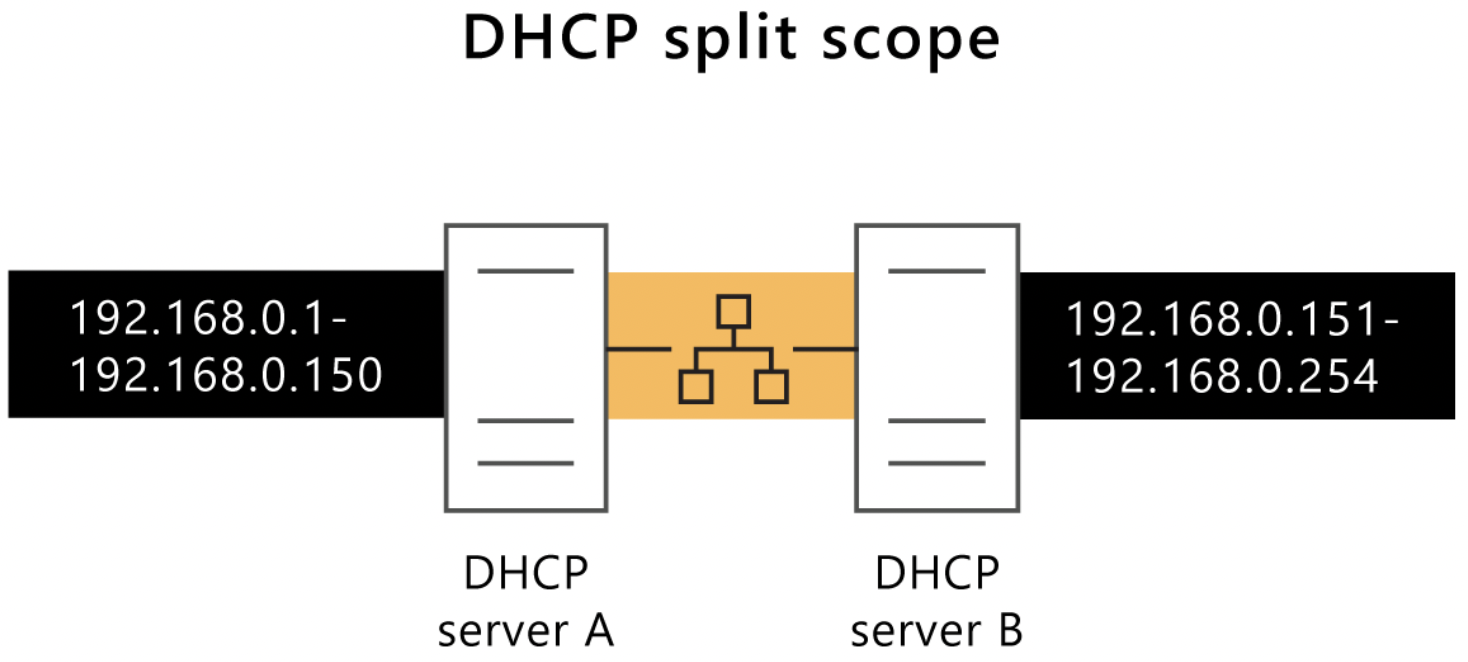
| Describe the implementation of DHCP Split Scopes | In this implementation, 2 DHCP servers are active at the same time. They each serve a portion of the DHCP scope. |
| When using DHCP split scopes, how can you configure a DHCP server to be the primary one? | By using the Delay Configuration option when creating the scope. This delays the sending of the DHCPOFFER message. |
| . |
Quer criar seus próprios Flashcards gratuitos com GoConqr? Saiba mais.