
4482266
Descrição

Mapa Mental por Brenda Nolasco, atualizado more than 1 year ago

|
Criado por Brenda Nolasco
mais de 10 anos atrás
|
|
Study timetables
- A study timetable is a handy,
inexpensive tool that can help you get
control over your study time.
- How to Make a Study Timetable?
- 1. Make a list of your
responsibilities. You need to
think about and write down all of
your responsibilities
- Your classes
- Your job
- Your chores
- sports and
exercise,
- Your classes
- 2. Collect all class/assignment information. This will probably
mean getting all of your syllabus together and any
assignment sheets for papers or projects
- 3. Consider optimal times of day for studying. Spend
some time thinking about when you do—or would
do—your best studying.
- 4. Decide on a format. You can make your timetable on a piece of
paper or in digital format, such as a spreadsheet or an app on
your phone.
- Microsoft Excel
- Apple Numbers
- Microsoft Excel
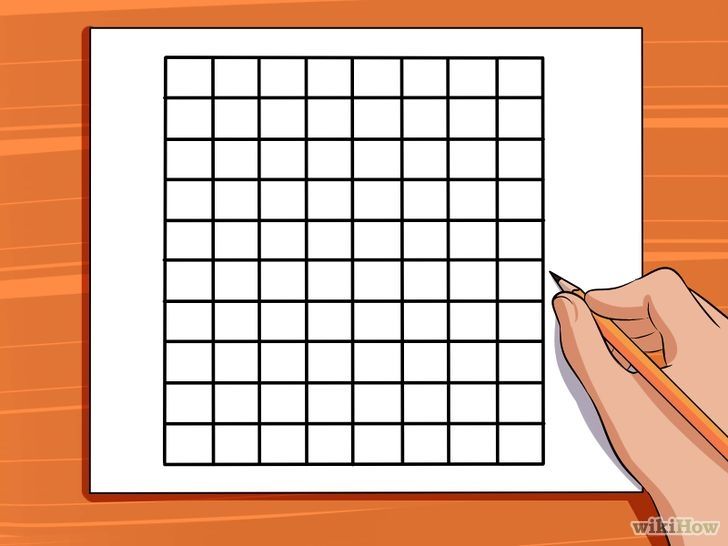
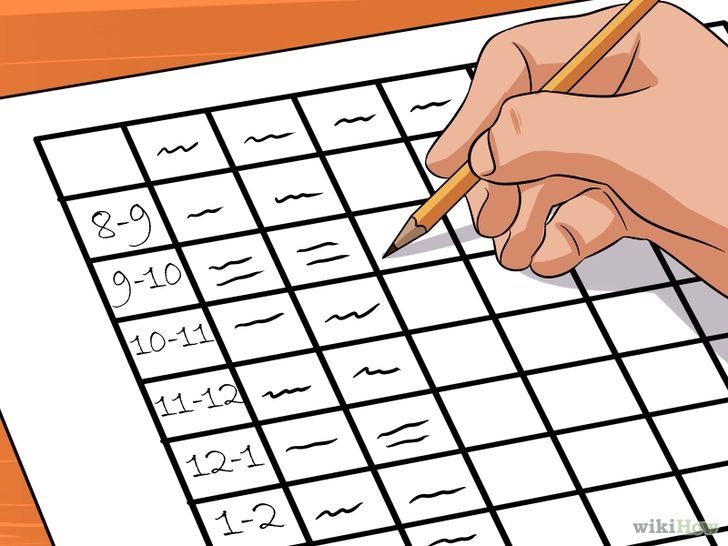
- 5. Draw the grid. Any timetable should be a chart consisting of the
variables “date” and “time,” with days of the week along the top and
times down the side.
- 1. Make a list of your
responsibilities. You need to
think about and write down all of
your responsibilities
- Filling in Your Timetable
- 1. Choose a single or custom timetable.
You can make a single timetable that
will stay the same each week.
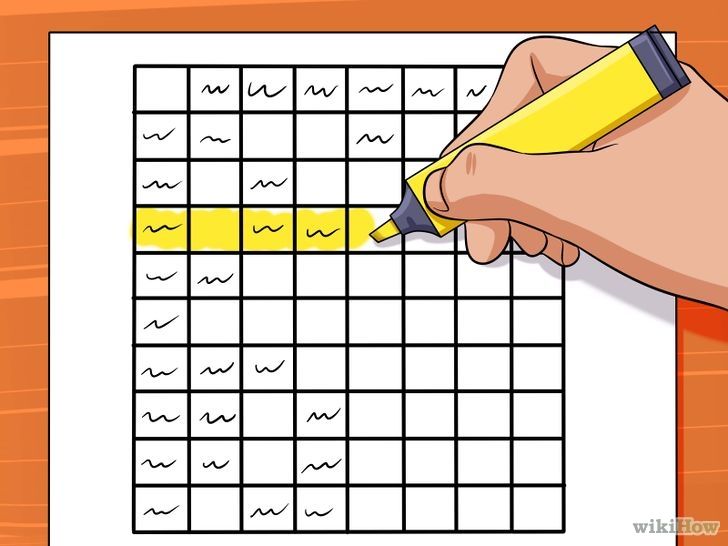
- 2.- Block your study times. Aim for blocks of
study time that are fairly long, such as 2–4
hours at a time.
- 3. Schedule time for breaks.
Break are essential to your
success
- You're not a
robot, so you
can't work
non-stop for
hours on end. (:
- You're not a
robot, so you
can't work
non-stop for
hours on end. (:
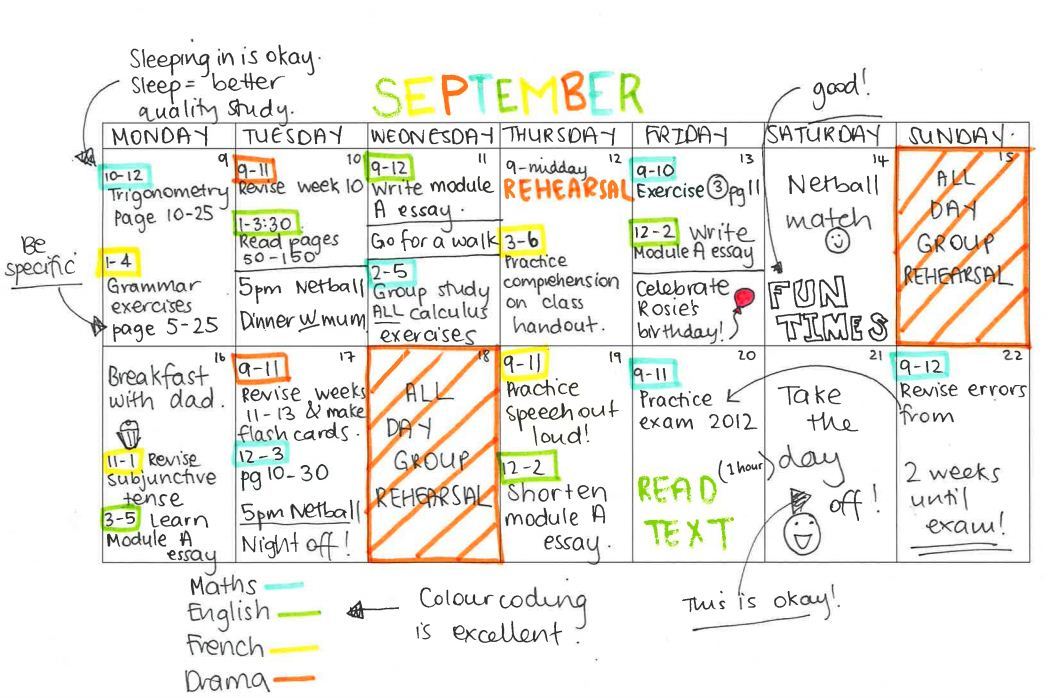
- 4. Be as specific as
possible.
- 5. Make your timetable look nice. Color
coding classes and responsibilities will
help make your timetable easier to use
and easier on the eyes.
- 1. Choose a single or custom timetable.
You can make a single timetable that
will stay the same each week.
- Revise it. See what works and what doesn't,
and if somisn't working, fix it!ething
Anexos de mídia






Quer criar seus próprios Mapas Mentais gratuitos com a GoConqr? Saiba mais.