
Modul 7 von 21 · Medien
Element's content change
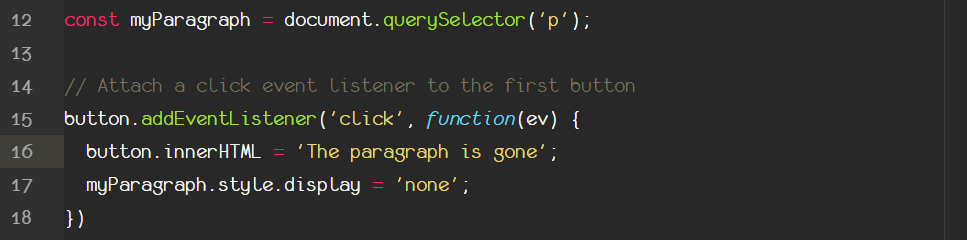
Change the HTML content
JavaScript gives us the opportunity to change and modify the actual html content of an element. Any time an element is grabbed by a JS selector, this object comes automatically with the style property, all the attributes as properties and of course the content itself. That means whatever is inside the opening and the closing tag of an element! How?
By using the innerHTML property that is native to all HTML elements that have content (no images, inputs etc). For example:
You can access the content of an element by typing:
console.log(paragraph.innerHTML);
Or you can change it by assigning it to a new string!
paragraph.innerHTML = 'The text has changed now'.
Thus you can see the actual text changing. You an put this change inside the callback function of an event listener if you like.
What if you want to have the 'now' of the example above substring in bold? Then you can surround the now with the now HTML tag! That's right! The innerHTML property gives you the opportunity to write and inject HTML inside your selected element. Then the output of the DOM will be the following:
The text has changed now and the NOW word is bold!
In addition there is also the innerText property which is exactly the same but only for text (no HTML elements allowed, sorry!). Which is very useful when someone wants to change the text content of an element.
Find out more about changing HTML attributes and content here.