
Karteikarten
Malware and its types
Karten in diesem Stapel (24)
- 1MalwareIs a malicious software, which purpose is to disrupt or damage a computer.
- 2—A virus is a program designed to copy and propagate itself, normally by attaching itself in programs, applications and other elements.
- 3WORMSIs a program which makes the maximum number of copies of itself in order to propagate. It doesn't have to alter programs in the computer, it simply settles in the computer's memory and use contact information located in the computer to invade other servers.
- 4—Is a program that functions without the user noticing, and providing access to an unauthorized user. It commonly propagates by being download unconsciously.

- 5SpywareIs a software that allows to collect information from an user or corporation in an unauthorized way. It also give control about the computer to the one behind the spyware.

- 6PhishingA variety of spy programs which are sent by email, and copy the characteristic of official emails from banks and other corporation in order to obtain personal information about the user, and specifically bank information, such as credit card number.
- 7AdwareShows publicity and sometimes take and send personal information about the user.
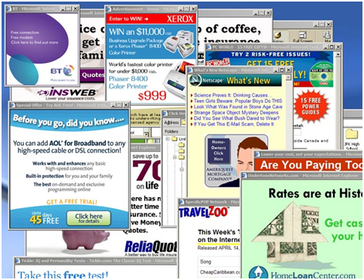
- 8—Its not a malicious software, but it is a potential threat. Can jeopardize data and could also include programs of remote control.
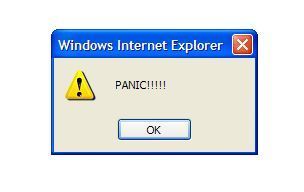
- 9Virus jokeIt doesn't damage directly the infected computer, but it constantly show warnings about supposedly damages that have already occurred or will occurred.
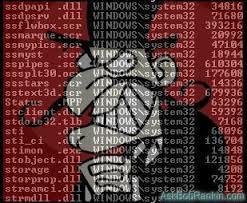
- 10RootkitsIs a collection of programs a hackers uses in order to hide from security while he/she looks for information in a computer
- 11SPAMMasive unwished messages from an unknown sender asking help, making publicista or even inting the user to join a millionaire business. There are also ones that ask for the credit card number or password. Put an extra charge on the email server and may cause a loose of information.

- 12There are many risks, but...there are solutions!
- 13Freezing your computerIf you install the program, and after that a virus enters just by active it. PC will restart and when it turns on the computer ail be in the same state as when you installed the program.

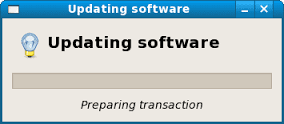
- 14—By doing this the computer will correct some flaws and also get more functions.
- 15—By doing this the probability of downloading malware reduce due to being careful about what enter into the system
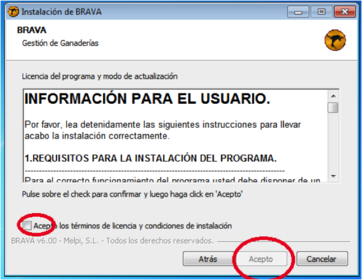
- 16If you're downloading a new software exclude what isn't needThis will reduce the probability of downloading malware and also prevent a bad use of the computer's memory.
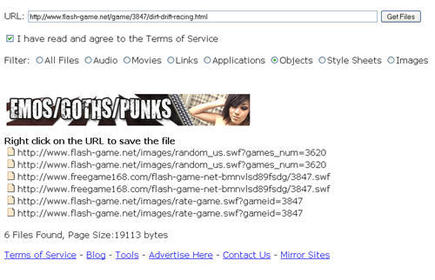
- 17—Never download software form internet if it isn't from the fabricator site.
- 18—Analyze each document or program with an updated antivirus before using it.

- 19—Keep antivirus updated.
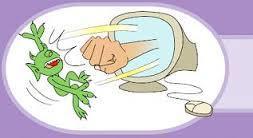
- 20—Ignore mails from an unknown sender and preferably erase them.
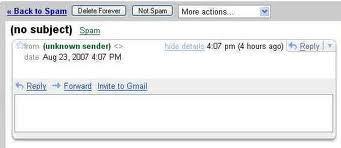
- 21—Don't participate on chain mail messages.

- 22—Don't execute files directly from mail, but analyze it with the antivirus.
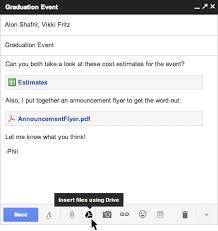
- 23—Disable autostart of devices connected to the computer.
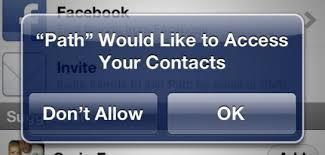
- 24—Check each file received from external sources such as email with an antivirus.

Informationen
- Beschreibung
- Karteikarten am Malware and its types, erstellt von Laura Montenegro am 18/11/2014.
- Erstellt von
- Laura Montenegro
- Aufrufe
- 15
- Bewertung