
Mindmap
Student Guide for Personal Computer Maintenance
Inhalt der Mindmap
Student Guide for Personal Computer Maintenance
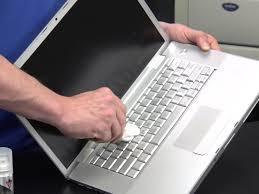
Maintaining your Notebook Computer
- Notebook computers need to be maintained regularly. Lack of maintenance could lead to such problems as:
- 1. Overall slowness to the system
- 2. Program may crash and fail to open
- 3. The computer will require restarting
- These are only a few of the possible problems you will experience of proper maintenance is not routinely performed
- Notebook computers need to be maintained regularly. Lack of maintenance could lead to such problems as:
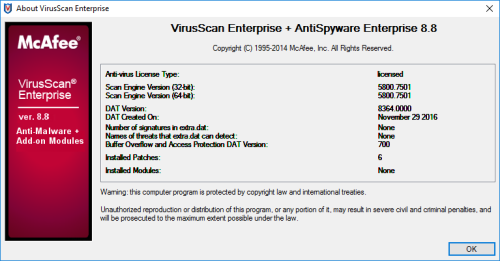
McAfee VirusScan Enterprise
- CUNY Students are able to download McAfee VirusScan Enterprise from the CUNY eMall at no cost.
- CUNY Students are able to download McAfee VirusScan Enterprise from the CUNY eMall at no cost.
Updating Microsoft Windows
- Running Widows Updates
- 1. Click on Start, then All Programs, and then finally the Windows Update icon at the top of the list.
- 2. Click on Check for Updates. Windows will now check for all available updates for your computer.
- 3. If new updates are found, click on Install updates.
- 4. Windows will now download and install all necessary updates for your computer. Give it some time to finish. (This can take a while if there are many updates).
- 5. After you have installed all updates, perform a Windows Update every 2 to 3 weeks to keep your system up to date and enable automatic updating.
- 4. Windows will now download and install all necessary updates for your computer. Give it some time to finish. (This can take a while if there are many updates).
- 3. If new updates are found, click on Install updates.
- 2. Click on Check for Updates. Windows will now check for all available updates for your computer.
- 1. Click on Start, then All Programs, and then finally the Windows Update icon at the top of the list.
- Running Widows Updates
Maintaining the Hard Drive
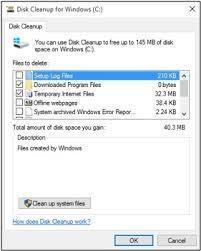
- Disk Cleanup
- To keep a PC running smoothly, regular maintenance is critical.
- To keep a PC running smoothly, regular maintenance is critical.
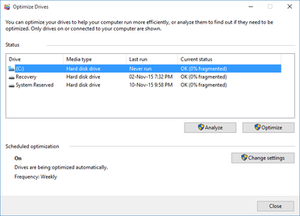
- Disk Defragmenter
- Disk Defragmenter is used to organize files on the hard drive and optimize free space, improving the speed and performance of the computer.
- Disk Defragmenter is used to organize files on the hard drive and optimize free space, improving the speed and performance of the computer.
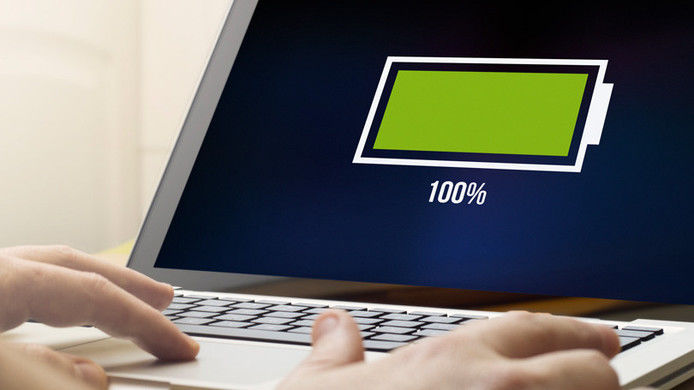
- Maintaining the Battery
- NOTE: Most laptop batteries will last at least four hours when fully charged. If not maintained, however, the battery will require charging more frequently.
- NOTE: Most laptop batteries will last at least four hours when fully charged. If not maintained, however, the battery will require charging more frequently.
- Disk Cleanup
Bilder und Dateien der Mindmap
Informationen
- Beschreibung
- Mindmap am Student Guide for Personal Computer Maintenance, erstellt von ALEXIS GONZALEZ MUNOZ am 09/10/2018.
- Erstellt von
- ALEXIS GONZALEZ MUNOZ
- Aufrufe
- 11
- Bewertung