
1420636
Description

Mind Map by Gina Coralia, updated more than 1 year ago

|
Created by Gina Coralia
about 12 years ago
|
|
PROCESO DE INSTALACION
DE GIMP
- Una vez ya buscado GIMP
empezar la instalacion
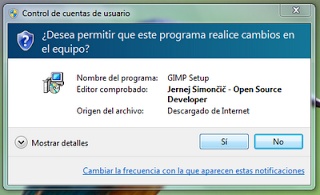
- 1.- Selecciona Si
para continuar
con la
instalacion
- GIMP
- GIMP
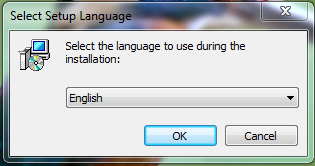
- 2.- Seleccionar
el idioma de
instalacion
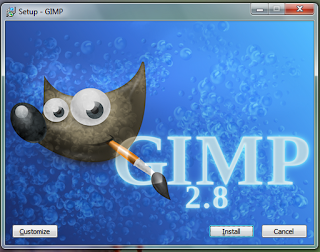
- 3.- Dar el
clic en install
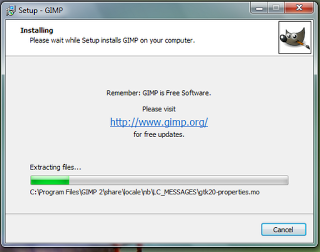
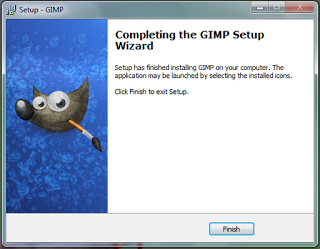
- 4.- Esperar que termine todo el
proceso de instalacion, y por ultimo,
seleccionar la opcion de FINISH
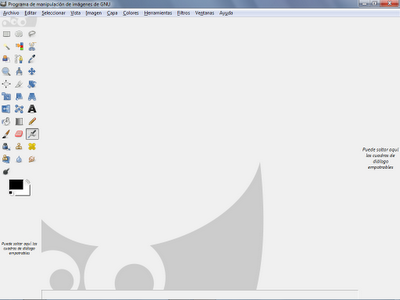
- Una vez abierto GIMP se puede
activar el modo de ventana unica
seleccionando VENTANA>MODO DE
VENTANA UNICA
Media attachments
Want to create your own Mind Maps for free with GoConqr? Learn more.