
Módulo 19 de 21 · Multimedia
Input Value
Getting a value from an input field
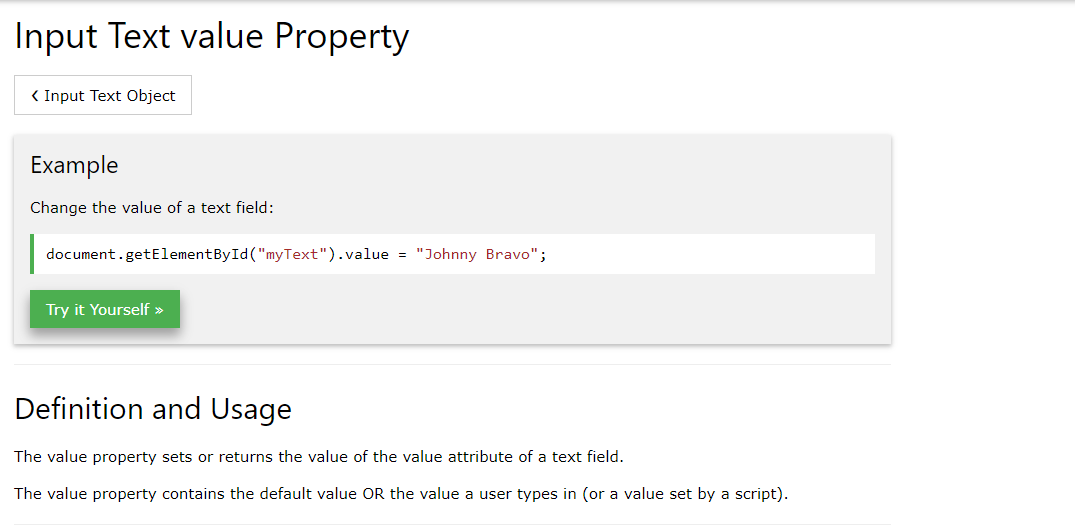
Input fields in HTML can hold values. They may have no content but what we can grab is the content that lies inside the text areas. These are called values and we can grab them through the value property of the element object.
For example, if you have an and inside you have written your name ('Jake' in this case), then what you can do is grab this value (which is always a string) by selecting the element (document.querySelector('input').value // This returns 'Jake').
You can store the value into a variable, manipulate the variable as always and return something different to the user based on the initial value. Bear in mind, the value that is coming off from these input fields is always a string.
Same applies for any kind of input or form elements in general, textareas, select fields and in general any kind of form elements (no checkboxes or radio buttons, you need to have access to the .checked property as discussed before).