
Módulo 27 de 28 · Multimedia
Depict parent's state
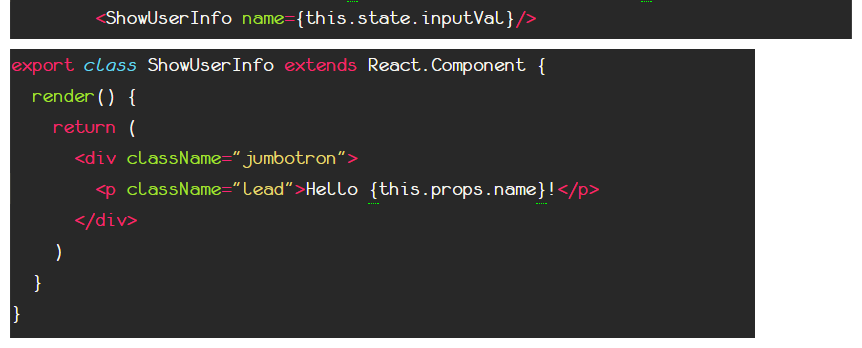
Show parent component's current state through props
Great! Now anytime the value of the input field changes, we change the corresponding value in the <App /> component's state!
Then the next step is to use this value to depict it from another component that has access to this state.
We pass the value of the state as a prop to the <ShowUserInfo /> component and then we use this info inside it to display it to the user.
There you made it!
You created two siblings components and nested them side by side inside a parent (the app) component, then both have access to the state you created to the parent component. The first has the power to execute the function that changes a specific variable of the state, and the other one depicts this change anytime it occurs.