
Test
pixlr quiz 2
Este test tiene tipos de pregunta que se abren en el reproductor de siempre.
Preguntas del test (41)
1Drag the right answer to the available button

- Afill tool
- Bgradient tool
2Drag the answer to the available button

- ASpell checker
- Btype tool
3Drag the answer to the available button

- Apaint bucket tool
- Bface painter
4You have to rasterize your text before you can
- Achange the color
- Bchange the position
- Cadd shadow
- Dstretch just one corner
5Drag the answer to the available button
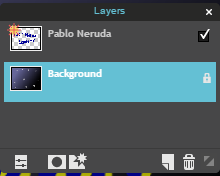
- Astar tool
- Blayer stars
- Clayer style
6Lowering the opacity to 50 % will allow you to see more than one layer in Pixlr editor.
- AVerdadero
- BFalso
7Lowering the opacity of an image to 0 will
- Alighten the color a little
- Bwill allow you to see only rgb colors
- Cwill make the image invisible
8Which filter was used to complete this image?
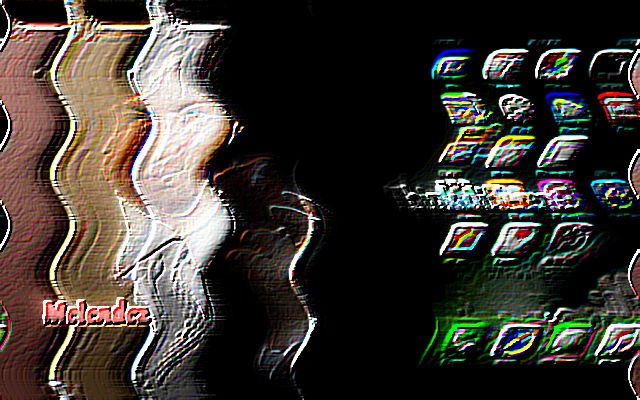
- ASharpen
- BEmboss
- Ckaleidoscope
- DHope
9Which filter was used to create this image?
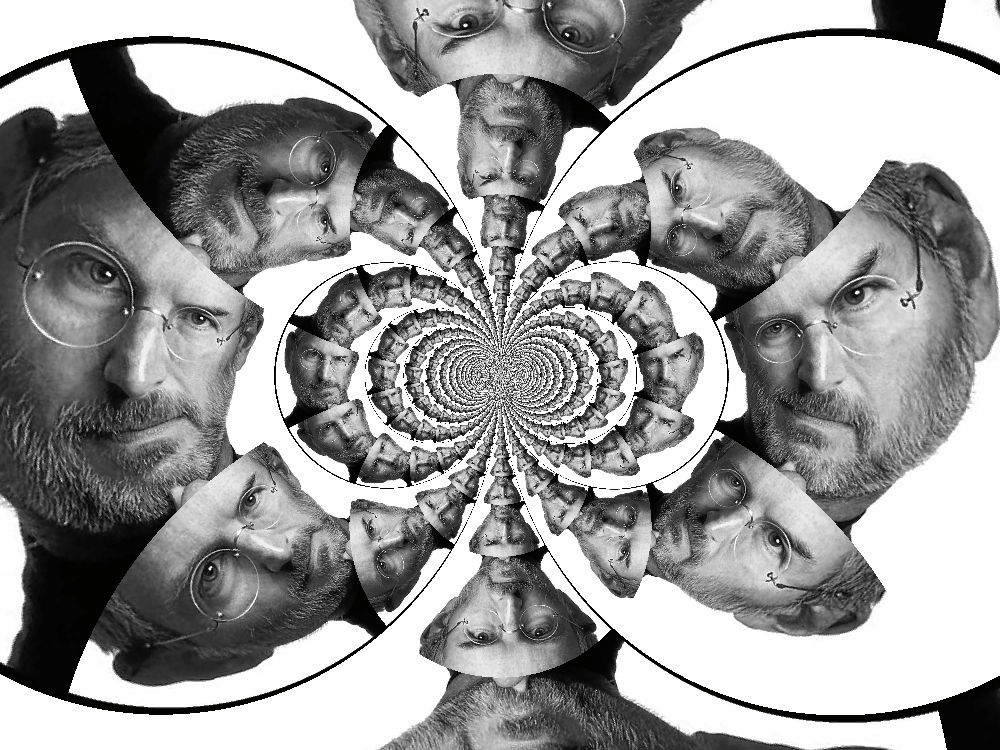
- Akaleidoscope
- Bemboss
- CVignette
- DScanlines
10Which filter was used to create this image?

- Aglow
- Bwater swirl
- Ckaleidoscope
- Dnoise
11Which filter was used to create this image
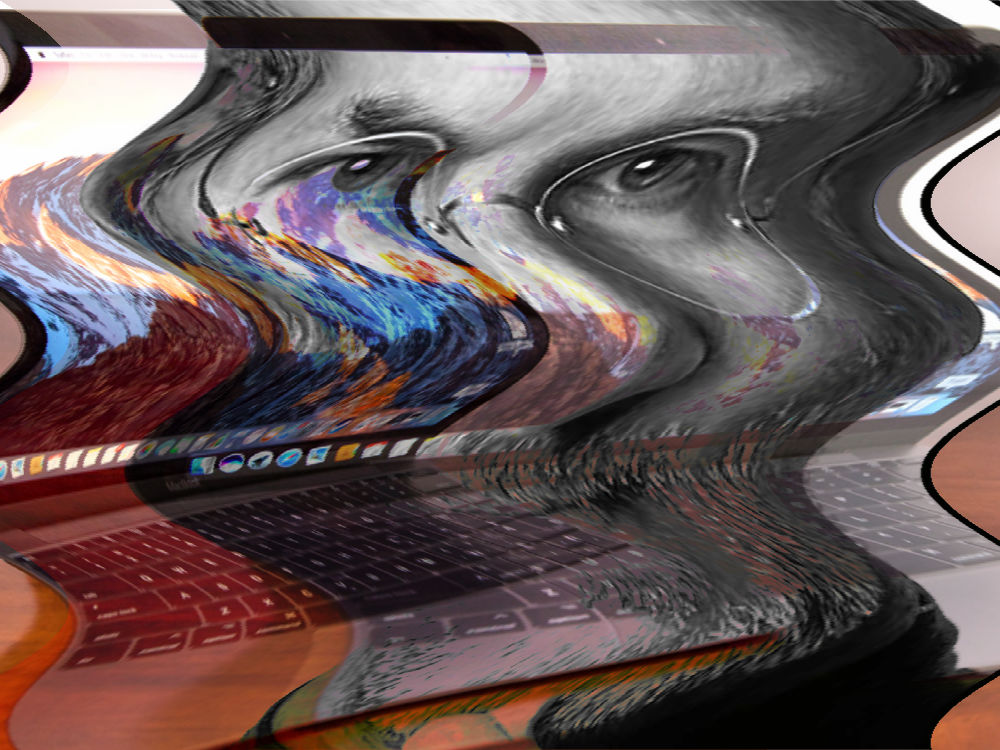
- Akaleidoscope
- Bvignette
- Cwater swirl
- Dgap
12Which filter was used in creating this image?
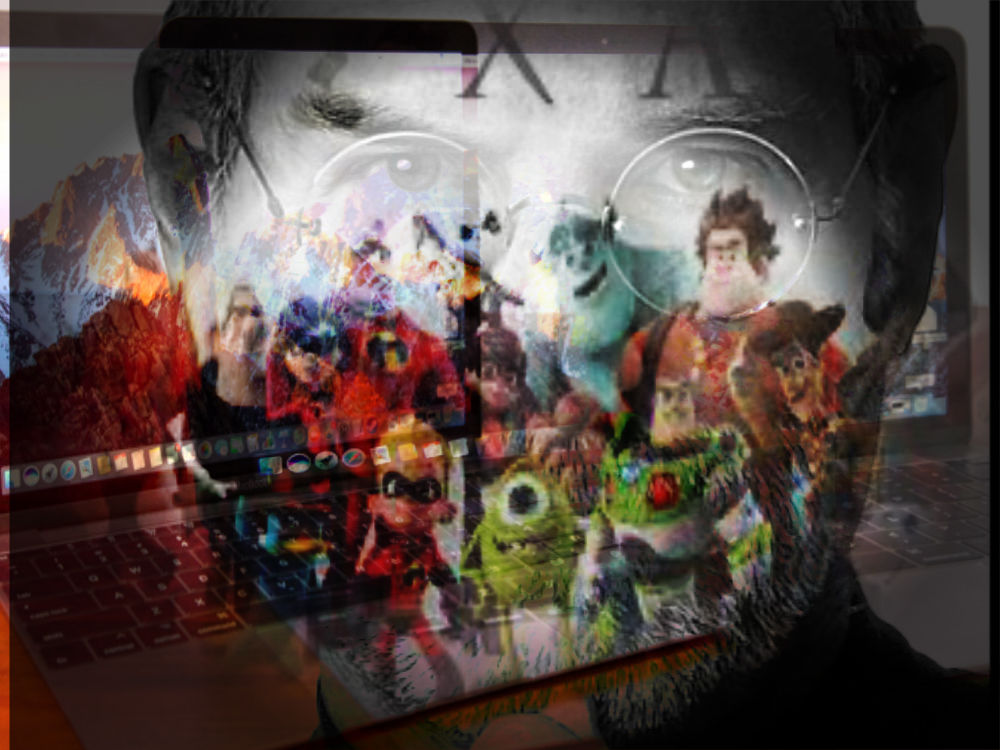
- Avignette
- Bkaleidoscope
- Cnoise
- Dtint
13Which is not a layer mode?
- ANormal
- Boverlay
- Csaturate
- Dhardlight
14Which is not a filter?
- AVignette
- Bkaleidoscope
- Cwater drops
- Dwater swirl
15A caricature is
- Aan animation
- Ba silhouette
- Can image that portrays someone in a realistic form
- Dan image that portrays someone with their features exagerated to make fun of them.
16To create a caricature you should use
- Alayer modes
- Bopacity
- Cpinch and bloat
- Dshape tool
17Posterize can be used to create
- Aa silhouette
- Ban animation
- Ca collage
- Dcomic book like image
18A silhouette is
- Aa caricature
- Ban outline of something or someone
- Ca series of moving images
- Da detailed drawing
19To create a silhouette from any photograph just click on
- Afilter and silhouette
- Bpaint bucket and apply black
- Cadjustments and threshold
- Dfilter and threshold
20Match the answer with the button
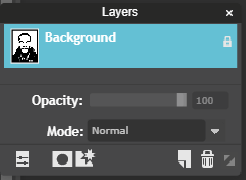
- Alayer styles
- Btoggle layer settings
21Match the answer with the button
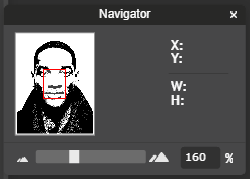
- Adial for zooming in and out
- Bdial for reducing opacity
22The Navigator panel can be used to
- Azoom in and and out of the image
- BTo drive the image's creative nature
- Clocate an image
23The canvas size option is found under
- Afilter
- Badjustments
- Cfile
- Dimage
24All panels can be brought back or closed using view in the menu
- AVerdadero
- BFalso
25A layer can be moved up or down.
- AVerdadero
- BFalso
26To duplicate a layer simply
- Aright click on the layer and choose copy
- Bright click on the layer and choose duplicate
- Cleft click on the layer and choose copy
- Ddouble click on the layer
27Add the extension ____________________________ to open the administrative side of your website .
- Awop/ad
- Bwip-admin
- Cwp/admin
- D/wp-admin
28In the administrative side of your website click on appearance and ________________to change the title of your website.
- Amenu
- Btheme
- Ccustomize
- Dtitle
29Match the answer with the button
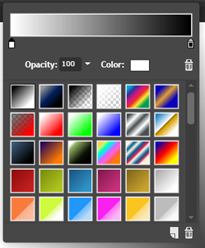
- Adelete an image
- Bdelete a layer
- Cdelete a color
30Match the answer with the button
- Aclick to add a color
- Bclick to reduce opacity
31Match the answer with the buton
- AClick to paint with white
- Bclick to change the color
32Match the answer with the button
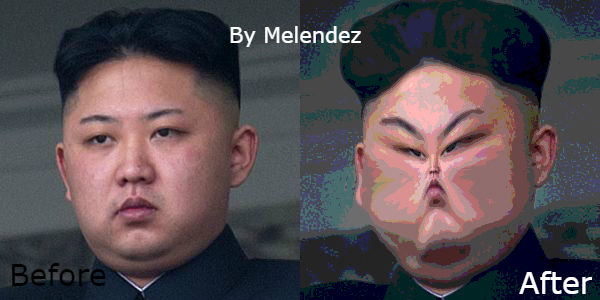
- Aportrait
- Bcaricature
33The image shown is of

- Aa menu in pixlr editor
- Ba menu in google docs
- Ca menu in the administrative side of a wordpress site
- Da menu in the google drive
34Match the answer with the button
- Ato create a new post
- Bto change the theme
35Match the answer with the button
- Ato change the theme
- Bto change the size of an image
36Match the answer with the button
- Ato customize the site
- Bto insert an image
37Match the answer with the button
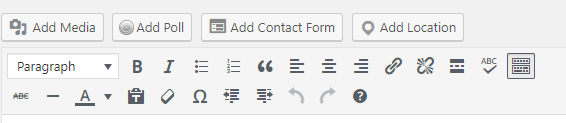
- Ato add an image
- Bto change the banner
38Match the answer with the button
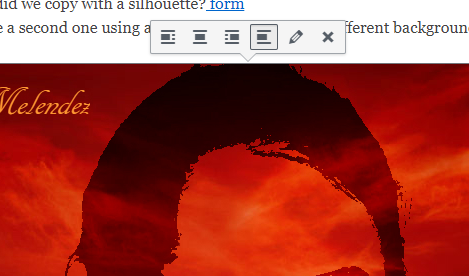
- Achange size of image
- Bwrite text on the image
39The image shown is an example of a
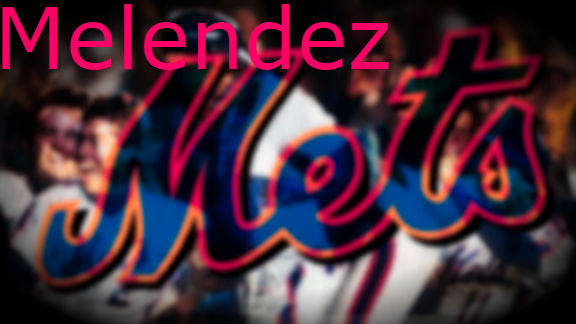
- Acaricature
- Bsilhouette
- Cblend
- Danimation
40The image shown is an example of a
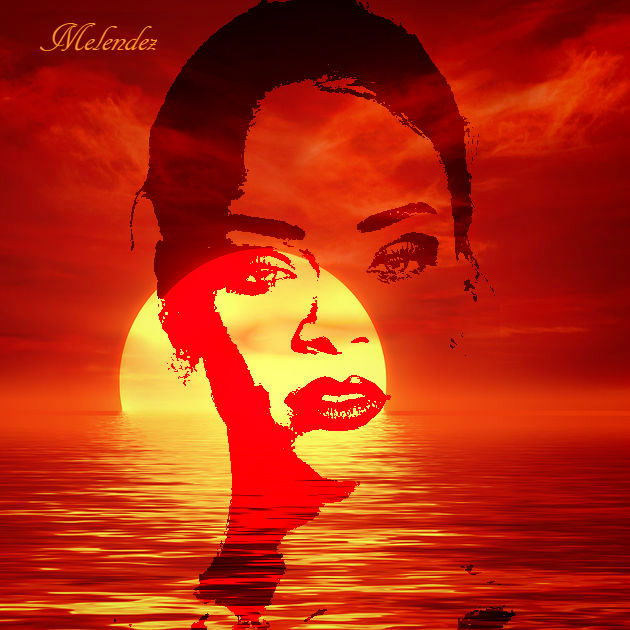
- Acaricature
- Bsilhouette
- Canimation
- Dcubism
41The image shown is an example of a
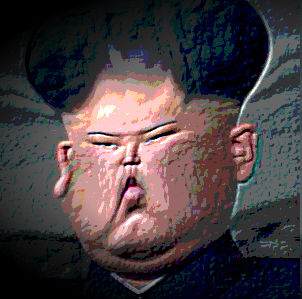
- ASilhouette
- BBlend
- CLandscape
- DCaricature
Información
- Descripción
- quiz on the word art ability of pixlr
- Autor
- Samuel Melendez
- Idioma
- English
- Visitas
- 1.636
- Etiquetas
- Valoración
- Aún sin valoraciones Valora este test