
Mapa mental
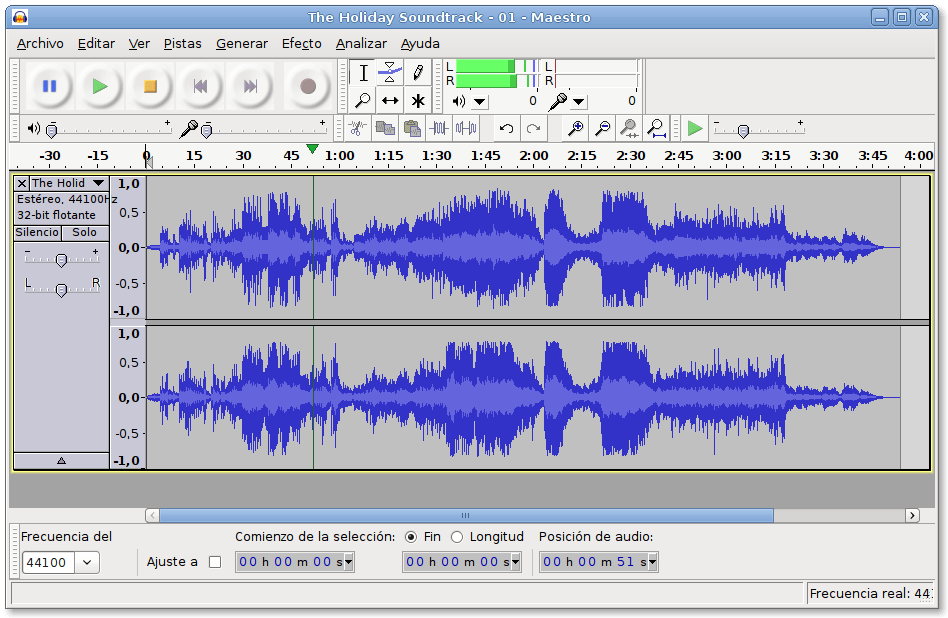
Editing audio with Audacity
Contenido del mapa
Editing audio with Audacity
- https://sourceforge.net/projects/audacity/
1 - Install Audacity and have a look to the user guide for some basic tasks.
2 - Open the individual tracks previously recorded and apply some filters as fade in, fade out, normalizing, reverb, and cut the long silences. Repeat for every track.
3 - Export the track as an mp3 and share it with the group by dropbox. Repeat for every track. If it is ok go to next step.
4 - Post the resulting shared folder with the mp3 files in Twinspace.
Imágenes y archivos del mapa
Información
- Descripción
- Third step on activity 3 for play & mix etwinning project
- Creado por
- Francis Alés
- Visitas
- 45
- Etiquetas
- Valoración