
7566167
Description

Mind Map by Juliana García Gómez, updated more than 1 year ago

|
Created by Juliana García Gómez
about 9 years ago
|
|
Computer's Networks
- Main(Hosts) roles
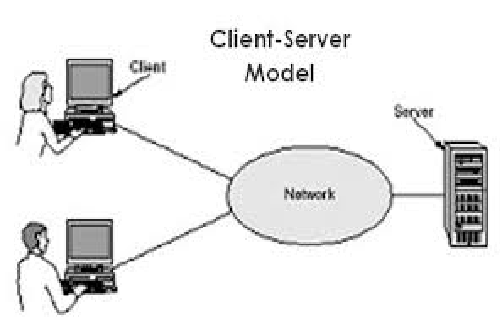
- Client
- Consumes the network
- Consumes the network
- Server
- Provides the Network
- Provides the Network
- Client
- Networking Structures: hosts
Roles
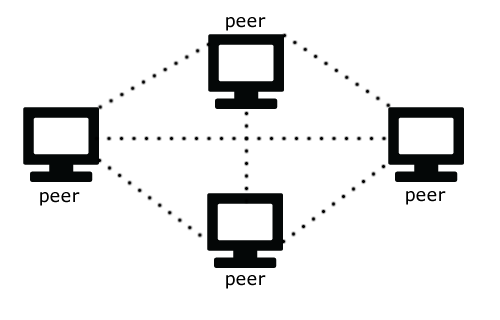
- Peer to Peer Networking
- Provide & consume Network; the
hosts are clients and servers.
- Pro's
- Easy and unexpensieve
- Easy and unexpensieve
- Cons
- Difficult to control. There is
no central control.
- Difficult to control. There is
no central control.
- Pro's
- Provide & consume Network; the
hosts are clients and servers.
- Client/Server
- There is a specific provider, and
clients (who do not provide networks).
- Cons
- The Server is Expensieve (unless it is Linux).
- The Server is Expensieve (unless it is Linux).
- Pros
- It is easy to nsupport, and the clients are
unexpensieve.
- It is easy to nsupport, and the clients are
unexpensieve.
- Cons
- There is a specific provider, and
clients (who do not provide networks).
- Peer to Peer Networking
- Topologies
- Structure of a network;
organized physically or
mentally.
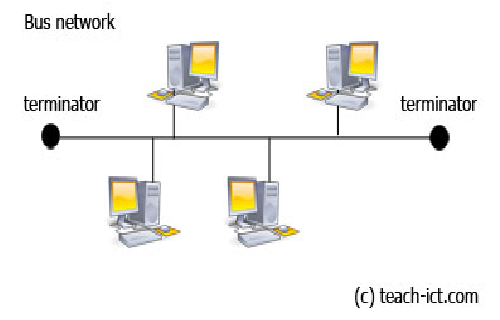
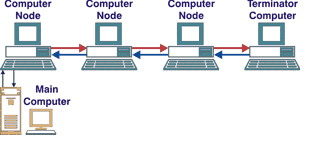
- Bus
- There is a central cable (like a
backcone); and the clients are
connected to this backbone.
- There is a central cable (like a
backcone); and the clients are
connected to this backbone.
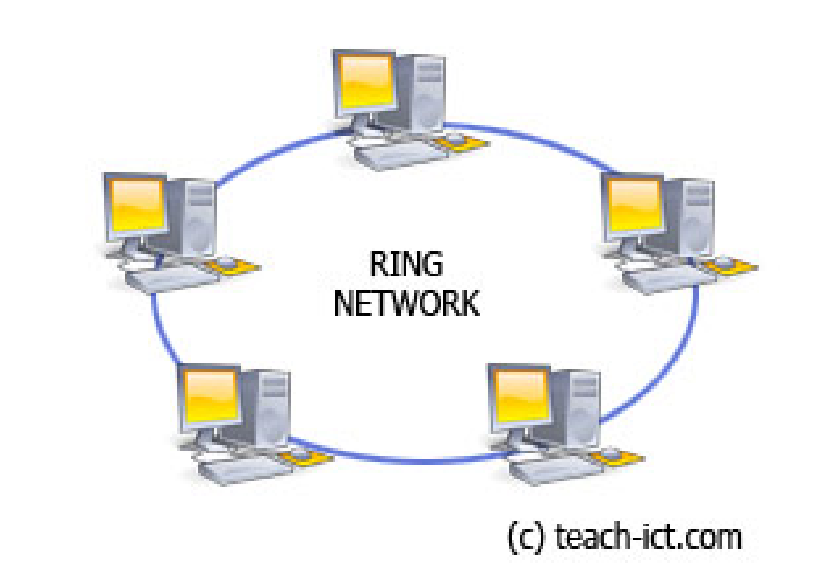
- Ring
- Data travels around in a ring, in
one direction. There is no server.
- Data travels around in a ring, in
one direction. There is no server.
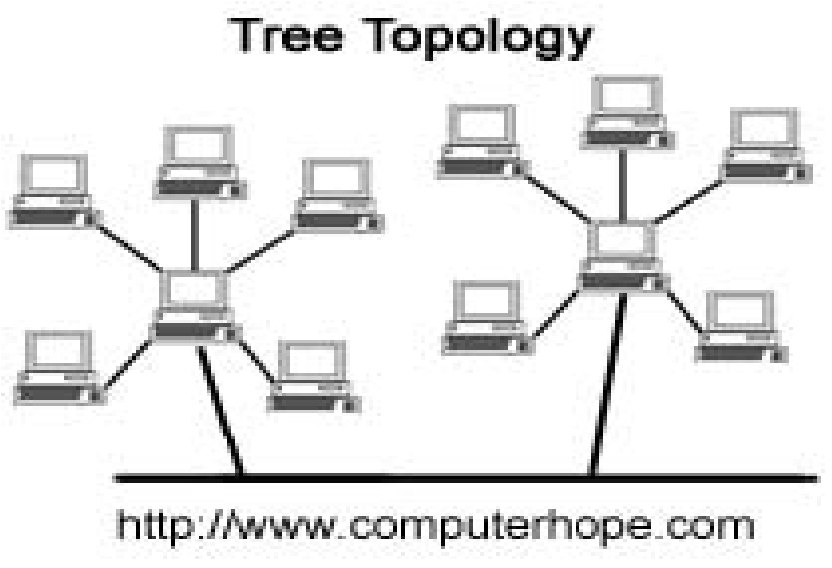
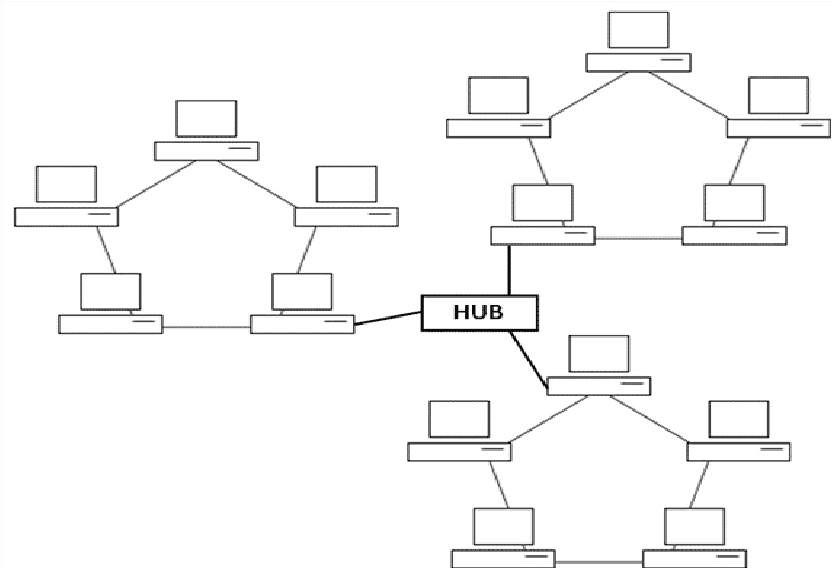
- Hybrid
- For example a tree network
(bus and star combinated). Or a
star.ring network.
- For example a tree network
(bus and star combinated). Or a
star.ring network.
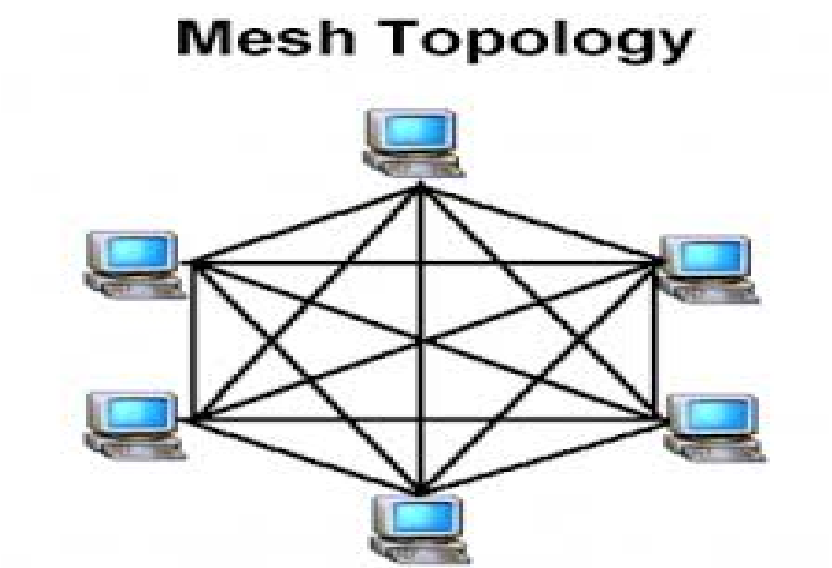
- Mesh
- All are connected
with all.
- All are connected
with all.
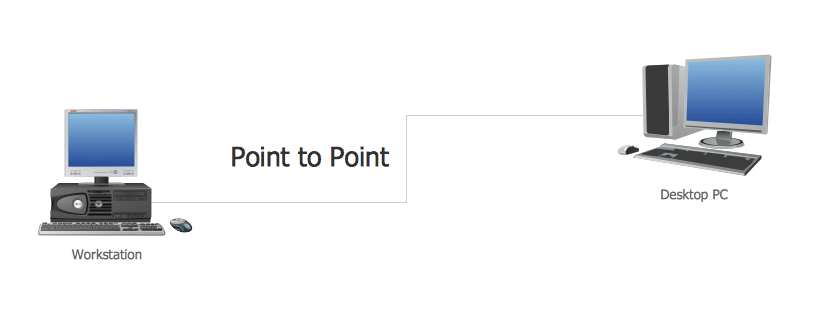
- Point-to-Point
- The simplest type of topology,
between two end points.
- The simplest type of topology,
between two end points.
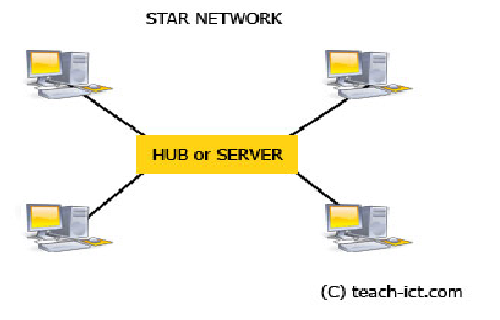
- Star
- All the clients are connected
to a hub (what connects
multiple computers or other
network devices together).
- All the clients are connected
to a hub (what connects
multiple computers or other
network devices together).
- Daisy Chain
- A linear Network, but
it works on both
directions.
- A linear Network, but
it works on both
directions.
- Bus
- Structure of a network;
organized physically or
mentally.
- Local Area Network
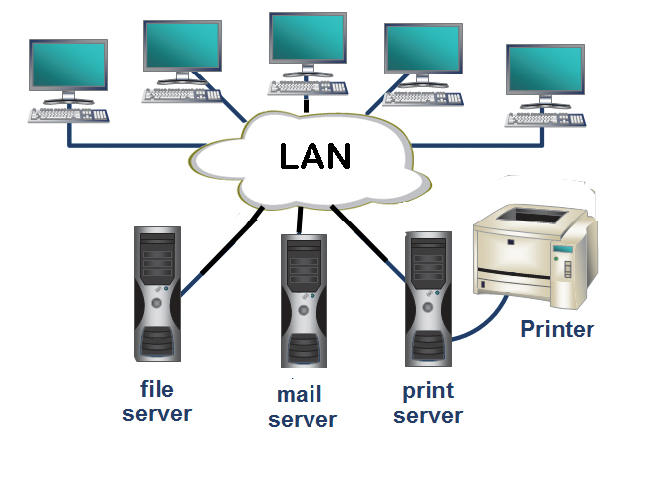
- LAN
- Local Area Netwrok
- Geographycally close
- Printer, for example, uses LAN,
- Printer, for example, uses LAN,
- Geographycally close
- Local Area Netwrok
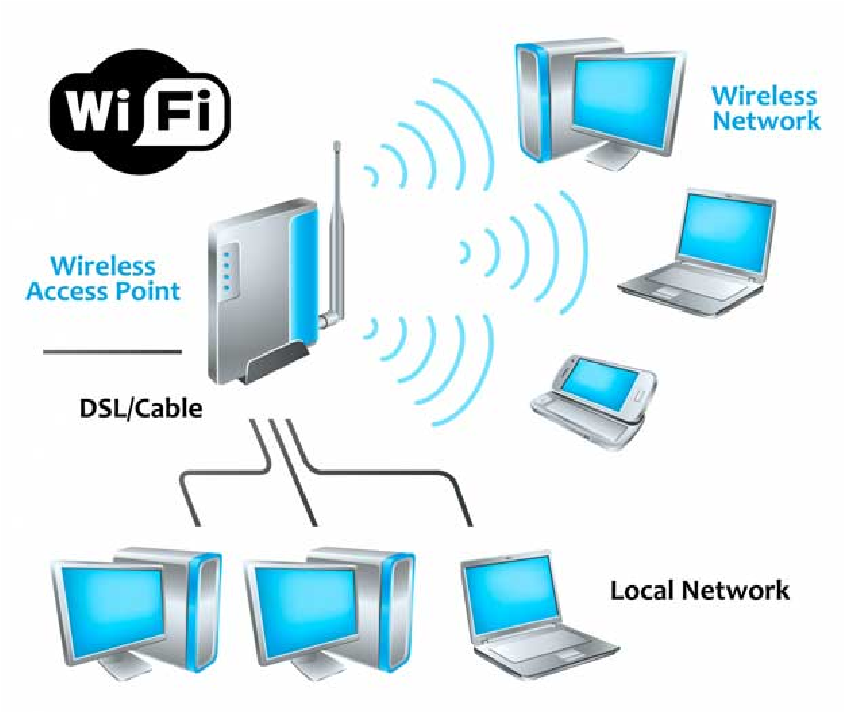
- WLAN
- Or Wireless LAN
- Wide Area
- Hospitals and business are
expexted to use WLAN.
- Hospitals and business are
expexted to use WLAN.
- Wide Area
- Or Wireless LAN
- LAN
- Signaling
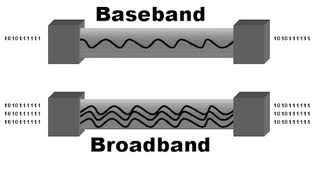
- Baseband
- One signal at a
time.
- Uses the whole wire
- One signal at a
time.
- Broadband
- Divided into Chanels
- Multiple signals at a time.
- Multiple signals at a time.
- Divided into Chanels
- Baseband
- Wires
- Coaxial
- Older technology
- Share a common
acces, it uses 10
MBp/s; it is
resistance and
expensive
- Types
- RG-58:
Computer
Networking
- RG-59: Cable T.V
- RG-6: Satellitle T.V
- RG-58:
Computer
Networking
- Types
- Share a common
acces, it uses 10
MBp/s; it is
resistance and
expensive
- Older technology
- Twisted Pair
- 4 pairs = 8 wires
- 22, 24 Gauge
- 22, 24 Gauge
- May be affected by EMI
(ElectroMagnetic
Interference), but they
cancel each other if they
are twisted; although,
the environment also
has EMI.
- Shielded twisted
pair/Unshielded twisted
pair
- Expensieve
- Categories
- Cat 3
- Cat 5
- 1,000MB
- 1,000MB
- Cat 5E
- Better protection
- Better protection
- Cat 6
- Fast
- Fast
- Cat 3
- Categories
- Expensieve
- Very Common
- 4 pairs = 8 wires
- Fiber Optic
- Light waves, not electrical
- Binary lenguage
- Long distances
- Expensieve
- Expensieve
- Do not have EMI
- Types
- Single Mode/Ray
- Micronsdian
- Veru long disrttance
- Expensieve
- Micronsdian
- Multimode
- Thiker core
- 50-100 microns
- 50-100 microns
- Diferent frequences
- Bounce a lot
- Thiker core
- They can be mixed with
twited pair cable,
because of its
expensiveness.
- Single Mode/Ray
- Binary lenguage
- Light waves, not electrical
- Coaxial
Media attachments
Want to create your own Mind Maps for free with GoConqr? Learn more.