
Mapa mental
DOTS APP MAP
Conteúdo do mapa
DOTS APP MAP
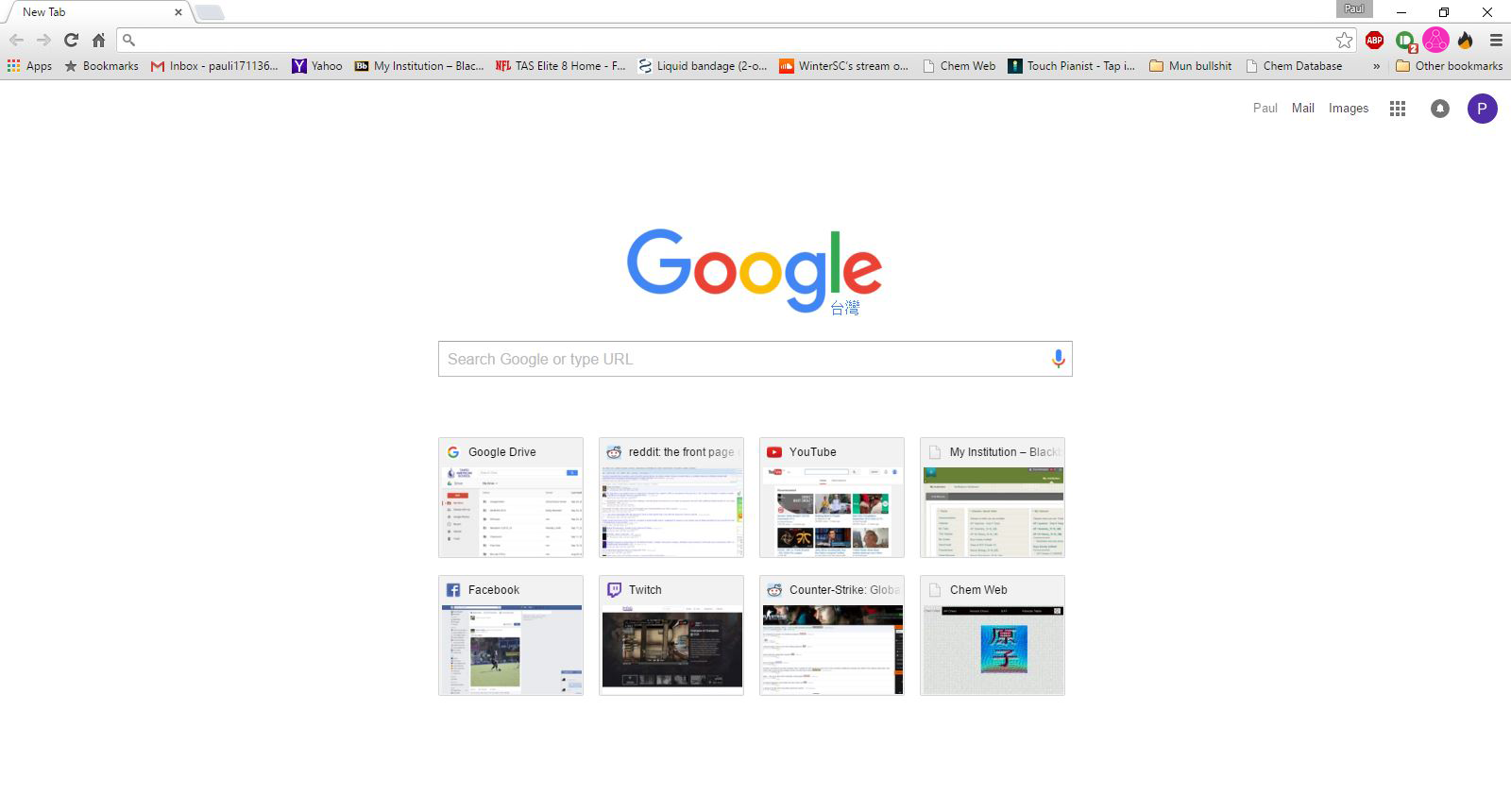
Start on google or new tab screen
- Click on dots logo on top or type in URl name
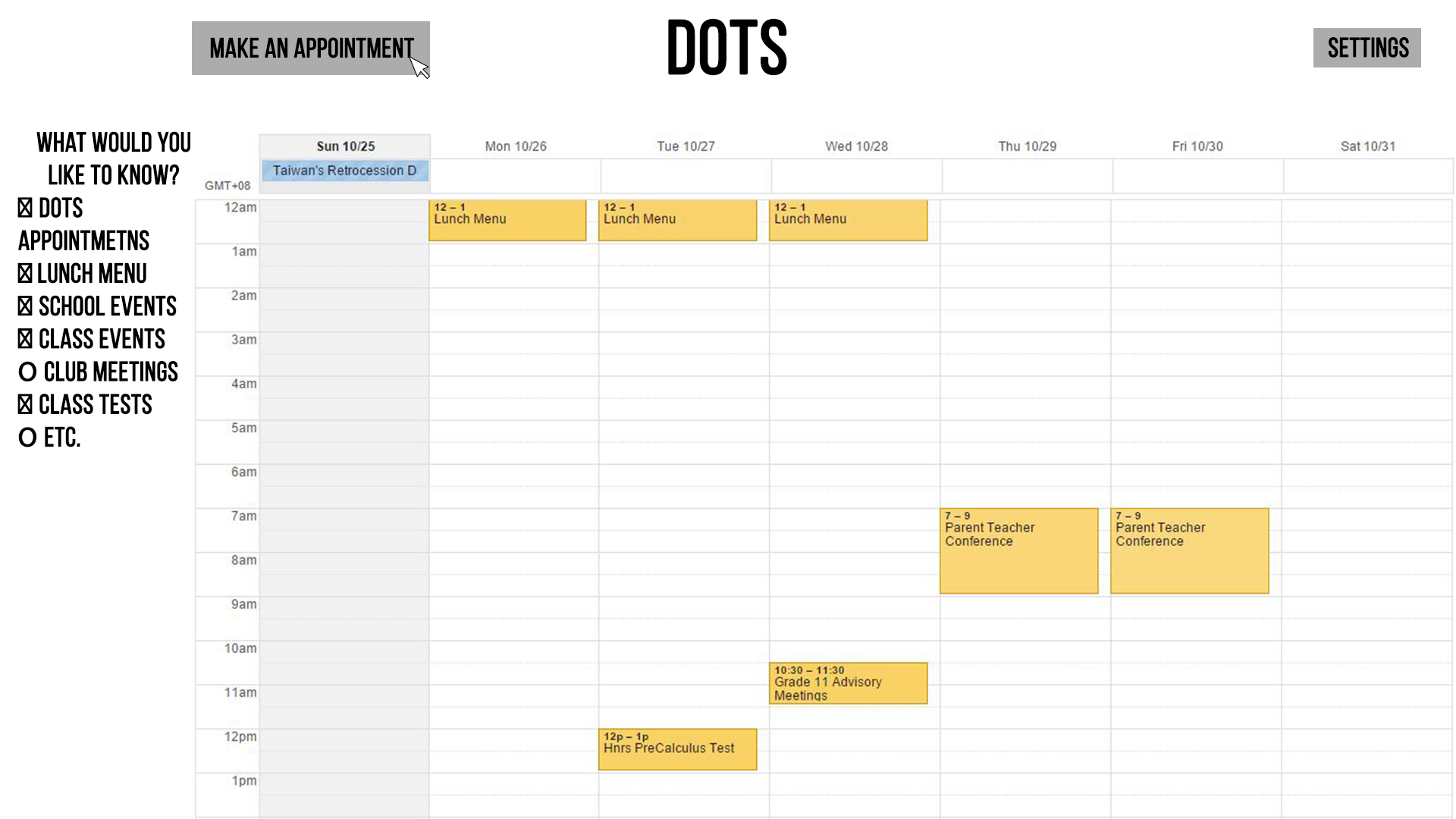
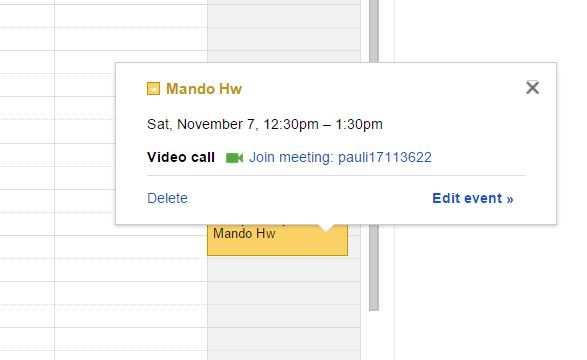
- Clicking on appointments
- Does it pop up only over calendar or over whole page?
- Click on anywhere but title name
- Popup with Name of event, date and time, with options to only edit or delete
- Click on title name
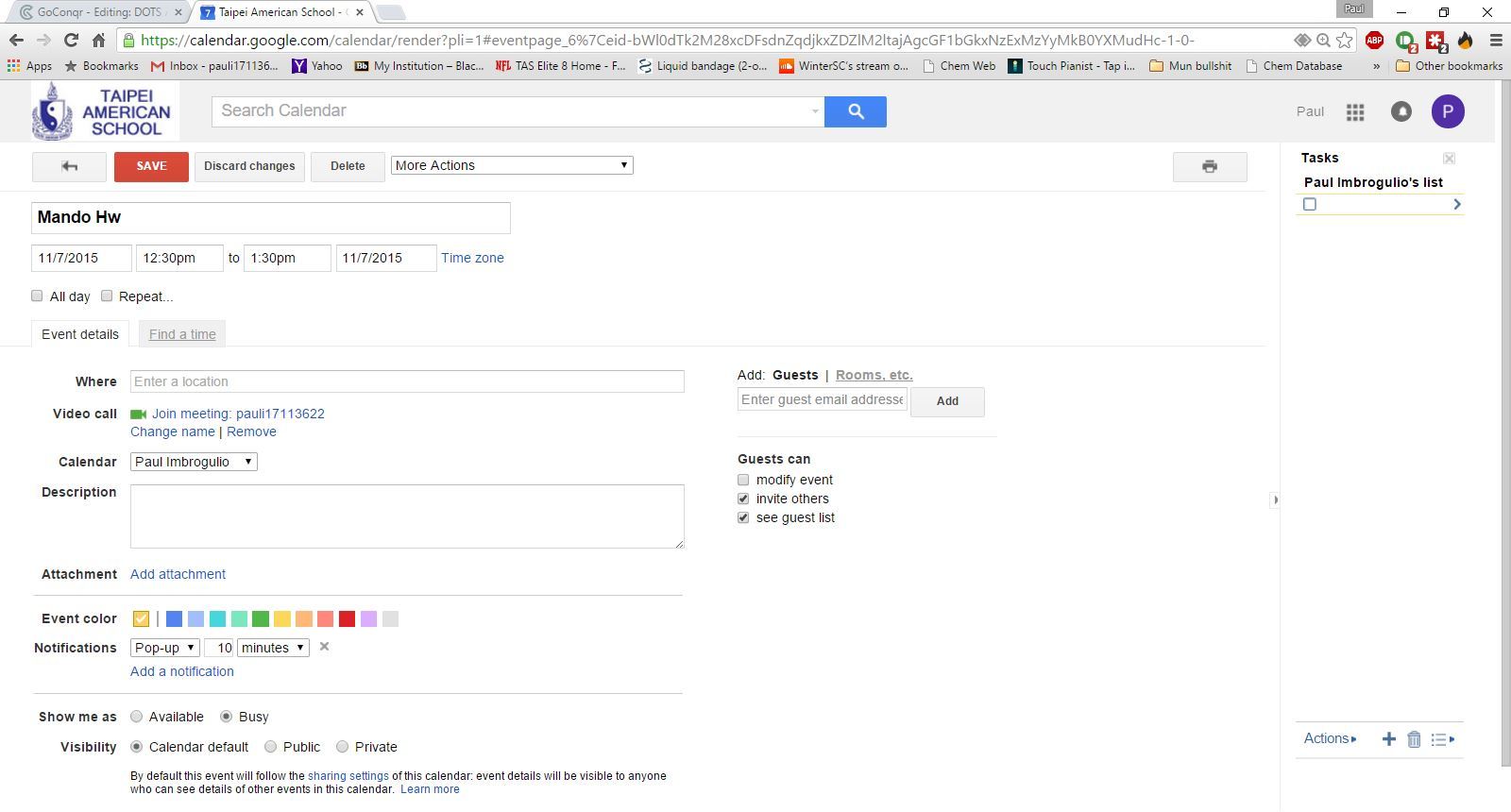
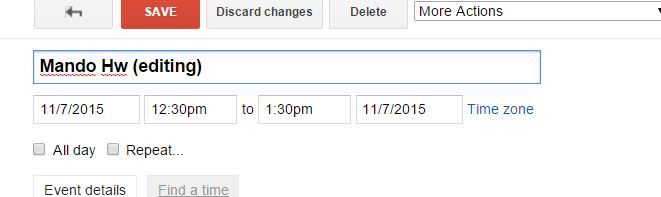
- change screen and Display name of event, time, and date --> option to change name, time, edit whole thing, or "add to google calendar" (should it already add automatically to the google calendar?)
- To change name of event, double click on title and it should be able to edit it like a text box
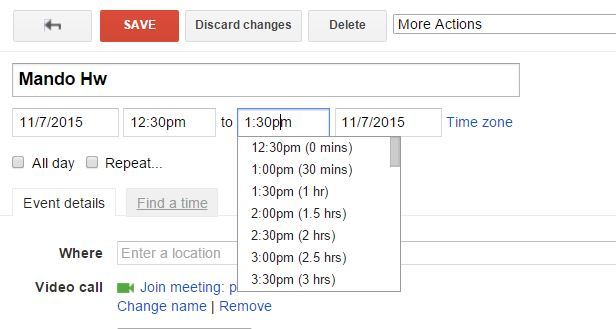
- Changing time it could give like hour options, or have that drop down of like all [hrs], [min (every 15], [am/pm], it would involve clicking on time or a small box that says change time and date
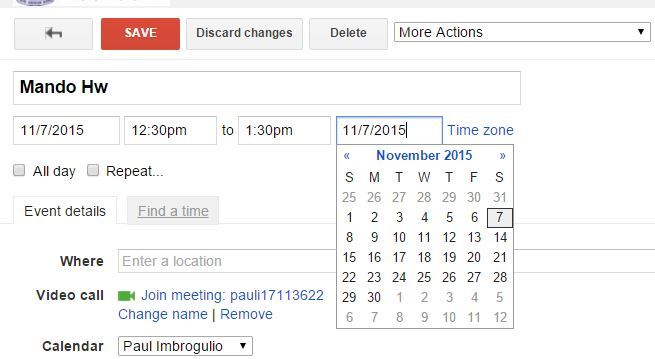
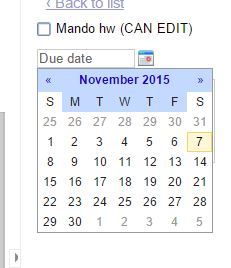
- Changing Date: should be another thing as shown, if clicked on change date... it would be cool to have a small calendar like that pop up... if not, have a small calendar icon that you can click that does the same pop up format.
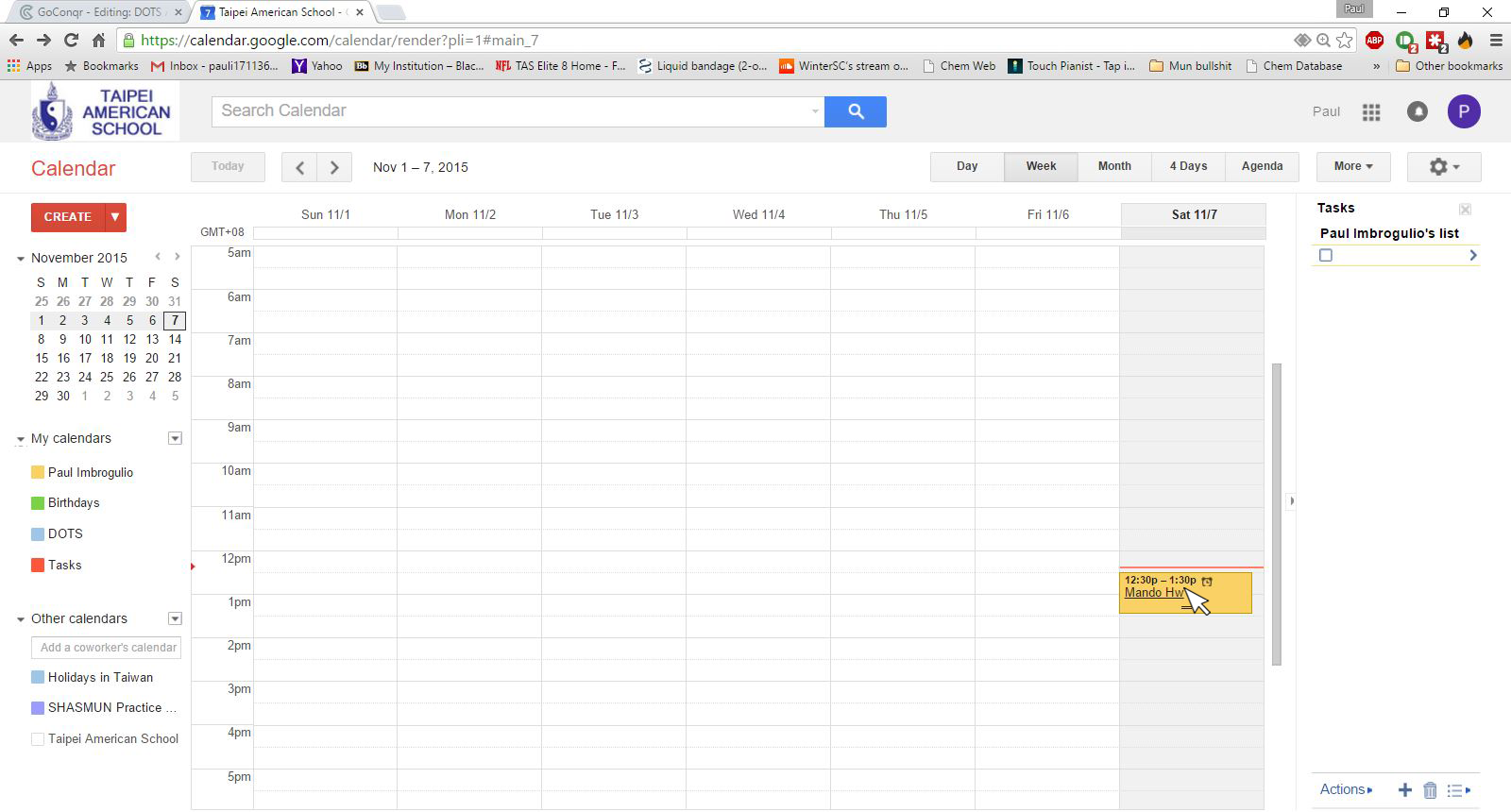
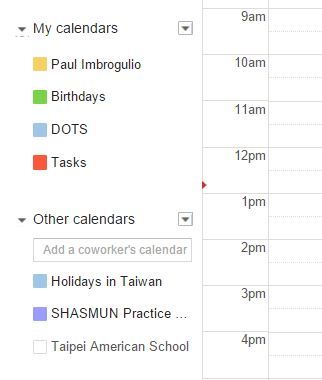
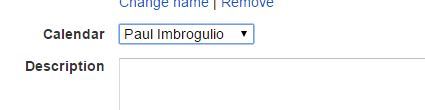
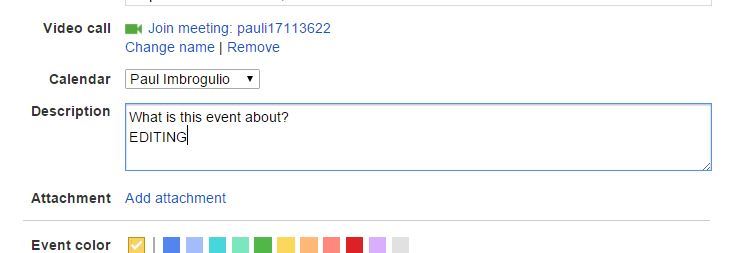
- There should be change calendar button: if i add one, it straign ads it to the paul imbro calendar... what if i want to change it to a dots calendar or a "work calendar"?
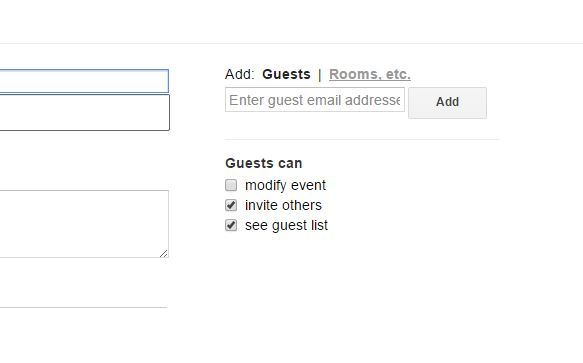
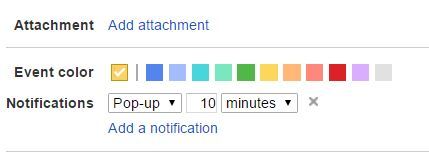
- Other possible things to edit: Color, invite others, location and notifications
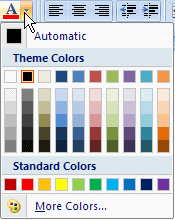
- Changing Color
- Invite others, if its a teacher it should also do the original dots notification
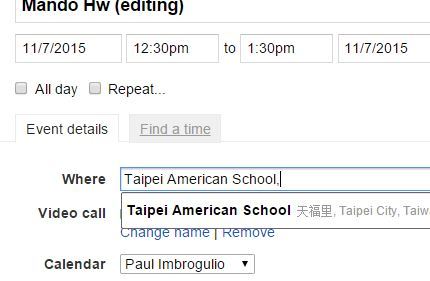
- Location
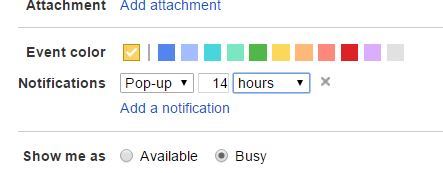
- Notification: Option for popup or email, number edit, and a change for min, hrs, days, weeks
- Adding a Description of the event
- What else needs to be added?
- change screen and Display name of event, time, and date --> option to change name, time, edit whole thing, or "add to google calendar" (should it already add automatically to the google calendar?)
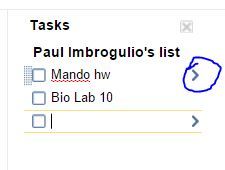
- Task List
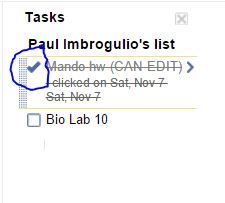
- Clicking on finished tasks
- Completion of task checkbox
- If clicked on, make box a checkmark, and put a line through the task as seen in last picture
- If there is a date "look to task link on calendar" then clicking on caendar box would also put check and line throgh on both calendar and task list
- If clicked on, make box a checkmark, and put a line through the task as seen in last picture
- Completion of task checkbox
- Clicking on task settings/options
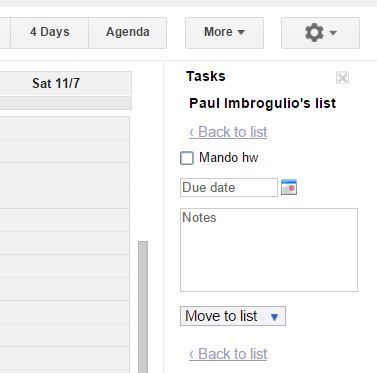
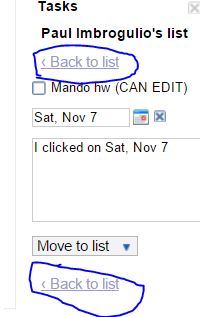
- Open new screen (i think best if stayed within box of task list) not very big
- Task name option
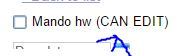
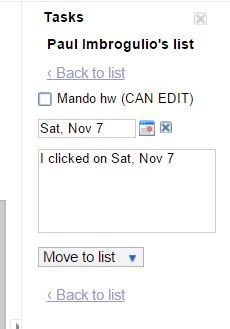
- Task due date option (how to add time to this?)
- Show small calendar, if clicked on increases size of calendar and pick from possible dates
- Date clicked on then gets changed to take the spot of the blank date spot
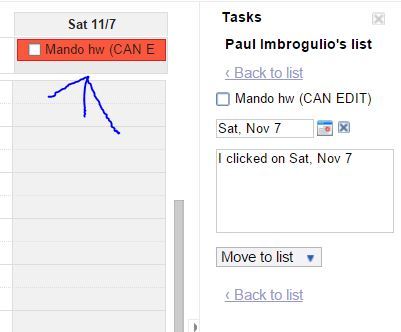
- It then gets added to the top (No time discretion) of the dots / and or calendar with the date clicked on.
- Date starts blank!
- Do you even need time... i dont think so?
- Show small calendar, if clicked on increases size of calendar and pick from possible dates
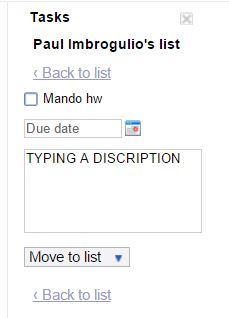
- Description option (take notes on what the task is supposed to be)
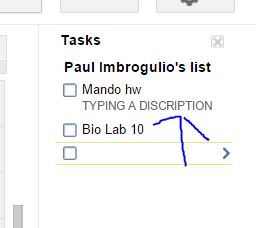
- Assume someone types in description
- Description is changed in the box, when return to list it will show below the task name (PAUL GIVE EXAMPLE)
- Assume someone types in description
- Move to list option (list references the "3 dots on bottom of task bar of task list"
- Open new screen (i think best if stayed within box of task list) not very big
- Task link to calendar
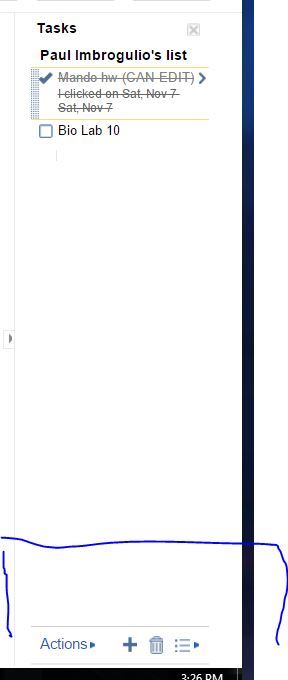
- Bottom bar of more task list options
- Actions
- New task "+"
- Delete Task "trashcan"
- 3 dots for more shortcuts and list options
- Make task a option on the show up list
- Returning to task list
- Clicking on finished tasks
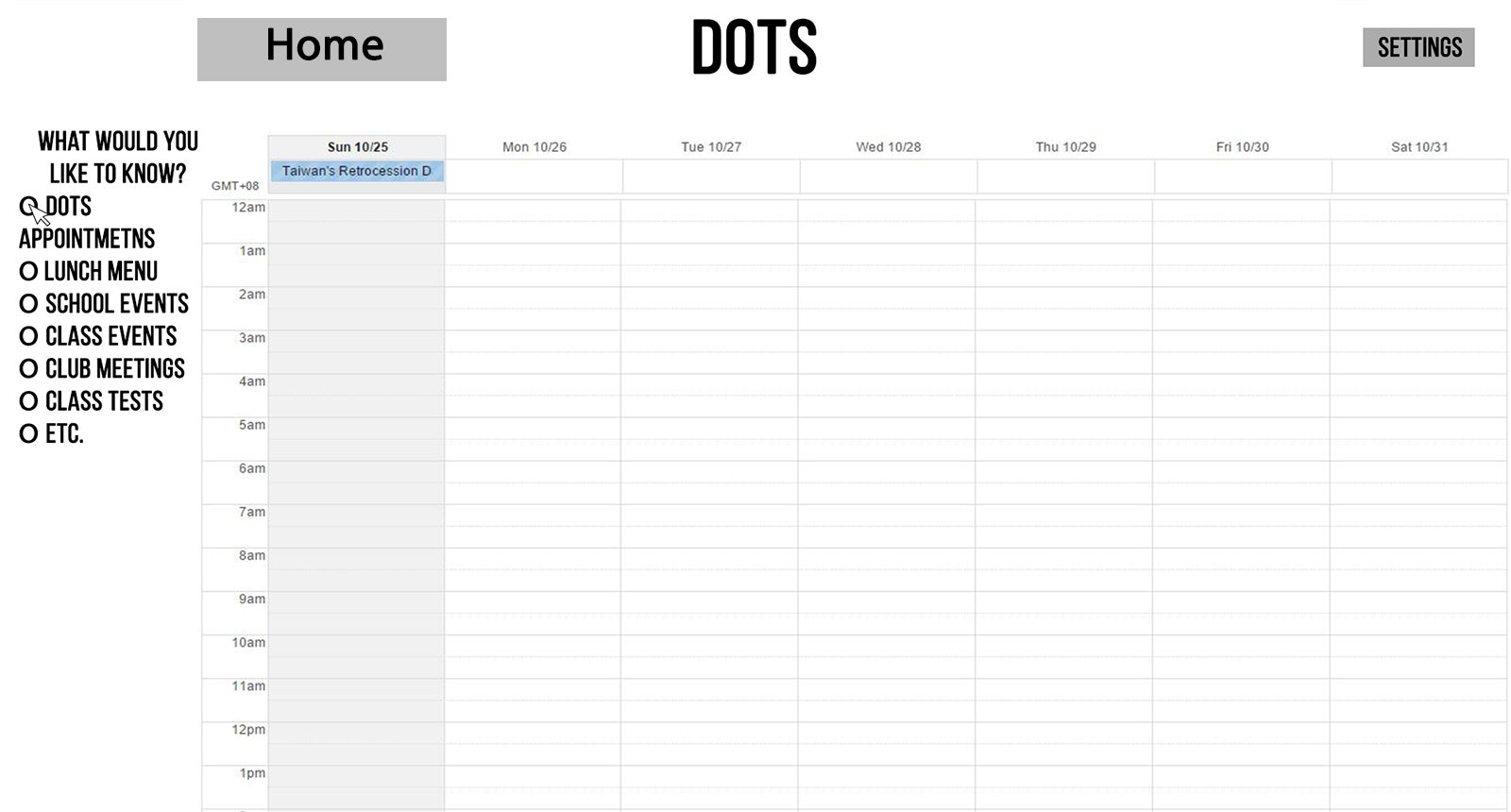
- Always can click on home to go back to calendar screen
- Assume a blank starting screen
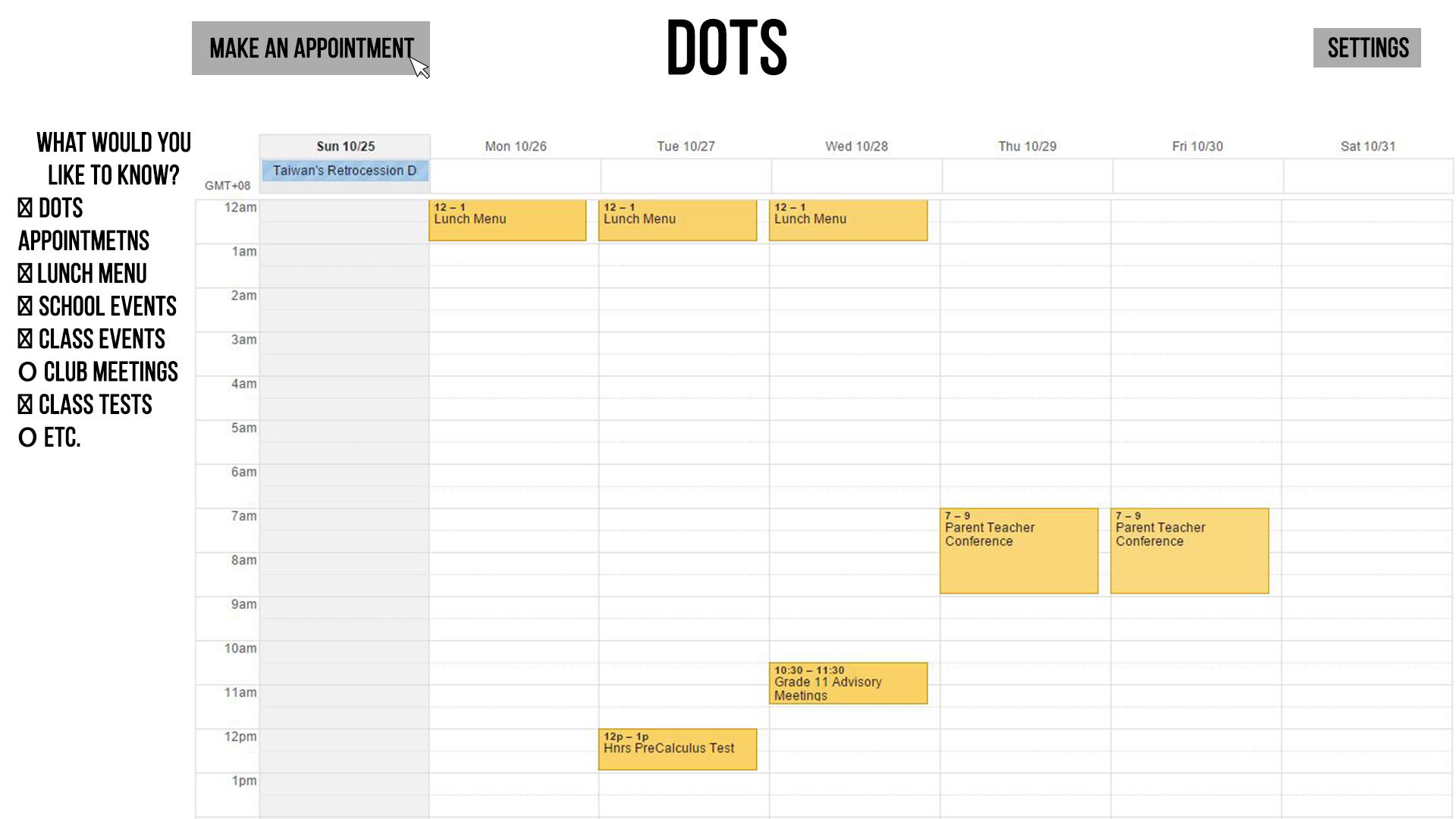
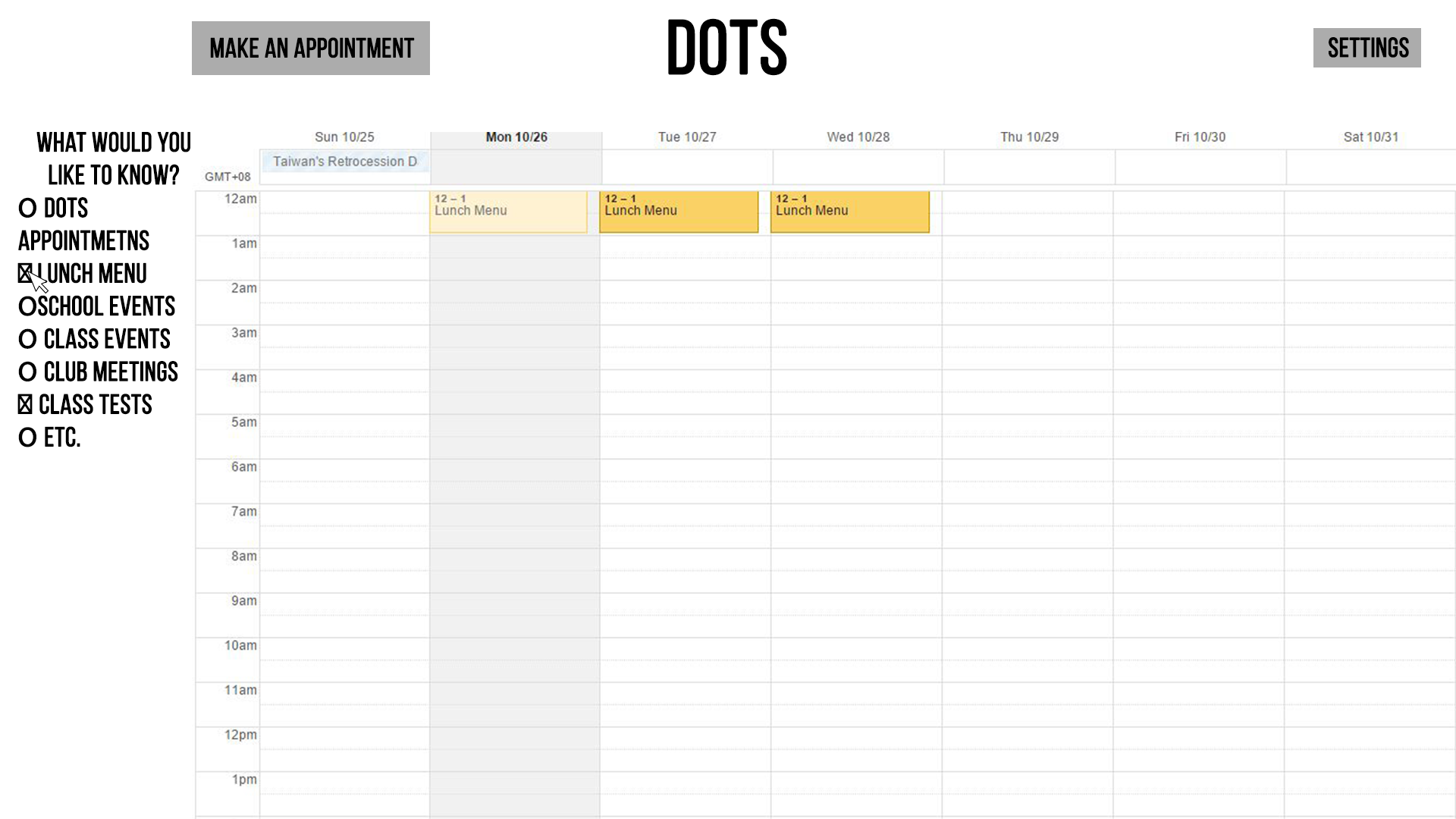
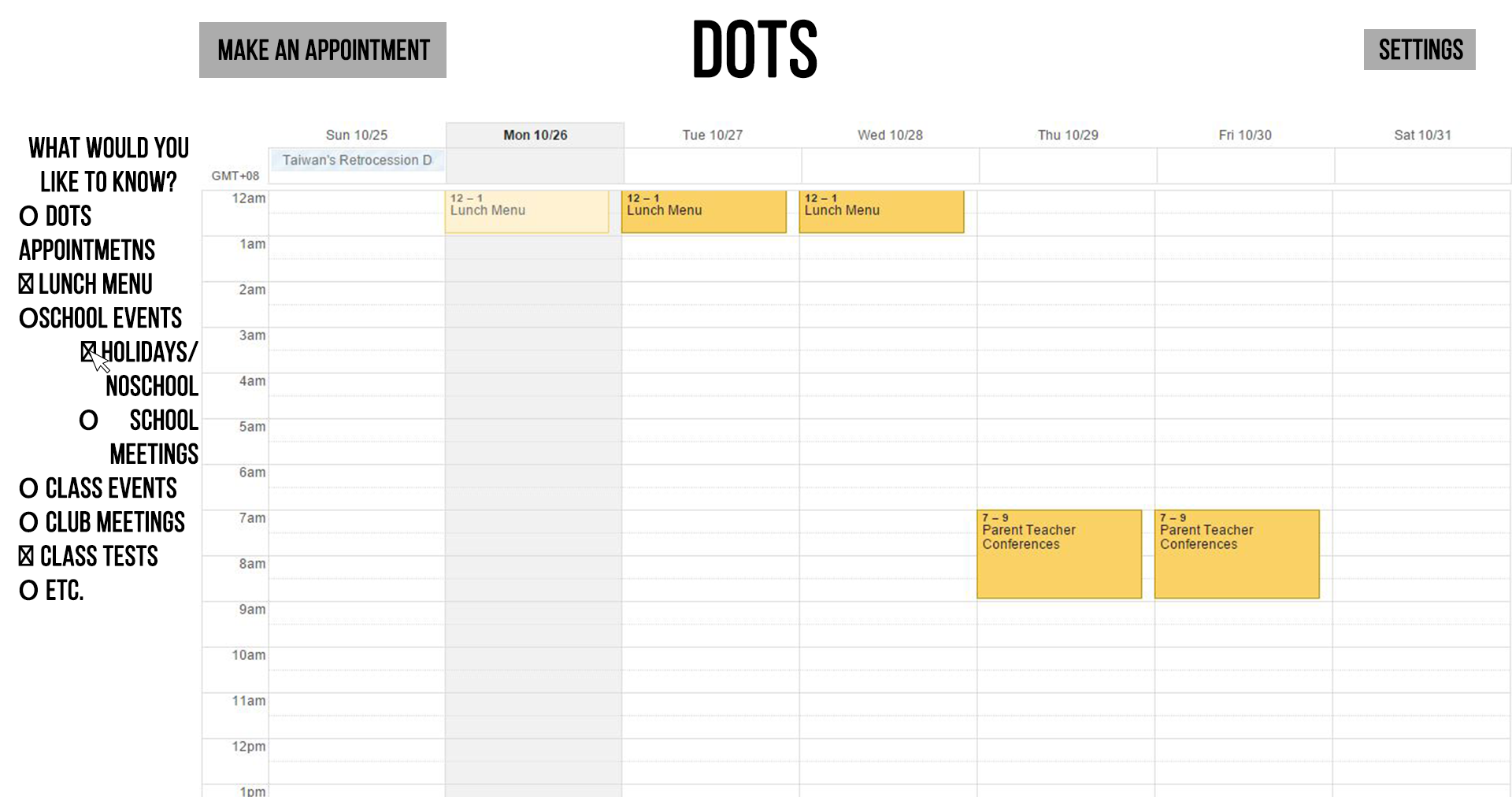
- Optional clicks to see more or less on a calendar
- Example: clicking on lunch menu --> shows lunch menus on calendar and has box checked
- Example: click on subsection of school events --> can click on smaller section to show/unshow that part
- Bottom should include add from url calendar [Ex: OLC URL] (Ask Paul for questions)
- Add further options for each clickable calendar option:
- Color of box on calendar in either suggested colors or option for color wheel
- WHAT OTHER OPTIONS!!!
- Example: click on subsection of school events --> can click on smaller section to show/unshow that part
- Example: clicking on lunch menu --> shows lunch menus on calendar and has box checked
- Optional clicks to see more or less on a calendar
- Settings
- Clicking on appointments
- Click on dots logo on top or type in URl name
Calendar
Teacher Start up page
- Click on dots logo... do we send them to the calendar or the dots page???
- If dots page, refer to initial red line!!!
- If calendar, refer to initial blue line
- Click on dots logo... do we send them to the calendar or the dots page???
All black bubbles indicate important ideas without pictures
Imagens e arquivos do mapa
Informações
- Descrição
- This is the clicky path of the dots teacher based web thing
- Criado por
- pigswimmers
- Visualizações
- 45
- Tags
- Avaliação