
Mindmap
Computer Hardware Pt.1
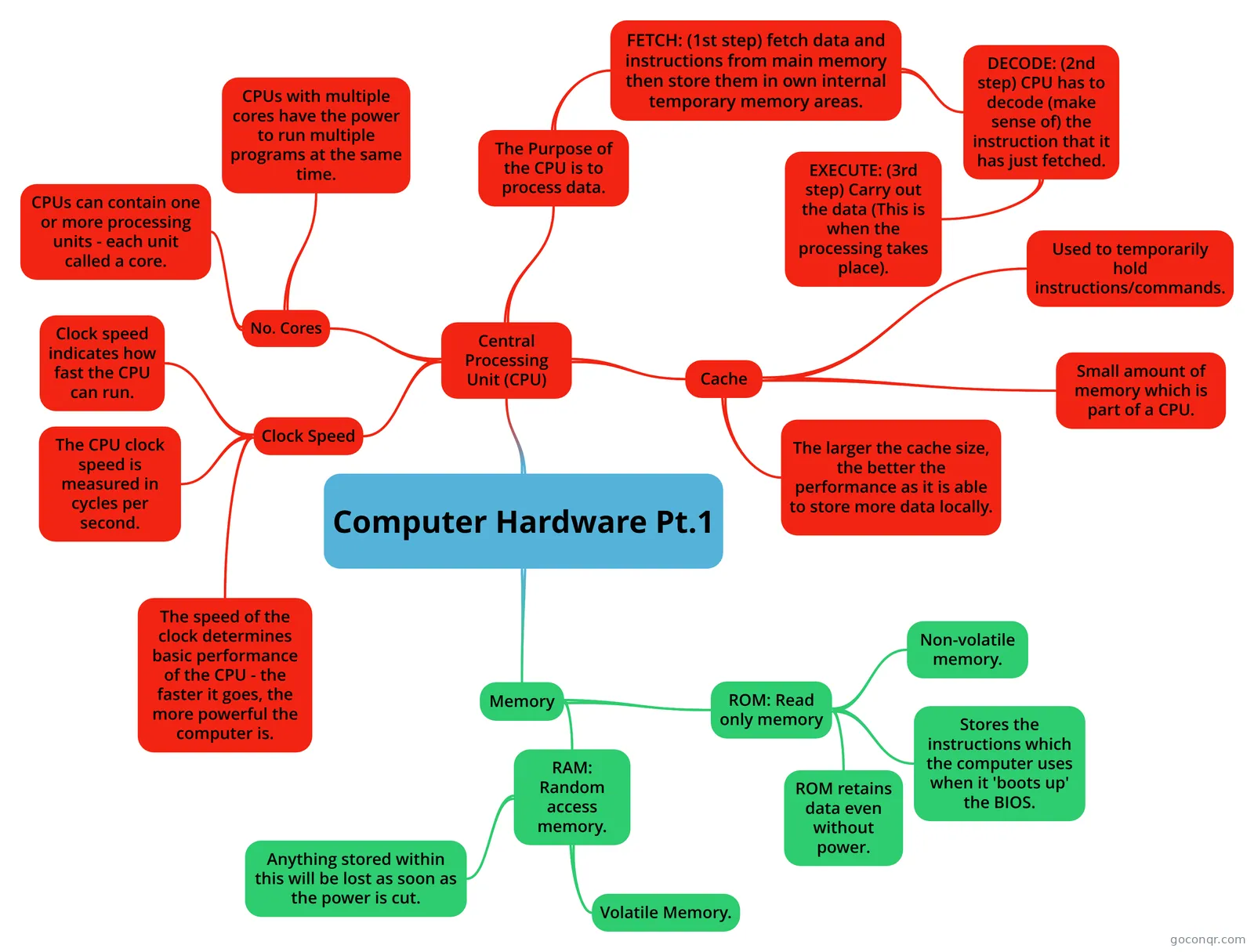
Mind map: computer hardware CPU and memory
Inhalt der Mindmap
Computer Hardware Pt.1
Central Processing Unit (CPU)
- The Purpose of the CPU is to process data.
- FETCH: (1st step) fetch data and instructions from main memory then store them in own internal temporary memory areas.
- DECODE: (2nd step) CPU has to decode (make sense of) the instruction that it has just fetched.
- EXECUTE: (3rd step) Carry out the data (This is when the processing takes place).
- DECODE: (2nd step) CPU has to decode (make sense of) the instruction that it has just fetched.
- FETCH: (1st step) fetch data and instructions from main memory then store them in own internal temporary memory areas.
- Cache
- Used to temporarily hold instructions/commands.
- Small amount of memory which is part of a CPU.
- The larger the cache size, the better the performance as it is able to store more data locally.
- No. Cores
- CPUs with multiple cores have the power to run multiple programs at the same time.
- CPUs can contain one or more processing units - each unit called a core.
- Clock Speed
- Clock speed indicates how fast the CPU can run.
- The CPU clock speed is measured in cycles per second.
- The speed of the clock determines basic performance of the CPU - the faster it goes, the more powerful the computer is.
- The Purpose of the CPU is to process data.
Memory
- ROM: Read only memory
- Non-volatile memory.
- Stores the instructions which the computer uses when it 'boots up' the BIOS.
- ROM retains data even without power.
- RAM: Random access memory.
- Volatile Memory.
- Anything stored within this will be lost as soon as the power is cut.
- ROM: Read only memory
Informationen
- Beschreibung
- Mindmap am Computer Hardware Pt.1, erstellt von Neo Metcalfe am 03/10/2016.
- Erstellt von
- Neo Metcalfe
- Aufrufe
- 19
- Bewertung