
Mindmap
IGCSE Computing - Data Representation
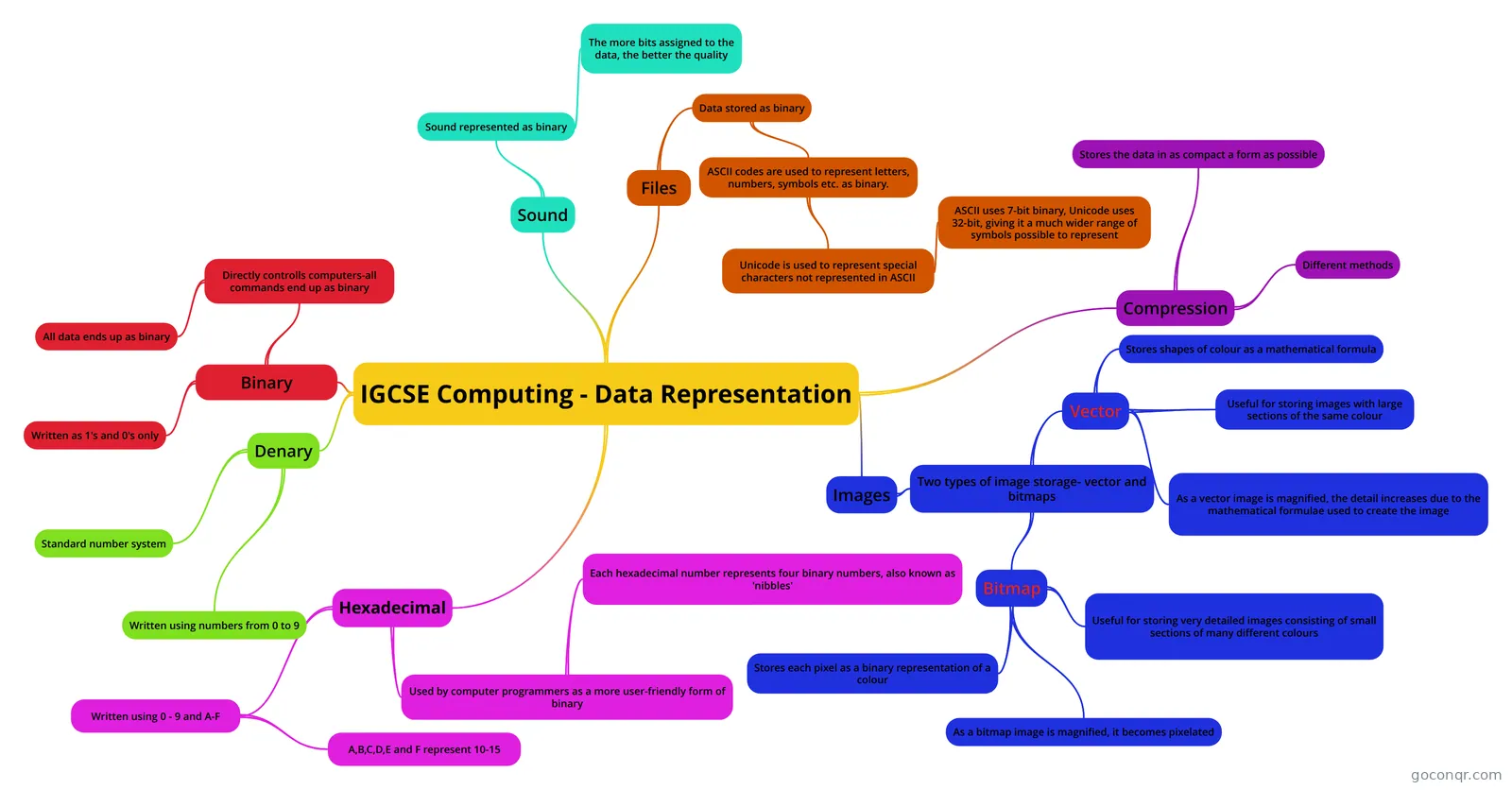
Mind map: IGCSE Computing data representation
Inhalt der Mindmap
IGCSE Computing - Data Representation
Binary
- Written as 1's and 0's only
- Directly controlls computers-all commands end up as binary
- All data ends up as binary
Denary
- Standard number system
- Written using numbers from 0 to 9
Hexadecimal
- Written using 0 - 9 and A-F
- A,B,C,D,E and F represent 10-15
- Used by computer programmers as a more user-friendly form of binary
- Each hexadecimal number represents four binary numbers, also known as 'nibbles'
- Written using 0 - 9 and A-F
Images
- Two types of image storage- vector and bitmaps
- Vector
- Stores shapes of colour as a mathematical formula
- Useful for storing images with large sections of the same colour
- As a vector image is magnified, the detail increases due to the mathematical formulae used to create the image
- Bitmap
- Stores each pixel as a binary representation of a colour
- Useful for storing very detailed images consisting of small sections of many different colours
- As a bitmap image is magnified, it becomes pixelated
- Vector
- Two types of image storage- vector and bitmaps
Sound
- Sound represented as binary
- The more bits assigned to the data, the better the quality
- Sound represented as binary
Files
- Data stored as binary
- ASCII codes are used to represent letters, numbers, symbols etc. as binary.
- Unicode is used to represent special characters not represented in ASCII
- ASCII uses 7-bit binary, Unicode uses 32-bit, giving it a much wider range of symbols possible to represent
- Unicode is used to represent special characters not represented in ASCII
- ASCII codes are used to represent letters, numbers, symbols etc. as binary.
- Data stored as binary
Compression
- Stores the data in as compact a form as possible
- Different methods