Karteikarten
Monitors
Karten in diesem Stapel (8)
- 1Monitor 1. definition 2. how 3. connections1. primary output component of a PC
2. connects to PCs video adapter through a monitor cable and displays images on screen
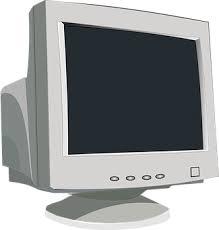
3. VGA, DVI, HDMI or a display port - 2CRT Monitor 1. definition 2. how do we see image 3. refresh rate 4. how to reduce flicker/discomfort1. CRT (Cathode Ray Tube) was the technology first used in TV sets
2. 3 colour electron guns (rbg), shoot beams of electrons many times on screen per second to constantly redraw image
3. refresh rate of 60Hz = redraws image 60 times per second
4. increase refresh rate, reduce the amount of eye discomfort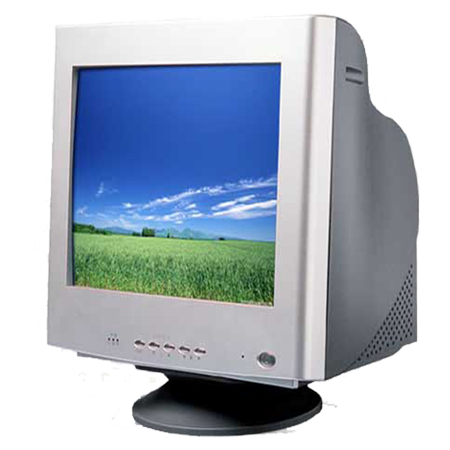
- 3CRT Monitor (inside) 1. function of metal plate inside monitor 2. process of removing it 3. how is this done1. shadow mask picks up external magnetic fields which cause discoloration
2. degaussing - reverts colour back to normal
3. usually done when PC turns on OR can be activated by a button - 4LCD Monitor 1. definition 2. how 3. TFT1. LCD (liquid crystal display) monitor produces an image on a flat surface by using liquid crystals
2. light shines through these crystals to produce an image on screen, using filters to make different colours
3. uses a TFT (thin film transistor), to create higher quality images as each single pixel on the screen has its own transistor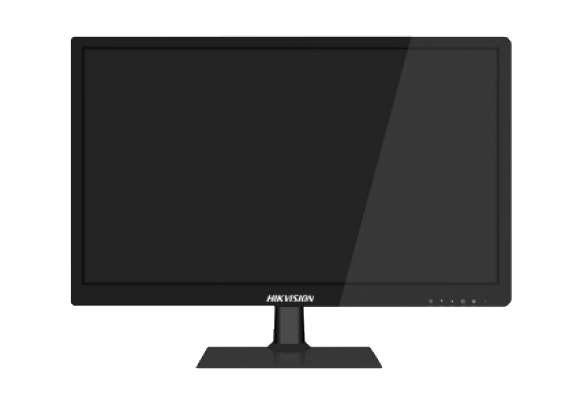
- 5LCD monitor lighting types 1. Florescent 2. LED1. Uses florescent lamps for back lighting. Emits UV light when the mercury vapor inside the lamp is ionized
2. Uses multiple LEDs arranging in a pattern - modern and new form of back lighting - 6LCD monitor - Twisted Nematic (TN) 1. how 2. Found on.. 3. pros & cons1. liquid crystals twist the light as it comes through.
2. calculators, digital watches and older LCD monitors/laptops
3. + faster refresh rate (gaming)
+ low power draw
- poor viewing angles - colour shifts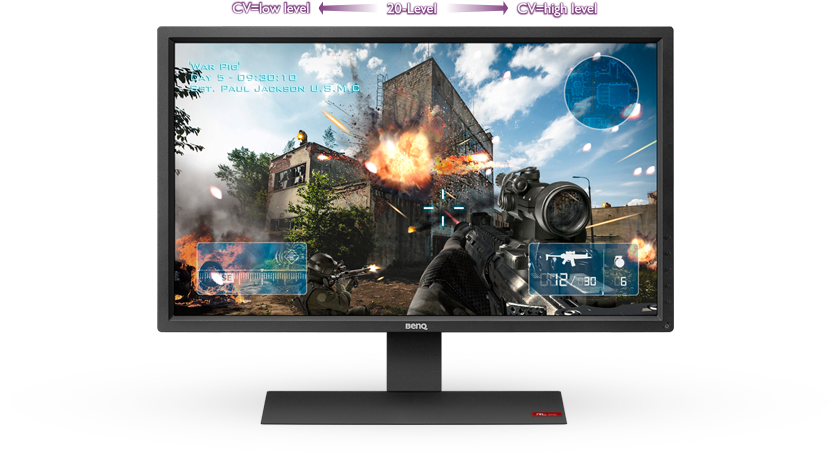
- 7LCD Monitor - In-Plane Switching (IPS) 1. how 2. pros & cons1. liquid crystals stay in place, aligned in parallel with the glass
2. + better colour, + no tailing when touched (mobile), + viewing angles
- more expensive, uses more transistors = more power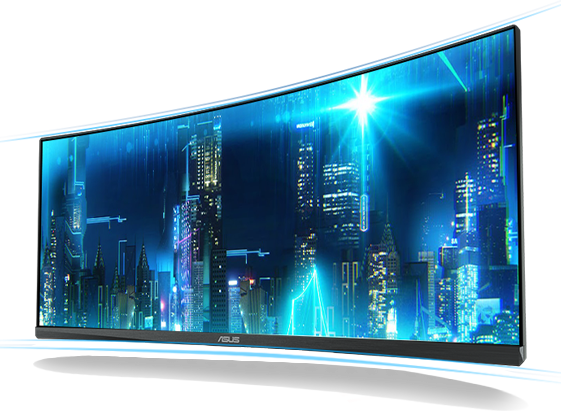
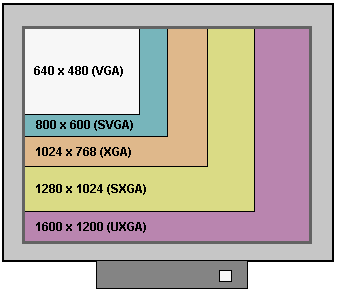
- 8Resolution 1. definition 2. native resolution 3. contrast ratio1. number of pixels that are used to display an image on screen (WxH), higher resolution = more pixels used = clearer
2. when its set to the highest resolution
3. contrast between black and white - higher contrast = better display