
How to use Sage
Diapositivas del conjunto (8)
-
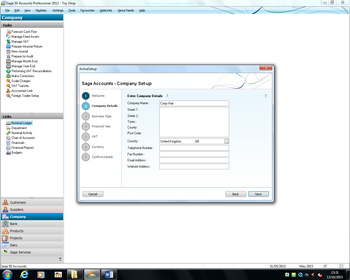
- First you need to create a new company and fill in the
- details that you are able to do.
-
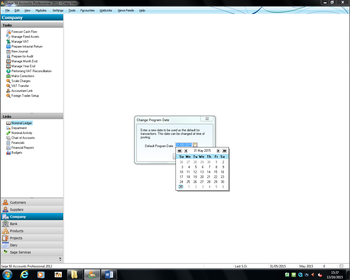
- Change the date to the correct date
-
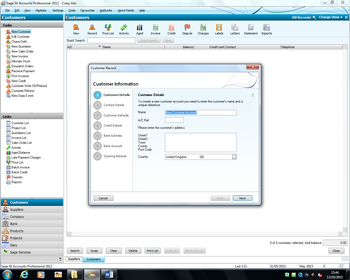
- You need to create your customers by going onto the
- customers tab and clicking on new. First you fill in the customer details and
- contact details.
-
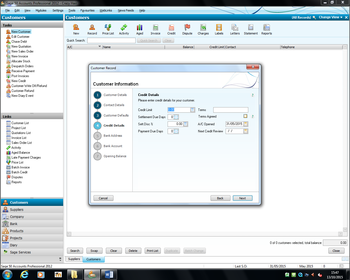
- Second you need to set the credit limit and other credit
- details
-
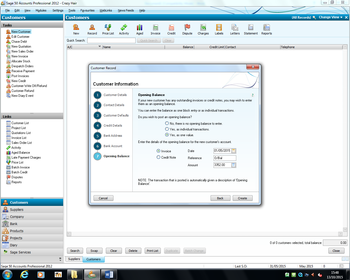
- Then you need to add the customers opening balance and then
- do the same for all the other customers
-
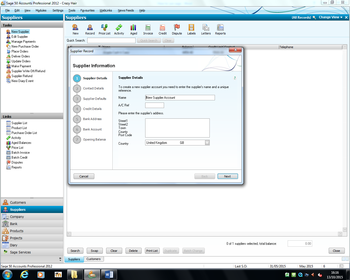
- Then do the same for your suppliers.
-
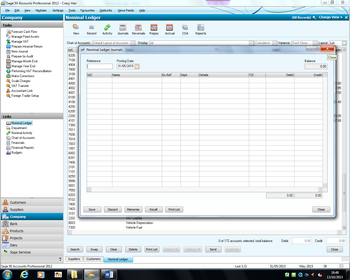
- You then need to make a journal for all the general ledgers
- and fill it in. At the end you should have a balance of zero.
-
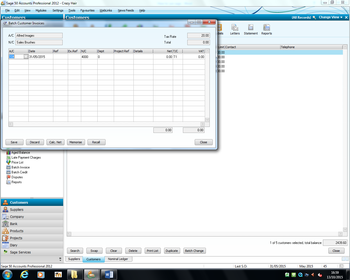
- Then add in your invoices for your customers. You can do the
- same for the supplier invoices and the credit notes for your customers and
- suppliers in the correct areas.