
Fichas
CompTIA IT Fundamentals ITF+
Fichas del conjunto (56)
- 14 Stages of Computing Process1. Input
2. Processing
3. Output
4. Storage - 2(LAN)Local Area Network
-devices on same network locally - 3SwitchA device built into a router that other devices connect to to talk to each other
- 4(WAN)Wide Area Network
-2 or more LAN networks connected together. Router connects to a switch to communicate to one another - 5BackboneThe huge connections the internet is made of
- 6Remotely Accessed Computer SystemsOnline apps that use remote servers
- 7Specialized Computers / Specialty DevicesDevices made for a specific task such as a printer, digital camera, etc.
- 8POSPoint of Sale System
-machine meant to sell stuff that connects to a remote server to process purchase.
(ATM, gas pump, etc.) - 9CPUCentral Processing Unit
- 10Hertz (Hz)Basic measurement of CPU's speed. Measured in frequency (1 Hz = 1 cycle per second.)
- 11Gigahertz (GHz)A billion cycles per second. Modern CPUs are measured with this
- 1232-bit ProcessorOnly supports 32-bit software.
Can only support 4 Gb of RAM - 1364-bit ProcessorOnly supports 64-bit software.
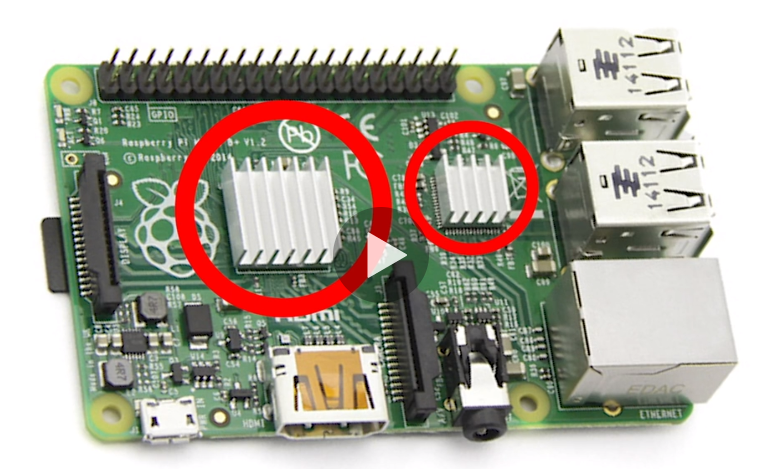
Can handle millions more memory than 32-bit - 14Passive CoolingRelies on air to draw heat away from electronic parts
- 15Heat SinkStructure that draws heat away from electronic parts and helps heat dissipate in the air. Copper or Aluminum structures.
- 16Active CoolingUses a device to push or pull heat from computing components.
Ex: A fan (pull heat out into air) and liquid cooling (carries heat away in liquid filled tubes) - 17RAMRandom Access Memory
-holds all active programming on computer (OS and data)
-store data only temporarily - 18System MemoryThe amount of usable RAM in a computer.
-how much stuff a computer can work on at one time. - 19DIMMDual Inline Memory Modules
-sticks of RAM on side of motherboard - 20MotherboardMain printed circuit board. Everything connects to a motherboard and every computing device has one.
- 21ATXAdvanced Technology eXtended
-a motherboard and power supply configuration specification - 22Micro (μ) ATXMicro Advanced Technology eXtended
-standard of motherboards
-μ is used commonly to mean micro - 23μMicro (Greek letter for Mu)
- 24ACAlternating Current
-used by electrical grids (wall sockets)
-invented by Tesla - 25DCDirect Current
-Computing devices use this
-Batteries provide this
-invented by Edison - 26Power AdapterTakes AC out of wall socket, converts it to DC, and recharges battery. (Cell phones, tablets, cameras, etc.)
- 27Power BrickPower Adapter for laptops.
- 28PSUPower Supply Unit
-computers use this
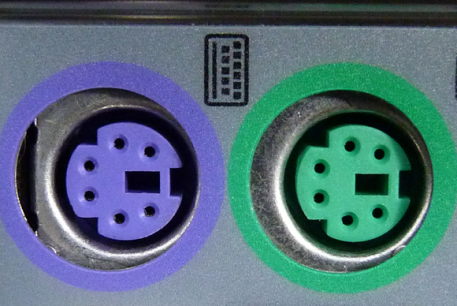
-the AC power converted to DC power directly runs computer without battery - 29PS/2 Connector-very old mouse and keyboard port
- 30USBUniversal Serial Bus
-used for a variety of things - 31HDMI ConnectorHigh Definition Multimedia Interface
-used for high def for both audio and video - 32VGA Connector-standard definition
-used for older monitors
-it is blue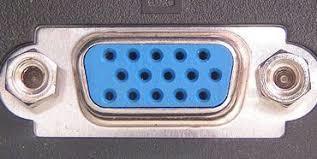
- 33Display Port Connector-high definition video and audio mainly used for PCs
-similar to HDMI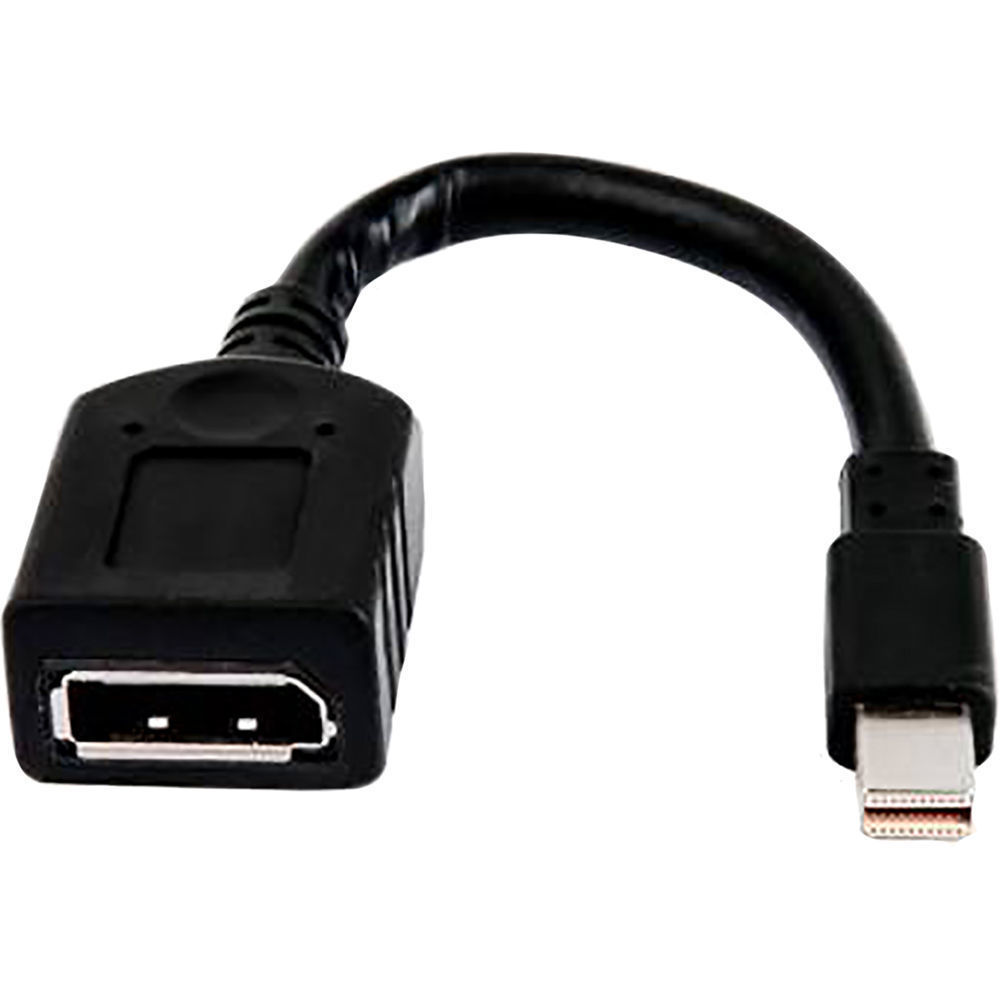
- 34DVI connectorStandard definition for monitors.
-better resolution than VGA
-used for larger screens
-it is white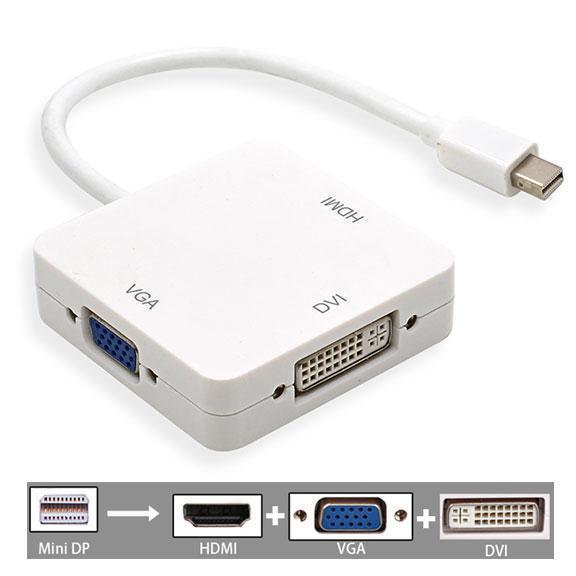
- 35eSATA connectorExternal Serial Advanced Technology Attachment
-used for external drives and devices
-not commonly used as much anymore
-sometime red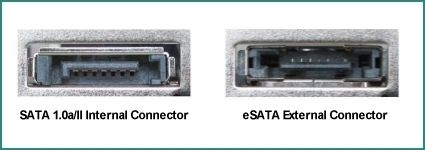
- 36RJ-45 ConnectorEthernet
-connecting networks - 37Audio Connectors-colored circle ports
-Green = Speakers
-Pink = Microphone - 38USB-A-standard rectangular USB
- 39USB-B-roughly square USB
-The Standard-B design is used for connecting large peripheral devices, such as printers or scanners, to a computer and was made for the USB 1.1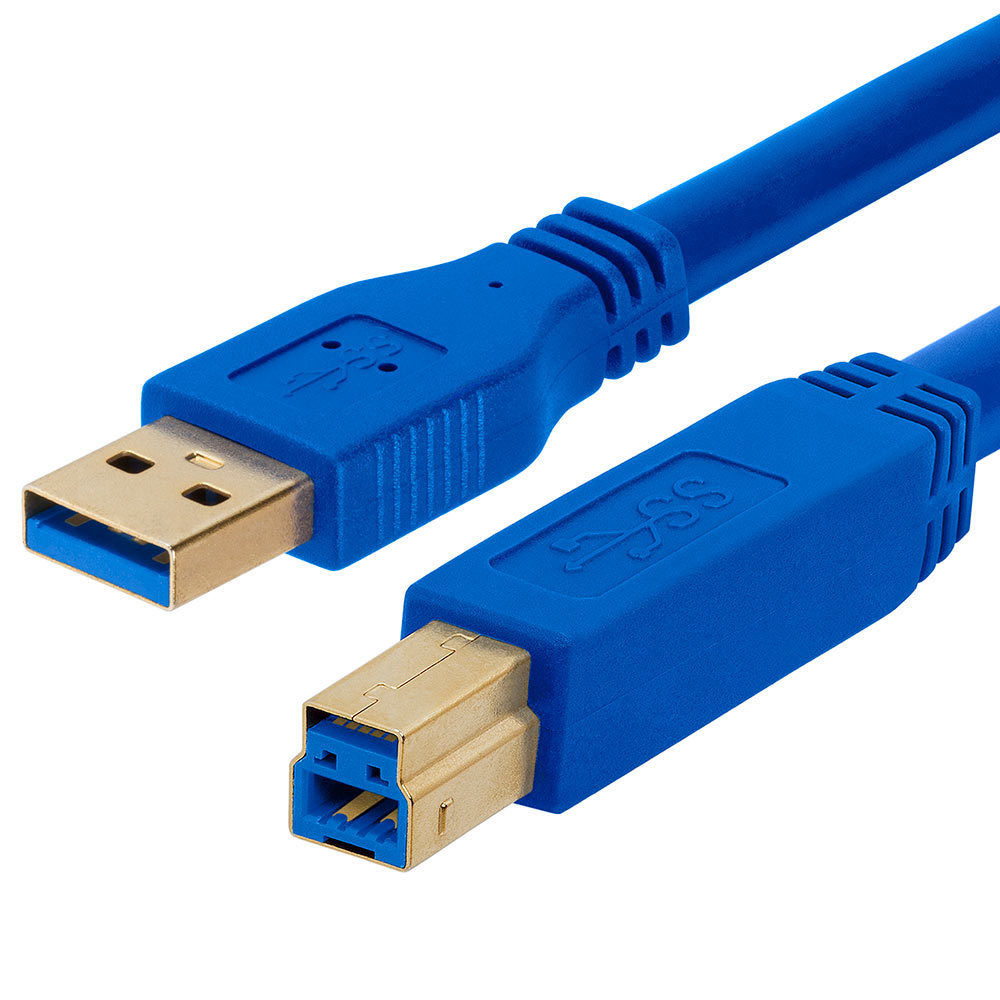
- 40USB Mini-B and USB Micro-B-used to connect digital devices to PCs
-micro-B is used for more compact devices (smart phones) - 41Micro-B USB 3.0-used for small portable devices
-10x faster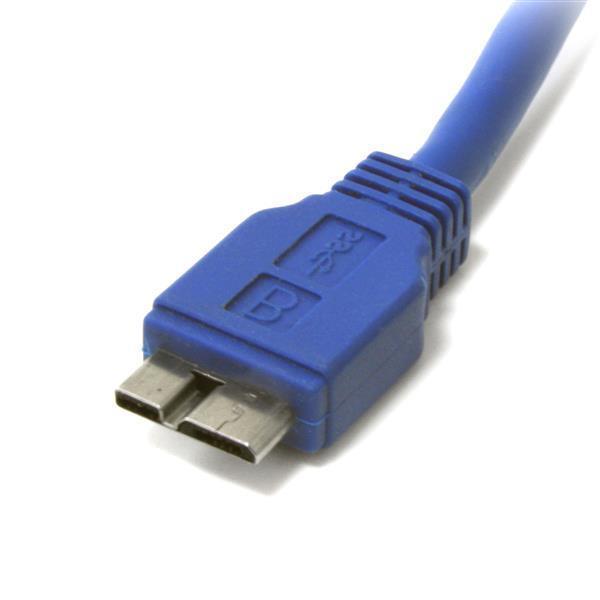
- 42USB-C-Universal Connector
-symmetrical on both sides
-fast and carries more power. 10 Gbps transfer rate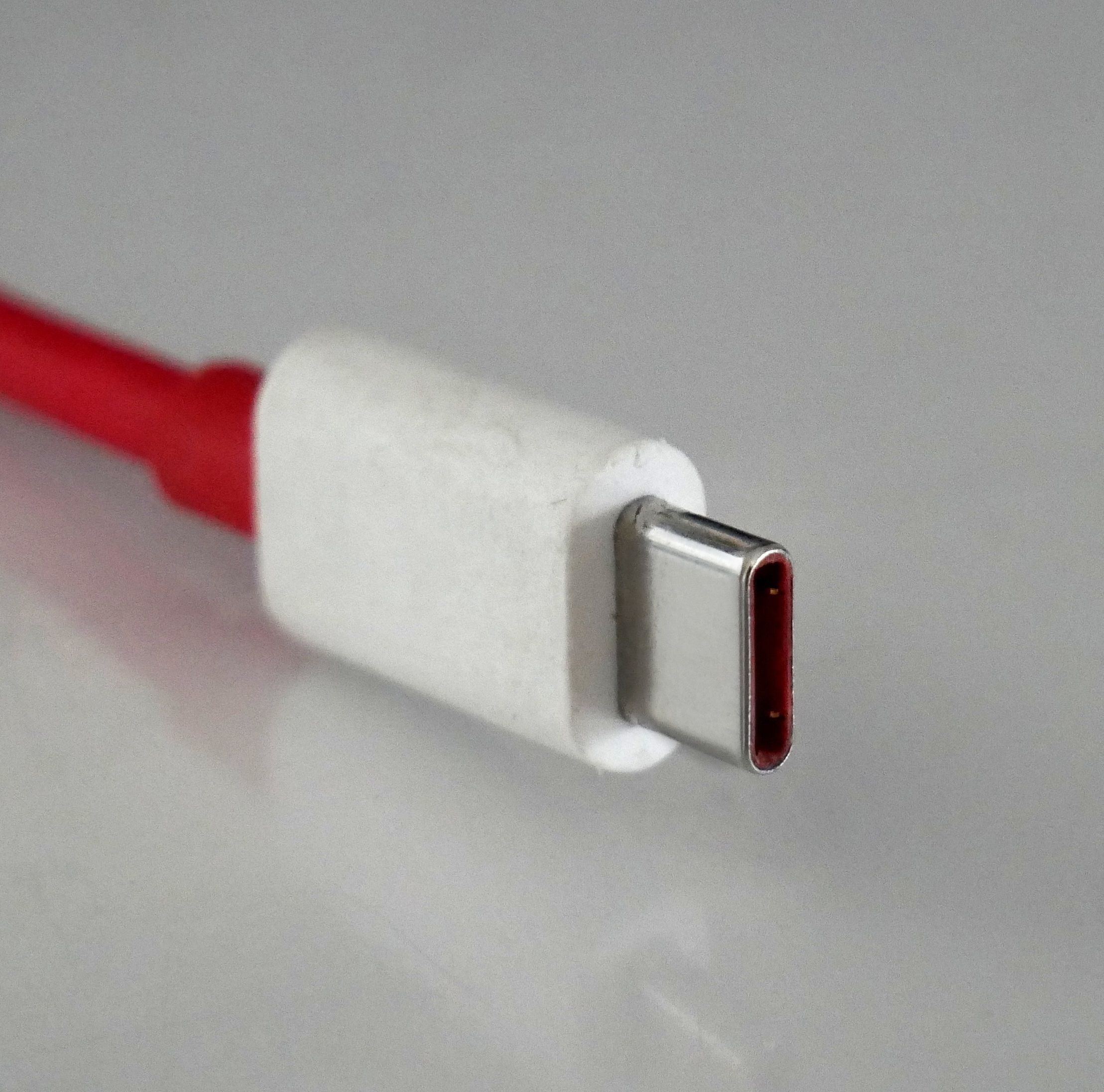
- 43BinaryBase 2
-The way computers count
-deals with electricity and wires
-1 means electricity is on
-0 means electricity is off
-every wire doubles the binary combinations which doubles complexity - 44HDDHard Disk Drive
-most common, mass used storage device
-long term storage
-measured by complexity (how much info they can hold) and speed (how fast they can access info) - 45DigitalMeans it operates on digits. 1's and 0's
- 46Bit-1 digit
-smallest unit of data in a computer - 47Byte-8 bits
-how we measure storage compacity - 48Kilobyte (kb)1024 bytes
- 49Megabyte (mb)1024 kilobytes
- 50Gigabyte (gb)1024 megabytes
- 51Terabyte (tb)1024 gigabytes
-most modern devices are measured with this - 52SSDSolid State Drive
-interior hard drive
-very fast
-performs better than HDD
-local direct storage - 53External Disk Drive-portable storage
- typically have high storage capacities and are often used to back up computers or serve as a network drive
-local direct storage - 54Optical MediaCD, DVD, Blu-Ray Disk
-local direct storage - 55Flash DriveLocal direct storage
- 56NASNetwork Attached Storage
-2-6 Hard Drive machine
-has own OS system
-connects to the internet
-share with other locations by logging in
-good for backup
Información
- Descripción
- Vocab for CompTIA ITF+
- Creado por
- Caitlin Blevins
- Visitas
- 163
- Etiquetas
- Valoración