Mapa mental
Planning
Contenido del mapa
Planning
Microsoft Word
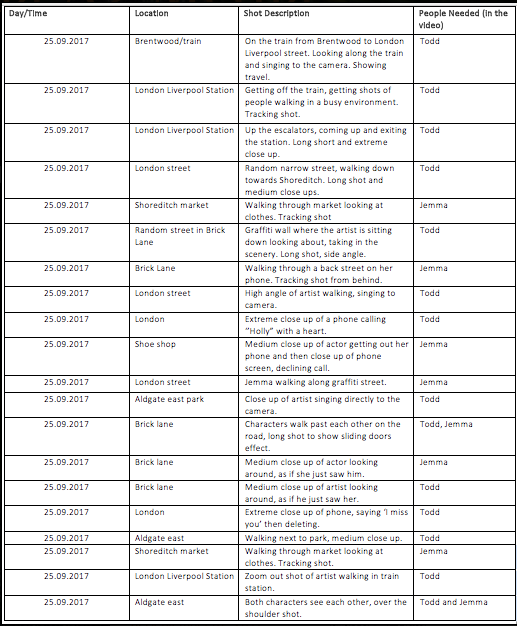
- When planning I like to create tables as I feel that they are easy to follow and organise myelin well, they all help me to track my progress throughout the project. I have used Word in many other subjects and feel comfortable with the features, therefore I decided to use word to create my planning tables.
- When planning I like to create tables as I feel that they are easy to follow and organise myelin well, they all help me to track my progress throughout the project. I have used Word in many other subjects and feel comfortable with the features, therefore I decided to use word to create my planning tables.
Blogger
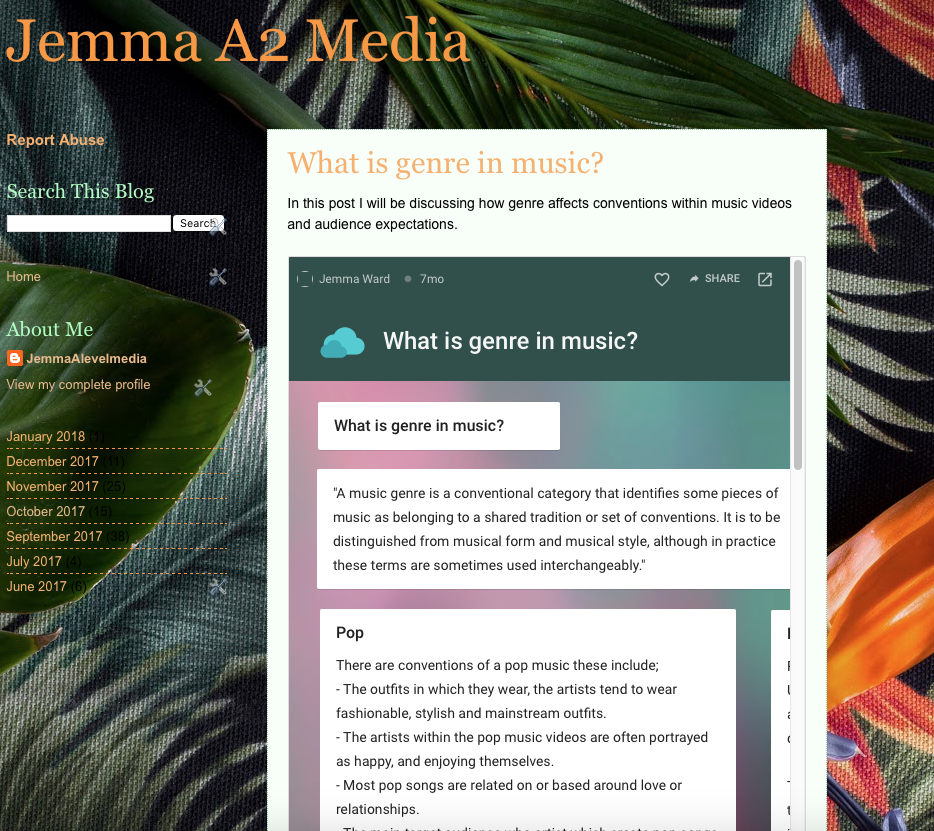
- Blogger is the main media technology that used within my coursework. It enabled me to present my work in a chronological and structured way. This helped with planning as I was able to easily follow my work, allowing me to stick to schedule and keep on track of my planning.
- Blogger is the main media technology that used within my coursework. It enabled me to present my work in a chronological and structured way. This helped with planning as I was able to easily follow my work, allowing me to stick to schedule and keep on track of my planning.
Canva
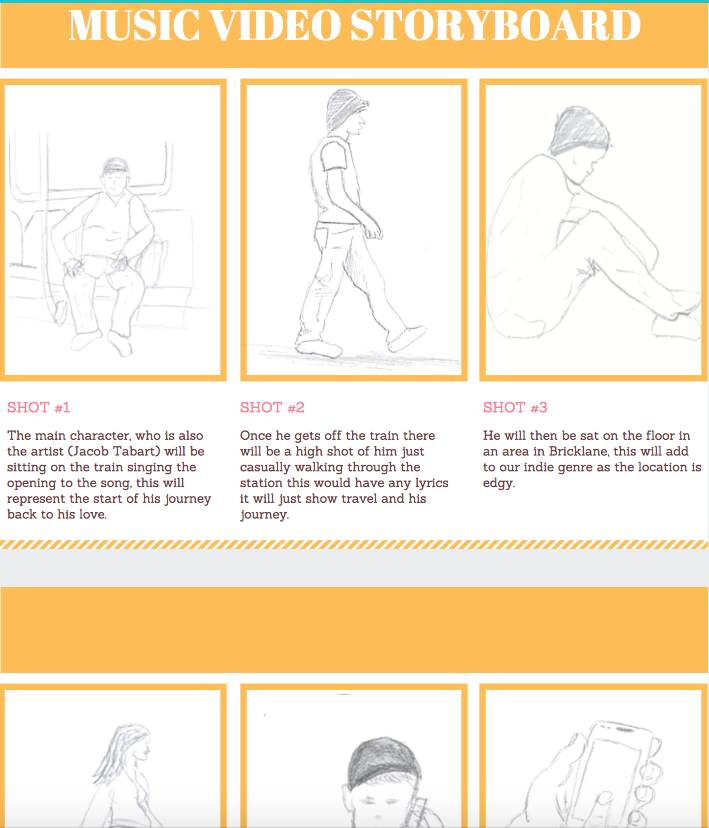
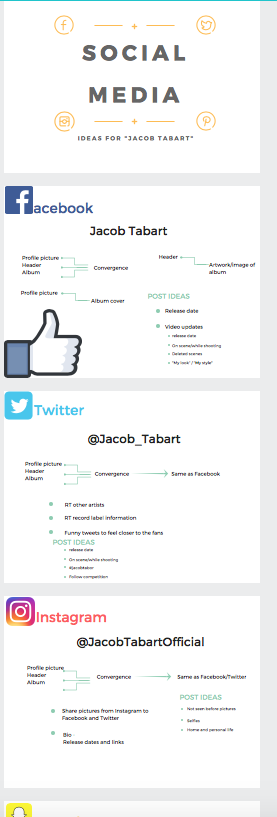
- I used canvas a lot when planning, it was a great way to layout my plans and to enable it to be interactive. I created interesting posters for the viewer/reder.
- I used canvas a lot when planning, it was a great way to layout my plans and to enable it to be interactive. I created interesting posters for the viewer/reder.
Weather website
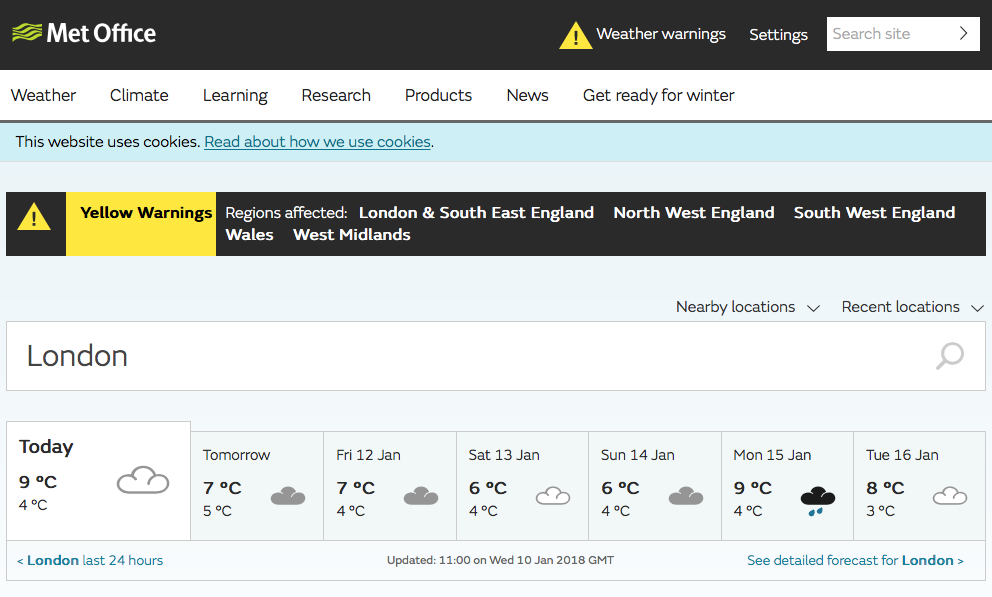
- Decided to check the weather before we traveled to London for filming to ensure that it would be suitable. I wanted to ensure that we would take the correct equipment for the weather conditions. This was effective as if we couldn't film then it would have effected our shooting schedule and put us behind.
- Decided to check the weather before we traveled to London for filming to ensure that it would be suitable. I wanted to ensure that we would take the correct equipment for the weather conditions. This was effective as if we couldn't film then it would have effected our shooting schedule and put us behind.
TFL website
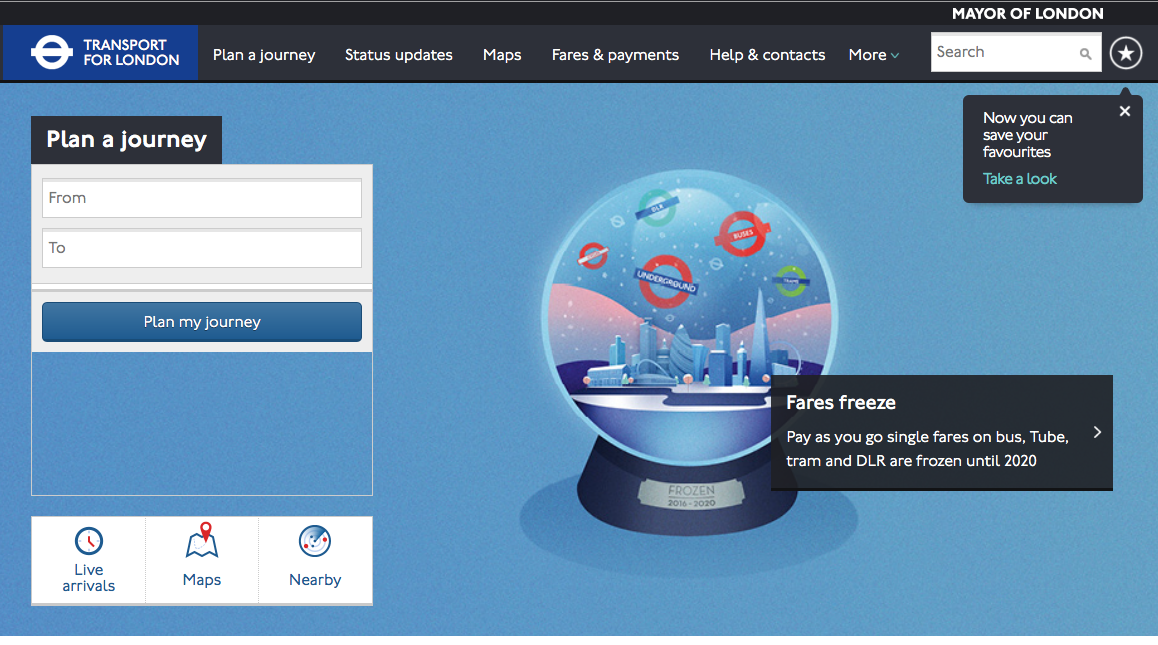
- I used the TFL website to ensure that we would have the correct times, making sure that everything runs smoothly. We made sure that there wouldn't be any train delays as we want everything to go as plan and not have any set backs that will effect our schedule.
- I used the TFL website to ensure that we would have the correct times, making sure that everything runs smoothly. We made sure that there wouldn't be any train delays as we want everything to go as plan and not have any set backs that will effect our schedule.
Google
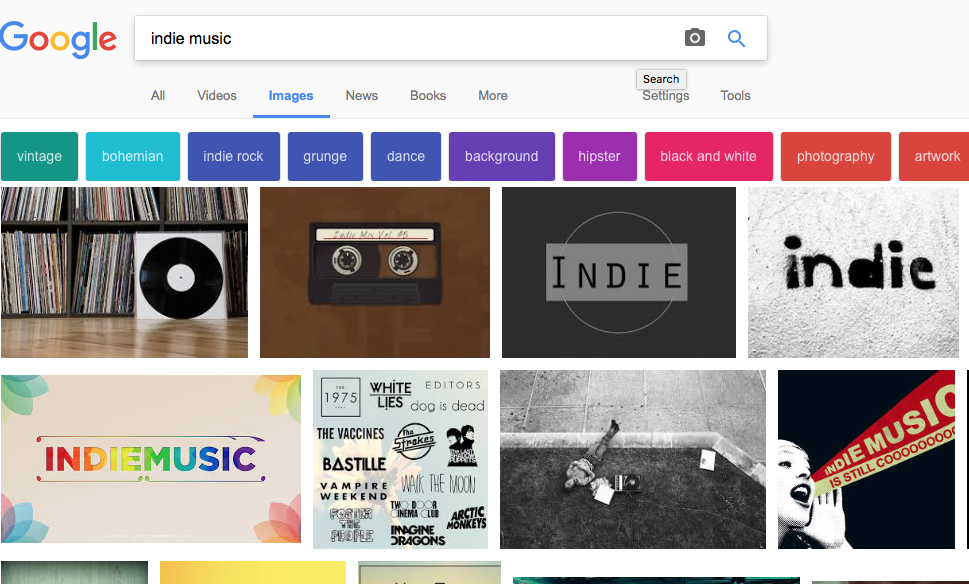
- I used Google throughout my coursework, I used it to find images for my mood-board,that would inspire my artists and actress' costumes. I also used google to help gather ideas and inspiration for our digipak and poster.
- I used Google throughout my coursework, I used it to find images for my mood-board,that would inspire my artists and actress' costumes. I also used google to help gather ideas and inspiration for our digipak and poster.
Iphone
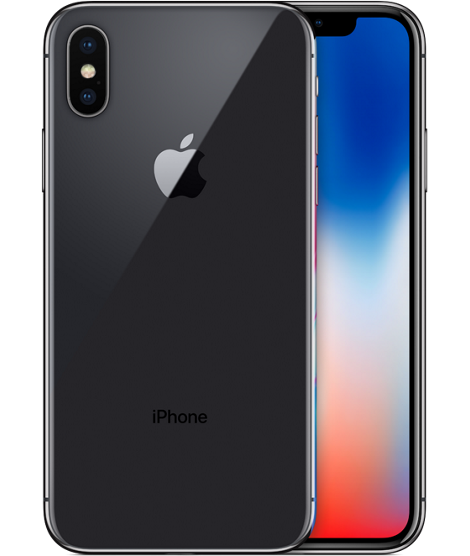
- I sketched images for the storyboard to help with the planning of each scene, I then photographed them on my phone and air dropped them to the Mac before importing them to a Canvas where I added some captions.
- I sketched images for the storyboard to help with the planning of each scene, I then photographed them on my phone and air dropped them to the Mac before importing them to a Canvas where I added some captions.
Polyvore
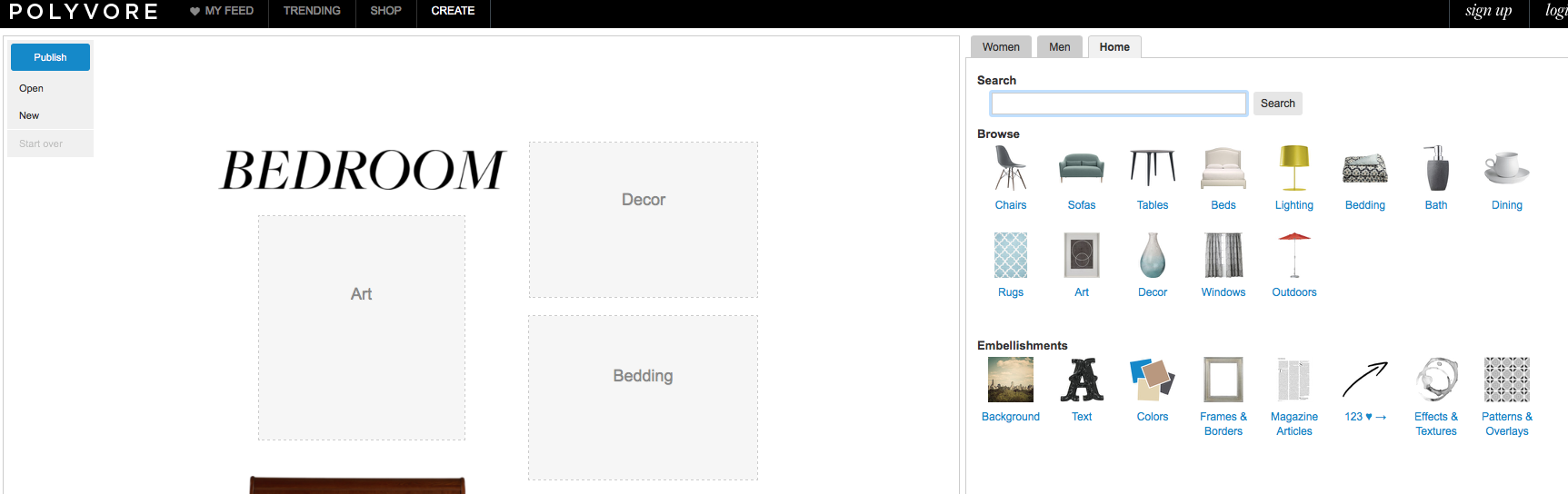
- I used Polyvore to create my mood-boards as it was a quick and easy website as it gives you all the tools to make a good mood-board.
- I used Polyvore to create my mood-boards as it was a quick and easy website as it gives you all the tools to make a good mood-board.