
Flashcards
Computer Science - Component 1
Flashcards do conjunto (49)
- 1The ___, part of the CPU, performs operations, such as AND, OR and NOT.ALU
Arithmetic Logic Unit - 2The CPU has several registers that hold small amounts of data. How many can you name?PC = Program Counter
CIR - Current Instruction Register
MDR = Memory Data Register
MAR = Memory Address Register
ACC = Accumulator - 3Data and instructions travel from RAM to the CPU along _____ .buses
Data Bus
Address Bus
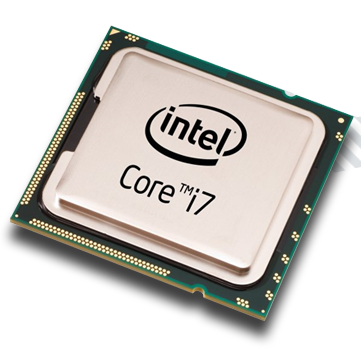
Control Bus - 4Which part of the computer is known to perform the fetch-decode-execute cycle.The CPU performs the fetch-decode-execute (FDE) cycle billions of times a second.
- 5The clock speed of the _____ determines the amount of times it performs the _____ cycle each _____. It is measured in _____ .The clock speed of the 'CPU' determines the amount of times it performs the 'FDE 'cycle each 'second'. It is measured in 'hertz'.
Nowadays CPUs have clock speeds of gigahertz (GHz).
1 GHz Clock Speed = 1 billion FDE cycles per second. - 6A CPU with more cores will...........increase the number of instructions that can be carried out at the same time.
Good to know: Programs have to be optimized to use all cores, whether this be dual core, quad core or octa core. - 7RAM, ROM and cache are examples of which type of storage?Primary storage
(left is a photo of RAM)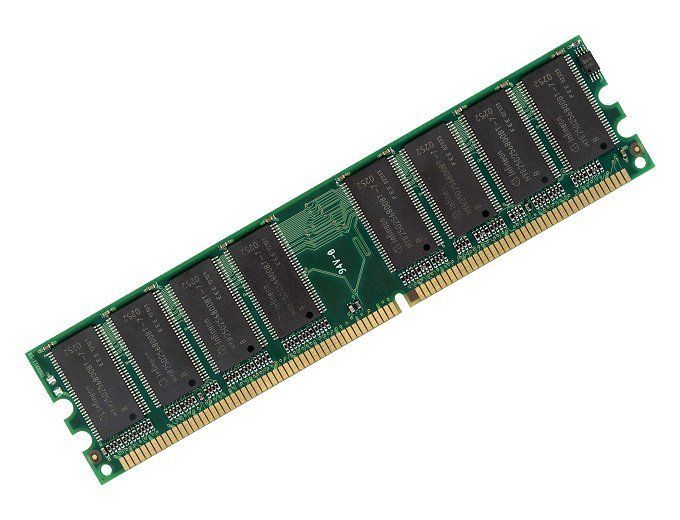
- 8Instructions needed to load the computer are stored in.....Read Only Memory
A program named the BIOS (Basic In Output System) is stored in ROM. This program CANNOT be overwritten. The BIOS is needed to start the computer. - 9RAM is volatile, this means when..........the computer is shut down (no power), the contents of RAM is emptied.
- 10ROM is non-volatile, this means when..........the computer is shut down (no power), the contents of ROM are not lost.
- 11A gamer notices that their PC is running slow. They have a quad core CPU, 1TB SSD and 4GB RAM. What would you recommend to improve the performance of their PC?I would recommend adding more RAM, maybe another 12GB.
- 12There are 3 different types of storage. What are they?Optical (CDs and DVDs), magnetic (HDDs and tapes) and solid state (SSDs and USB memory stick).
- 13HDD, SDD, memory cards, DVDs and memory sticks are examples of which type of storage?Secondary storage
(left is a photo of a HDD)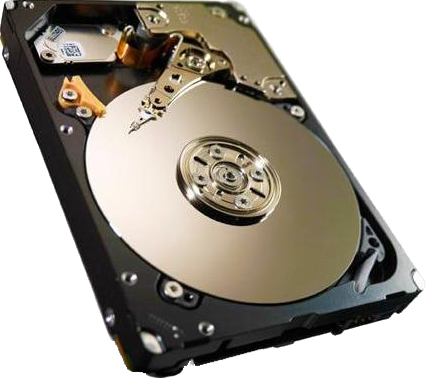
- 14TRUE or FALSE Solid state storage devices are more durable because there are no moving parts.TRUE
Solid state storage devices are ideal in situations where the owner requires a portable and durable device. - 15TRUE or FALSE A 500GB Hard Disk Drive are more expensive than a 500GB Solid State Drive.FALSE
SSDs are more expensive when buying a like-for-like amount of storage. - 16Hard Disk Drives and Solid State Drives are used to store large amounts of data permanently. Which of these can become fragmented?Hard Disk Drives
Gaps are created on a HDD when files are deleted, moved or change in size. New files are stored in the empty gaps. This means parts of a file could be saved in different locations on the disk. The read/write head has a broader area to read from and therefore this can prolong accessing a particular file. - 17Cache has a _____ capacity that is _____ for the CPU to access. RAM has a _____ capacity that is _____ for the CPU to access. A hard drive has a _____ capacity that is _____ for the CPU to access.Cache memory has a 'small' capacity that is 'rapid' for the CPU to access.
RAM has a 'smallish' capacity that is 'quick' for the CPU to access.
A hard drive has a 'large' capacity that is 'slow' for the CPU to access. - 18RAM is full! Data stored in RAM, that is not been used, is transferred to the _____ . This is known as _____ .RAM is full! Data stored in RAM, that is not been used, is transferred to the hard drive. This is known as virtual memory.
- 19When considering which type of permanent storage to use, what should you consider? Hint: How will you compare the suitability of a device?Capacity - how much storage space you get.
Durability - does it break easily?
Portability - how easy it is to carry?
Reliability - can you trust the device?
Access speed - how fast you access data.
Cost - compare like-for-like cost. - 20The typical size of an image file is 100 kilobytes. How many image files of this size could you store on a 1 gigabyte USB memory stick?A 1 gigabyte USB memory stick will store 10,000 image files.
1 gigabyte = 1,000 megabytes
1,000 megabytes = 1,000,000 kilobytes
1,000,000 / 100 = 10,000 image files - 21RAM is used for storing.........., data, files and programs currently in use.
Good to know: When a computer is switched on, the OS is loaded into RAM from the hard drive, after the initial hardware checks. This is the done by the bootstrap program. - 22Explain the process of packet switching.Type a web address in a web browser.
The associated IP address is found in a DNS.
The request is sent to the web server with that IP address.
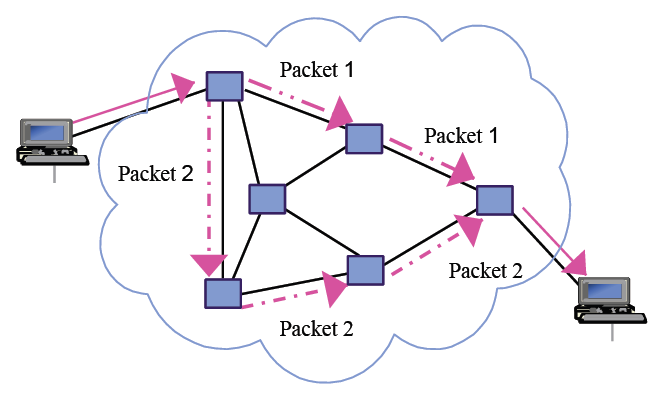
The web pages are broken down into data packets; sent to the client's computer (using their sender's IP address). Taking the faster route.
The web pages are reassembled for the client to view. - 23A WAN connects _____ across large geographical distances.LANs
Local Area Networks span a small geographical area e.g. home or building.
Wide Are Networks span a large geographical area e.g. city, region or even worldwide. - 24TRUE or FALSE Multiple VPNs can exist on a physical network.TRUE
A benefit of this is sharing the same physical hardware. Reduces hardware costs and running costs (electricity). - 25Define a network.A network is 2 or more devices connected together; wired or wirelessly, to share resources, such as printers, internet connection, files, etc.
A computer that is not connected to other computers is known as a 'stand-alone computer'. - 26Web hosting companies use their servers to store websites for an individual or another company e.g. florist.Web hosting companies use their servers to store websites for an individual or another company e.g. florist.
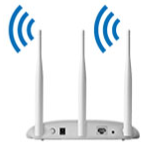
- 27What is a WAP used for?A Wireless Access Point allows devices to connect to a LAN wirelessly.
For home networks, a WAP is built in to your home broadband router. - 28What is a network switch used for?A network switch directs data to a particular node (device) on a network.
For home networks, a network switch is built in to your home broadband router. Usually there are 4 ports for you to connect your devices to using ethernet cables.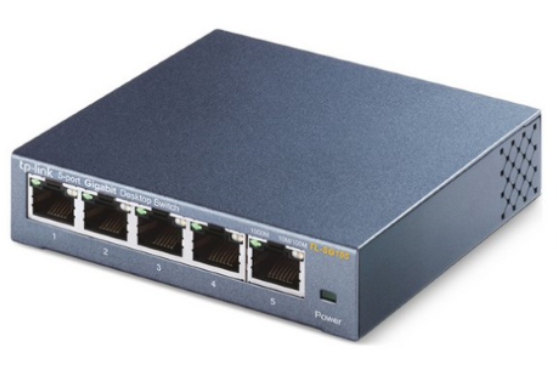
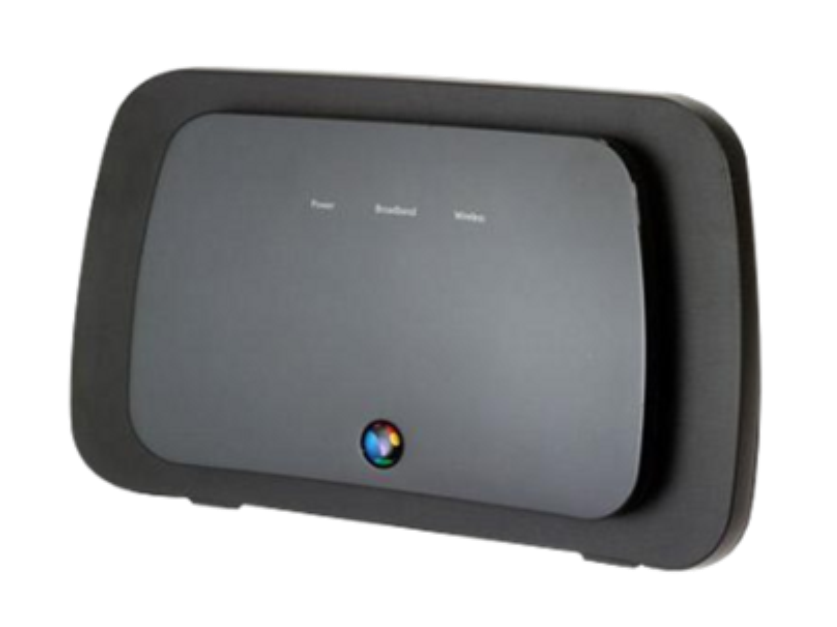
- 29What is a network router used for?A network router routes packets of data around a network using the sender/destination IP addresses attached to the packet.
- 30What is a NIC used for?A Network Interface Card allows a device to connect to a LAN via an ethernet cable.
Usually 'on board' the motherboard.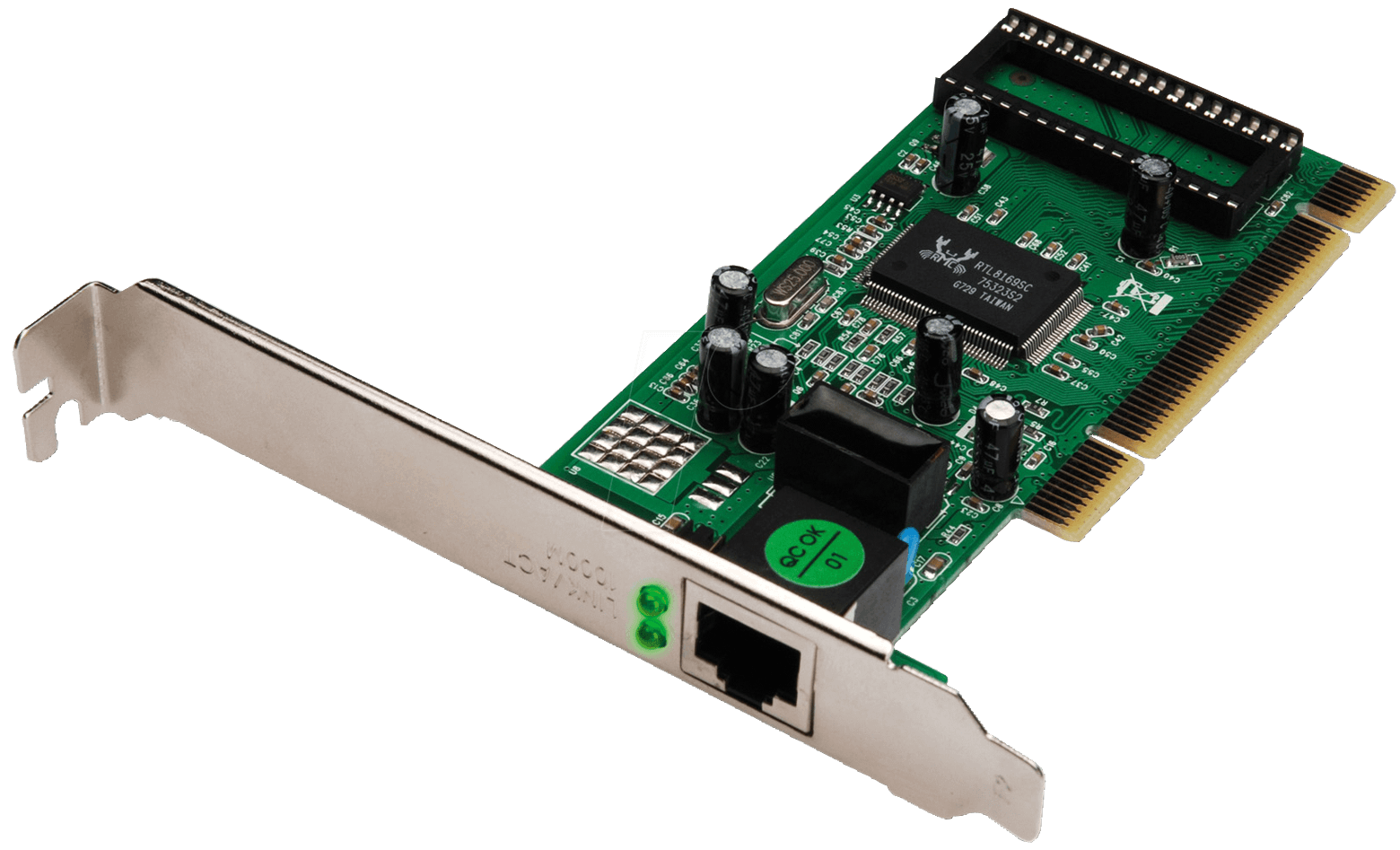
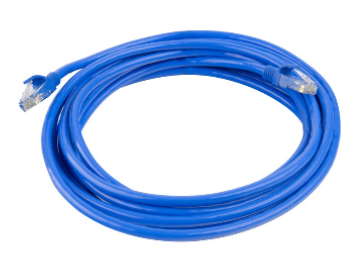
- 31What is an ethernet cable used for?An ethernet cable is used to physically connect devices to a LAN. The device will need to have a NIC. An ethernet cable will plug into the NIC at one end and into the switch / network port at the other.
- 32What is a modem used for?A modem converts an analogue signal into a digital signal. This is so telephone lines can be used to transmit data over.
For home networks, a modem is usually built in to your home broadband router.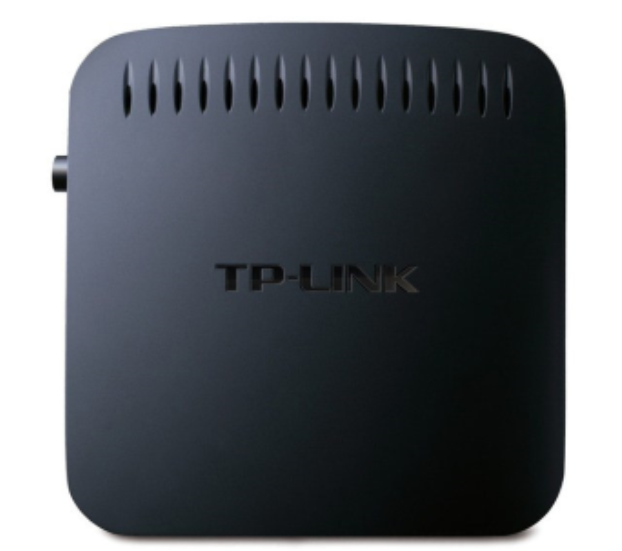
- 33What is WiFi used for?WiFi is a type of connectivity! It is used to connect devices to a network wirelessly. A WiFi enabled device is able to connect to a WAP.
- 34Explain why a domain name is assigned to an IP address.IP addresses look like this: 132.45.234.5
I think you'd agree that they are difficult to remember. So a domain name (web address) is assigned to the IP address, because us humans can remember www.youtube.com far better. - 35A _____ is like a phone book of IP addresses and their associated domain names (web addresses).A DNS is like a phone book of IP addresses and their associated domain names (web addresses).
- 36Explain (using an annotated diagram) how Packet Switching works.
- 37TRUE or FALSE A packet is a chunk of data being transmitted over a network.TRUE
Data is broken down into packets before being transmitted over a network. It is broken down to make transmission easier. - 38The two most common models for connecting dveices together are Client / Server and Peer-to-Peer. Describe a Client / Server model. Describe a Peer-to-Peer model.In a Client / Server model computers are either classed as a server or a client. The clients rely on the server to provide services like file sharing, centralised printing and managing e-mails.
In a Peer-to-Peer (P2P) model there is no centralised server. Each computer is equal. Peers store their own files that other peers can access. - 39What are network protocols?Computers need rules to be able to communicate with each other. Network 'protocols' are rules that enable computers to communicate with one another on a network.
TCP/IP: breaking data down into packets and routing them over a network..
HTTP/HTTPS: transmitting HTML web pages from server to client.
FTP: transferring files from server to client. - 40Network attacks questionAns
- 41Network performance questionAns
- 42Topologies questionAns
- 43Cloud storage questionAns
- 44DNS questionAns
- 45Explain the FDE cycle questionAns
- 46Computer performance questionAns
- 47Cache is usually measured in __. RAM is usually measured in __. Hard drives are usually measured in __.Cache is usually measured in MB (e.g. 2 MB) and very fast access for CPU.
RAM is usually measured in GB (8 GB) and fast access for CPU.
Hard drives are usually measured in GB (500 GB) and slow access for CPU. - 48What is a server?A server is a computer that serves the requests from clients. There are different types of servers:
web server
file server
print server
application server
mail server (e-mail) - 49Virtual network questionAns
Informações
- Descrição
- FlashCards sobre Computer Science - Component 1, criado por Jade Cammillare em 23-01-2020.
- Criado por
- Jade Cammillare
- Visualizações
- 12
- Tags
- Avaliação