
Mindmap
Internal components of a computer
Inhalt der Mindmap
Internal components of a computer
definition of the internal components of the computer
- Computer Hardware is the physical part of a computer, as distinguished from the computer software that executes or runs on the hardware.
PROCESSOR
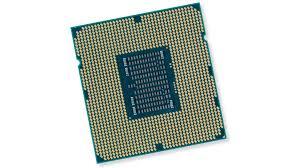
- This is the part of the computer that processes data, according to the instructions is has been given, to provide the user with information
- CPU
- Brain of the computer
- four steps in CPU operation: the first step, fetch, involves retrieving an instruction from program memory. The second step, decode,the instruction is broken up into parts that have significance to other portions of the CPU. The third step,exercute, various portions of the CPU, such as thearithmetic logic unit (ALU) and the floating point unit (FPU) are connected so they can perform the desired operation. The final step, writeback, simply writes back the results of the execute step to some form of memory.
- CPU
- This is the part of the computer that processes data, according to the instructions is has been given, to provide the user with information
MEMORY
- The computer has to keep to the data that has been entered until it is ready to process it. It also has to load software applications. This memory is lost when the computer is off
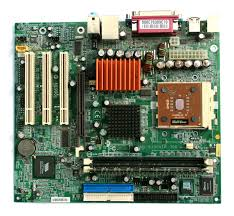
- Motherboard
- The body or mainframe of the computer, through which all other components interface.
- Provides the electrical connections by which the other components of the system communicate. The mother board includes many components such as: central processing unit (CPU), random access memory (RAM), firmware, and internal and external buses.
- RAM
- Random access memory
- Fast-access memory that is cleared when the computer is power-down. RAM attaches directly to the motherboard, and is used to store programs that are currently running. RAM is a set of integrated circuits that allow the stored data to be accessed in any order (why it is called random). There are many different types of RAM. Distinctions between these different types include: writable vs. read-only, static vs. dynamic, volatile vs. non-volatile, etc.
- Random access memory
- Motherboard
- The computer has to keep to the data that has been entered until it is ready to process it. It also has to load software applications. This memory is lost when the computer is off
STORAGE
- Files and applications need to be stored safely until the computer is ready to load them again. The data is not lost when the computer is off
- Hard drive
- non-volatile storage device
- Stores digitally encoded data on rapidly rotating platters with magnetic surfaces. Just about every new computer comes with a hard disk these days unless it comes with a new solid-state drive. Typical desktop hard disk drives store between 120 and 400GB, rotate at 7,200 rpm, and have a madia transfer rate of 1 Gbit/s or higher.
- Hard drive
- Files and applications need to be stored safely until the computer is ready to load them again. The data is not lost when the computer is off
INPUT DEVICES
- Without external data a computer can do almost nothing. The role of an input device is to input data into a computer
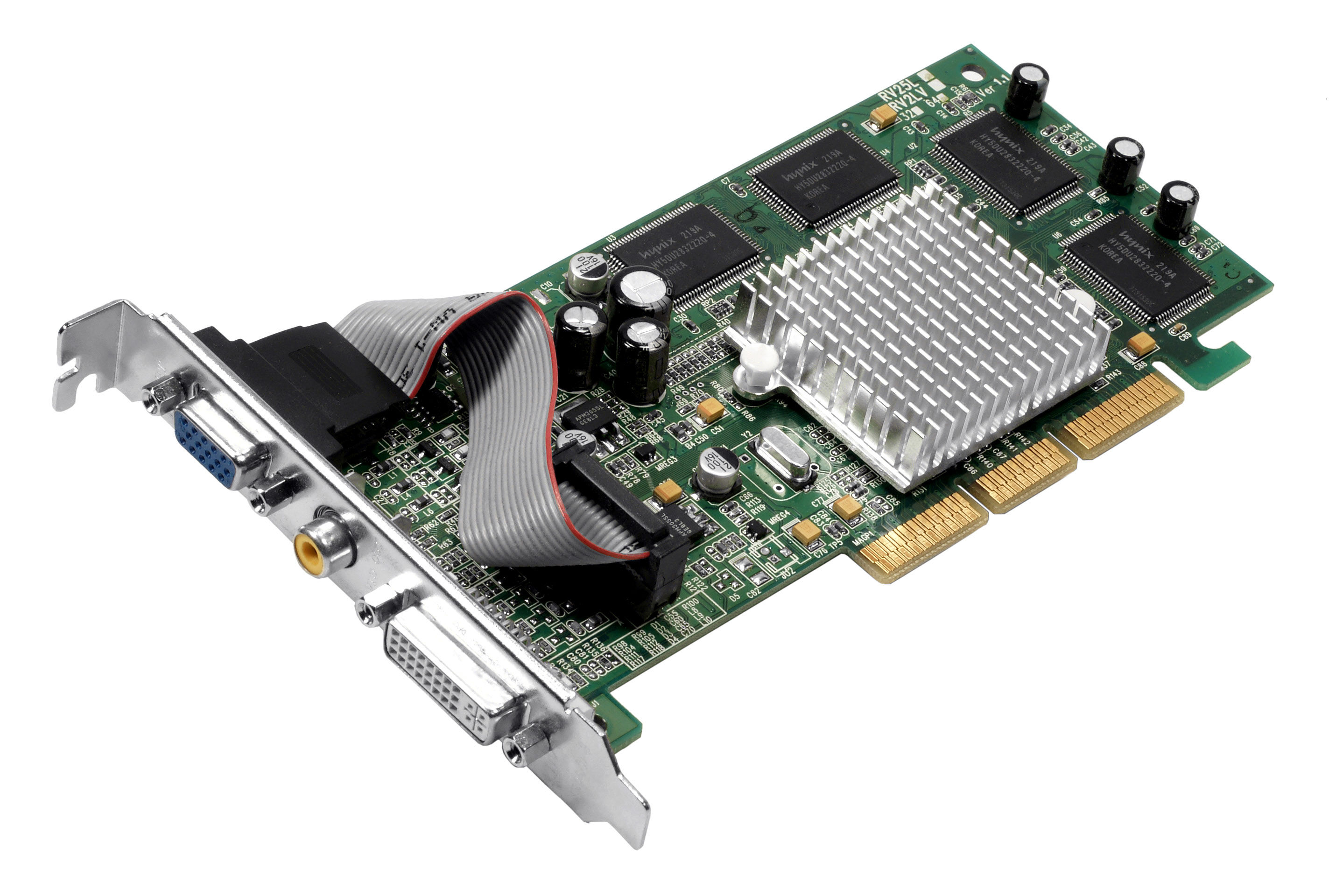
- Video card
- An expansion card that allows the computer to send graphical information to a video display device such as a monitor .Each motherboard supports only a limited range of video card
- An expansion card that allows the computer to send graphical information to a video display device such as a monitor .Each motherboard supports only a limited range of video card
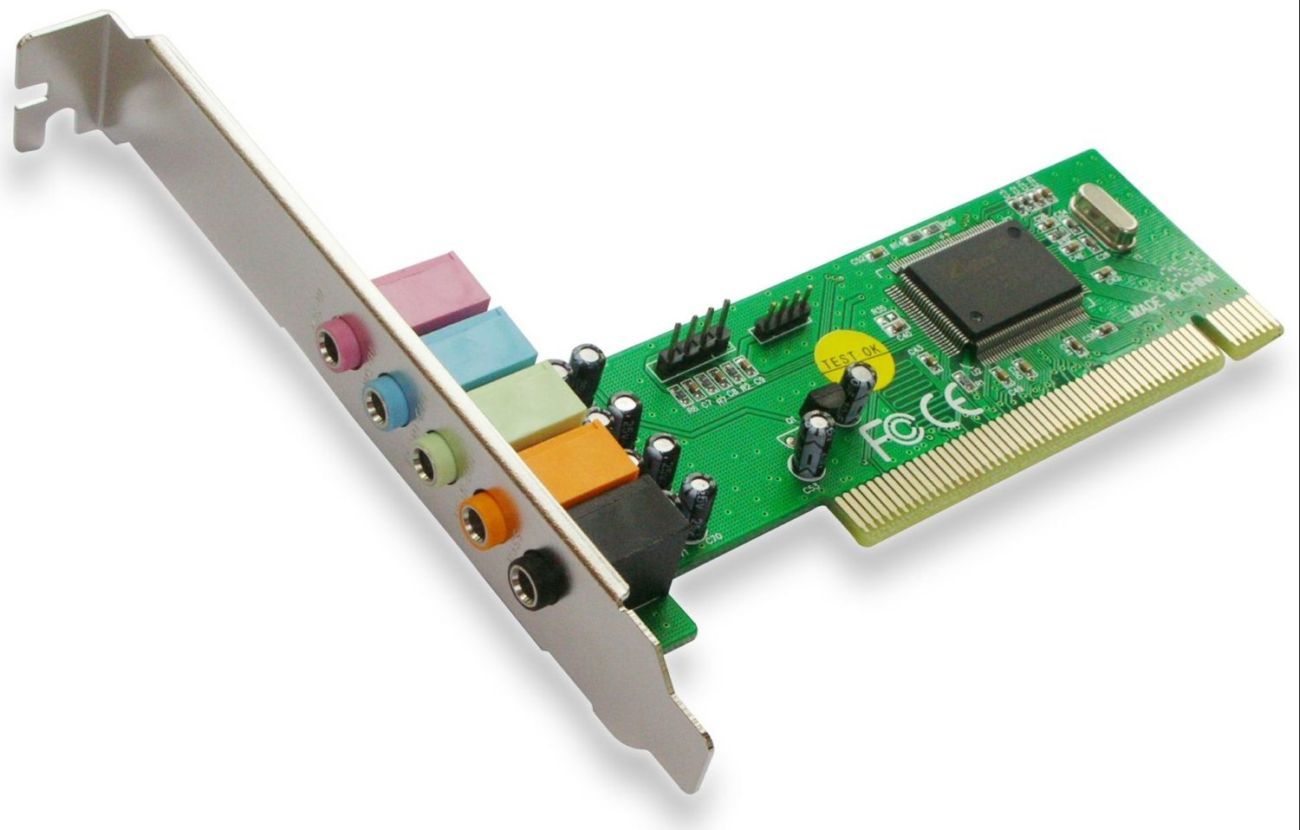
- Sound card
- An expansion card that allows the computer to send audio information to an audio device like speakers or a pair of headphones. Many modern computers do not have sound expansion cards but instead have the same technology integrated directly onto the motherboard
- An expansion card that allows the computer to send audio information to an audio device like speakers or a pair of headphones. Many modern computers do not have sound expansion cards but instead have the same technology integrated directly onto the motherboard
- Video card
- Without external data a computer can do almost nothing. The role of an input device is to input data into a computer
SUPPORTER
- Devices that support the computer
- Power supply
- A piece of hardware that's used to convert the power provided from the outlet into usable power for the many parts inside the computer case
- A piece of hardware that's used to convert the power provided from the outlet into usable power for the many parts inside the computer case
- Power supply
- Devices that support the computer
Bilder und Dateien der Mindmap



Informationen
- Beschreibung
- Internal components of a computer
- Erstellt von
- emma.mo
- Aufrufe
- 373
- Tags
- Bewertung