
Mindmap
Communication Systems
Inhalt der Mindmap
Communication Systems
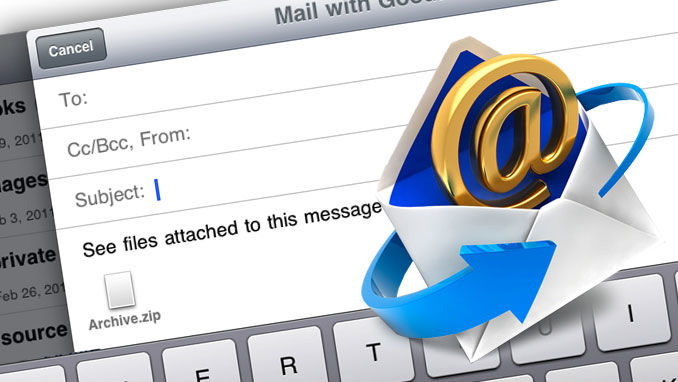
E-mail
- Allows messages to be sent and received by computers. Is the most common form of electronic communication.
- They are text based but other types of files can be sent as attachments. When they are received they wait in the users inbox waiting to be read. They can be ignored until the user is ready to read them.
- Main Parts
- Subject: A short sentence describing what the message is about.
- To: The address(es) of the person who the message is for.
- Message: The text of the message.
- Other Parts
- CC: The adress(es) of people to copy the email to (Carbon Copy).
- BCC: The adress(es) of people to copy the e-mail to without anyone knowng (Blind Carbon Copy).
- Attachments: Files linked to the message.
- Main Parts
- They are text based but other types of files can be sent as attachments. When they are received they wait in the users inbox waiting to be read. They can be ignored until the user is ready to read them.
- Allows messages to be sent and received by computers. Is the most common form of electronic communication.
Video Conferencing
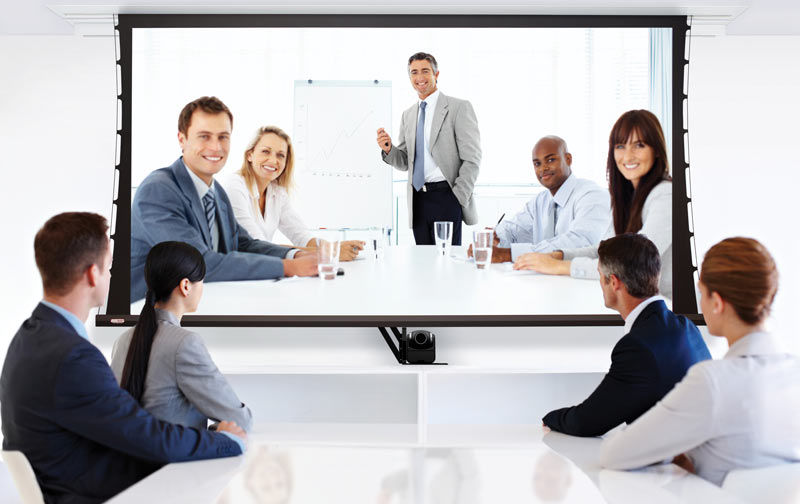
- Allows people to have conversations and meetingswith other people in defferent locations, without leaving their office.
- It involves people sitting in front of a camera and a microphone, whilst watching other people of a screen and listening to them through loudspeakers.
- Advantages
- -Notravel costs. -No time wasted travelling to other cities. -Can organize meeting at short notice.
- Hardware Used
- -Video Camrera -Monitor -Microphone -Loudspeakers -High speed network/Internet connection.
- Disadvantages
- -Less personal than face-to-face meetings -Documents cannot be signed.
- Advantages
- It involves people sitting in front of a camera and a microphone, whilst watching other people of a screen and listening to them through loudspeakers.
- Allows people to have conversations and meetingswith other people in defferent locations, without leaving their office.
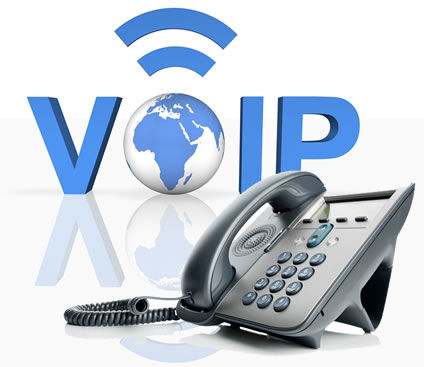
Internet Telephony/Voice Over IP (VOIP)
- Use your internet connection to send and receive phone calls As instead using the normal telephone network VOIP systems send voices through the internet as digital data.
- Work Ways
- -VOIP software can be installed on a computer. Calls the can be done using a headset or a special USB handset. -Special VOIP telephones can be plugged directly into the network.
- Disadvantages
- -Require a special hardware and internet connection. -Not reliable as normal phones. -Call quality depends on the speed of the internet connection.
- Advantages
- -No telephone line is required. -Call costs are very low. -Can include video.
- Work Ways
- Use your internet connection to send and receive phone calls As instead using the normal telephone network VOIP systems send voices through the internet as digital data.
Fax
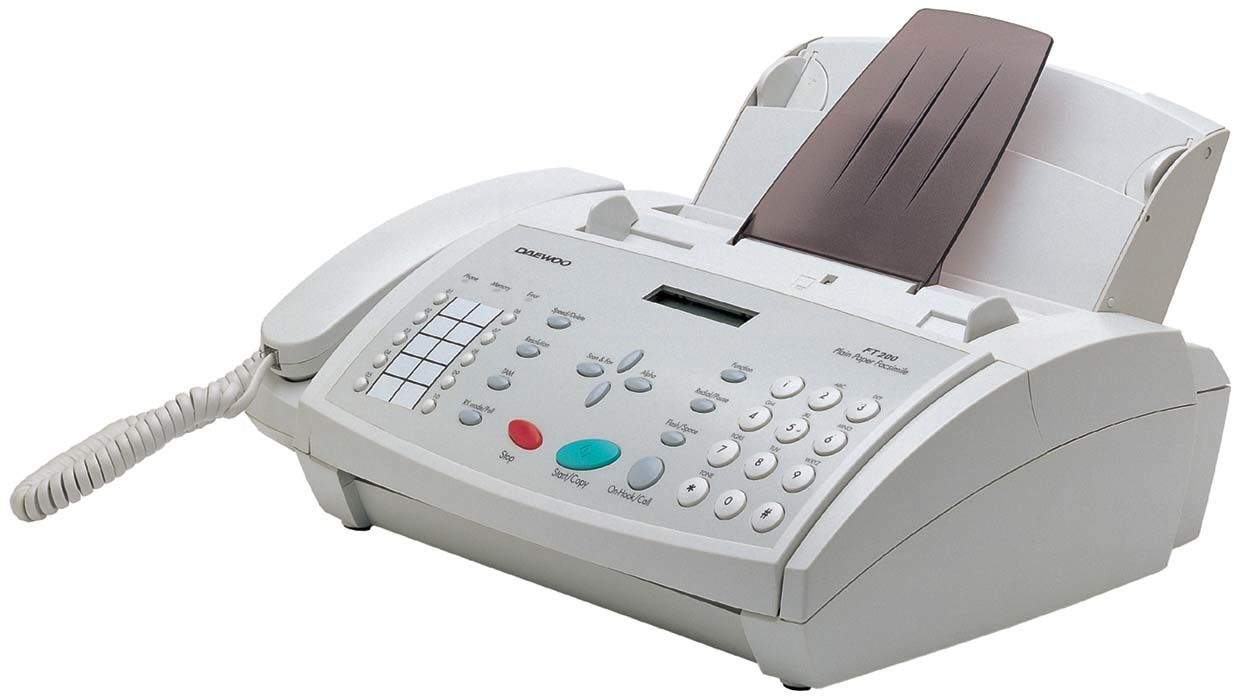
- A fax machine is a device that can send a copy of a paper document over the. telephone network
- The sending fax converts the light/dark areas of the printed document into noises, which travel through the phone system and are received by another fax machine, that converts the noises into printed marks on a piece of paper - making a copy of the original document.
- Faxes are: Low quality (images are specially poor) and slow to send.
- Faxes have been used for many years as a quick way of sharing documents but nowadays most people have access to a computer and e-mail attacments are more commonly used.
- They are still used casue most businesses would accept a document such as a contract that had been signed and sent by fax.
- The sending fax converts the light/dark areas of the printed document into noises, which travel through the phone system and are received by another fax machine, that converts the noises into printed marks on a piece of paper - making a copy of the original document.
- A fax machine is a device that can send a copy of a paper document over the. telephone network
Mobile Telephones
- Allow people to be away from their workplace, yet still be contactable. So, people can still work, even when out of the office.
- Advantages
- -Make and receive telephone calls anywhere. -Send and receive SMS messages. -Send and receive e-mail. -Send and receive files. -Edit documents.
- Disadvantages
- -It can be stressful as workers never have the chance switch off since they can always be contacted. -Mobiles are easy to lose and often contain a lot of personal and/or business information.
- Advantages
- Allow people to be away from their workplace, yet still be contactable. So, people can still work, even when out of the office.
Bilder und Dateien der Mindmap
Informationen
- Beschreibung
- Mind Map
- Erstellt von
- sofia garrido · Mär 2017
- Aktualisiert
- 14 Mär 2017
- Aufrufe
- 12
- Bewertung