
1238317
Beschreibung

Mindmap von olive.seidler, aktualisiert more than 1 year ago

|
Erstellt von olive.seidler
vor mehr als 11 Jahre
|
|
What's Inside my Computer
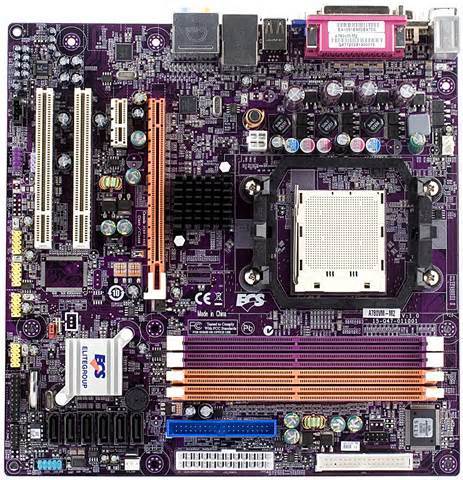
- Motherboard
- The motherboard connects all the
parts of the computer together. It
now has everything on it which can
mean if just one part needs
changing you have to change the
whole board.
- If you hold the motherboard, you
can see what look like tracks
on the surface. They
are what the information travels
through to get to another
component.
- If you hold the motherboard, you
can see what look like tracks
on the surface. They
are what the information travels
through to get to another
component.
- Because the motherboard holds
everything, making it so small to fit
inside something slim, like a laptop,
means using a higher quality metal
which is the reason why laptops are
more expensive than desktops.
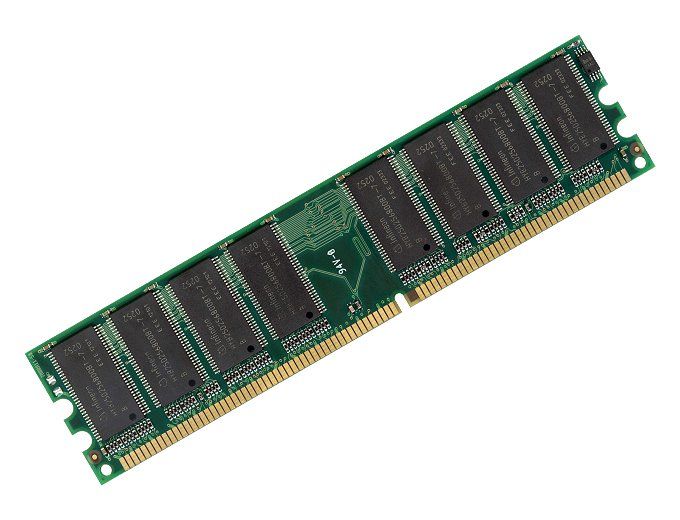
- RAM
- RAM stands for Random Access Memory and is a
type of storage that can be accessed quickly from
random locations. However RAM needs power so if
you loose power, you loose data.
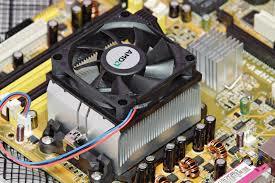
- Cooling System
- The cooling system is very important in a computer
as it stops everything from overheating and stop
working. It can be made up of many fans including
one on top of the CPU to keep it from becoming too hot.
- The cooling system also can include a
few heat sinks which have a large surface
area and absorbs heat to help
components like the CPU, hard drive and
video drives.
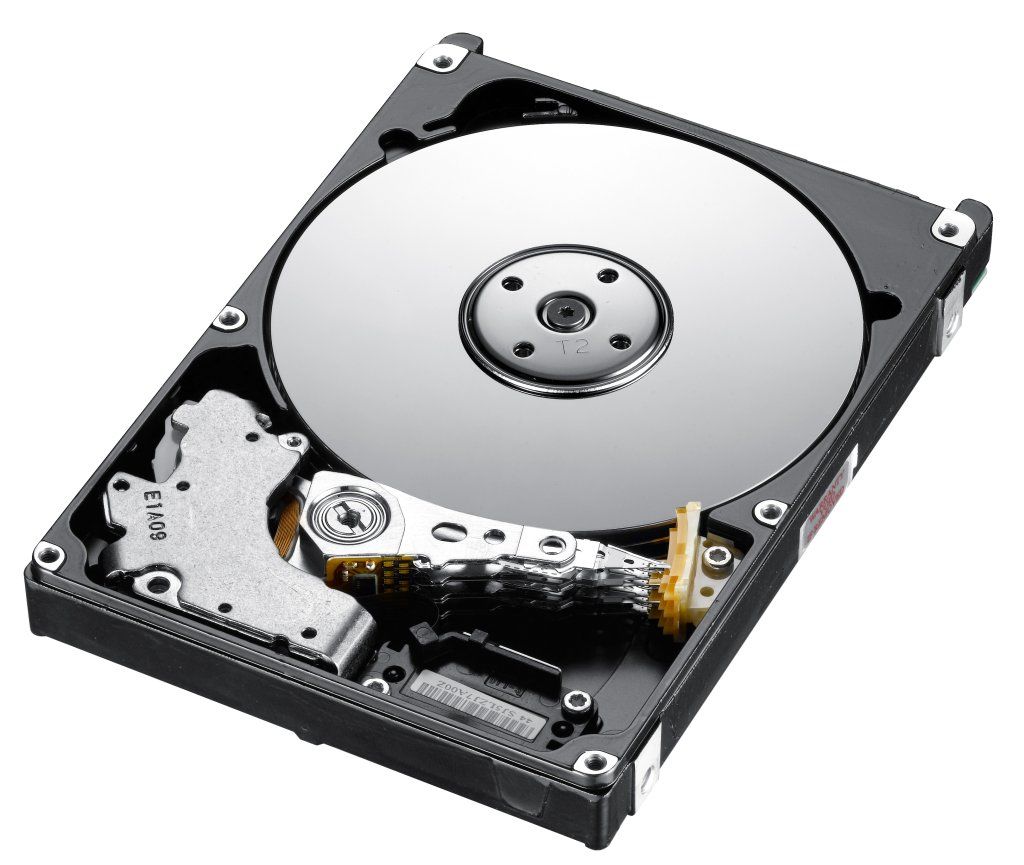
- Hard Drive
- The hard drive is the main and largest
data storage in your computer. They
can be very heavy as they are
magnetic metal which is why holding a
magnet to your computer can erase
what's on it.
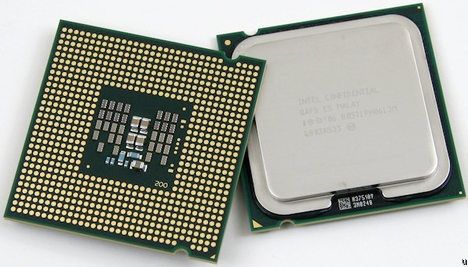
- CPU
- CPU stands for Central
Processing Unit and is responsible
for executing the commands from
the hardware. It is considered as
the brains of the computer. It will
be put onto the motherboard pin
side down.
Medienanhänge
Möchten Sie kostenlos Ihre eigenen Mindmaps mit GoConqr erstellen? Mehr erfahren.