Mapa mental
Operating Systems

Contenido del mapa
Operating Systems
An operating system (OS) is the program that, after being initially loaded into the computer by a boot program, manages all the other programs in a computer. It Is a collection of programs that manages the hardware and software of a computer system including sharing the computer's time, memory, hardware and other resources.
File Management
- Creates a file system to organise folders and directories
- Hierarchy of Directories
User interface management
- provides a user interface so it is easy to interact with the computer
- Touch sensitive
- Touch sensitive interfaces can be found on many mobile devices such as a smart phone or a tablet computer. They work by your finger touching the screen
- Touch sensitive
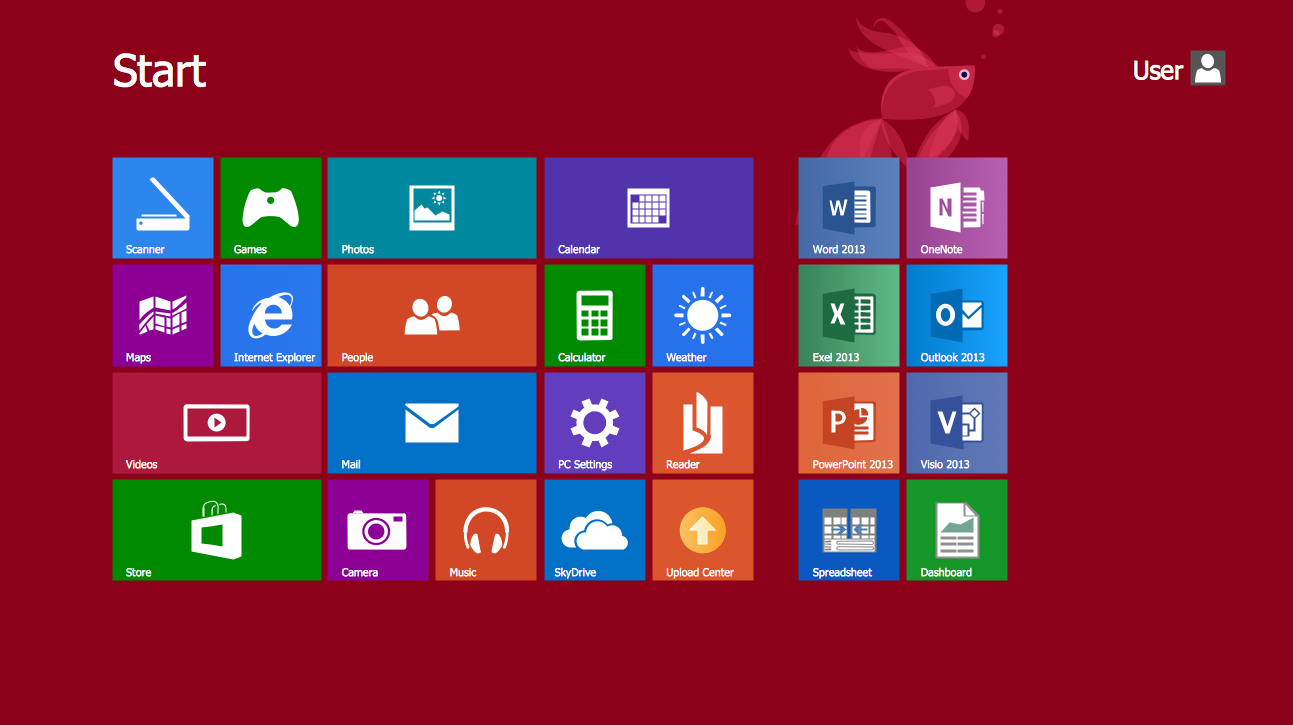
- The graphical user interface is a type of user interface that allows users to interact with electronic devices through graphical icons and visual indicators such as secondary notation, instead of text-based user interfaces, typed command labels or text navigation.
- CUI - A command-line interface allows the user to interact with the computer by typing in commands. The computer displays a prompt, the user keys in the command and presses enter or return.
- Voice & Sound
- This type of user interface allows us to speak to the computer in our everyday language to communicate and control it.
- Voice & Sound
- provides a user interface so it is easy to interact with the computer
Hardware Management
- manages peripherals - opens, closes and writes to peripheral devices such as storage attached to the computer
- Drivers - software that is used by the OS to control a device
- manages memory - transfers programs into and out of memory, allocates free space between programs, and keeps track of memory usage
- manages peripherals - opens, closes and writes to peripheral devices such as storage attached to the computer
Security
- security - provides security through user accounts and passwords
- specified steps or measures used to protect the OS from threats, viruses, worms, malware or remote hacker intrusions.
Utilities
- utilities - provides tools for managing and organising hardware
Process Management
- multi-tasks - allows multiple applications to run at the same time. Only one process can be running at any one time. CPUs are extremely fast, so if a program is processed for even a short time it can do quite a lot. The OS decides the best way to swap between running, runnable and waiting processes. It controls which process is being executed by the CPU at any point in time, and shares access to the CPU between processes. The job of working out when to swap processes is known as scheduling.
- manages the CPU - runs applications and executes and cancels processes. Different processes running at the same time must not interfere with one another. This means they have to use different parts of the computer’s memory.
Examples of OS
- Mac(intosh) - created by Apple
- Windows - Created by Microsoft and is the biggest OS platform.
- Linux - is a community created OS that has free to use licenses.
- Android - created by Andy Rubin in 2003
- UNIX - created by Ken Thompson in 1971, was one of the early examples of an OS.