
Mind map
100 Ways to Improve Usability in Your Library

Map content
100 Ways to Improve Usability in Your Library
general
- conduct a usability study, use common tems, library desirable and be friendly
website
- put a help link on every page,make your catalog search incredibly easy to find. create effective navigation
catalog and search
- provide a search history, offer a site search and check your logs.
availability
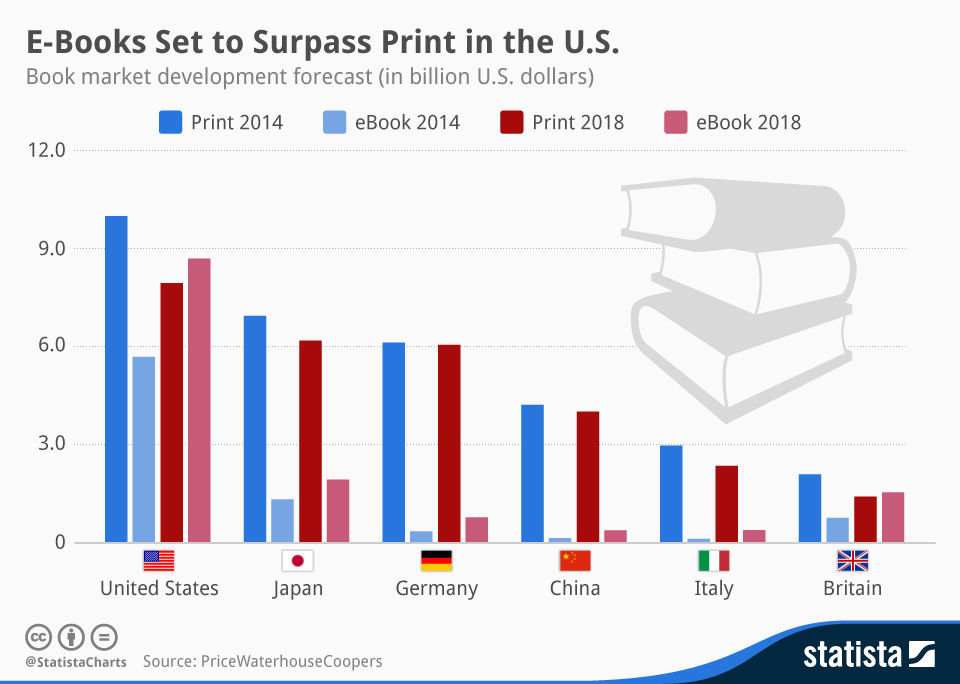
- make your most often used items prominent, use statistics, offer ebooks
staff
- encourage blogging
- allow your staff to evangelize for your library and get connected with patrons by encouraging them to blog.
- cross train: have staff in different departament train with each other, so that everyone has more knowledge to help library patrons when needed. create a staff that enjoys working together, and they'll be better prepared to serve the needs of patrons.
- be available
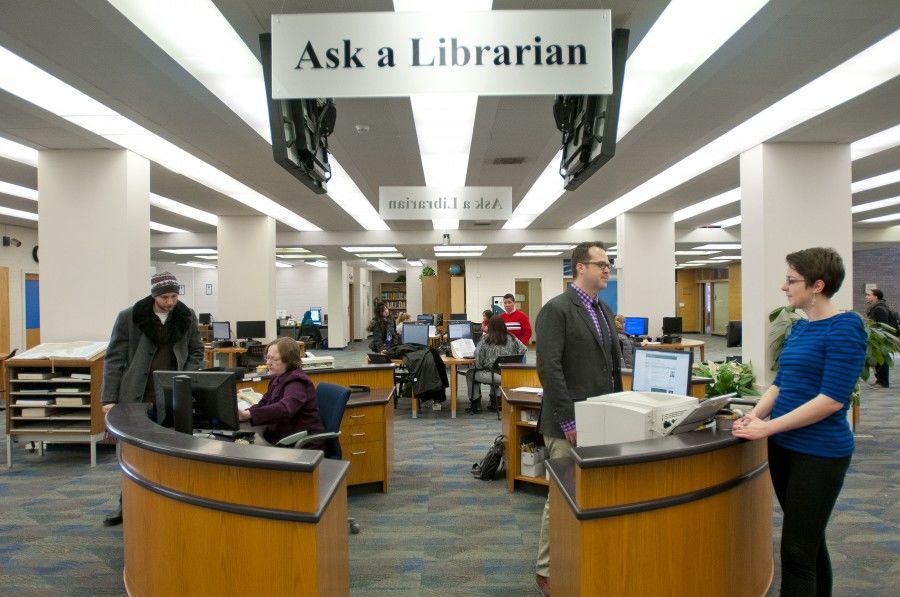
- make sure that you always have enough staff on hand to meet the needs of your library's users
- support professional development
- encourage your staff out seek out additional education in new media, technology, and other courses that will help them in the library
- use a wiki
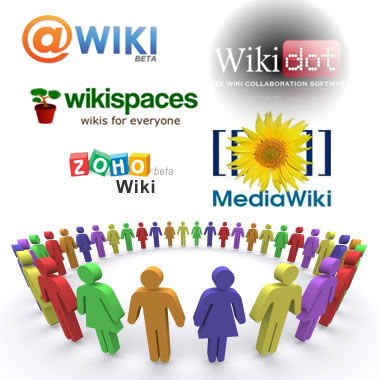
- utilize a wiki for content management so that you can have an effective internal sharing system
- encourage blogging
library environment
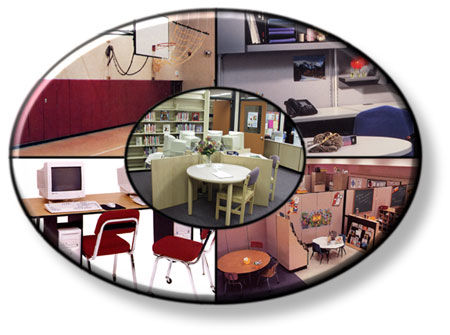
- manage noise, use signs to make areas clear, handle conflict between patrons, be positive, create stations, offer individual and group spaces, create a clean presentation
interaction
- ask staff to wear name tags, offer tours, have an active email address, ask users what they want and need, create exciting events, hold training classes, improve service to remote visitors.
computers
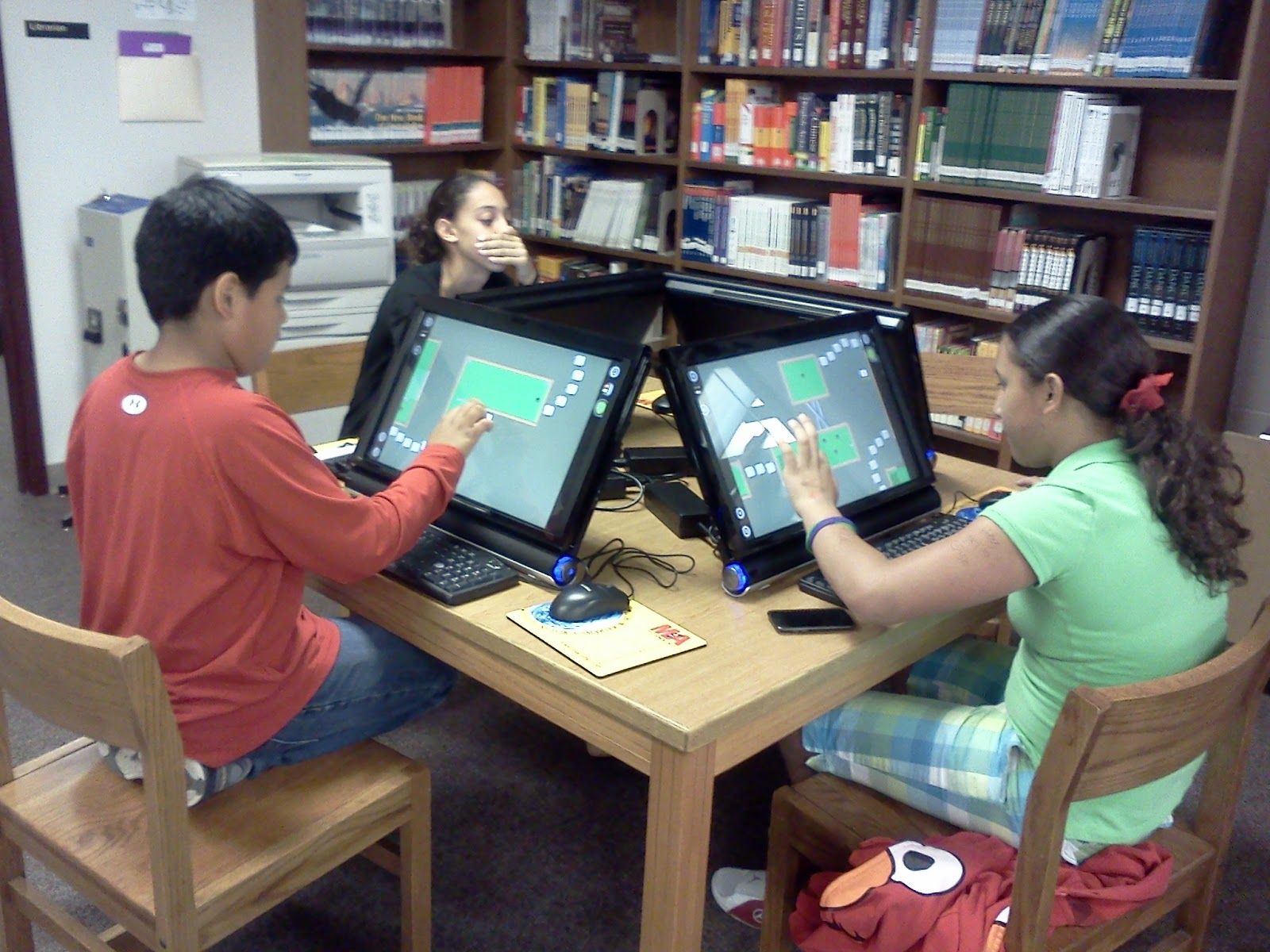
- install firefox, designate catalog and internet computers, offer more laptops, allow patrons to use the tools they want, offer wi-fi
equipment
- stay on top of maintenance and repairs, lend tools.
kid friendly
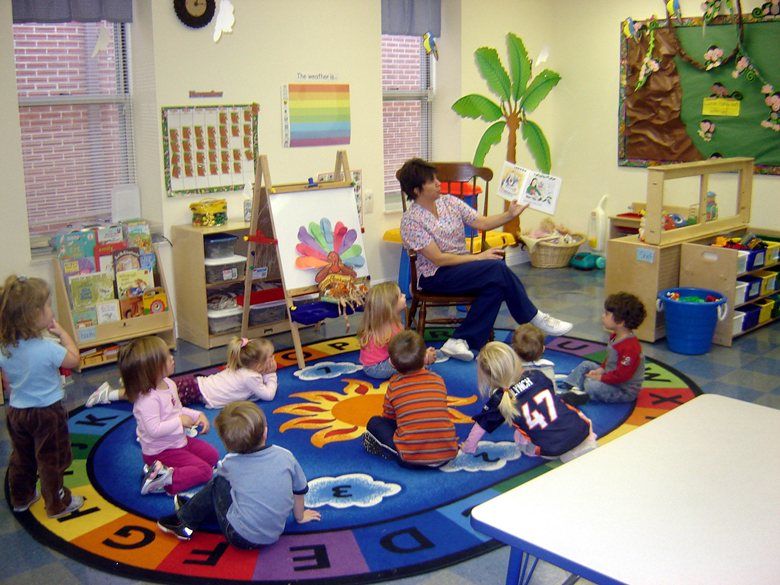
- use multimedia for navigation, create reading nooks, give instructions.
fun tools
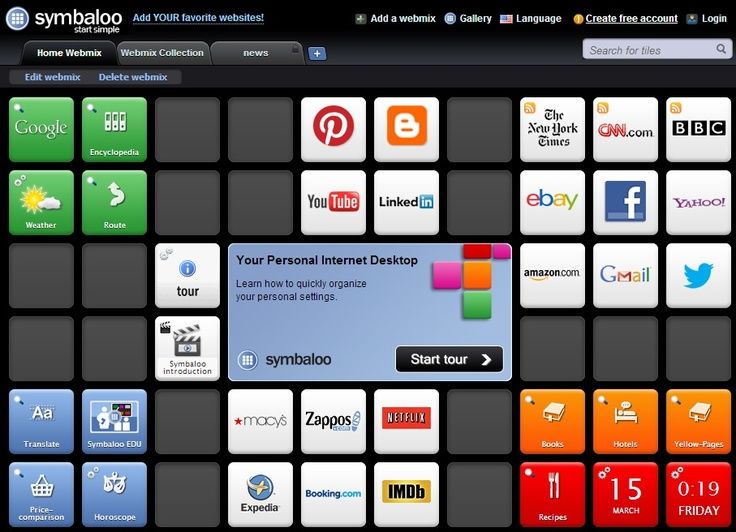
- flickr, del.icio.us, librarything, facebook, diigo, twitter, ma.gnolia.com, libGuides, wikipedia, youtube.
Images and files in the map





Information
- Description
- Mind Map on 100 Ways to Improve Usability in Your Library, created by hasly katherine flor on 05/12/2017.
- Created by
- hasly katherine flor
- Views
- 51
- Rating