
Mind map
Unit 2. Bibliographic Management Applications (BMA)
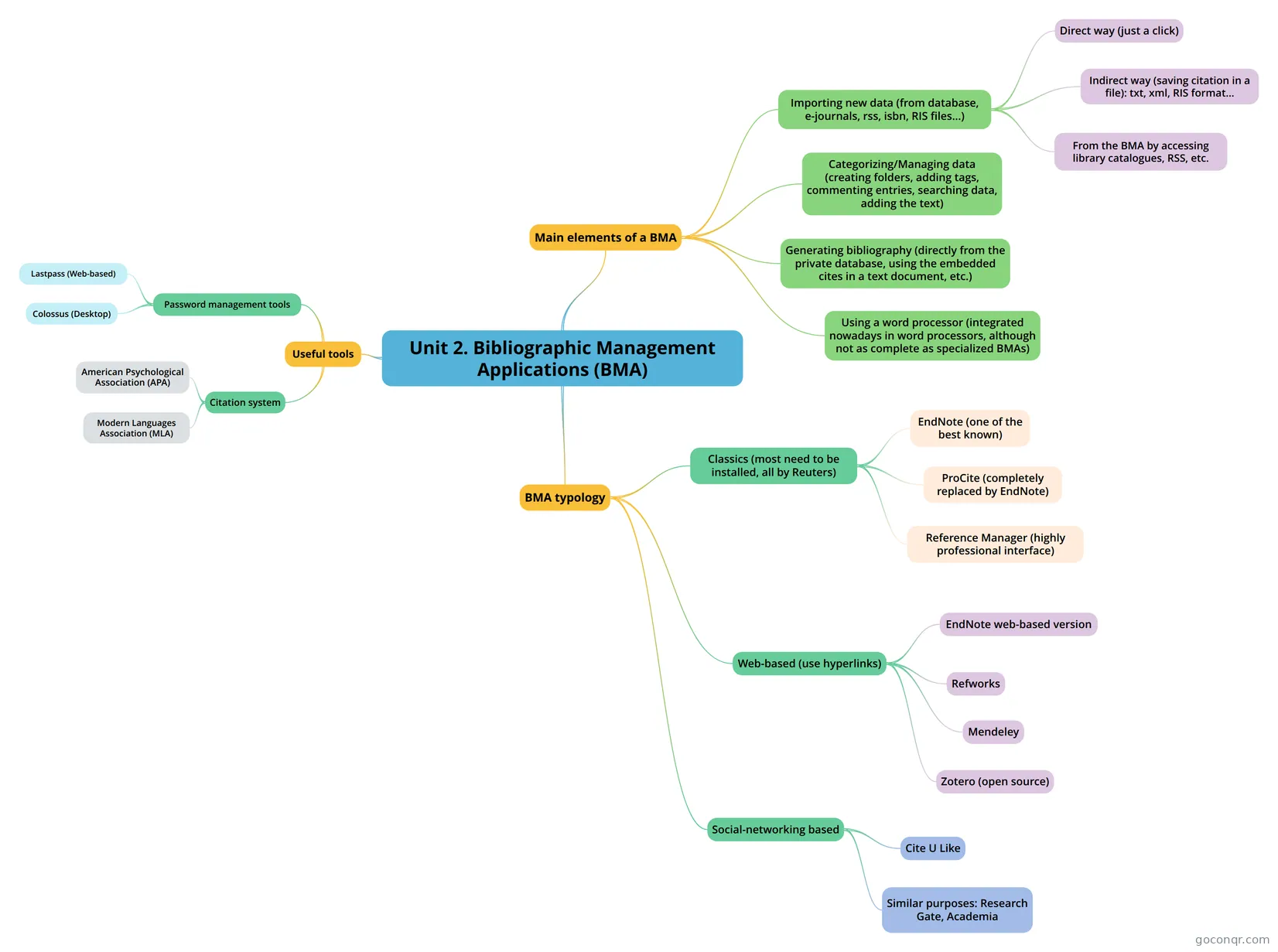
Mind map: Bibliographic Management Applications
Map content
Unit 2. Bibliographic Management Applications (BMA)
Useful tools
- Password management tools
- Lastpass (Web-based)
- Colossus (Desktop)
- Citation system
- Modern Languages Association (MLA)
- American Psychological Association (APA)
- Password management tools
Main elements of a BMA
- Importing new data (from database, e-journals, rss, isbn, RIS files...)
- Direct way (just a click)
- Indirect way (saving citation in a file): txt, xml, RIS format...
- From the BMA by accessing library catalogues, RSS, etc.
- Categorizing/Managing data (creating folders, adding tags, commenting entries, searching data, adding the text)
- Generating bibliography (directly from the private database, using the embedded cites in a text document, etc.)
- Using a word processor (integrated nowadays in word processors, although not as complete as specialized BMAs)
- Importing new data (from database, e-journals, rss, isbn, RIS files...)
BMA typology
- Classics (most need to be installed, all by Reuters)
- EndNote (one of the best known)
- ProCite (completely replaced by EndNote)
- Reference Manager (highly professional interface)
- Web-based (use hyperlinks)
- EndNote web-based version
- Refworks
- Zotero (open source)
- Mendeley
- Social-networking based
- Cite U Like
- Similar purposes: Research Gate, Academia
- Classics (most need to be installed, all by Reuters)
Information
- Description
- Unit 2 mindmap. Feel free to post any comment, modify or complete the information according to the unit.
- Created by
- Roberto Rojas
- Views
- 139
- Tags
- Rating