
Mind map
M1 - Excel 2013 - Comandos Básicos em Planilhas
Map content
M1 - Excel 2013 - Comandos Básicos em Planilhas
Criar / Abrir Pastas de Trabalho
- Guia Arquivo
- Novo
- Ctrl A
- Conduz à opção Abrir
- Guia Arquivo
Salvar Pastas de Trabalho
- Ícone
- Backstage
- Salvar
- Crtl B
- O primeiro salvamento direciona automaticamente p/
- Salvar como
Fechar Pastas de Trabalho
- Crtl W
- Crtl F4
- Backstage
- Fechar
Fechar a janela do Excel
- Ícone
- Backstage
- Fechar
Imprimir
- Ícone
- Backstage
- Imprimir
FORMATO
- .xlsx
Images and files in the map
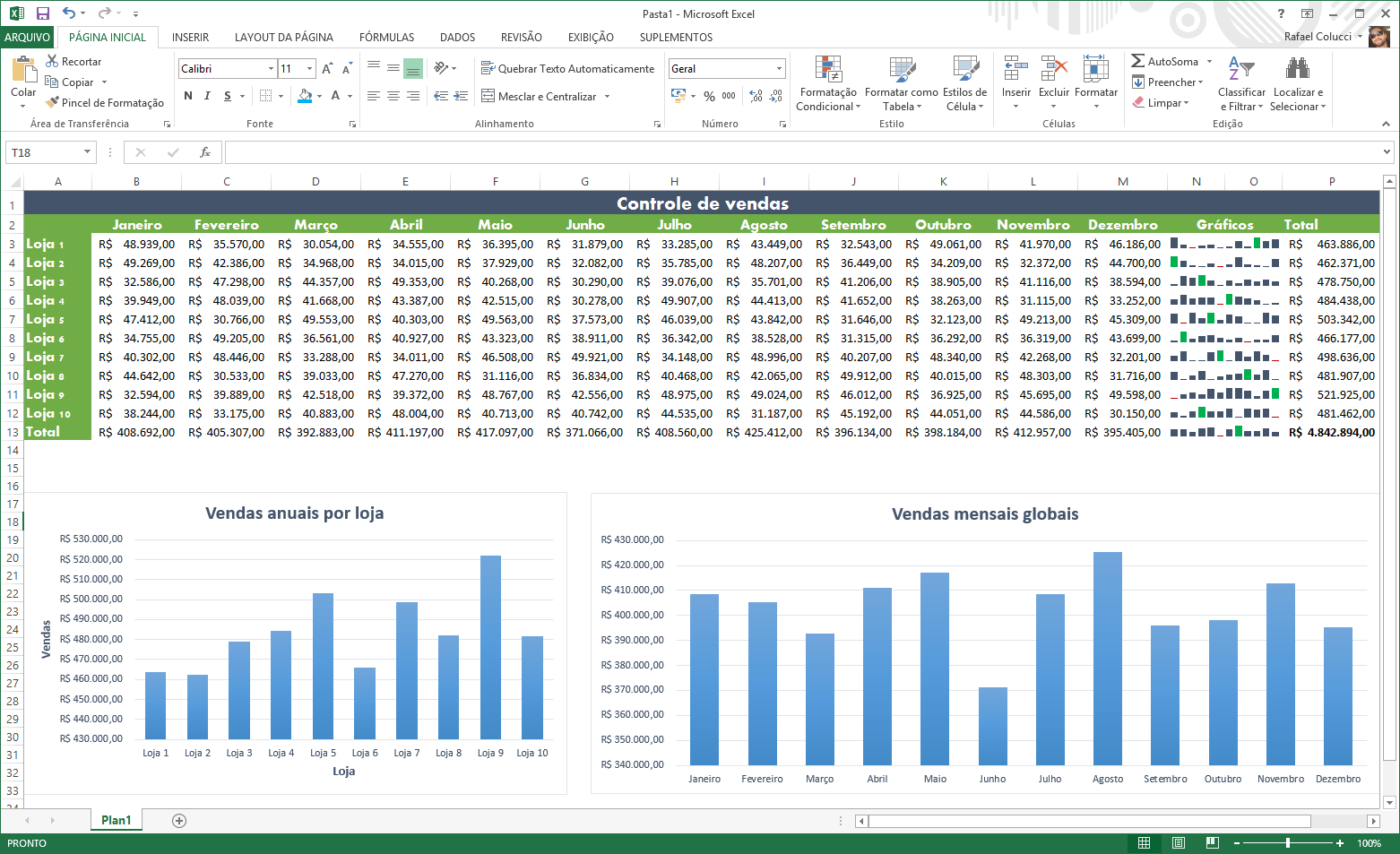


Information
- Description
- Mind Map on M1 - Excel 2013 - Comandos Básicos em Planilhas, created by Rony Lima on 04/07/2017.
- Created by
- Rony Lima
- Views
- 0
- History
-
- Created by Diogo Naves · Dec 20, 2016
- Copied by Rony Lima · Jul 4, 2017
- Rating
More on Interface e comandos do Excel