
VII Mindmaps
Slides in this set (10)
-
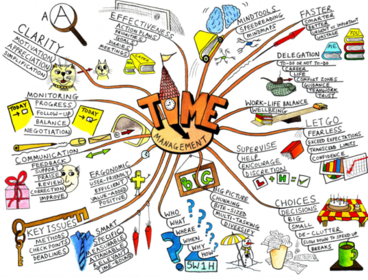
- Our brain is constantly forming connections and pathways. Mind maps capture and reflect some of those key associations we make in our mind.
- There are subtle complexities there that can play a significant role in their effectiveness.
-
Mindmaps: A 'Whole Brain' Tool
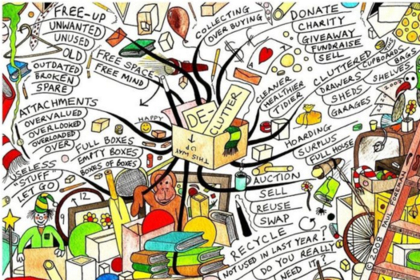
- In school we predominantly used mind maps for satisfying the left side of the brain: logic, lists, sequence, words, numbers analyse. But our right side of the brain was rather neglected, and we didn't use them to explore colour, dimension, daydreaming, rhythm, imagination, gestalt or spatial awareness.
-
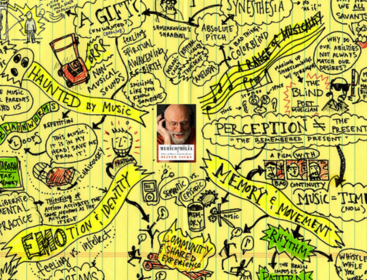
- In order to determine your 'style, imagine you are going to an interview and you have to tell someone about yourself: background, strengths, weaknesses, likes, loves, goals. Write down your findings.
-
How to Make a Mind Map (paper+branches)
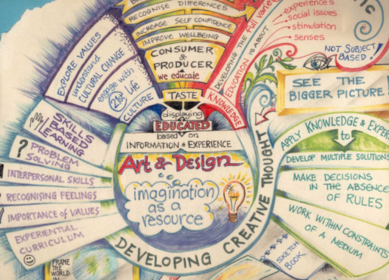
- 1. Use a blank sheet of A3, A4 or A5, landscape orientation.
- 2. Always start with a central image.
- 3. Use branches. This catches your attention and engages you.
- 4. Be as creative as you like.
- 5. Make your mind map a living organism, radiating and connecting, bringing information to life to make it more memorable.
- 6. The branches shouldn't be linear, they should represent flowing movements.
-
How to Make a Mind Map (images)
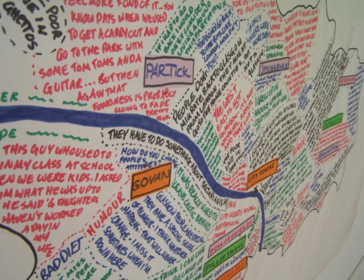
- 1. Imagery is at the HEART of the map.
- 2. If it is a word in the centre, make it 3D.
- 3. Give your central image at least three colours.
- 4. 'A picture speaks a thousand words' is true with a mind map, use lots of them.
- 5. Develop symbols for different images and words., something that connects ideas, to show that something is a memory, a creation, a quote etc.
-
How to Make a Mind Map (colours)
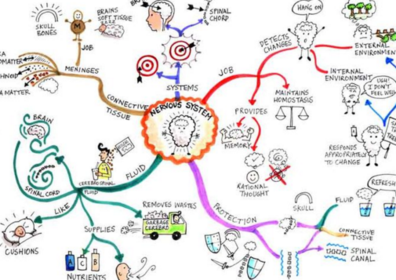
- 1. Use colours to classify the information and ideas, as this helps identify structures.
- 2. There are usually emotional connections to colour (blue=cold, red=hot) which can help stimulate imagination.
-
How to Make a Mind Map (words)
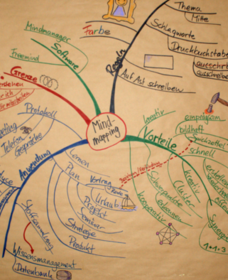
- 1. Words should be BIGGER in the centre and smaller as the branches spread out.
- 2. Use different SIzes to emphasise words.
- 3. Only one word per branch, so that they are easier to remember (yes, you should practice seeing the key word and reciting the concepts, ideas and thoughts behind it).
-

- Mind maps have two channels, taking in and putting out.
- TAKING IN:
- - Capture the information
- - Anchor the information by colouring, decorating, adding in branches for your own thoughts and questions
- - Afterwards recreate your map to consolidate the information
- PUTTING OUT
- -Alternate the content (branches, connectors, and words) with the format (colours, images, codes, symbols)
- - Take regular breaks
-
How to Make a Mind Map (action)
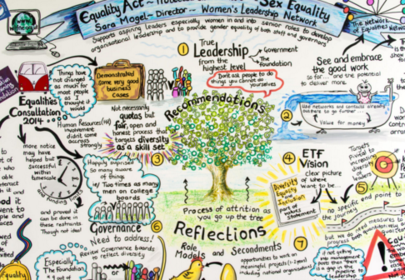
- 1. Make a mind map using the above instructions, in a style that feels right, adding anything that comes to mind.
-
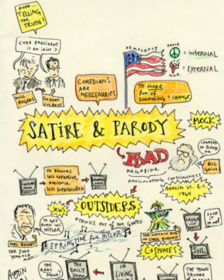
- Create: Ask questions as you make your map, daydream, think about your purpose and ideal outcome. Capture: There will be periods in life where you need to capture info fast. What's relevant, not every little detail, only write down what is connected to the purpose. Consume: Understand what your map meas so you can remember it. You can make mind maps part of how you operate, they are more memorable than linear notes. Reflect on it, take what you've learnt and put it into your own words. Think about where in you life you can use mind mapping.
Information
- Description
- Slide Set on VII Mindmaps, created by Beth Fazzlewack on 21/04/2016.
- Created by
- Beth Fazzlewack · Apr 2016
- Updated
- Apr 22, 2016
- Views
- 2
- Rating