
Module 13 of 18 · Media
The App Component
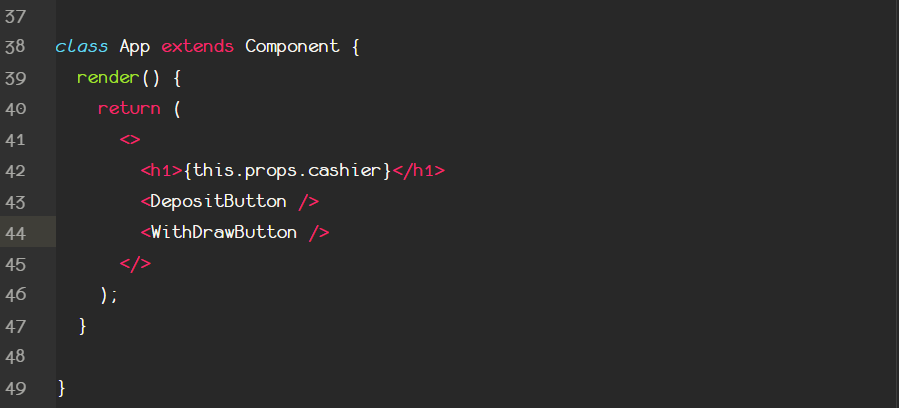
Configure our App Component
Above by taking a look at the code you can see how the App component's structure will be.
A heading that will depict a value from props. And two other components, that they include button to change the state.
The first thing we must do is to connect the cashier prop of the component to the balance property of the centralized state in our redux.js. So any time this balance property changes, the cashier prop changes, so the heading depicts a different value.
Let's see how we can connect a component's props, to redux's state!