
Flashcards
HTML tags
Cards in this deck (16)
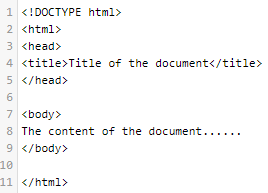
- 1tag*tells the browser what version of HTML the page is written in.
*is the very first line in the HTML document. - 2tag*represents the root of an HTML document.
*is the container for all other HTML elements (except for the tag). - 3tag*is a container for metadata (data about data) and is placed between the tag and the tag.
*The following elements can go inside the element:
(required in every HTML document)
<style>
<base>
<link>
<meta>
<script>
<noscript>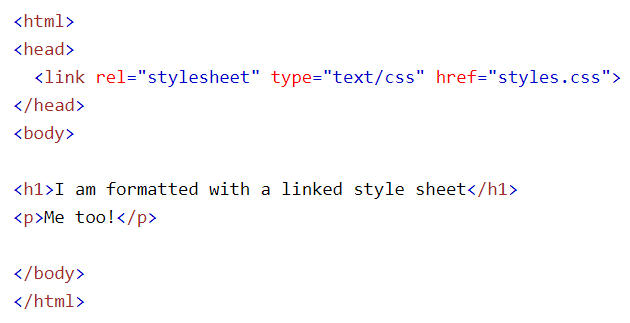
- 4tag*defines the document's body.
*contains all the contents of an HTML document, such as headings, paragraphs, images, hyperlinks, tables, lists, etc.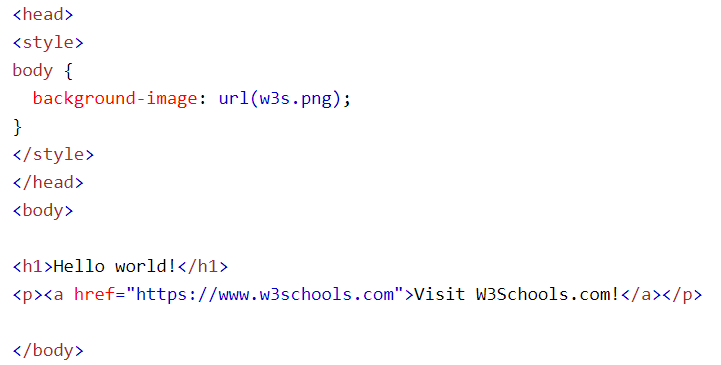
- 5tag*defines a paragraph.
*Also use to write several paragraphs.
*Also use to write a paragraph of multiple lines.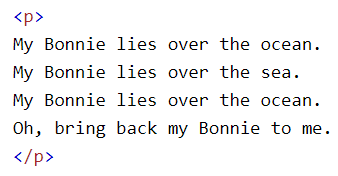
- 6tag*defines the relationship between the current document and an external resource.
*is most often used to link to external style sheets or to add a favicon to your website.
*is an empty element, it contains attributes only. - 7tag*is used to embed an image in an HTML page.
*creates a holding space for the referenced image.
*has two required attributes: src - Specifies the path to the image alt - Specifies an alternate text for the image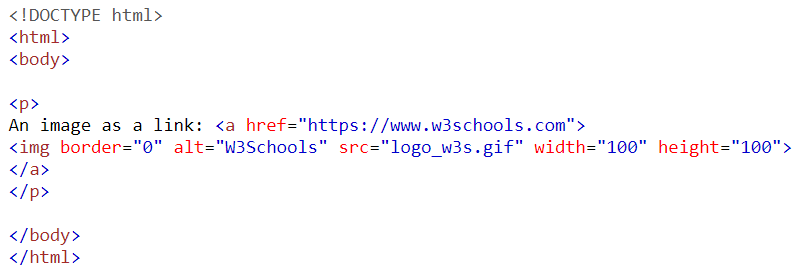
- 8to tags*are used to define HTML headings.
defines the most important heading. defines the least important heading.
*Only use one per page - this should represent the main heading/subject for the whole page.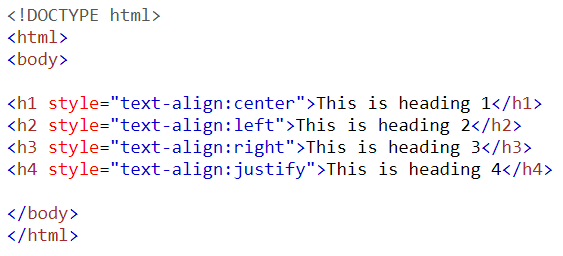
- 9tag*defines a division or a section in an HTML document.
*is used as a container for HTML elements - which is then styled with CSS or manipulated with JavaScript.
*is easily styled by using the class or id attribute.
*Any sort of content can be put inside the tag!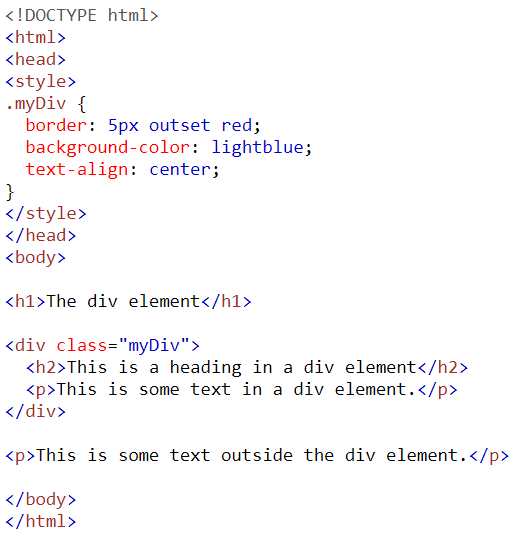
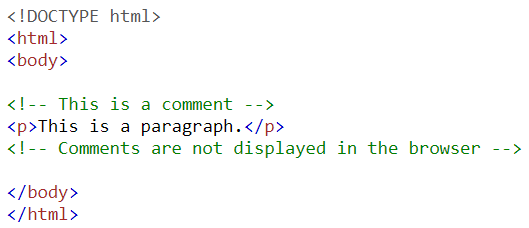
- 10tag*is a piece of code which is ignored by any web browser.
- 11tag*defines an ordered list. An ordered list can be numerical or alphabetical.
*is used to define each list item.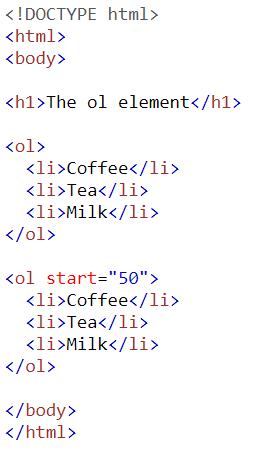
- 12tag*defines an unordered (bulleted) list.
*use the tag together with the tag to create unordered lists.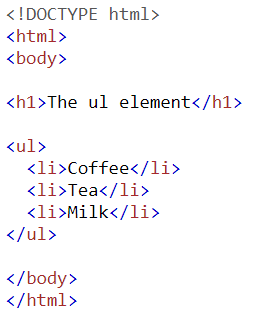
- 13tag*is used to add hyperlinks to your web page.
*is used both for linking to external web pages and for linking to individual HTML documents on the same website.
*requires one attribute: * href - Tells where the browser should navigate to.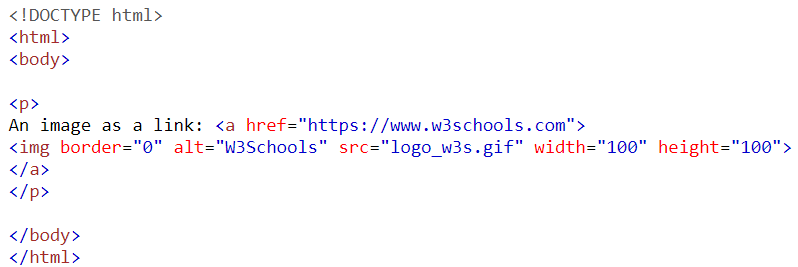
- 14tag*inserts a single line break.
*is useful for writing addresses or poems.
*is an empty tag which means that it has no end tag.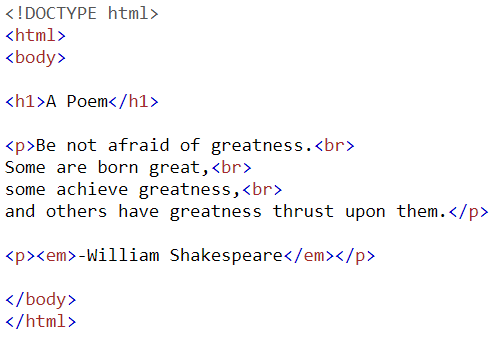
- 15tag*defines a thematic break in an HTML page (e.g. a shift of topic).
*is most often displayed as a horizontal rule that is used to separate content (or define a change) in an HTML page.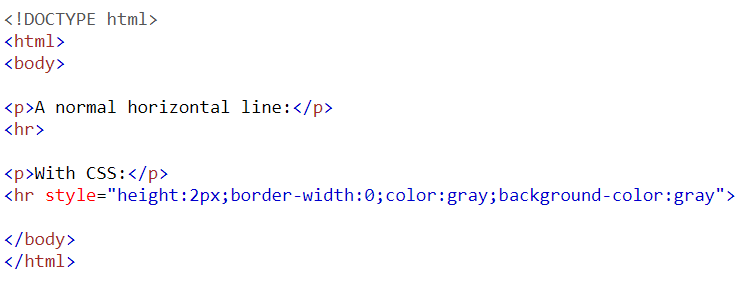
- 16tag*defines a list item.
*is used inside ordered lists(), unordered lists (), and in menu lists ().
*In and , the list items will usually be displayed with bullet points.
*In , the list items will usually be displayed with numbers or letters.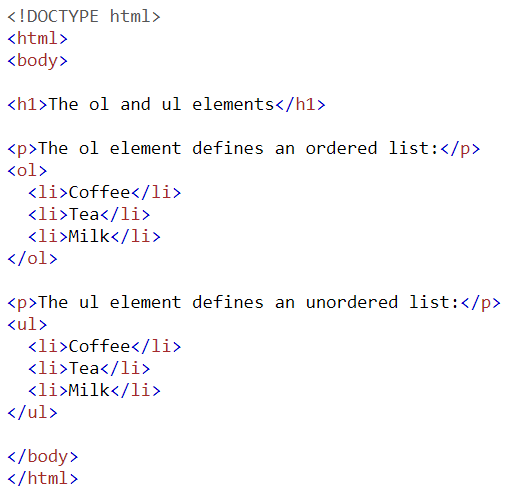
Information
- Description
- HTML stands for Hyper Text Markup Language HTML is the standard markup language for creating Web pages HTML describes the structure of a Web page HTML consists of a series of elements HTML elements tell the browser how to display the content HTML elements label pieces of content such as "this is a heading", "this is a paragraph", "this is a link", etc.
- Created by
- Kimberly Jordan
- Views
- 17
- Rating