
Mind map
VISUAL MAPS
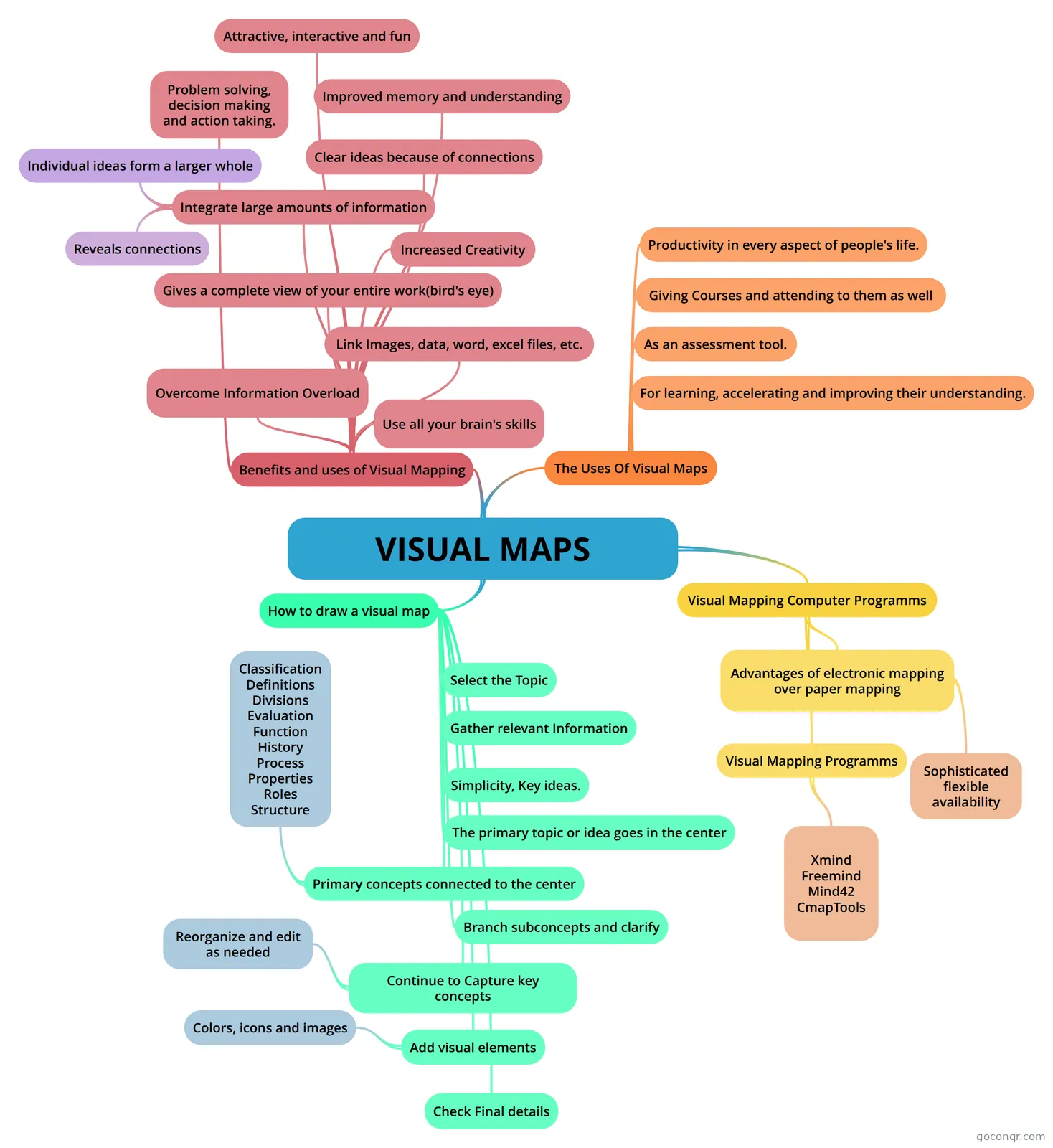
Mind map: visual maps
Map content
VISUAL MAPS
Benefits and uses of Visual Mapping
- Use all your brain's skills
- Link Images, data, word, excel files, etc.
- Overcome Information Overload
- Gives a complete view of your entire work(bird's eye)
- Increased Creativity
- Integrate large amounts of information
- Reveals connections
- Individual ideas form a larger whole
- Problem solving, decision making and action taking.
- Improved memory and understanding
- Clear ideas because of connections
- Attractive, interactive and fun
The Uses Of Visual Maps
- For learning, accelerating and improving their understanding.
- As an assessment tool.
- Giving Courses and attending to them as well
- Productivity in every aspect of people's life.
How to draw a visual map
- Select the Topic
- Gather relevant Information
- Simplicity, Key ideas.
- The primary topic or idea goes in the center
- Primary concepts connected to the center
- Classification Definitions Divisions Evaluation Function History Process Properties Roles Structure
- Branch subconcepts and clarify
- Continue to Capture key concepts
- Reorganize and edit as needed
- Add visual elements
- Colors, icons and images
- Check Final details
Visual Mapping Computer Programms
- Advantages of electronic mapping over paper mapping
- Sophisticated flexible availability
- Visual Mapping Programms
- Xmind Freemind Mind42 CmapTools
- Advantages of electronic mapping over paper mapping