
Flashcards
Module 2: Deploy and manage DHCP > Unit: Select DHCP high availability options
Cards in this deck (7)
- 1What are the 3 options to make DHCP high available?- DHCP failover
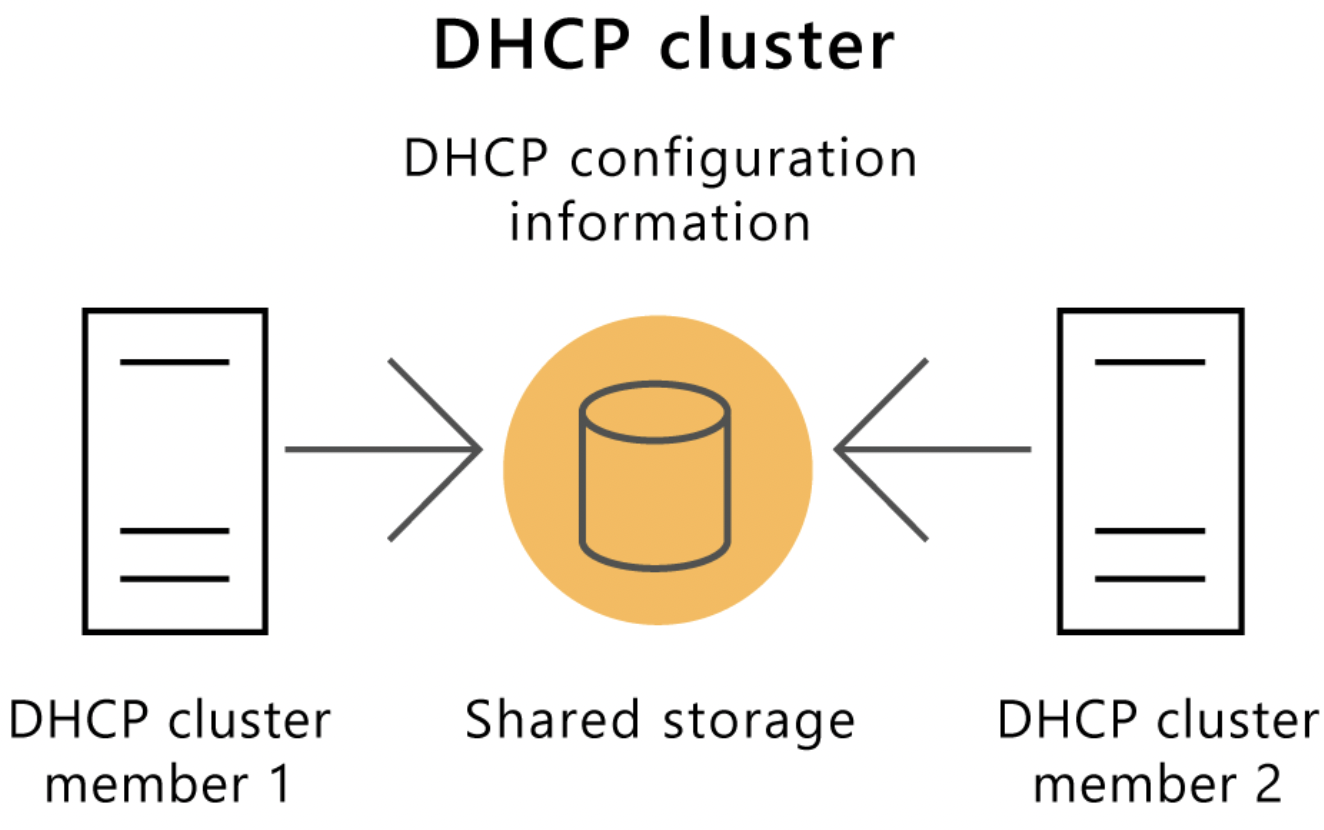
- Implement DHCP role in Windows Server failover clustering
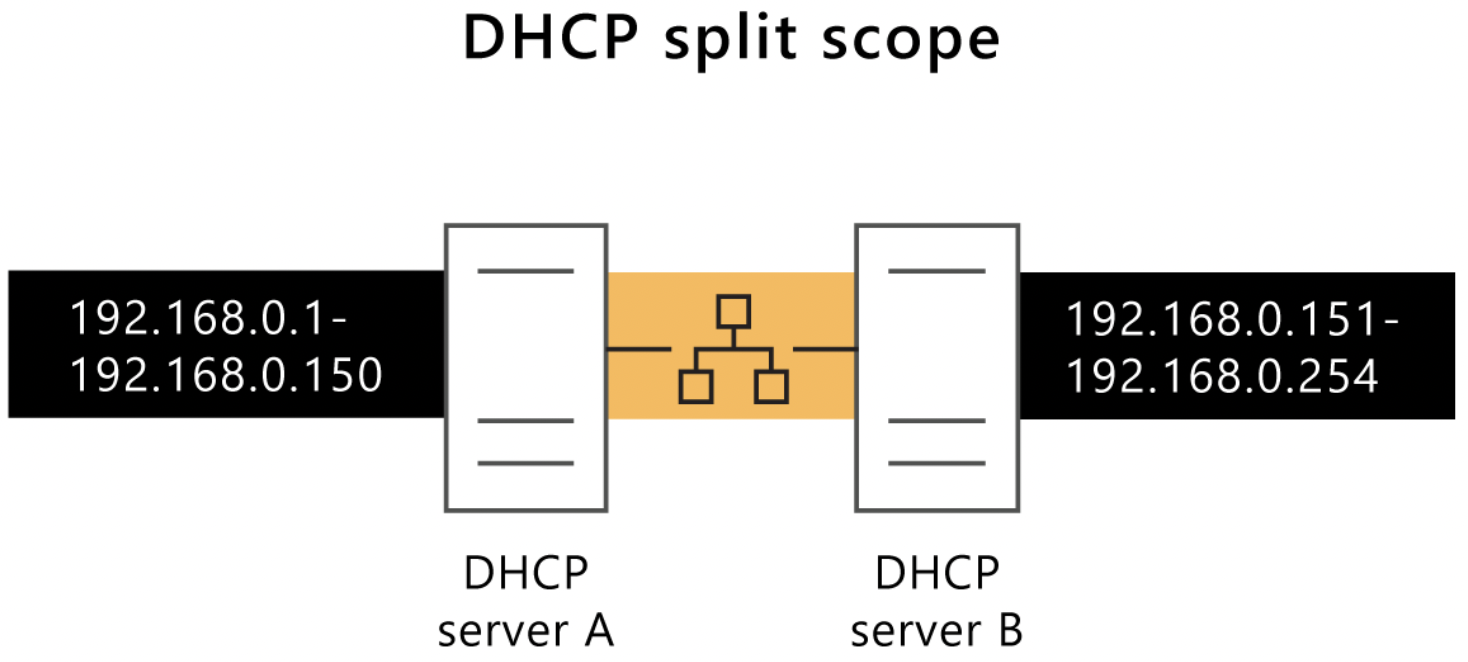
- Implement DHCP split scopes - 2What is the preferred way to provide high available DHCP services?DHCP Failover
- 3Describe the implementation of DHCP on a Windows Server failover cluster1. Install the DHCP role on all cluster nodes
2. Create the failover cluster
3. Add the DHCP server role to the failover cluster - 4—.
- 5Describe the implementation of DHCP Split ScopesIn this implementation, 2 DHCP servers are active at the same time. They each serve a portion of the DHCP scope.
- 6When using DHCP split scopes, how can you configure a DHCP server to be the primary one?By using the Delay Configuration option when creating the scope.
This delays the sending of the DHCPOFFER message. - 7—.
Information
- Description
- User has deleted their subject information Flashcards on Module 2: Deploy and manage DHCP > Unit: Select DHCP high availability options, created by Deleted user on 09/10/2022.
- Created by
- Deleted user · Oct 2022
- Updated
- Oct 9, 2022
- Views
- 12
- History
-
- Created by Rick Schoenman · Oct 9, 2022
- Copied by Rick Schoenman · Oct 9, 2022
- Rating