
Mapa mental
Topic 4
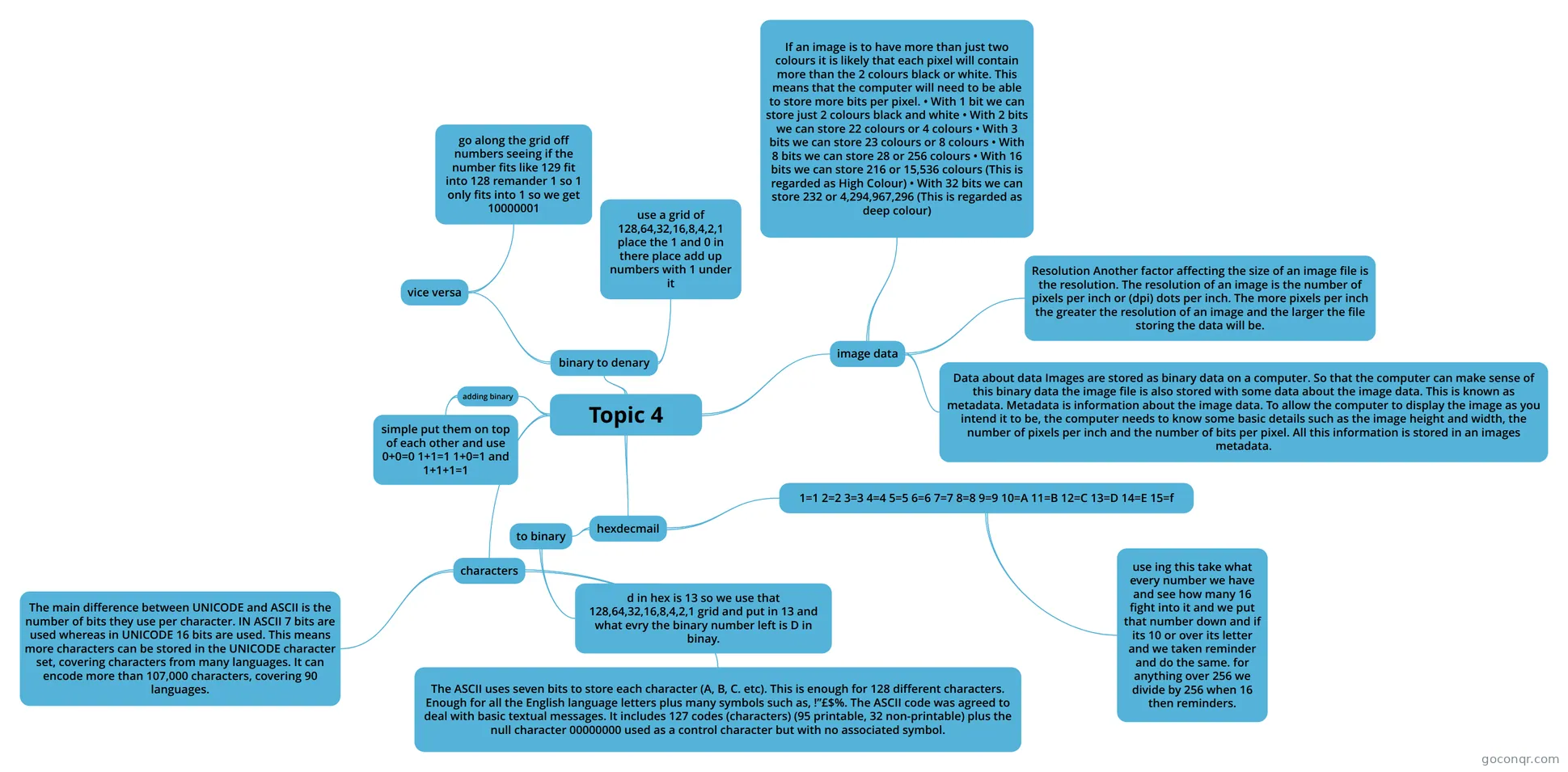
Mind map: Binary and data representation
Contenido del mapa
Topic 4
binary to denary
- use a grid of 128,64,32,16,8,4,2,1 place the 1 and 0 in there place add up numbers with 1 under it
- vice versa
- go along the grid off numbers seeing if the number fits like 129 fit into 128 remander 1 so 1 only fits into 1 so we get 10000001
adding binary
- simple put them on top of each other and use 0+0=0 1+1=1 1+0=1 and 1+1+1=1
hexdecmail
- 1=1 2=2 3=3 4=4 5=5 6=6 7=7 8=8 9=9 10=A 11=B 12=C 13=D 14=E 15=f
- use ing this take what every number we have and see how many 16 fight into it and we put that number down and if its 10 or over its letter and we taken reminder and do the same. for anything over 256 we divide by 256 when 16 then reminders.
- to binary
- d in hex is 13 so we use that 128,64,32,16,8,4,2,1 grid and put in 13 and what evry the binary number left is D in binay.
- 1=1 2=2 3=3 4=4 5=5 6=6 7=7 8=8 9=9 10=A 11=B 12=C 13=D 14=E 15=f
characters
- The ASCII uses seven bits to store each character (A, B, C. etc). This is enough for 128 different characters. Enough for all the English language letters plus many symbols such as, !ӣ$%. The ASCII code was agreed to deal with basic textual messages. It includes 127 codes (characters) (95 printable, 32 non-printable) plus the null character 00000000 used as a control character but with no associated symbol.
- The main difference between UNICODE and ASCII is the number of bits they use per character. IN ASCII 7 bits are used whereas in UNICODE 16 bits are used. This means more characters can be stored in the UNICODE character set, covering characters from many languages. It can encode more than 107,000 characters, covering 90 languages.
image data
- If an image is to have more than just two colours it is likely that each pixel will contain more than the 2 colours black or white. This means that the computer will need to be able to store more bits per pixel. • With 1 bit we can store just 2 colours black and white • With 2 bits we can store 22 colours or 4 colours • With 3 bits we can store 23 colours or 8 colours • With 8 bits we can store 28 or 256 colours • With 16 bits we can store 216 or 15,536 colours (This is regarded as High Colour) • With 32 bits we can store 232 or 4,294,967,296 (This is regarded as deep colour)
- Resolution Another factor affecting the size of an image file is the resolution. The resolution of an image is the number of pixels per inch or (dpi) dots per inch. The more pixels per inch the greater the resolution of an image and the larger the file storing the data will be.
- Data about data Images are stored as binary data on a computer. So that the computer can make sense of this binary data the image file is also stored with some data about the image data. This is known as metadata. Metadata is information about the image data. To allow the computer to display the image as you intend it to be, the computer needs to know some basic details such as the image height and width, the number of pixels per inch and the number of bits per pixel. All this information is stored in an images metadata.
Información
- Descripción
- gcse Computing Mapa Mental sobre Topic 4, creado por Oliver CARLINE el 21/05/2015.
- Creado por
- Oliver CARLINE
- Visitas
- 1
- Valoración
Más sobre Binary, Decimal and Hexadecimal