
Flashcards
Untitled
Cards in this deck (24)
- 1Digital Safety: Staying Safe OnlineGABRIEL EMILIO REYES MANDUJANO
LUIS ANGEL FUENTES GUZMAN
JOSE MIGUEL VINALAY VELAZQUEZ - 2The Internet has made our livesworking for the home is an advantege from being able to acces the internet a making people´s lives easier
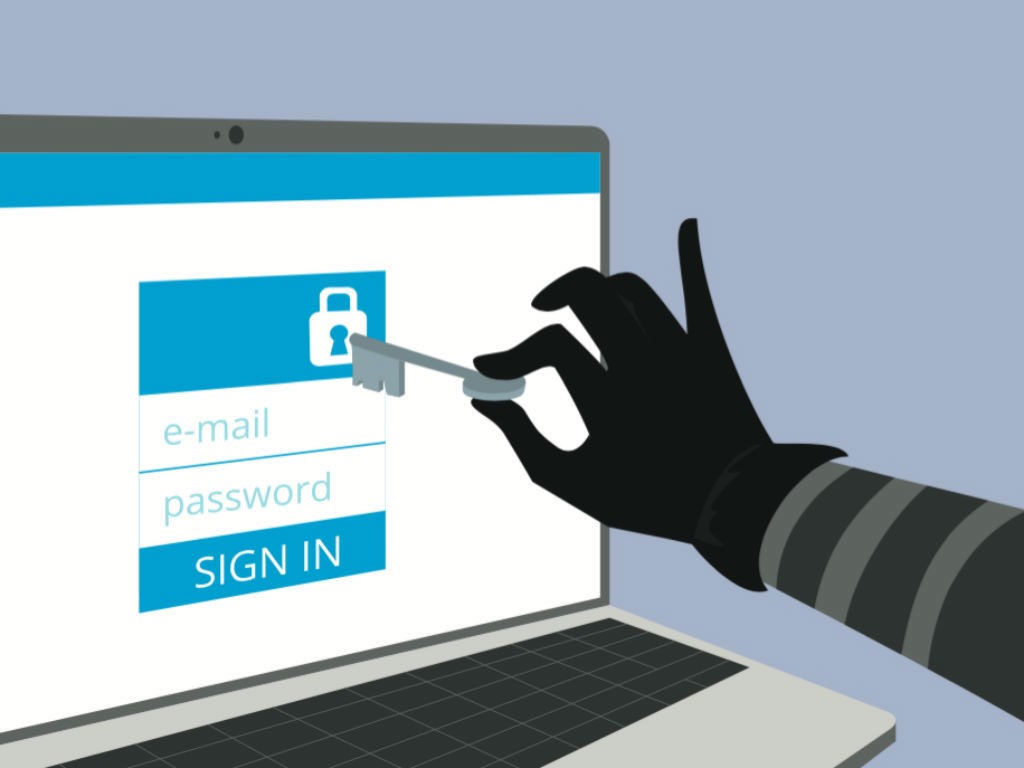
- 3Criminals are also excited about this wealth of informationbecause it gives them access to personal details that can be used for unlawful activities. Staying safe online is mostly about being alert to the dangers.
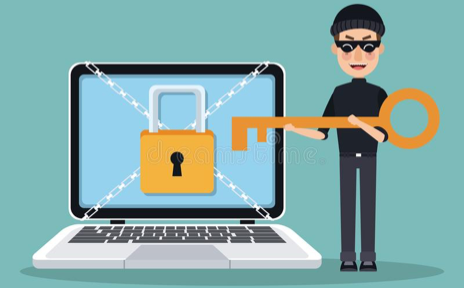
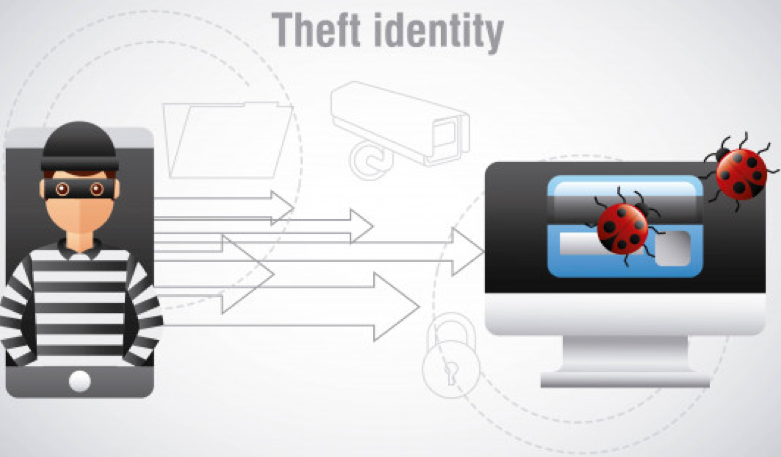
- 4Identity theft is a serious issueCriminals increasingly turn to the Internet for easy pickings. In 1 out of 5 instances, your stolen identification details are used to gain credit or apply for a loan.
- 5Identity fraud is a little differentthe thief uses your details to create a fictitious person in order to defraud merchants.
- 6What do I do when my identity is stolen?o Keep your smartphone, tablet and other portable devices safe – they may have as much personal information in them as your purse or wallet.
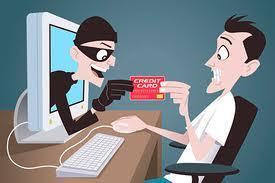
- 7do not trust people who do not knowUnless you know and trust the sender, never open links or attachments in an email. Type a known address into your browser instead. Clicking on a link may lead you to a bogus lookalike site designed to extract personal details.
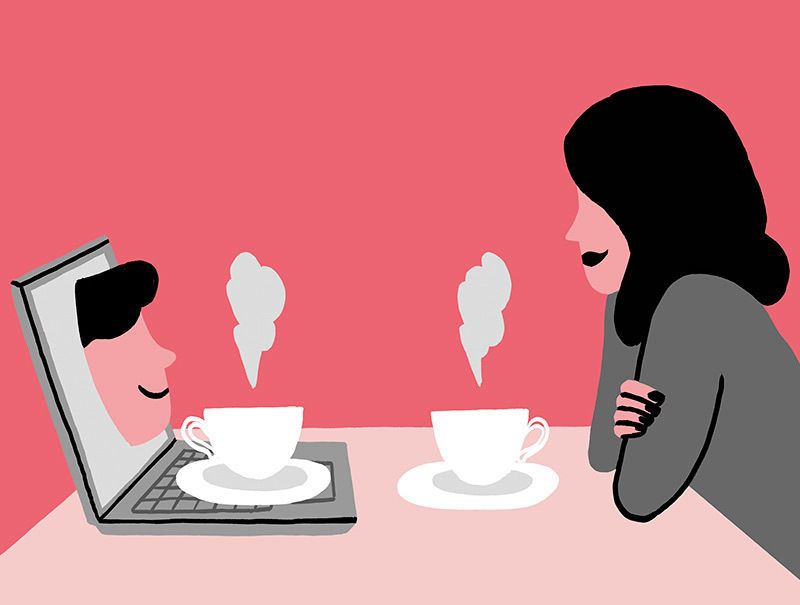
- 8Be careful what you downloadOnly download apps from reputable sources. Viruses are easily transmitted to your devices through dodgy downloading sites.
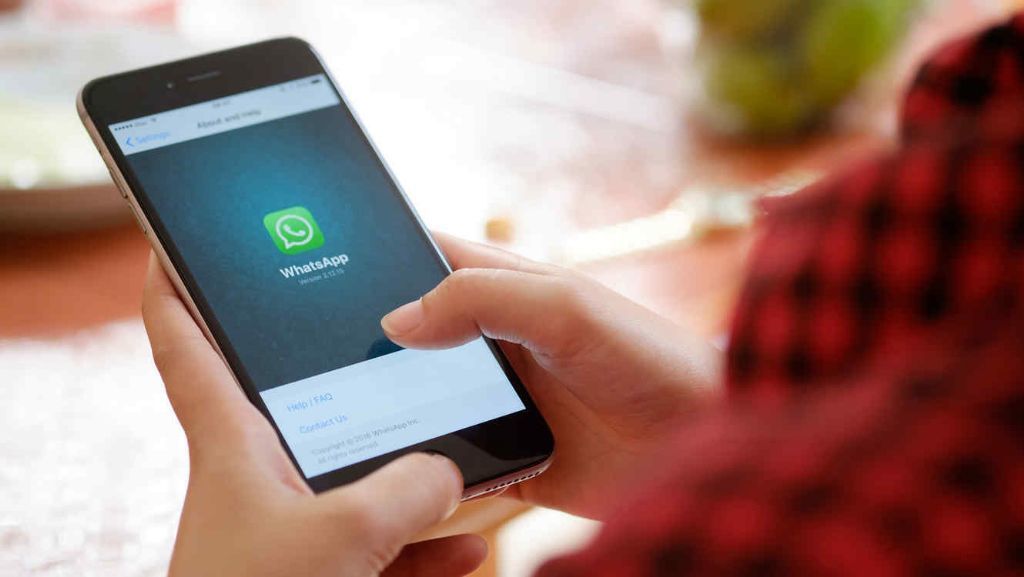
- 9prevent is the bestInstall quality, up-to-date anti-virus software on your PC and devices.
- 10more secure passwordIf keeping track of all your passwords becomes too much, there are a number of password management systems (some free, some not) that can assist you.
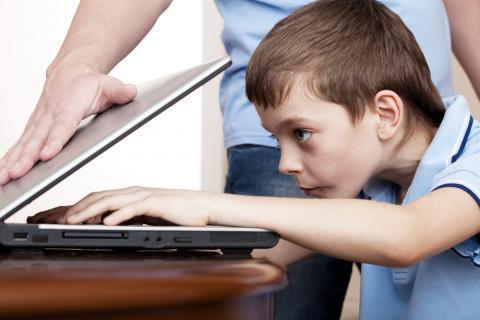
- 11Keep your kids safe onlineKeeping your kids cyber-safe requires education, open communication and regular monitoring.

- 12software programs available that filterIf you prefer to prevent all unsupervised browsing, you can install programs that automatically ‘forget’ access passwords until Mum or Dad are around to allow online access.
- 13• Watch what you shareYou must take care of what you send, because you do not know how it can be used
- 14unnecessary information• Does not provide too much personal information can even expose you to physical danger
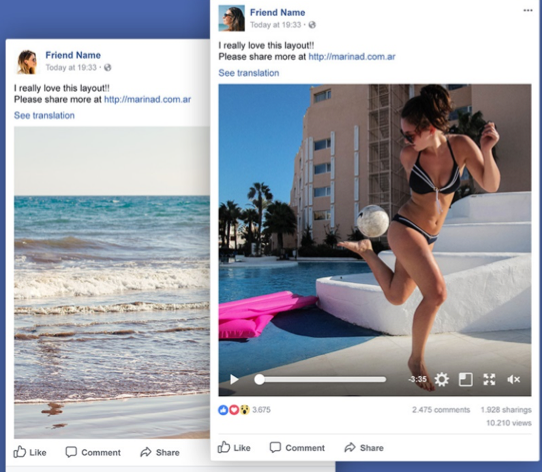
- 15protect passwords• Protects your PIN numbers, passwords, credit card details and bank information
- 16information that seems harmless• Seemingly harmless information, such as your place of birth or date of birth on social networks, this information can be used in identity theft
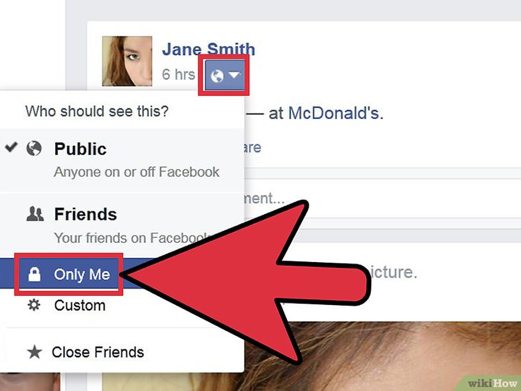
- 17—• Social networks provide a wide range of privacy settings
- 18restrict your posts• Limit access to your contacts in relation to others in your network
- 19verify how much information there is about you• Finding your own name on Google is an easy way to verify how much information is available
- 20—• Tracking what's happening online on your name
- 21—Keep your smartphone, tablet and other portable devices safe
- 22—Unless you know and trust the sender, never open links or attachments in an email

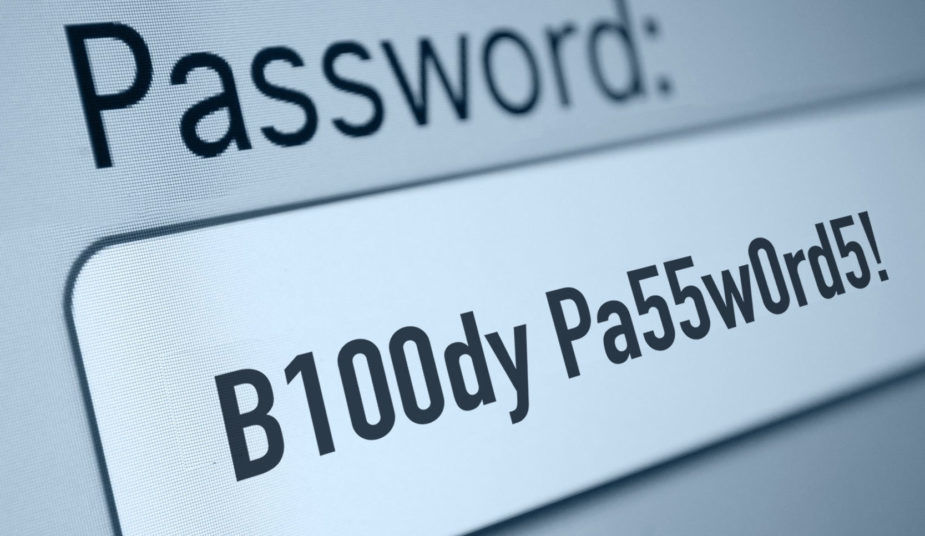
- 23—Ideally, you should never write passwords
- 24referenceshttps://www.budgetdirect.com.au/blog/digital-safety-staying-safe-online.html
https://www.justaskgemalto.com/en/what-is-digital-security/
Information
- Description
- Flashcards on Untitled, created by LUIS FUENTES on 18/09/2018.
- Created by
- LUIS FUENTES · Sep 2018
- Updated
- Sep 19, 2018
- Views
- 6
- Rating