
Flashcards
Microsoft Word Shortcut Flashcards

Cards in this deck (29)
- 1—This saves your document. The shortcut key is Ctrl+s.

- 2—This undos your typing, the shortcut is Ctrl+z.

- 3—This repeats the typing, the shortcut is Ctrl+y.

- 4—This paste an image, or text, ect. The shortcut is Ctrl+v.

- 5—This is the cut button, the shortcut is Ctrl+x.

- 6—This is the copy button, the shortcut is Ctrl+c

- 7—This adds bullets to your document.

- 8—This adds number bullets to your document

- 9—This adds a multilevel list to your document.

- 10—This adds borders to your document.

- 11—This is the paint bucket and adds shading to shapes and more in your document.

- 12—This is the show/hide button, and the shortcut is Ctrl+*

- 13—This spaces your lines and paragraphs.

- 14—This decreases the indent.

- 15—This increases the indent.

- 16—This changes the font of the text, the shortcut is Ctrl+shift+f.
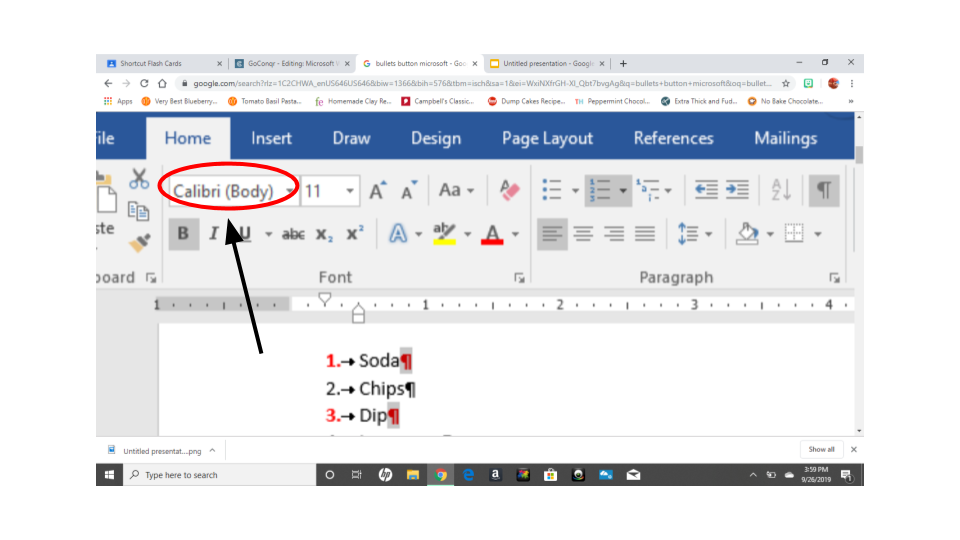
- 17—This changes the size of your text, the shortcut is Ctrl+shift+d.

- 18—This makes your text bold AKA makes it darker. The shortcut is Ctrl+b.

- 19—This puts your text in italics. The shortcut is Ctrl+i.

- 20—This underlines the text, the shortcut is Ctrl+U.

- 21—This adds text effects and typography.

- 22—This highlights the text.

- 23—This changes the font color.

- 24—This aligns the text left, and the shortcut is Ctrl+L.

- 25—This centers the text and the shortcut is Ctrl+E.
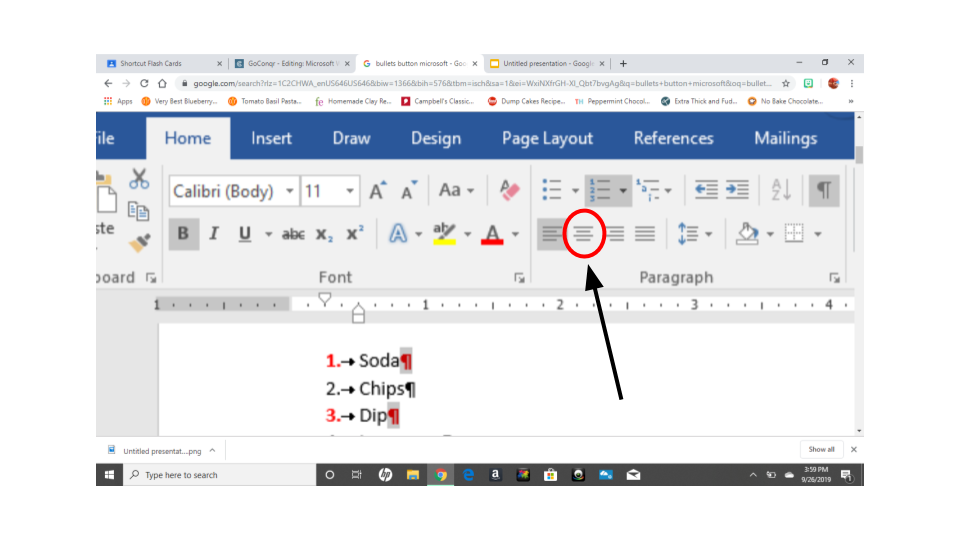
- 26—This aligns the text to the right and the shortcut is Ctrl+r.
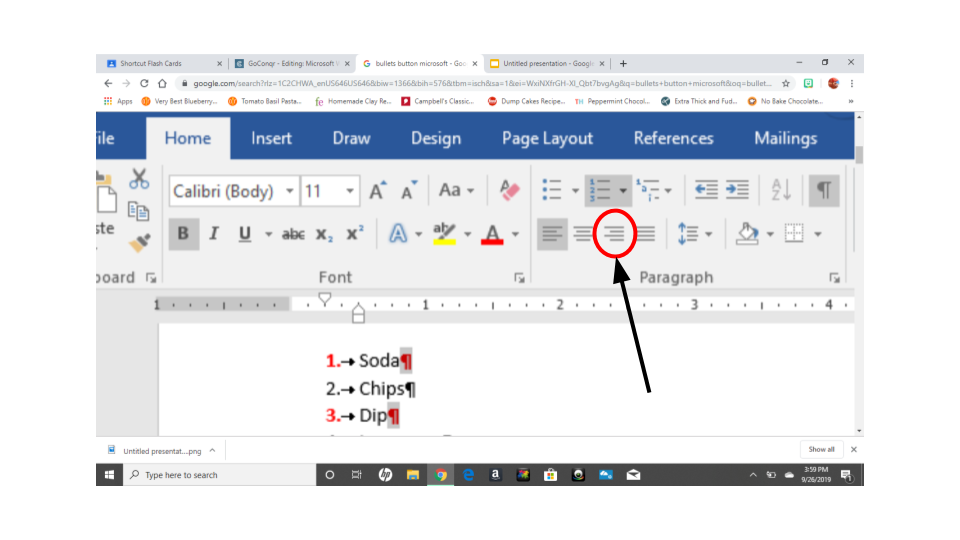
- 27—This is the justify button and the shortcut is Ctrl+J

- 28—This is the change case button.

- 29—This is word processing it is a software used to create and edit documents such as letters, memos, and reports.
Information
- Description
- By-Makenzie
- Created by
- Makenzie Jackett
- Views
- 14
- Rating
More on Word Processing Basics and Tools