
Mind map
Types Of Computers
Map content
Types Of Computers
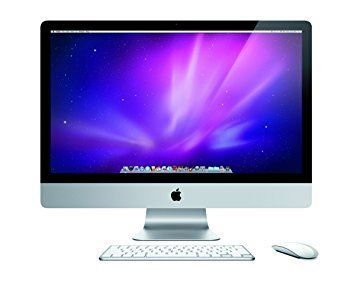
Desktop
- PC/Desktop usually refers to a general purpose computer that is made up of a separate monitor keyboard, mouse and processor unit.
- Advantages
- -Spare parts and connections tend to be stardished, which usually results in lower costs.- The desktop tends to have a better specification for a given price. -Power consumption is not critical since they usually plug straight into a wall socket and the larger casings allow a better dissipation of any het buield-up
- Disadvantages
- - The most obvious is that they are not particularly portable since they are made up of separate components. - They are not particularly portable, it is necessary to copy files, etc. - They tend to be more complicated since all the components need to be carried round with you and then connected to the computer by wires connections, which also chitters up the desk space.
- - The most obvious is that they are not particularly portable since they are made up of separate components. - They are not particularly portable, it is necessary to copy files, etc. - They tend to be more complicated since all the components need to be carried round with you and then connected to the computer by wires connections, which also chitters up the desk space.
- Disadvantages
- -Spare parts and connections tend to be stardished, which usually results in lower costs.- The desktop tends to have a better specification for a given price. -Power consumption is not critical since they usually plug straight into a wall socket and the larger casings allow a better dissipation of any het buield-up
- Advantages
- PC/Desktop usually refers to a general purpose computer that is made up of a separate monitor keyboard, mouse and processor unit.
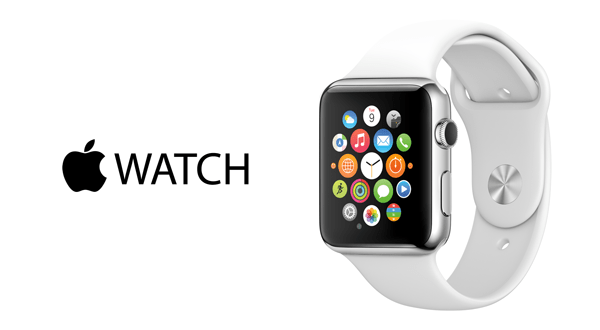
Smartwatches
- Essentially allow users no wear a mini-computer on their wrists. They offer the same functions as a smartphone and make use of OLED technology. As with smartphones, they use touch- screen technology but also have the ability to link to smartphones using Bluetooth technology.
- Advantages
- - They are even more convenient than smartphones since the technology delivers notifications straight to the user`s wrist. - They are very easy to use for monitoring fitness and health regimes.
- Disadvantages
- - Smartwatches are relatively large and bulky, which can make them uncomfortable.- They tend to be rather unattractive in design, which means thara is still some reluctance for the technology to be adopted.
- - Smartwatches are relatively large and bulky, which can make them uncomfortable.- They tend to be rather unattractive in design, which means thara is still some reluctance for the technology to be adopted.
- Disadvantages
- - They are even more convenient than smartphones since the technology delivers notifications straight to the user`s wrist. - They are very easy to use for monitoring fitness and health regimes.
- Advantages
- Essentially allow users no wear a mini-computer on their wrists. They offer the same functions as a smartphone and make use of OLED technology. As with smartphones, they use touch- screen technology but also have the ability to link to smartphones using Bluetooth technology.
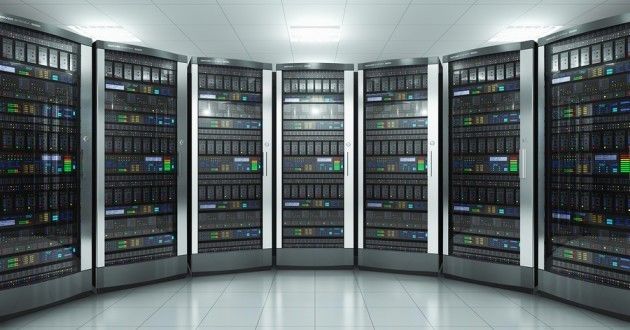
Mainframe
- Is a term used for a large, very powerful, computer system. The name comes from the days when the individual components were housed in large frames.
- Is a term used for a large, very powerful, computer system. The name comes from the days when the individual components were housed in large frames.
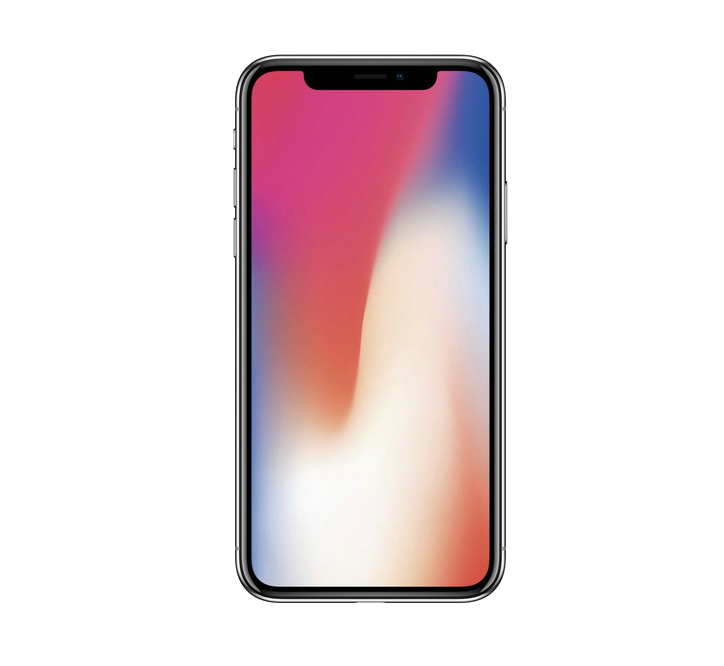
Smartphones
- Allow normal phone calls to be made but also have an operating system, allowing them to run a number of computer applications. They allow users to send/ receive emails, use a number of Apps.
- Adavantages
- - They are very small in size and lightweight-therefore very easy to carry round and have on your person at all times.- They use wi-fi and mobile phone networks, they can be used almost anywhere. - They have a reasonable battery life compared to laptops.
- Disadvantages
- -The data transfer rate using mobile phone networks is slower than with Wi-Fi- this makes streaming of video or music. - Not all website features are compatible with smartphone operating systems. - Web browsing and photography can drain the battery quickly.
- -The data transfer rate using mobile phone networks is slower than with Wi-Fi- this makes streaming of video or music. - Not all website features are compatible with smartphone operating systems. - Web browsing and photography can drain the battery quickly.
- Disadvantages
- - They are very small in size and lightweight-therefore very easy to carry round and have on your person at all times.- They use wi-fi and mobile phone networks, they can be used almost anywhere. - They have a reasonable battery life compared to laptops.
- Adavantages
- Allow normal phone calls to be made but also have an operating system, allowing them to run a number of computer applications. They allow users to send/ receive emails, use a number of Apps.
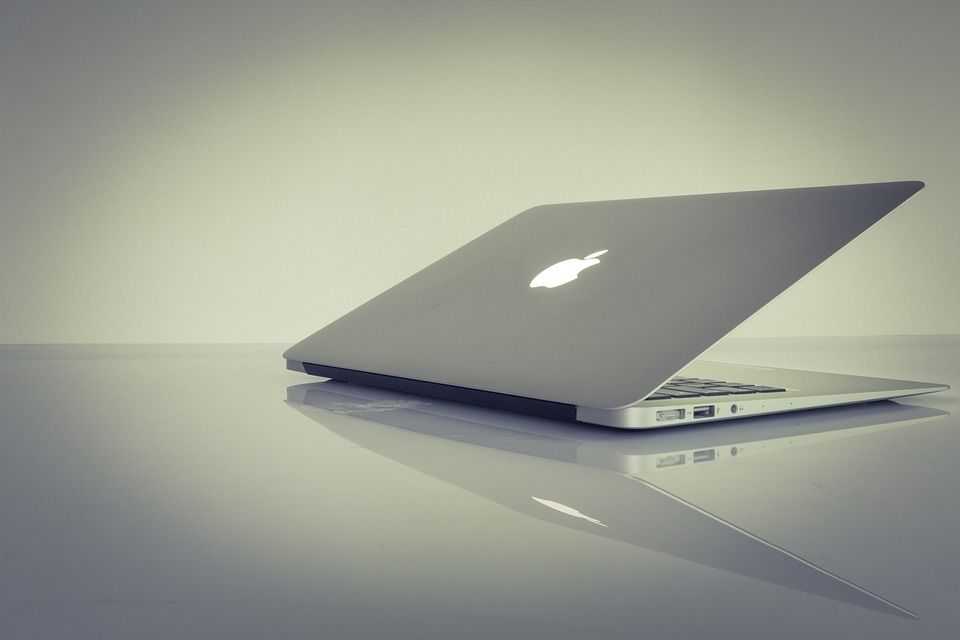
Laptop Computers
- ls a type of computer where the monitor, keyboard, pointing device and processor are all together in one single unit. This makes them extremely portable.
- Advantages
- - The most obvious is their portability; they can be taken anywhere since the monitor, pointing device, keyboard, processor and backing store units are all together in one single units.
- Disadvantages
- - Since they are easily portable, they are also easier to steal. - They have limited battery life, so the user may need to carry a heavy adaptor. - The keyboards and pointing devices can sometimes be awkward to use.
- - Since they are easily portable, they are also easier to steal. - They have limited battery life, so the user may need to carry a heavy adaptor. - The keyboards and pointing devices can sometimes be awkward to use.
- Disadvantages
- - The most obvious is their portability; they can be taken anywhere since the monitor, pointing device, keyboard, processor and backing store units are all together in one single units.
- Advantages
- ls a type of computer where the monitor, keyboard, pointing device and processor are all together in one single unit. This makes them extremely portable.
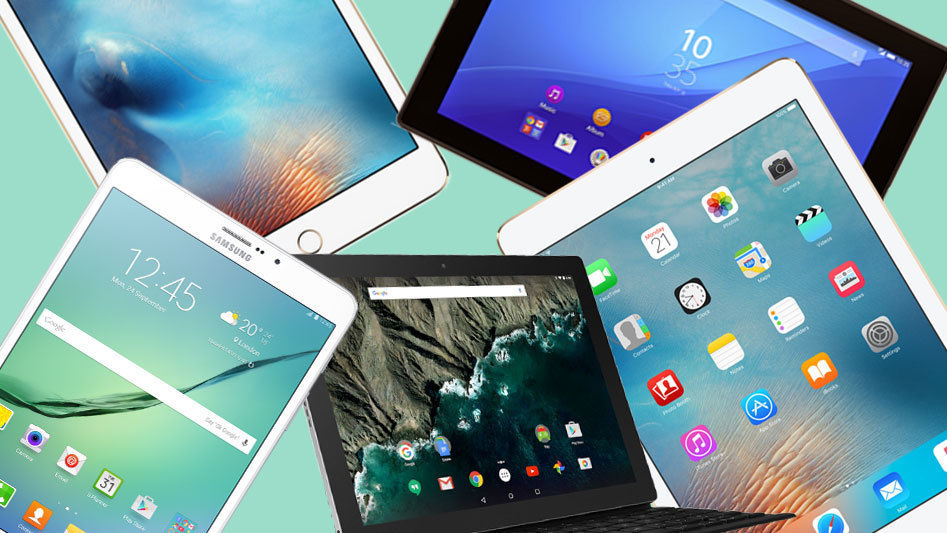
Tablets
- Are a relatively new internet - enabled portable computer. They work in a similar way to a smartphone. Tablets use touch screen technology and don `t usually have a conventional keyboard. The keyboard is part of the touch screen and keys are simply touched by the finger or a stylus.
- Advantages
- - Veru fast to switch on. - When the power button is pressed it goes into standby but remains connected to the internet, so the user still hears alerts when emails or other " events" are received. - Can use several Apps as standard.
- Disadvantages
- - Laptops tend to support more types of file format than tablets, and are also better equipped to run different types of software. - They often have limited memory or storage compared to a laptop. - typing on a touch screen can be slow and error- prone compared to a standard keyboard.
- - Laptops tend to support more types of file format than tablets, and are also better equipped to run different types of software. - They often have limited memory or storage compared to a laptop. - typing on a touch screen can be slow and error- prone compared to a standard keyboard.
- Disadvantages
- - Veru fast to switch on. - When the power button is pressed it goes into standby but remains connected to the internet, so the user still hears alerts when emails or other " events" are received. - Can use several Apps as standard.
- Advantages
- Are a relatively new internet - enabled portable computer. They work in a similar way to a smartphone. Tablets use touch screen technology and don `t usually have a conventional keyboard. The keyboard is part of the touch screen and keys are simply touched by the finger or a stylus.
Images and files in the map
Information
- Description
- Mind Map on Types Of Computers, created by Mafe Martinez on 01/03/2018.
- Created by
- Mafe Martinez
- Views
- 0
- Rating