
Mind map
Student Guide for Personal Computer Maintenance.
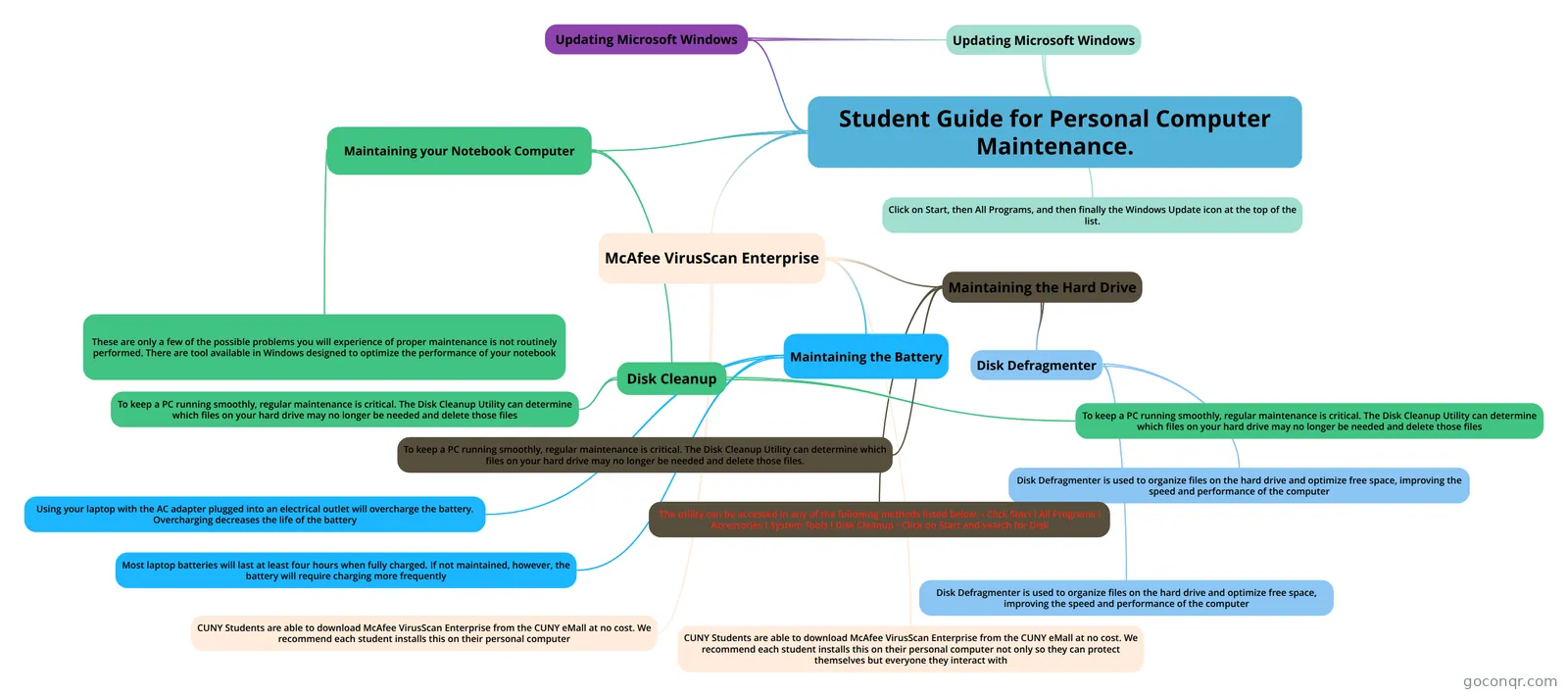
Mind map: personal computer maintenance
Map content
Student Guide for Personal Computer Maintenance.
Maintaining your Notebook Computer
- Disk Cleanup
- To keep a PC running smoothly, regular maintenance is critical. The Disk Cleanup Utility can determine which files on your hard drive may no longer be needed and delete those files
- To keep a PC running smoothly, regular maintenance is critical. The Disk Cleanup Utility can determine which files on your hard drive may no longer be needed and delete those files
- These are only a few of the possible problems you will experience of proper maintenance is not routinely performed. There are tool available in Windows designed to optimize the performance of your notebook
- Disk Cleanup
McAfee VirusScan Enterprise
- Maintaining the Hard Drive
- Disk Defragmenter
- Disk Defragmenter is used to organize files on the hard drive and optimize free space, improving the speed and performance of the computer
- Disk Defragmenter is used to organize files on the hard drive and optimize free space, improving the speed and performance of the computer
- To keep a PC running smoothly, regular maintenance is critical. The Disk Cleanup Utility can determine which files on your hard drive may no longer be needed and delete those files.
- The utility can be accessed in any of the following methods listed below. • Click Start I All Programs I Accessories I System Tools I Disk Cleanup • Click on Start and search for Disk
- Disk Defragmenter
- Maintaining the Battery
- Using your laptop with the AC adapter plugged into an electrical outlet will overcharge the battery. Overcharging decreases the life of the battery
- Most laptop batteries will last at least four hours when fully charged. If not maintained, however, the battery will require charging more frequently
- CUNY Students are able to download McAfee VirusScan Enterprise from the CUNY eMall at no cost. We recommend each student installs this on their personal computer not only so they can protect themselves but everyone they interact with
- CUNY Students are able to download McAfee VirusScan Enterprise from the CUNY eMall at no cost. We recommend each student installs this on their personal computer
- Maintaining the Hard Drive
Updating Microsoft Windows
- Updating Microsoft Windows
- Click on Start, then All Programs, and then finally the Windows Update icon at the top of the list.
- Updating Microsoft Windows