
Mind map
Input, Output and Storage Devices
Map content
Input, Output and Storage Devices
Input devices
- An input device is a piece of hardware that is used to enter data into a computer. There are many different kinds of input devices. They are split into two categories - manual input devices and automatic input devices.
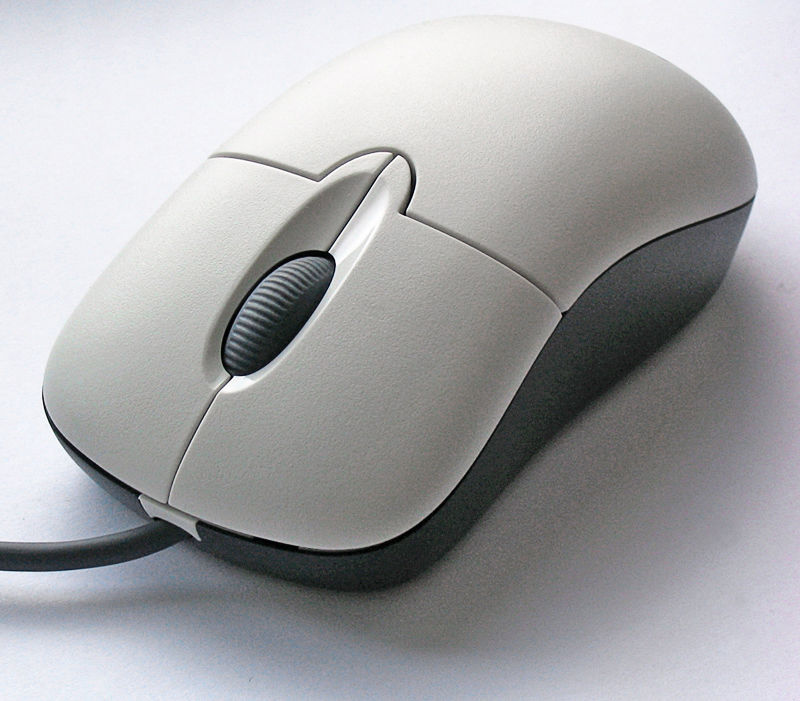
- mouse
- A mouse is also called a 'pointing device' because it enables you to control what happens on the screen by moving the mouse on your desk and pointing, clicking and selecting items on the screen. So this is why they are called input devices.
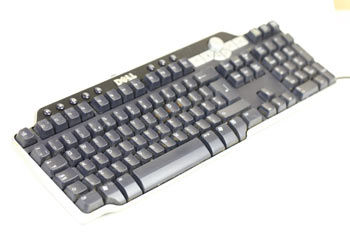
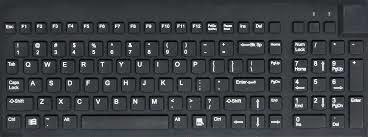
- Keyboard
- This keyboard is a input devise because if you type or use it all of the data goes through the wire and into the computer in the storage box. But if you have a wireless keyboard then when you use the keyboard the signal meets with the computer then goes into the storage box.
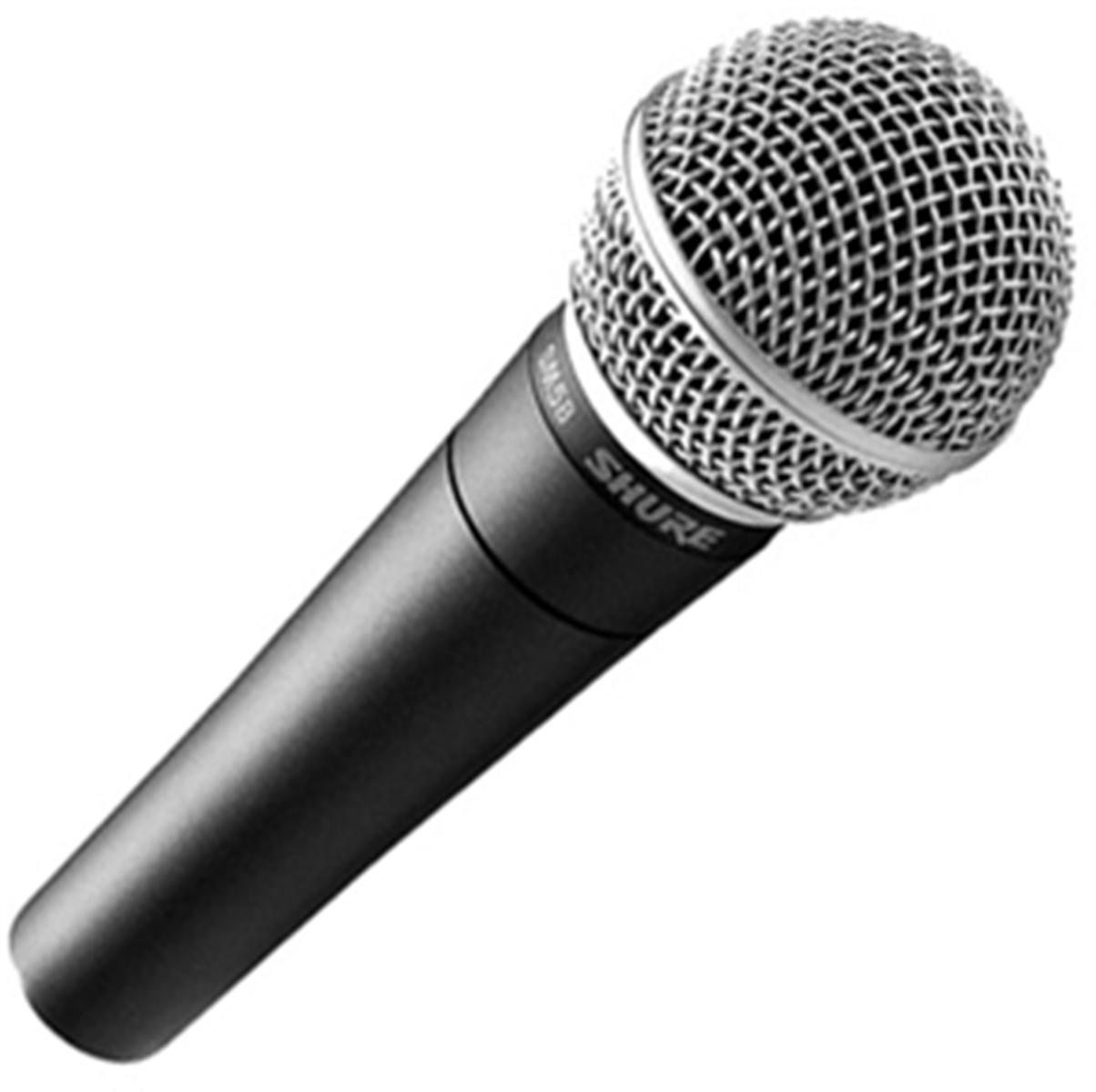
- Microphone
- A microphone can be used to input sound. The sound is detected by the microphone and an electrical signal is transmitted to the computer. Special hardware is used to convert this analogue data into digital data so it can be stored and manipulated.
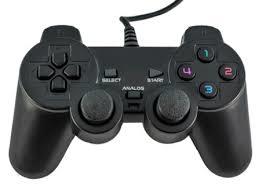
- Play station controller
- A play station controller is a input device because when someone uses the controller and then all of the data goes through the wire and into the TV or computer so basically its similar to the keyboard. Also it works because there is loads of different buttons on it that do different things.
- Scanner
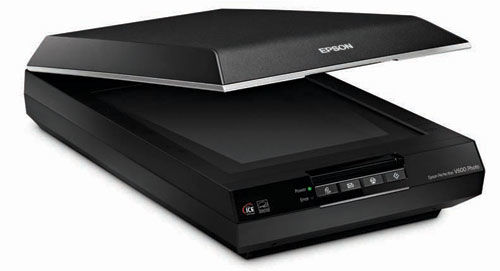
- canners can be used to convert images or text on paper into a digital format that can be used by the computer. A scanner works by shining a beam of light onto the surface of the object that you are scanning. This light is then reflected back onto a sensor that detects the colour of the light. This is then used to build up the digital image.
- Touch screen
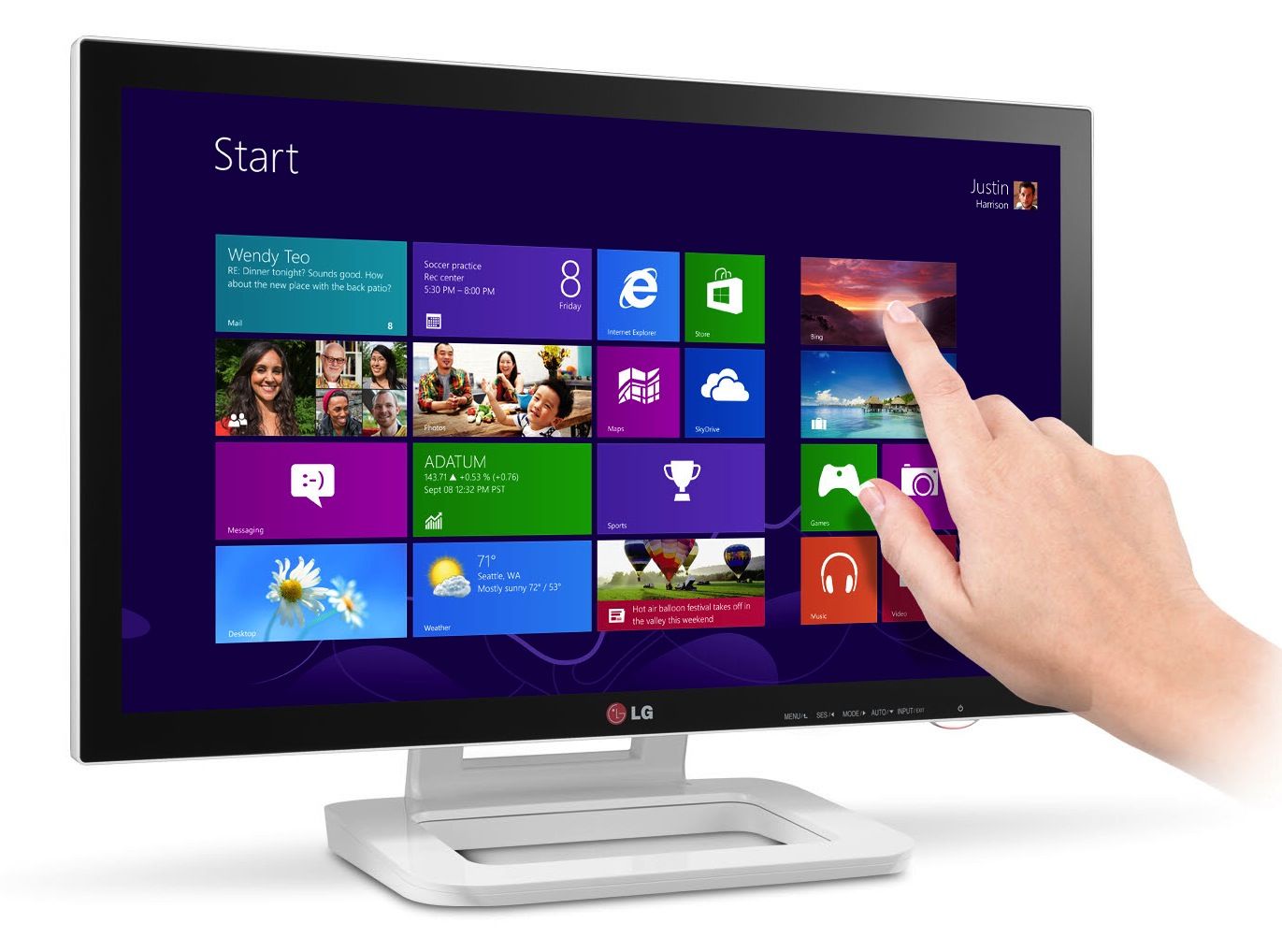
- A touch screen is the only device which works as both an input and an output device. You view the options available to you on the screen (output) and you then use your finger to touch the option that you have chosen (input). Touch screens work particularly well with a menu driven interface. For example, a cashpoint (ATM) at a bank would first of all ask which service you want. You touch the option 'withdraw cash' on the screen. You are then presented with another choice, 'how much cash do you want to withdraw?'. Once you have chosen how much, you then get other options such as 'do you want a receipt?'.
- Camera
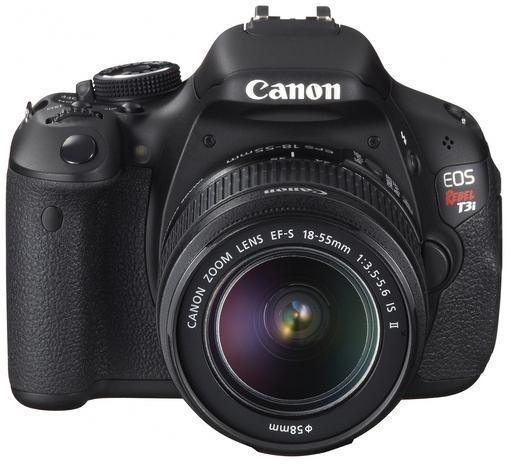
- it's both. it's like how a computer is both. - it's not like before, a film camera, is an input device. you input into the film. with digitization you input to media, then output to screen. - it's evolved now. unlike a keyboard, which is an input device
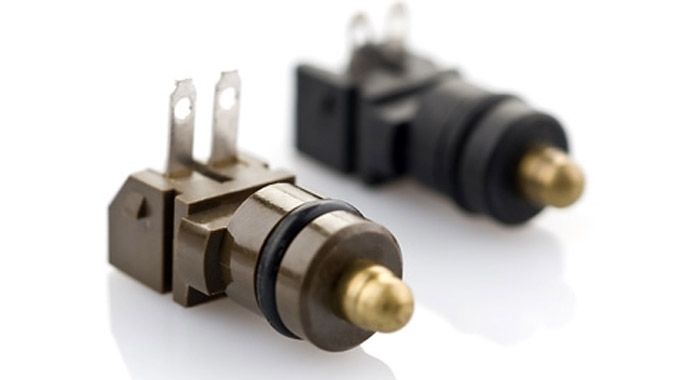
- Sensors
- This is a input devise because they collect data automatically and usually at regular intervals. This data can either be transmitted immediately to the computer or it can be stored for a period of time and a batch of readings sent in one go.
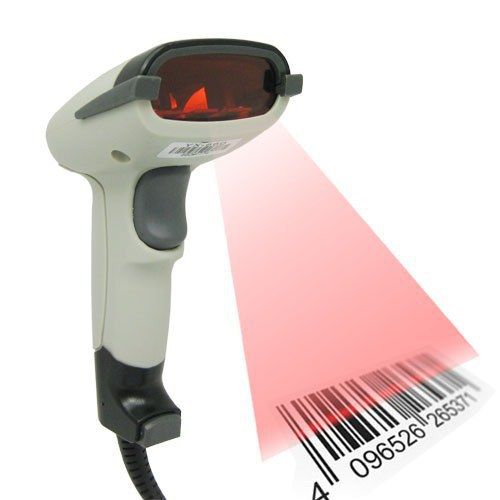
- Barcode reader
- A barcode reader is an automatic input device which is used to scan or 'read' the barcode by using a visible red light. The reflected light is translated into digital data that is interpreted by the computer to identify the product and price from the database
- Webcam
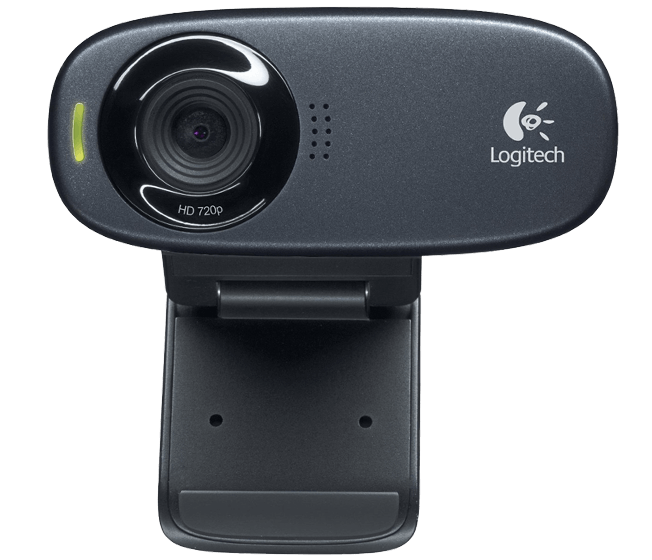
- A webcam is short for 'web camera'. A webcam is an input device because it captures a video image of the scene in front of it. It is either built in to the computer (e.g. laptop) or it is connected through an USB cable.
Output devices
- here are many different kinds of output devices. You don't need to know a great deal about any particular one, but you do need to be able to identify the most common and be able to make suggestions as to the most appropriate output device to use in a given scenario. You also need to be able to explain why your choice is the right one and compare it to other output devices that you could have chosen.
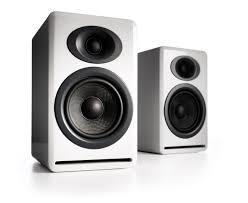
- speakers
- Most computers are fitted with a small internal speaker which can produce beeping sounds to alert you if you make an error. Computers can also be fitted with a sound card (or chip) which will enable sound to be output through external speakers. These usually produce a much higher quality sound than the internal speaker.
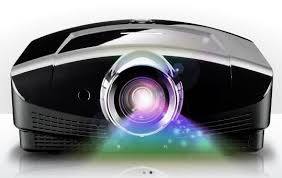
- Projectors
- Well projectors are system that has data inside off them because you can use the computer to send data too the projector.Anyway when you press a special button on the projector the data inside it comes out and shows all of it on the wall.
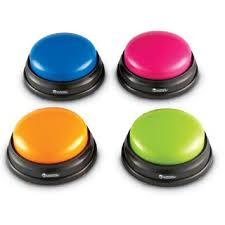
- Buzzers
- Buzzers can provide noise. For example, the buzzer in a microwave oven can be switched on by the controlling computer when the food is cooked. Louder noises can be made using a siren or an electric bell, for example in a burglar alarm system.
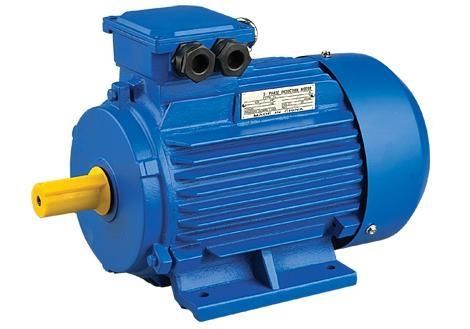
- Motors
- For example, the motor in a washing machine can be controlled by a computer - it is switched on when the clothes are loaded for washing and switched off at the end of the wash. Computer-controlled motors are also found in microwave ovens (to turn the food around) and air-conditioning units (to drive the fan)
- lights
- Lights such as LEDs (Light Emitting Diodes) can be connected to a computer or within equipment and respond to electrical signals which tell them to switch on and off. Control devices such as lights, buzzers and motors are used when the computer is controlling a situation such as traffic lights.
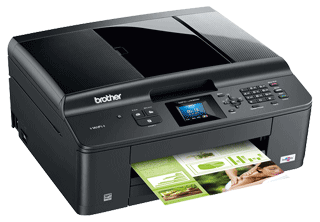
- Printer
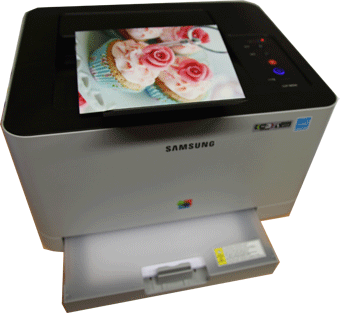
- Printers are another common output device. They are used to create a 'hard' copy of your work i.e. something that you can hold, hand to someone else or file away. Most printers produce their output on paper.
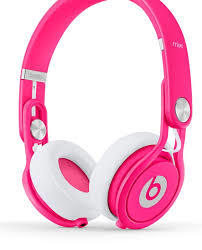
- Headphones
- Lights such as LEDs (Light Emitting Diodes) can be connected to a computer or within equipment and respond to electrical signals which tell them to switch on and off. Control devices such as lights, buzzers and motors are used when the computer is controlling a situation such as traffic lights.
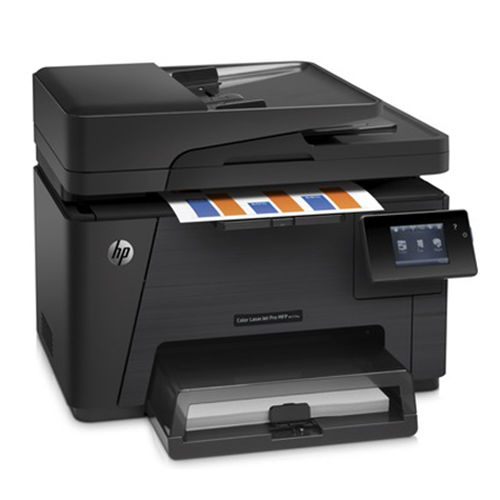
- Laser printer
- GCSE ICT Home PageGCSE ICT TopicsGCSE ICT QuizzesOUTPUT DEVICESOutput Devices HomeTHEORY1. Introduction2. Monitors3. TV screens4. Printers5. Laser printer6. Ink-jet printer7. Plotter8. Touch screen9. Digital projector10. Speakers11. Headphones12. Lights5. Laser PrinterLaser printers are used in many workplaces because they are quiet, they print a large number of sheets very quickly and they produce high quality documents.They print in the same way as photocopiers. Powdered ink, called 'Toner', is fused onto paper by heat and pressure
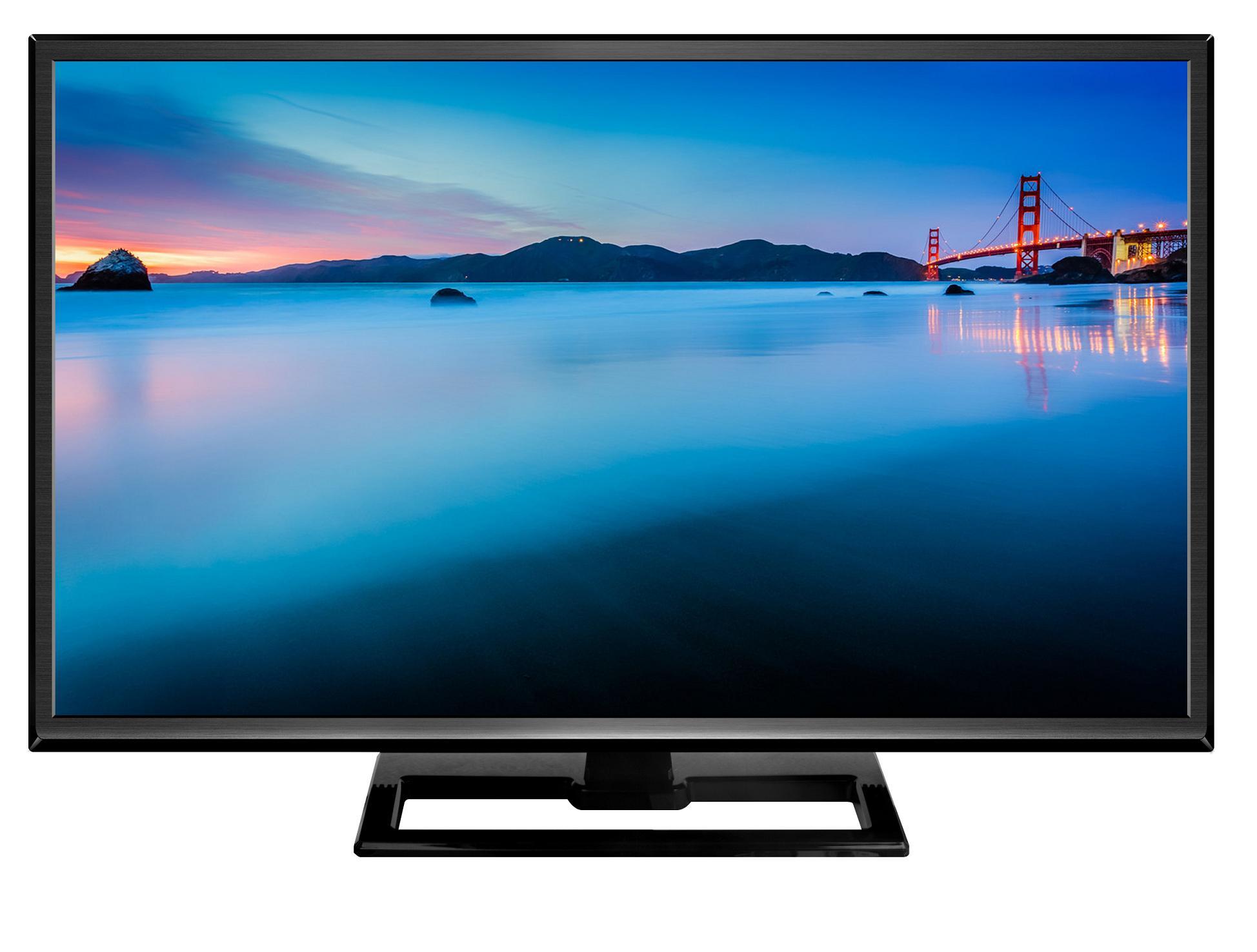
- TV screen
- A television is quite a popular way of displaying IT or computer related output. For example, video consoles connect to a television screen for maximum impact. Smart TVs connect to the internet directly and so can view content directly such as videos or catch-up services.
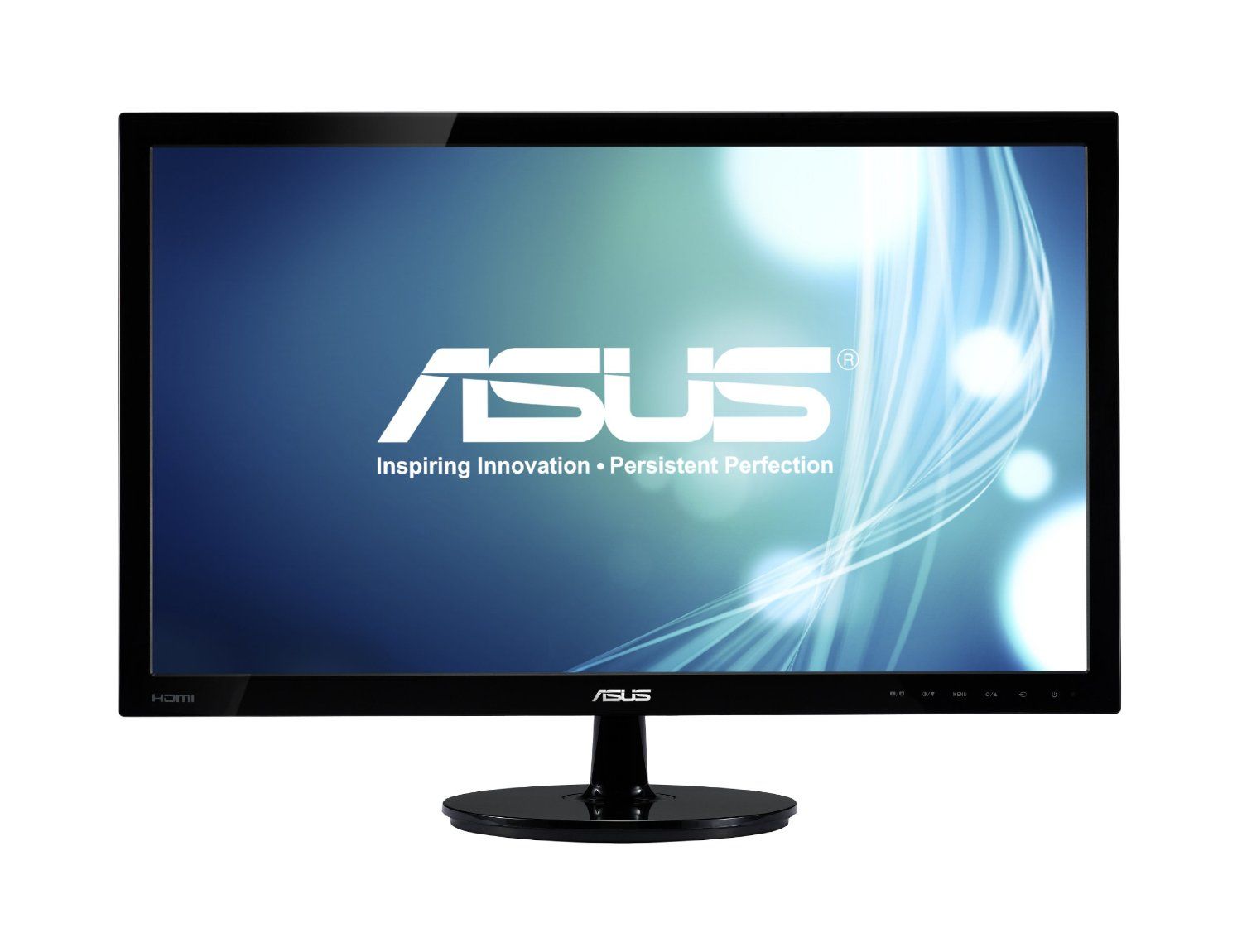
- Monitors
- A monitor (or screen) is the most commonly used output device. They come in many different shapes, sizes and forms. In an exam question, you will need to be able to choose the best type of monitor and then explain your reasons. The picture on a monitor is made up of thousands of tiny coloured dots called pixels.
Storage devices
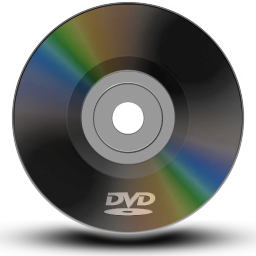
- DVD
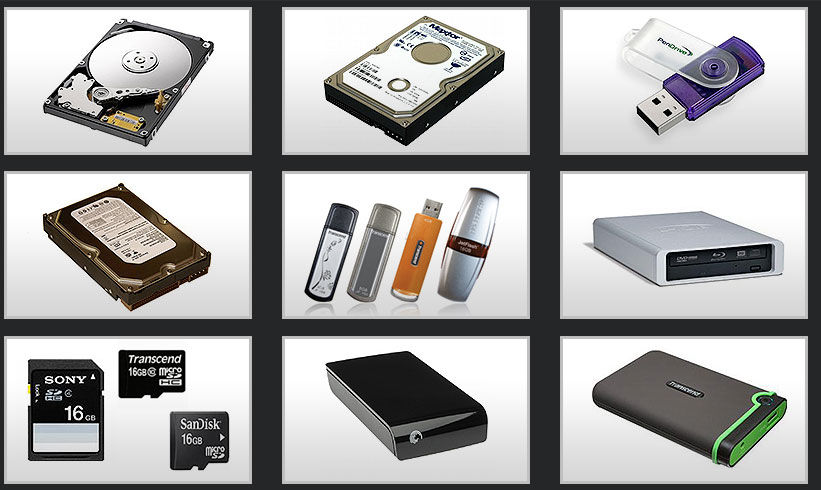
- A DVD is similar to a CD in that it is an optical device and that a laser is used to store the data and read the data. A single layer DVD can store about 4.7Gb of data.
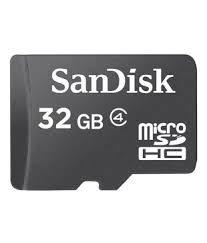
- Memory card
- A memory card or flash card is an electronic flashmemory data storage device used for storing digital information. These are commonly used in portable electronic devices, such as digital cameras, mobile phones, laptop computers, tablets, MP3 players and video game consoles.
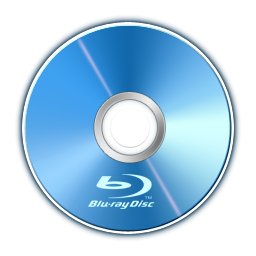
- Blue-ray disk
- A Blu-ray disk is an optical storage device similar to CD and DVD technology. It also uses a laser to read and write to the disk, but instead of a red laser beam, as used in DVD and CD, it uses a blue-violet laser beam. This means it can burn smaller pits on the disk and so it has even more storage capacity than a DVD.
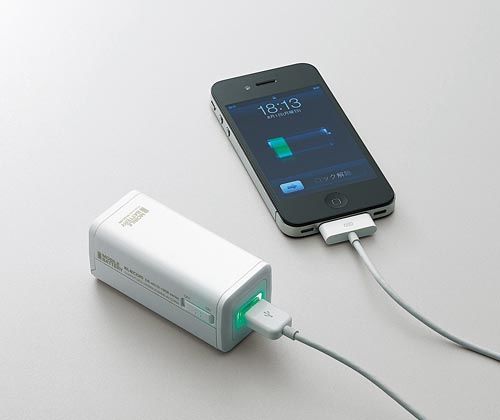
- Portable charger
- A portable charger is basically a charger that you can bring with you anywere but first you need to get the charge from a specael box so that it keeps all of the charge with it and then when you use it the charge comes out.
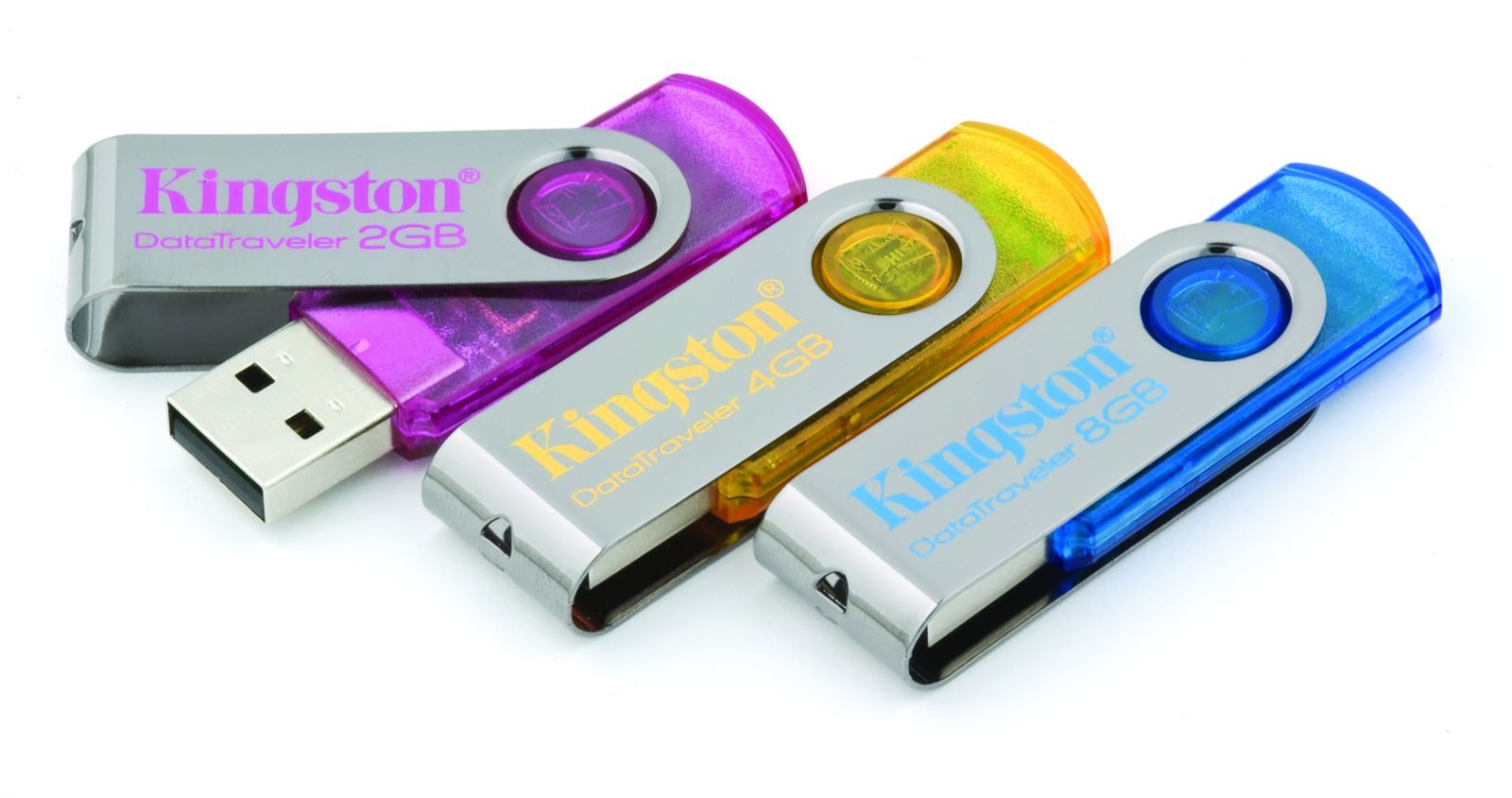
- Flash drive
- A flash drive is like a memory stick that plugs into the computer. You can put data into the flash drive or take it out.Or if you put a little cap on it , the flash drive would storage it until you use it again.
- DVD
Images and files in the map

Information
- Description
- Mind Map on Input, Output and Storage Devices, created by Jessica Gray on 11/05/2016.
- Created by
- Jessica Gray
- Views
- 0
- Rating