
Mind map
Input,Output and Storage Devices
Map content
Input,Output and Storage Devices
Storage Devices
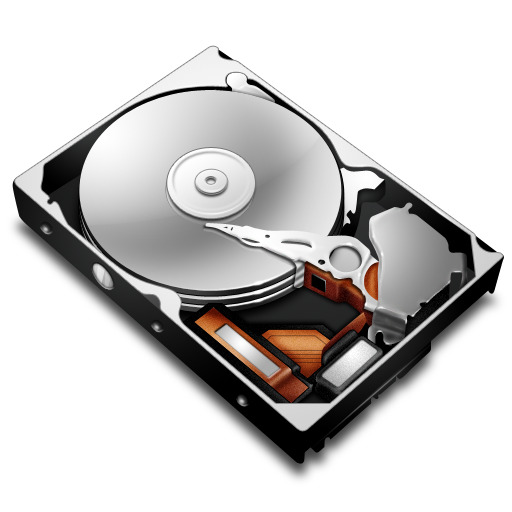
- Hard Drive
- A hard drive is built up of lots of different things which sned all the information you need over to your device.
- USB
- USB ports are built into the hardware of recent models of most desktop PCs and laptops,
- CD
- CDs and DVDs are everywhere Now. If there are holding storage including music ,tv programs or movies .They can hold lots of storage as they has a great capasity.
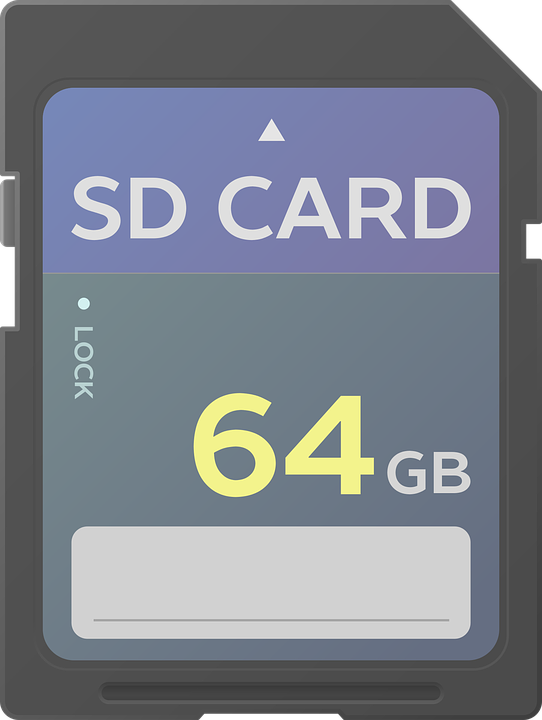
- SD Card
- A SD card is a secure digital micro chip which has high capacity of storage.If you want to increase your phone's memory or invest in small, secure backup storage, a micro SD card should be ideal.
- Sim
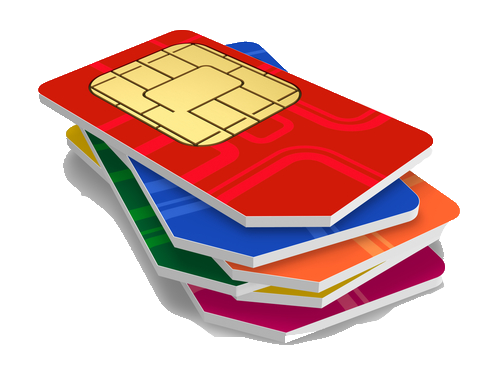
- SIM cards are the small cards which contains a chip that must be inserted into phones before they will work.
- Hard Drive
Input Devices
- Keyborad
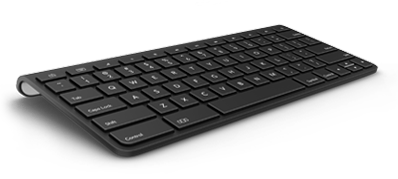
- Every key on the Keyborad has a electriacal switch which went lots of keys are pressed creates a electrical curcit. The is a prossesor which recorads all the information that needs to be inputed onto your device .Then it wil send the information to your device
- Artists Pad and Pen
- The device consists of a flat surface upon which the user may draw or trace an image using the attached stylus, a pen-like drawing apparatus. The image is displayed on the computer monitor, though some graphics tablets now .
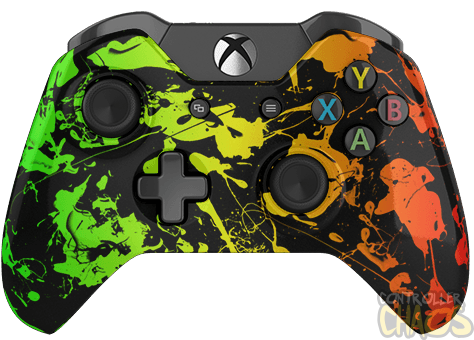
- Controller
- When you press the controls the controller send pixels over to thedevice which makes your person mobe.
- Mouse
- A Mouse works by you moving it about and clicking on the left of right of the mouse which does what you want it to do.You cntrol the mouse
- Touch Screen
- Touch screen reacts to the human finger/skin which sends knowledge to the device which lets the finger do what it needs to.
- Joystick
- Joysticks are often used to control video games, and usually have one or more push-buttons whose state can also be read by the computer. A popular variation of the joystick used on modern video game consoles is the analog stick.
- Digital Camera
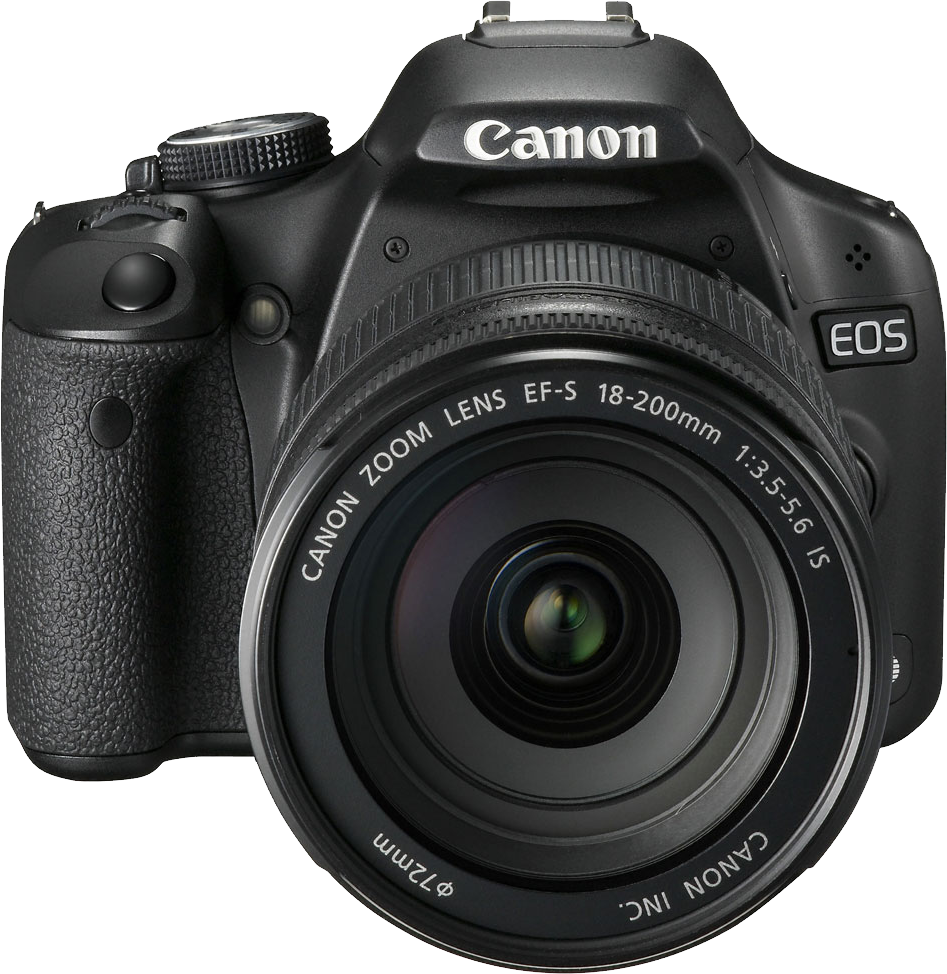
- A Camera works by you making sure the llense is out and the camera is showing what you wont it to show then you press the top button to take the photo.
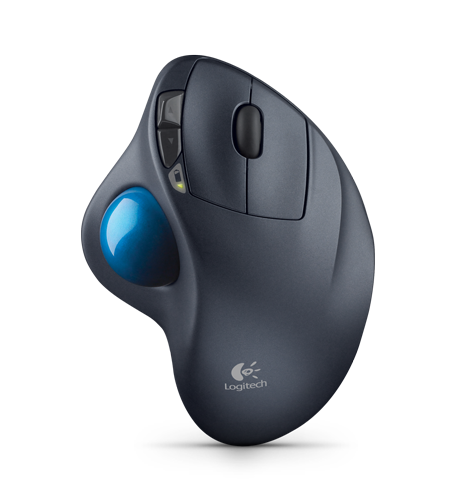
- Trackball
- Trackballswork just like mouses you move the ball around to get what you want.
- Video Digitiser
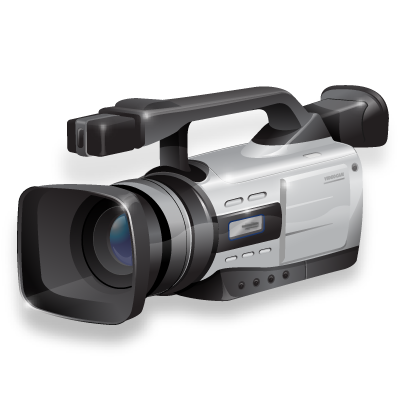
- video digitiser takes an image from a video camera or television and converts it so that it can be used by and stored on a computer.
- Microphone
- Microphones convert acoustical energy (sound waves) into electrical energy (the audio signal).
- Keyborad
Output Devices
- GPS
- A GPS receiver must be locked on to the signal of at least 3 satellites to calculate a 2-D position.
- Printer
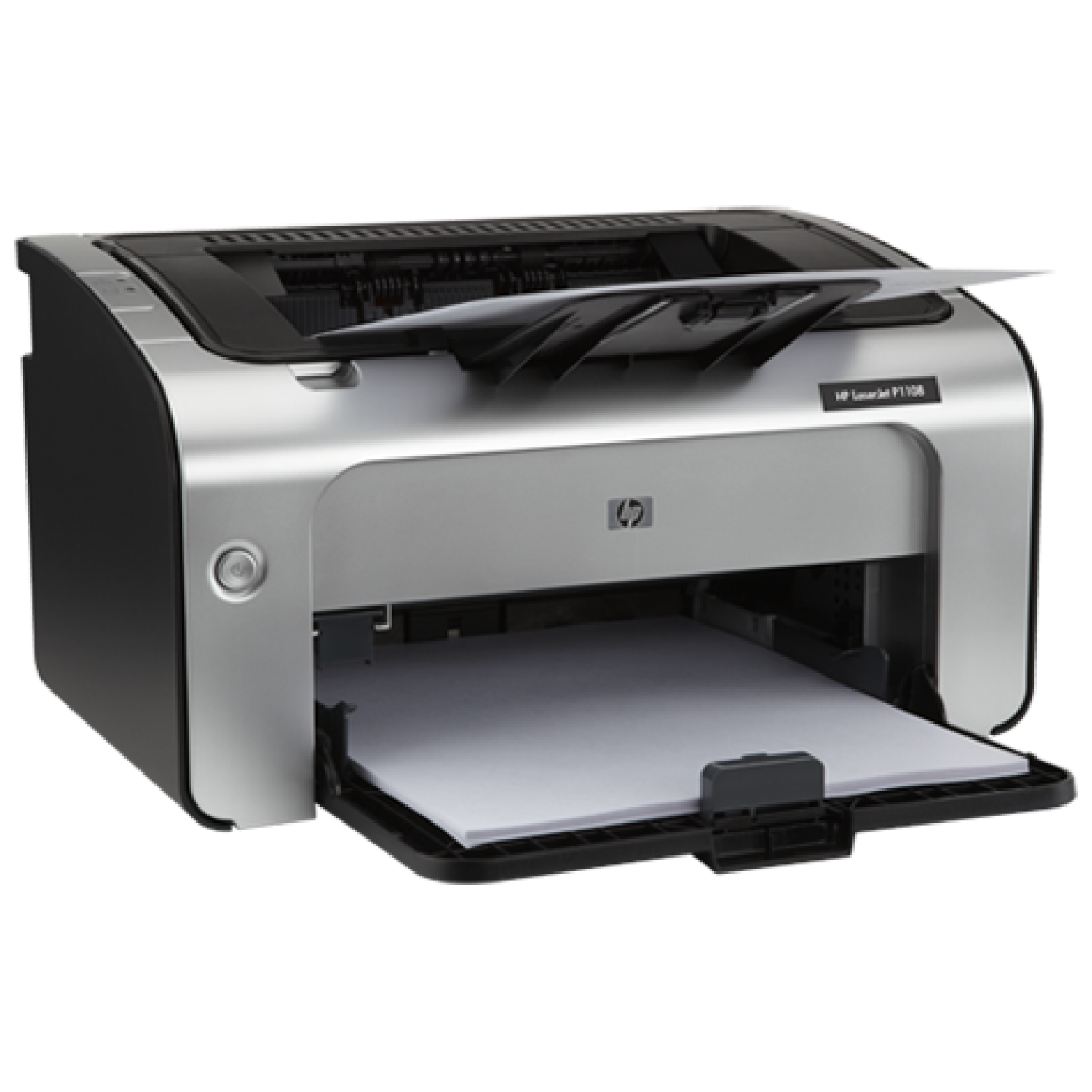
- The static electricity attracts onto the page a kind of powdered ink called toner. Finally, as in a photocopier, a fuser unit bonds the toner to the paper.
- Speakers
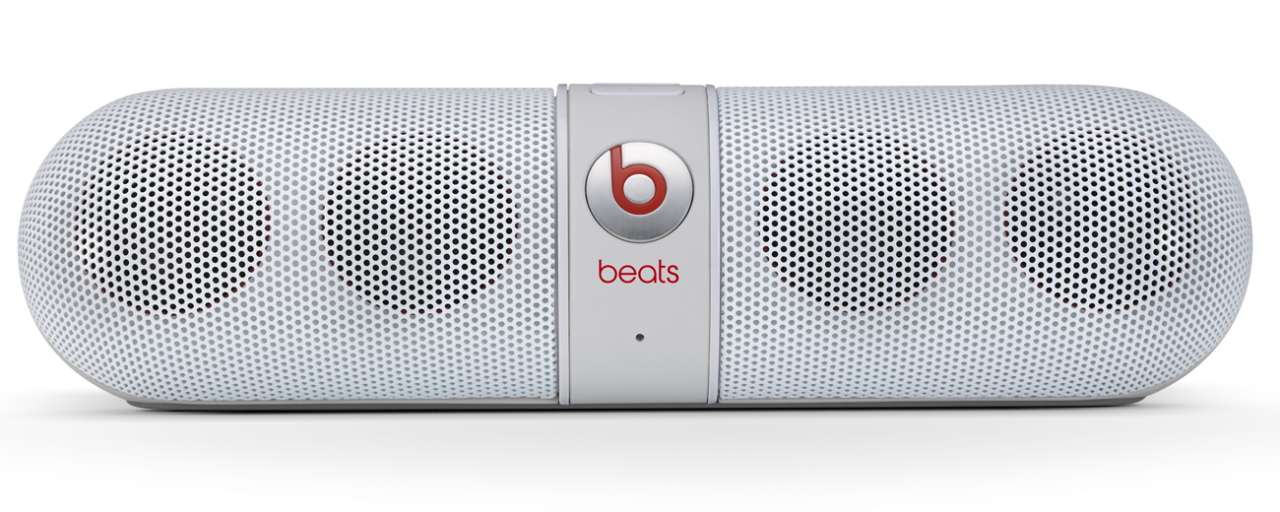
- How a loudspeaker works. When a fluctuatin As the coil moves, it moves the cone back and forth, pumping sound waves into the air .
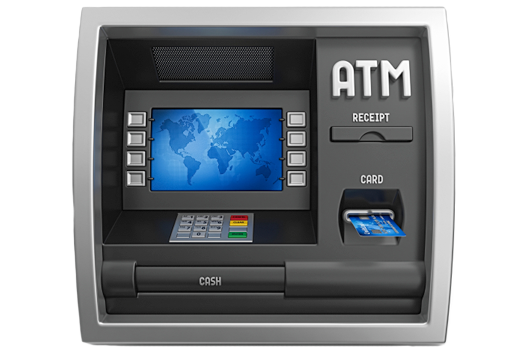
- Cash Machine
- Using a cash machine, customers can access their bank deposit or credit accounts in order to make a variety of transactions such as cash withdrawals, check balances, or credit mobile phones. If the currency being withdrawn from the cash machine .
- Laser Printers
- It makes a laser beam scan back and forth across a drum inside the printer, building up a pattern of static electricity.
- Headphones
- Large headphones are essentially just two loudspeakers mounted on a strap that clamps firmly over your head .
- Buzzers
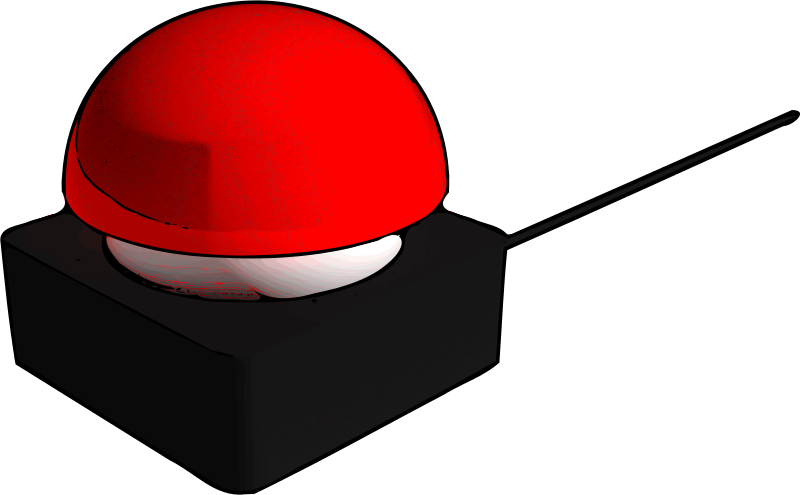
- A buzzer takes some input and emits a sound into response to it.They may use various means to produce the sound; everything from metal clappers to electromechanical devices.
- Projector
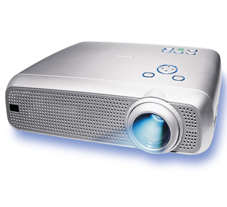
- A projector uses light to show your films on screen this makes the image outputed.
- Braille Reader
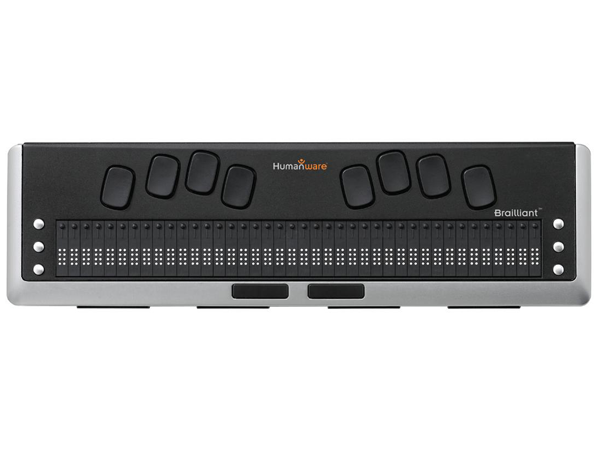
- The screen reader will then translate the text in Braille and the device will display it on its built-in Braille cells. To create the Braille dots in each cell.
- Monitor
- A computer monitor or a computer display is an electronic visual display for computers.
- GPS
Images and files in the map










Information
- Description
- Mind Map on Input,Output and Storage Devices, created by Robyn Day on 12/05/2016.
- Created by
- Robyn Day
- Views
- 1
- Rating