
Mind map
Computer Safety and Ethics
Map content
Computer Safety and Ethics
Maintain and safe computing environment
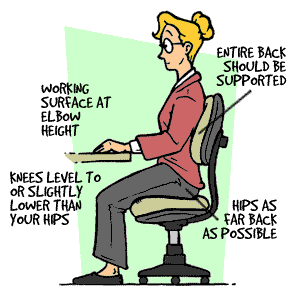
- pay attention to your posture, lighting, and activity level by:
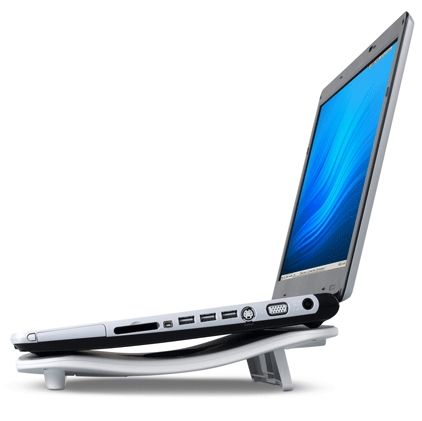
- place a cooling pad under your notebook computer
- Don't stare at the computer for a long time
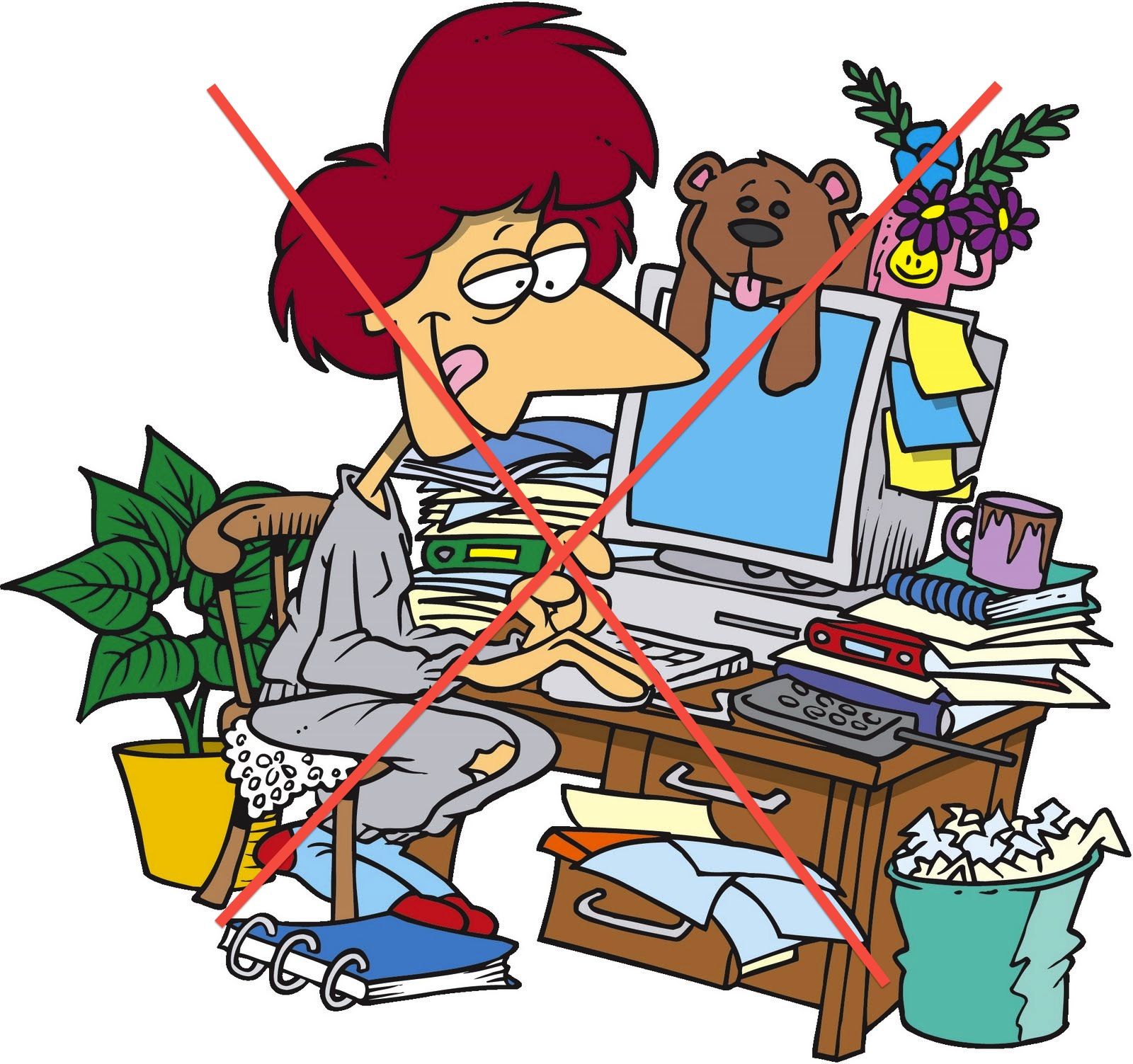
- arrange the computer area
- Review product safety guidelines
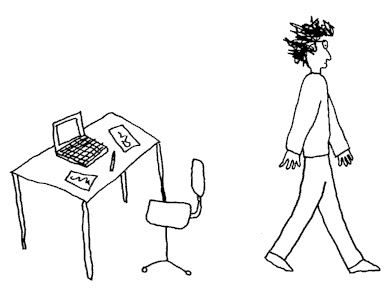
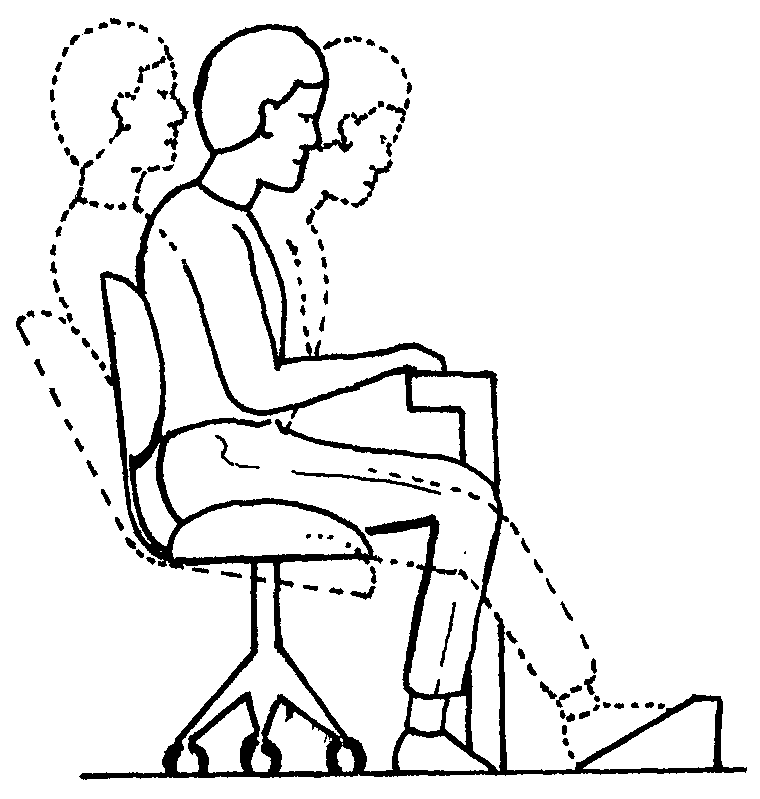
- change your position often
- place a cooling pad under your notebook computer
- pay attention to your posture, lighting, and activity level by:
Computer related injuries
- When you use a computer, take precautions to avoid chronic physical maladies, prevent it can be prevented by:
- well-designed work area
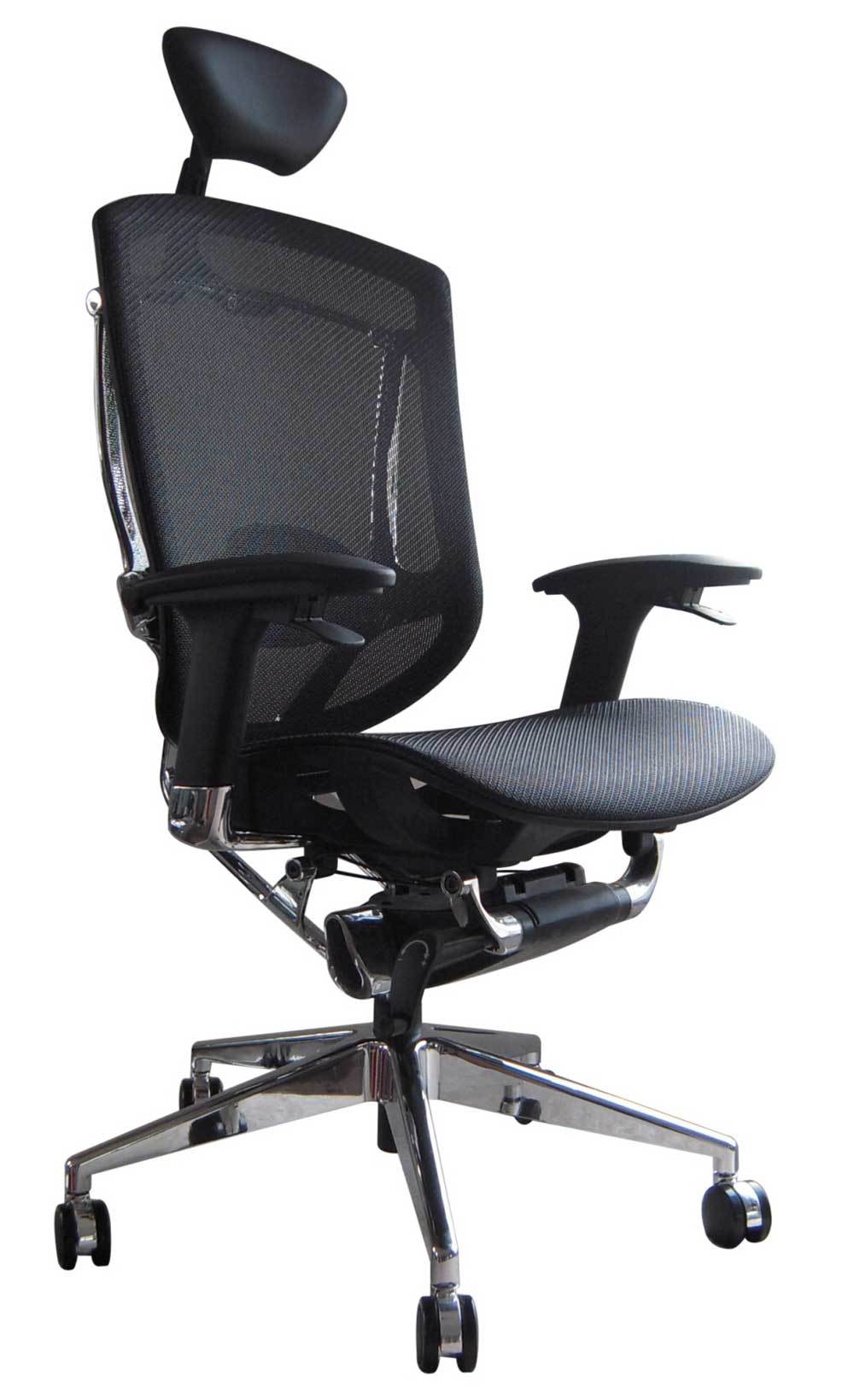
- use of ergonomic furniture
- good posture
- changing positions throughout the day
- using a high-resolution monitor,
- When you use a computer, take precautions to avoid chronic physical maladies, prevent it can be prevented by:
Security risks
- Slow internet access,additional costs, illegal or criminal activity by others, sniffer used to find usernames and passwords.
- Network protection
- turning on encryption.
- set a password for your network
- Turn off the network when not using it.
- setup firewall against sniffers
- turning on encryption.
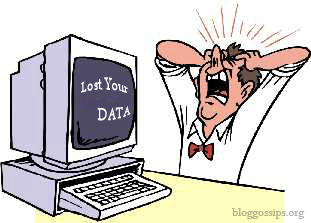
- Avoid data lost
- Avoid Power outages.
- back up important files regularly.
- save data in removable disks or websites.
- back up important files regularly.
- Avoid Power outages.
- Safeguarding Against Software Threats
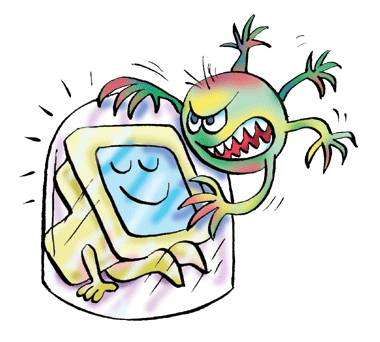
- To protect against viruses:
- antispyware
- use an up-to-date antivirus program
- setup a strong passwords
- antispyware
- To protect against viruses:
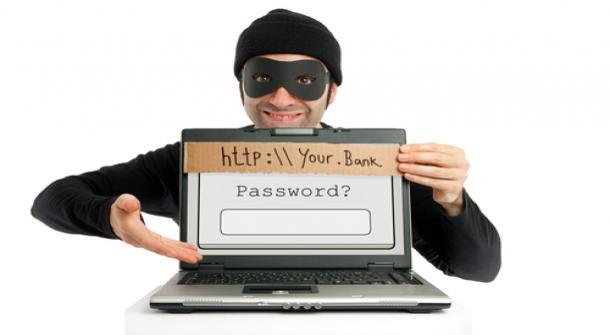
- Computer hacking
- Hackers
- steal, change, or damage data stored on a computer.
- Firewall
- Software firewall for small networks
- Hardware firewall for big networks
- Firewall
- steal, change, or damage data stored on a computer.
- Hackers
- Network protection
- Slow internet access,additional costs, illegal or criminal activity by others, sniffer used to find usernames and passwords.
Access restrictions
- System administrator restrict access to files and other to protect data and other users.
- Example:organizations use firewalls and other to protect data from people outside the organization
Private Property
- Generally, any information gathered from a company’s computer system is company property
E-Commerce Issues
- Before providing personal information or credit card information on an e-commerce or similar site make sure:
- Check privacy policies
- that the site is secure.
- the site provides a Transport Layer Security (TLS) or Secure Sockets Layer (SSL)
- Keep personal information private
- the site provides a Transport Layer Security (TLS) or Secure Sockets Layer (SSL)
- that the site is secure.
- Check privacy policies
- Before providing personal information or credit card information on an e-commerce or similar site make sure:
preserving privacy
- Avoid Cookies and Spyware
Securing Data
- you need to set up safeguards for each type of risk.The best way to protect data is to:
- control the access to it.
- put a strong password and change it frequently
- Verify that you have logged off a computer used in a public place
- secure a “cheat sheet” or a written down password
- Use code names instead of real names.
- use an alias.
- Use code names instead of real names.
- put a strong password and change it frequently
- control the access to it.
- you need to set up safeguards for each type of risk.The best way to protect data is to:
Using the Internet Safely and Legally
- Avoid plagiarism
Technology Changes and Individual Responsibilities
- Stay informed about the advancements in technology
- such as in antivirus programs
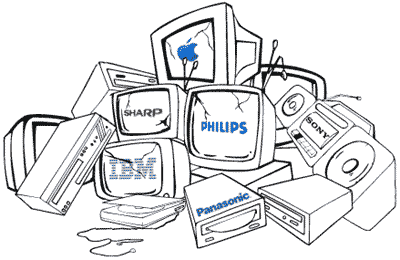
- be careful when disposing hardware
- share your knowledge
- Stay informed about the advancements in technology
Images and files in the map








Information
- Description
- Mind Map on Computer Safety and Ethics, created by shammaalbloushi9 on 05/28/2014.
- Created by
- shammaalbloushi9
- Views
- 37
- Rating