
PowerPoint Section 1.2
Slides in this set (22)
-
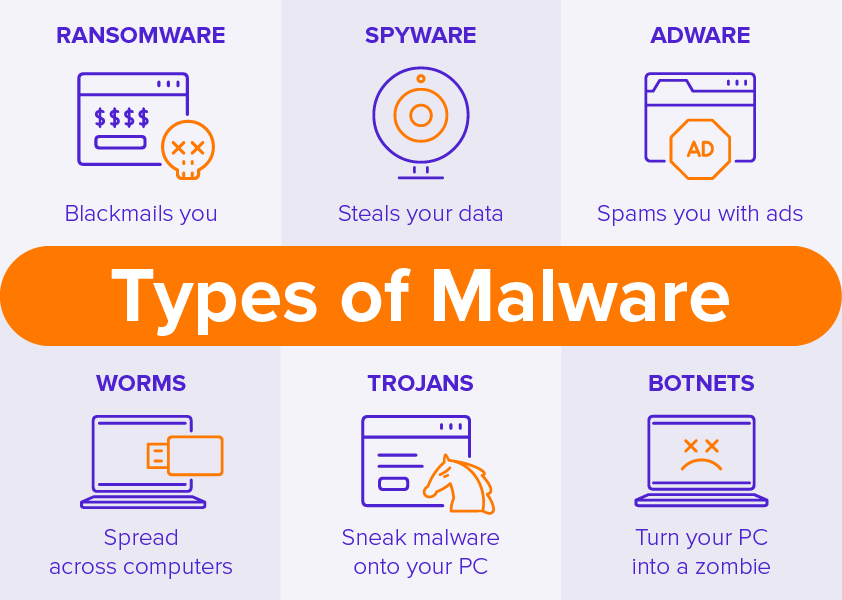
- Malware can cause your computer to be controlled over the net
- Common malware are
- Viruses
- Worms
- Trojans
- Spyware
- Adware
- Ransomware
- Botnet
- Viruses and worms are some of the worse malware these days
- How do you get malware
- A worm takes vulnerability
- Installs malware that includes a remote access backdoor
- Bots may be installed later
-
- Can use file systems or network to replicate itself
- Types of Viruses
- Program virus
- Boot Sector Virus
- Script Viruses
- Macro Viruses
- File-less Virus
- Anti-virus software are common in stopping viruses
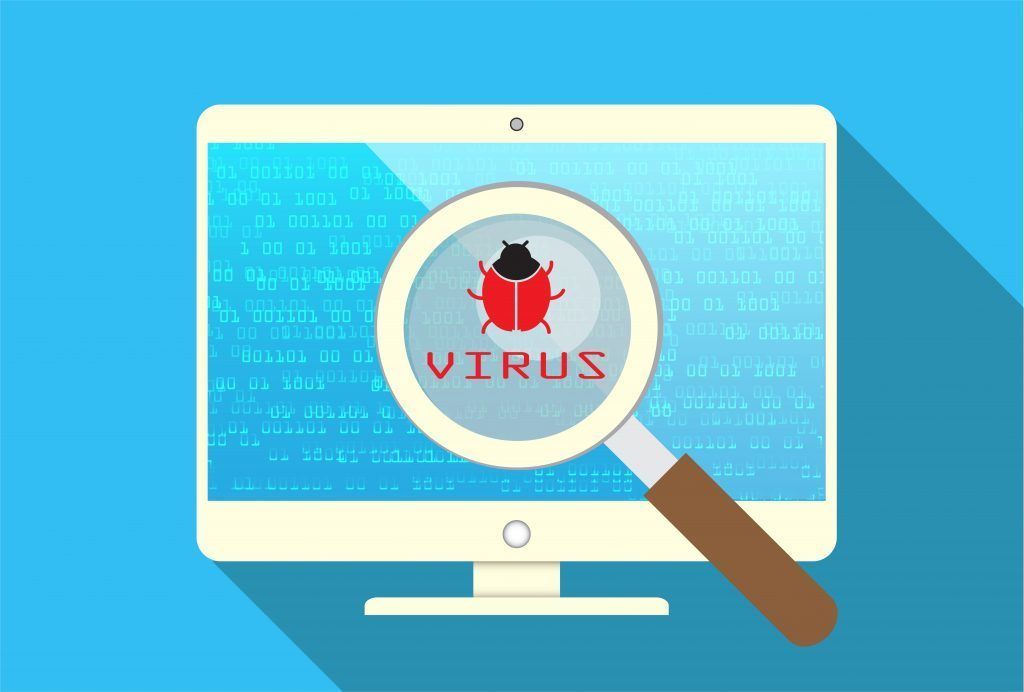
- A virus is attached to a document or file that supports macros to execute it's code and spread from host to host. Once downloaded, the virus will lay dormant until the file is opened and in use. Viruses are designed to disrupt a system's ability to operate
-
- Program virus: It's part of the application
- Boot Sector Virus: Exist in the boot sector of your storage device, and is executed when the OS starts up
- Script Viruses: Operating system or browser-based
- Macro Viruses: Common in Microsoft Office
- File-less Virus: A virus that never installs or saves itself in the file system. It does a good job at avoiding anti-virus detection, also known as stealth attack. Operates from the computers memory.
-
- Uses the network as a transmission medium
- Are pretty bad and can take over many systems very quickly
- Firewall and IDS/IPS can mitigate many worms infestation, but not much help once the worms are inside
- Wannacry worm: Installed crypto malware that began encrypting people's files
-
- Crypto-malware: Is a ransomware that encrypts all of the data on your computer. It attacks the computer system by sending the recipient an email with an attachment, that when opened will infiltrate the computer and encode all the files and data. The sender will then inform the victim that their files are being held, unless they pay a ransom (bitcoin) or the files will be destroyed.
- If payment is paid, the victim will be given a decryption key to unlock their data and files
- Protecting against ransomware
- Always have a back-up, offline ideally
- Keep OS up to date
- Keep applications up to date
- Keep anti-virus/anti-malware Signatures up to date
- KEEP EVERYTHING UP TO DATE
-
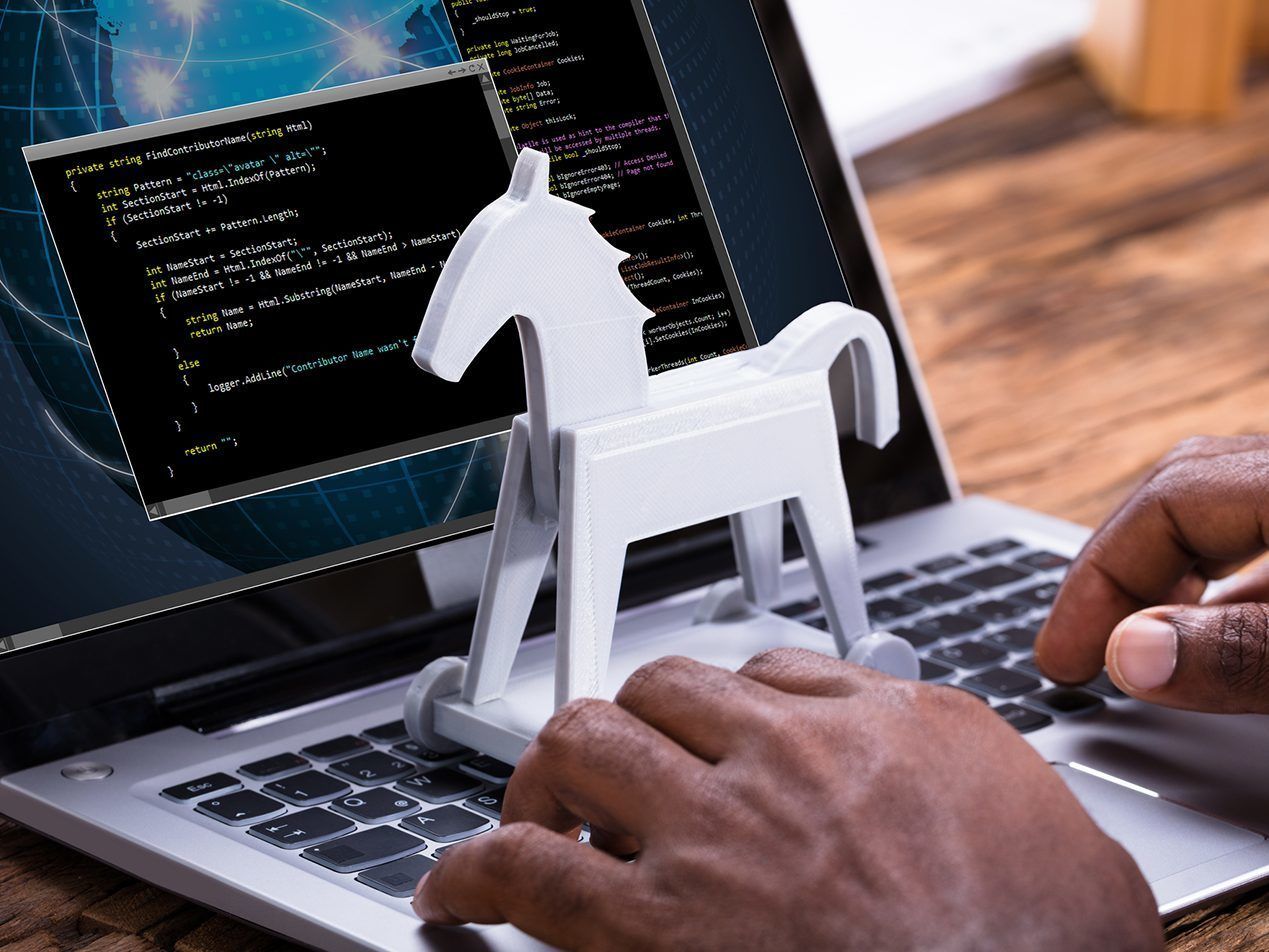
- They are meant to trick you in believing it is a legitimate software. They deceive you to execute or load malware onto your device
- Anti-virus may help, but better built trojans are harder to notice
- They are not design to Self-replicate and needs user to activate trojan
- Potentially Unwanted Program (PUP): Commonly downloaded by trojan horse that is undesirable and can cause performance issue on your computer
- Overly aggressive browser
- A backup utility that displays ads
- Browser search engine hijacker
-
- Remote Administration Tool (RATs)
- A software program that allows users to control another system as if they have physical access
- Gives 3rd parties access to your computer to have nearly complete control over the operating system
- The ultimate backdoor
- Protecting against Trojans and RATs
- Don't run unknown softwares
- Keep Anti-virus/Anti-malware updated
- Always have backups
-
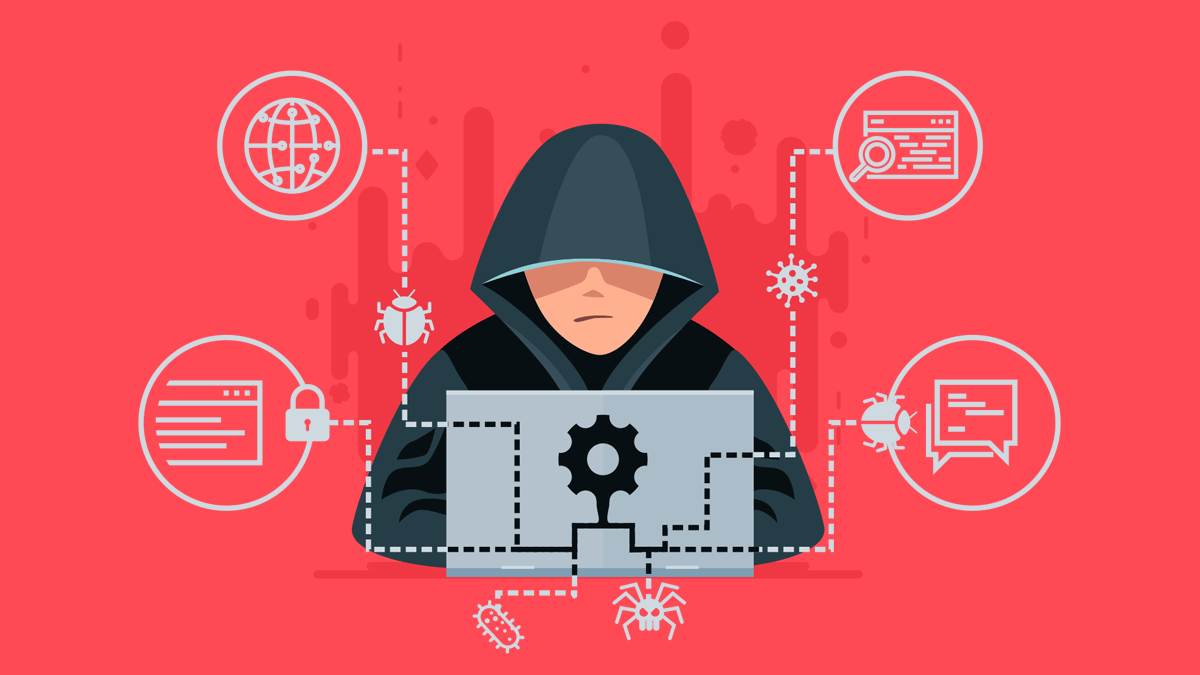
- A collection of file that is installed on a host to alter the standard functionality of the host in a malicious and stealthy way
- They are design to hide from detection by the user and computer security program
-
- They can also slow down your computer device and performance
- How do host get adware - two major ways
- Downloading a program that secretly installs adware onto host device.
- Visiting a website that may be infected with adware, which takes advantage of a vulnerability in a user's web browser and delivers a drive-by download. Afterwards the adware will start collecting your information, and redirect you to malicious websites, and throwing more advertisement to your browser
- How to prevent adware
- Be careful when downloading and installing any softwares
- Use and update your anti-malware
-
- They can gather information on the sites a host visits, the things they download, username and passwords, payment information, and emails you send and receive
- Runs quietly in the background and collecting host information and spying on them
- They are many types of Spyware like....
- Password stealers
- Info Stealers
- Banking Trojan
- Keyloggers
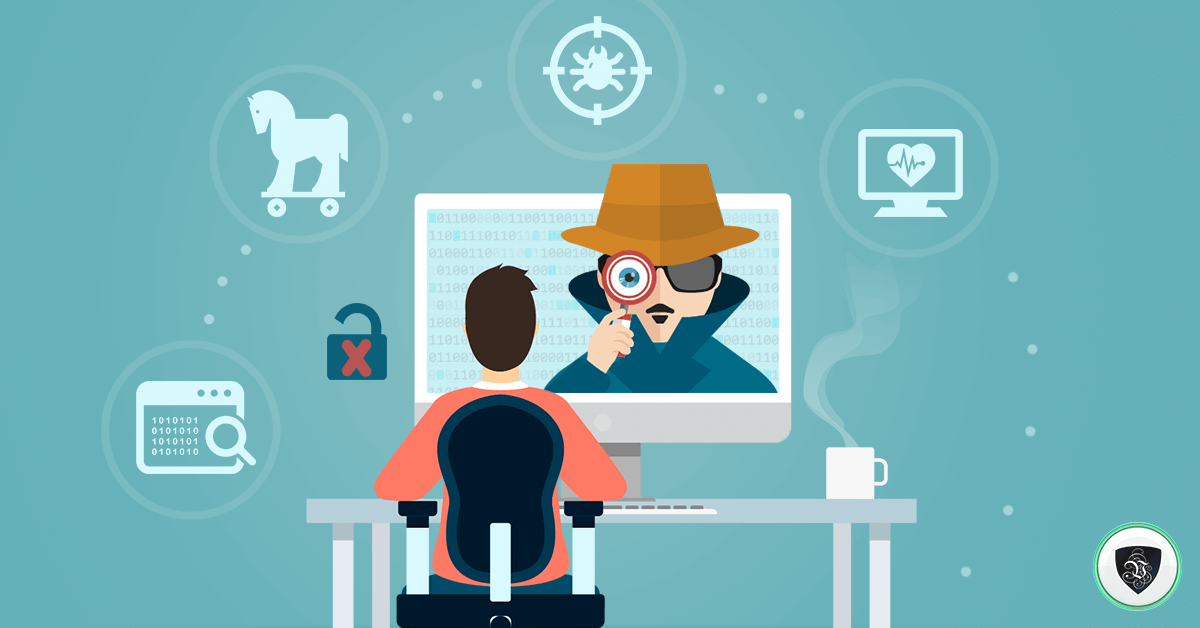
- Caption: I see you....
-
- Bots are controlled by a Command & Control (C&C) Server
- Bots can perform malicious task that allows attackers to remotely control over an infected computer. They are usually referred to as zombie bots
- Attackers use botnet to launch large scale attacks like DDoS
- Relay spam, proxy network traffic, distributed computing task
- Botnets are for sale
- Stopping the bot
- OS and application patches
- anti-virus/anti-malware signatures updated
- Identify an existing infection by on-demand scans or network monitoring
- Prevent C&C at the firewall
-
- A type of malware that is waiting for a predefined event to occur
- Often left by someone with grudge
- Time bomb - time or date
- Difficult to identify and recover if it goes off
- Many will delete themselves after executing
- Preventing Logic bombs
- Process and procedures on formal change control
- Electronic monitoring, alert on change, tripwire, intrusion detection
- Constant auditing
-
- Some applications store passwords "in the clear"
- No encryption, you can read the stored password
- This is rare
- DO NOT STORE passwords as plaintext
- Anyone with access to the password file or database has every credential
- Switch application if your current application saves your passwords as plaintext
-
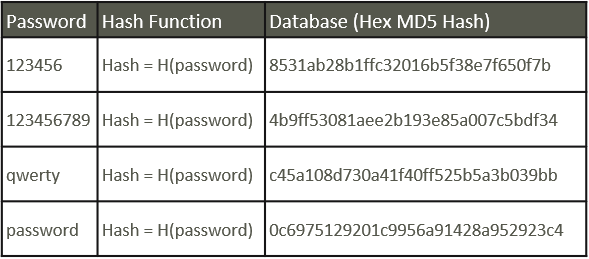
- Hashes represent data as a fix-length string of text. A message digest, or "fingerprint"
- One-way trip. Impossible to recover the original message from digest
- Common and Best way to store passwords
- Different inputs will not have the same hash
- By default, the personalization module uses the MD5 algorithm to perform the one-way hash of the password value and to store it in the hash form. The hash password is then stored in a database. When a user attempts to login, the personalization module takes the supplied password, performs a one-way hash and compares it to the database value. If passwords match, then login is successful
- SHA-256 hash
-
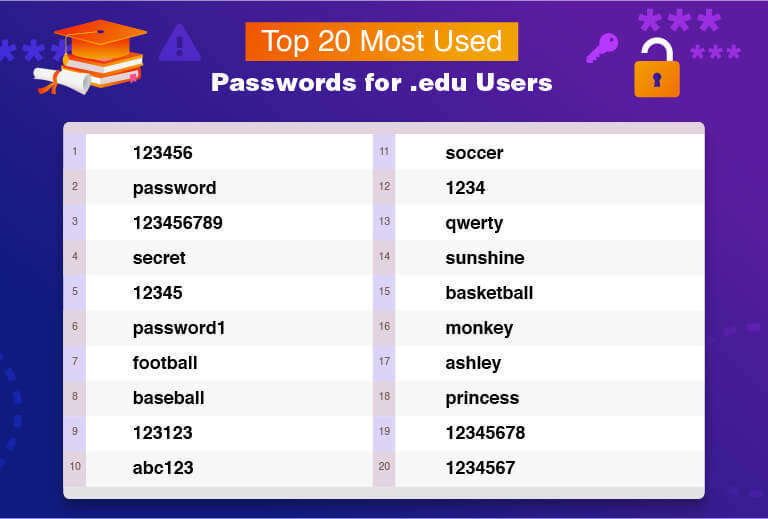
- Avoids the results of a lock account for trying the wrong person multiple times without success. They use common passwords and only try a few of them before moving on. If passwords don't work they move on in order to prevent setting off the alarm or alerts
- They are common where application or admin sets a default password for the new user
- Mitigation techniques
- Brute force prevention should be on both field username and password
- Set account lockout policies after certain number of failed login attempts to prevent credentials from being guess
- Change password immediately after setting up new admin application
- Use multi-factor authentication, especially external services
-
Password Spraying Attack cont....
-
- This may take some time. A strong hashing algorithm slows things down
- Efficient for short passwords
- Brute force attack - online
- Keeps trying the login process
- Very slow process
- Most accounts will lockout after a number of failed attempts
- Brute force attack - offline
- Obtain the list of users and hashes
- Calculate a password hash, compare it to a stored hash
- Large computational resource requirement
-
- Many common wordlist available on the net. Some are customized by language or line of work
- The password crackers can substitute letters
- This takes time
- Distributed cracking and GPU cracking is common
- Dictionary Attacks Explained | NordVPN (Embed)
- Caption: Dictionary Attack
-
- Saves time and storage space
- Contains pre-calculated hash chains and doesn't need to contain every hash
- Remarkable speed increase
- Need different tables for different hash methods
-
- A little bit of Random data added to a password before it is hash
- A salt is added to the hashing process to force their uniqueness, increase their complexity without increasing user requirements, and to mitigate password attacks like hash tables
- Every user gets their own random salt. So users can have the same password but will have different salt added to their hash
- Rainbow tables will not work with salted hashes
- Slows things down the brute force process
Information
- Description
- CompTIA Security+ Slide Set on PowerPoint Section 1.2, created by M M on 25/10/2021.
- Created by
- M M
- Views
- 0
- Rating