
Mind map
TELÉFONO, Guía para entenderlo.

Map content
TELÉFONO, Guía para entenderlo.
Movilidad
- IR ATRAS
- Suele ser un TRIANGULO- FLECHA
- Función: Volver hacia atrás cualquier cosa abierta-
- Suele ser un TRIANGULO- FLECHA
- IR AL MENÚ
- Es el LUGAR que aparece cuando PRENDEMOS el telefono
- FUNCIÓN: Permite abrir otra cosa, sin cerrar la otra
- Suele ser un CIRCULO |0|
- OPCIONES
- Suele ser un CUADRADO- o tener esta forma |=|
- FUNCIÓN: Permite moverse entre las aplicaciones abiertas
- Suele ser un CUADRADO- o tener esta forma |=|
- IR ATRAS
INTERNET
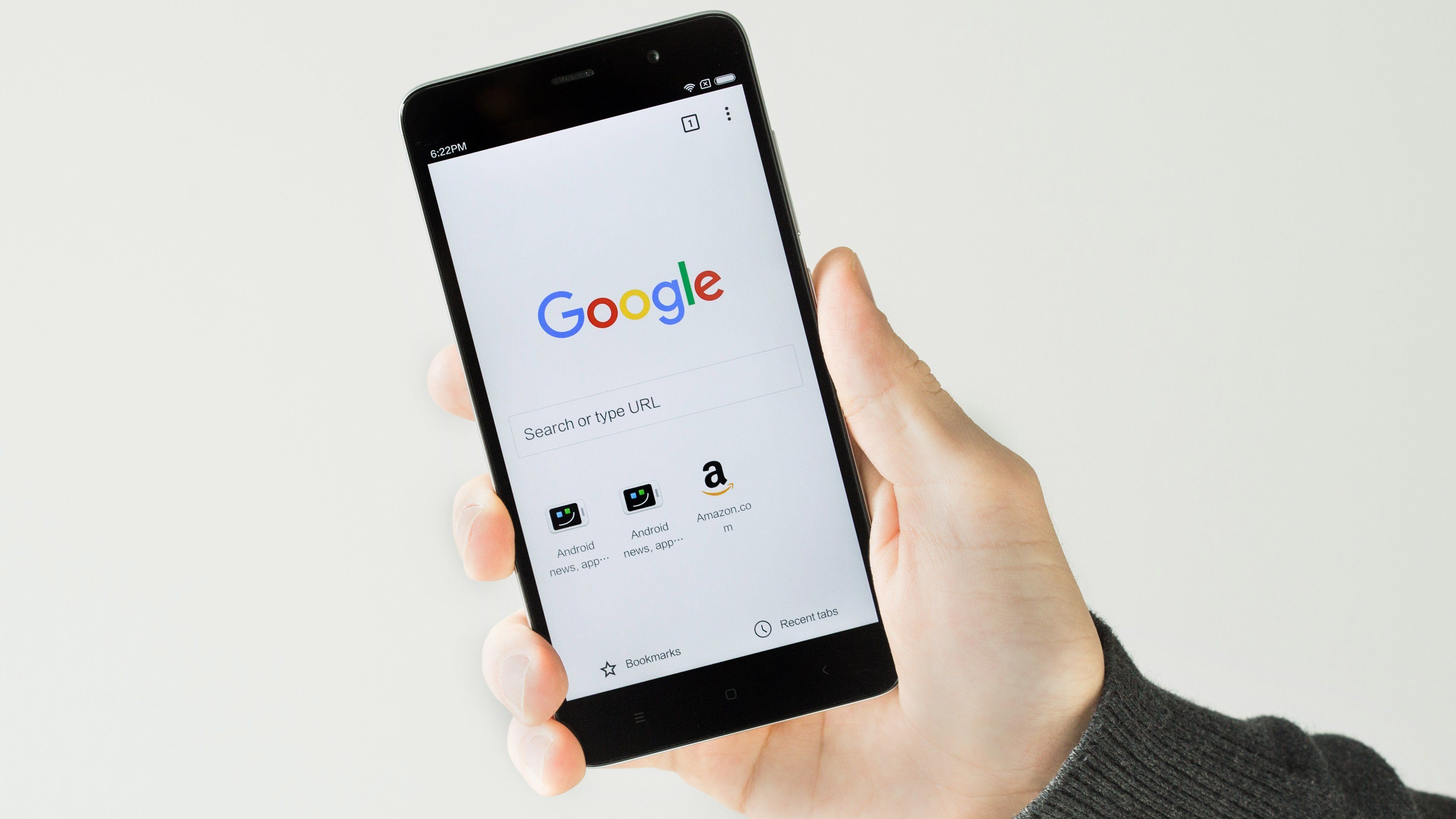
- TOCAR EL LOGO
- Buscar recuadros que puedan ser tocados
- Escribir Busqueda. EJ: TIEMPO
- Presionar |--->|del teclado
- Aparecen busquedas
- LEER DESCRIPCIONES
- Elegir LA QUE MEJOR PAREZCA
- Dar Click.
- Elegir LA QUE MEJOR PAREZCA
- LEER DESCRIPCIONES
- Aparecen busquedas
- Presionar |--->|del teclado
- Escribir Busqueda. EJ: TIEMPO
- Buscar recuadros que puedan ser tocados
- TOCAR EL LOGO
Cámara
- Buscar Imagen |CÁMARA|
- SÍMBOLOS
- Flechita
- Girar la cámara
- Sacar Selfies
- Girar la cámara
- Camarita de video vieja
- Permite "GRABAR"
- Flechita
- SÍMBOLOS
- Buscar Imagen |CÁMARA|
YOUTUBE
- Sirve para ver videos de cualquier tipo
- ¿COMO INGRESO?
- Buscar el LOGO
- ¿Que hace un DETECTIVE cuándo busca algo chiquitito?
- Usa una ¡¡¡¡LUPA!!!!
- La presionamos
- Escribimos lo que queramos ver
- Presionar |--->| o |LUPA| del teclado
- Aparecen videos
- ELEGIR UNO.
- Aparecen videos
- Presionar |--->| o |LUPA| del teclado
- Escribimos lo que queramos ver
- La presionamos
- Usa una ¡¡¡¡LUPA!!!!
- ¿Que hace un DETECTIVE cuándo busca algo chiquitito?
- Buscar el LOGO
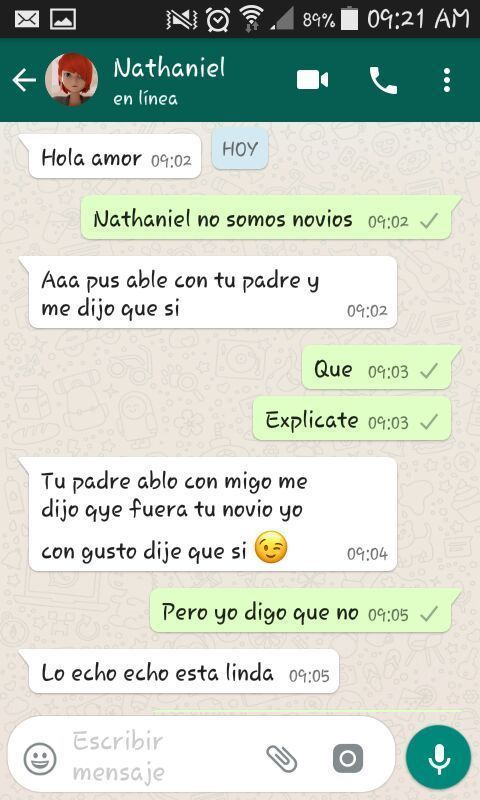
WHATSAAP
- CHATS
- Crear NUEVO mensaje
- CONTÁCTOS
- CHAT
- CLIP
- DOCUMENTO
- CÁMARA
- GALERÍA
- AUDIO
- UBICACIÓN
- CONTÁCTO
- EMOTICONES :)
- :)
- ELEGIR
- ----->
- ELEGIR
- :)
- CÁMARA
- SACAR FOTO "RÁPIDA"
- CLIP
- CHAT
- CONTÁCTOS
- Crear NUEVO mensaje
- ESTADOS
- FUNCION: VER FOTOS DE AMIGOS
- CREAR ESTADO
- LOGO CÁMARA
- PULSAR |O|
- LOGO CÁMARA
- LLAMADOS
- FUNCIÓN:MUESTRA LLAMADAS WTSP
- |DEDO|<-----|------>|
- CHATS
BARRA DE NOTIFICACIÓNES
- FUNCIÓN: Mensajes entrantes, y otros
- Es una barra, se puede bajar
- Presionar sobre mensaje nuevo
- WHATSAAP
- Presionar sobre mensaje nuevo
- Es una barra, se puede bajar
- FUNCIÓN: Mensajes entrantes, y otros
Images and files in the map





Information
- Description
- Modelo para explicar de manera sencilla y didactica a los adultos mayores, mientras usan sus celulares, las funciones que más se utilizan.
- Created by
- Facu Bermudez
- Views
- 27
- Tags
- Rating