
Mind map
Strong Protective Password
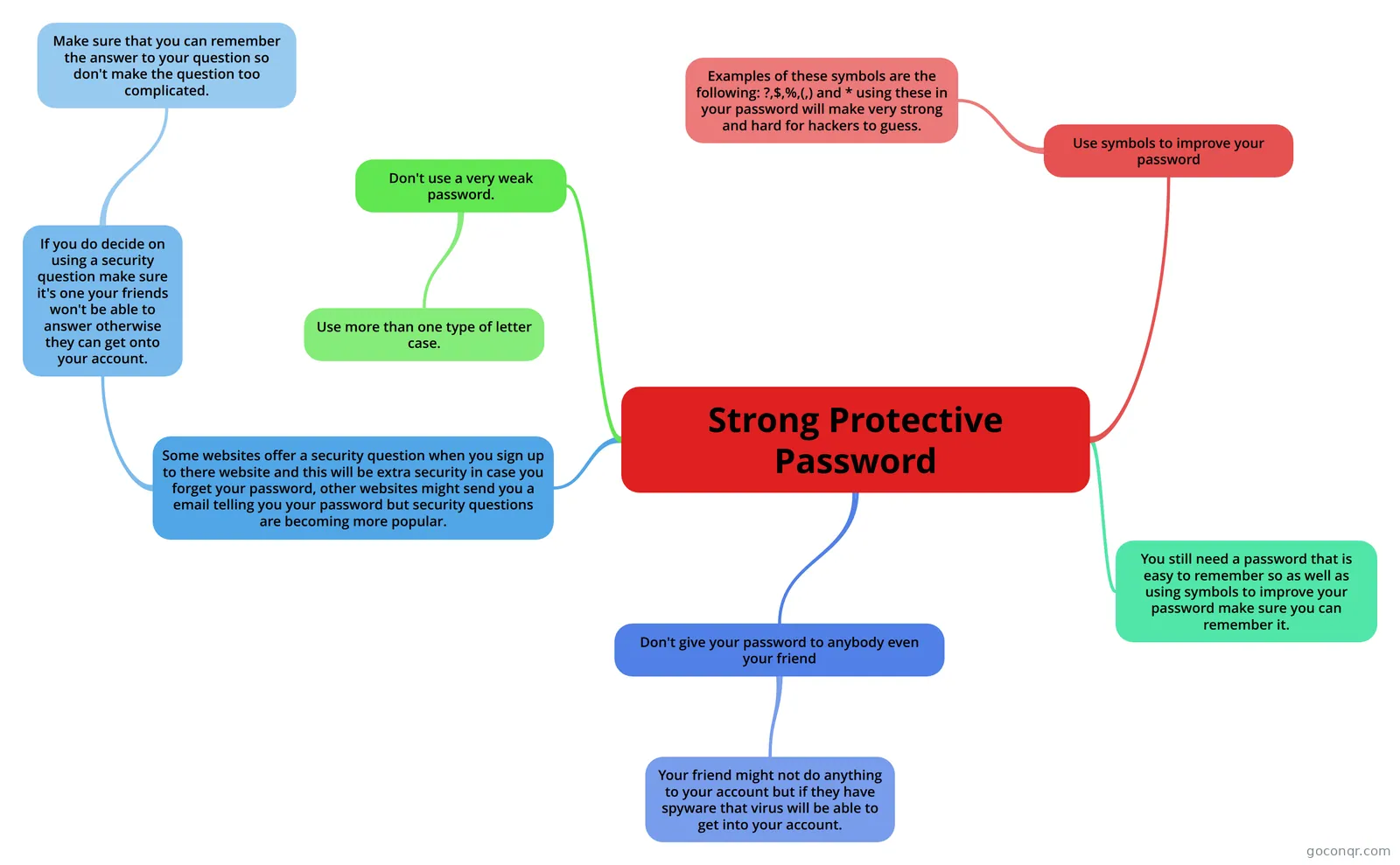
Mind map: strong protective password
Map content
Strong Protective Password
Don't use a very weak password.
- Use more than one type of letter case.
Use symbols to improve your password
- Examples of these symbols are the following: ?,$,%,(,) and * using these in your password will make very strong and hard for hackers to guess.
Don't give your password to anybody even your friend
- Your friend might not do anything to your account but if they have spyware that virus will be able to get into your account.
You still need a password that is easy to remember so as well as using symbols to improve your password make sure you can remember it.
Some websites offer a security question when you sign up to there website and this will be extra security in case you forget your password, other websites might send you a email telling you your password but security questions are becoming more popular.
- If you do decide on using a security question make sure it's one your friends won't be able to answer otherwise they can get onto your account.
- Make sure that you can remember the answer to your question so don't make the question too complicated.
- If you do decide on using a security question make sure it's one your friends won't be able to answer otherwise they can get onto your account.
Information
- Description
- GCSE GCSE ICT Mind Map on Strong Protective Password, created by DolphDog on 07/05/2013.
- Created by
- DolphDog
- Views
- 94
- Tags
- Rating