
Educational Technology, E-learning and Learning Environments mind maps
1,524 mind maps by 1,424 users · Page 1 of 39
This GoConqr page gathers mind maps on educational technology, from personal learning environments to visual design and educational software. University students and professional candidates, school students and teachers can use them to explore learning tools and approaches. There are over 1,200 mind maps by more than 1,100 users, with material for university and school study. Choose a map to begin.
Select topic
- Technology Integration in Teaching42
- Computer-Assisted Learning16
- Digital Learning Tools and Software53
- Online and Blended Learning55
- Online Course Design and Assessment16
- Virtual Learning Environments245
- Learning Management Systems20
- Personal Learning Environments141
- Online Collaboration and Social Learning19
- Mobile Learning12
- Gamification7
- Artificial Intelligence in Education20
- Technology in Language Teaching and Learning48
- E-Learning in Engineering Education32
- Digital Citizenship, Copyright and Online Safety77
Mind maps
-
Personal Learning Environment PLE PLE
-
Mapa mental GA5-240202501-AA1-EV02. mapa mental
-
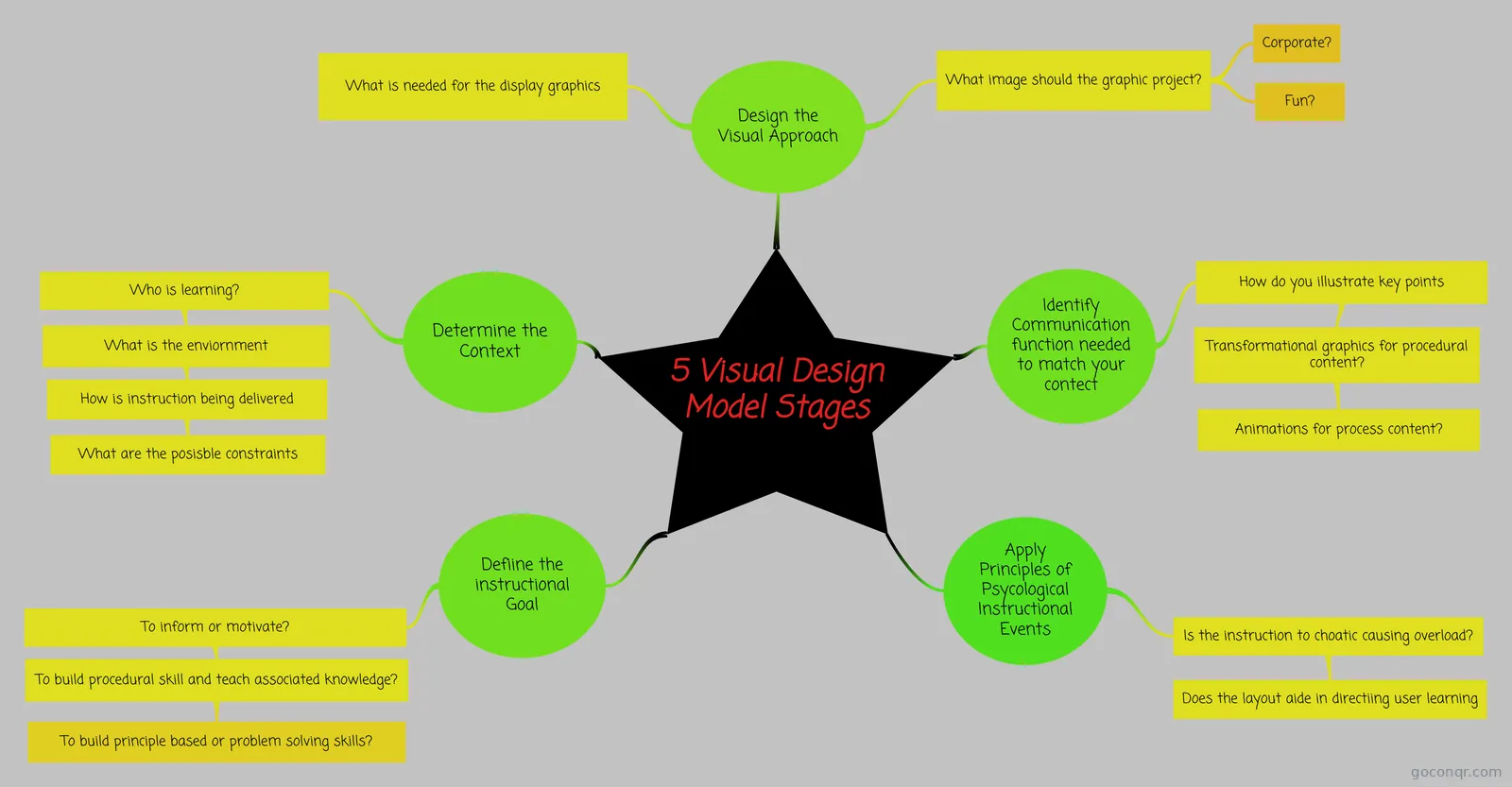 5 Visual Design Model Stages Works Cited: Clark. Graphics for Learning: Proven Guidelines for Planning, Designing, and Evaluating Visual...
-
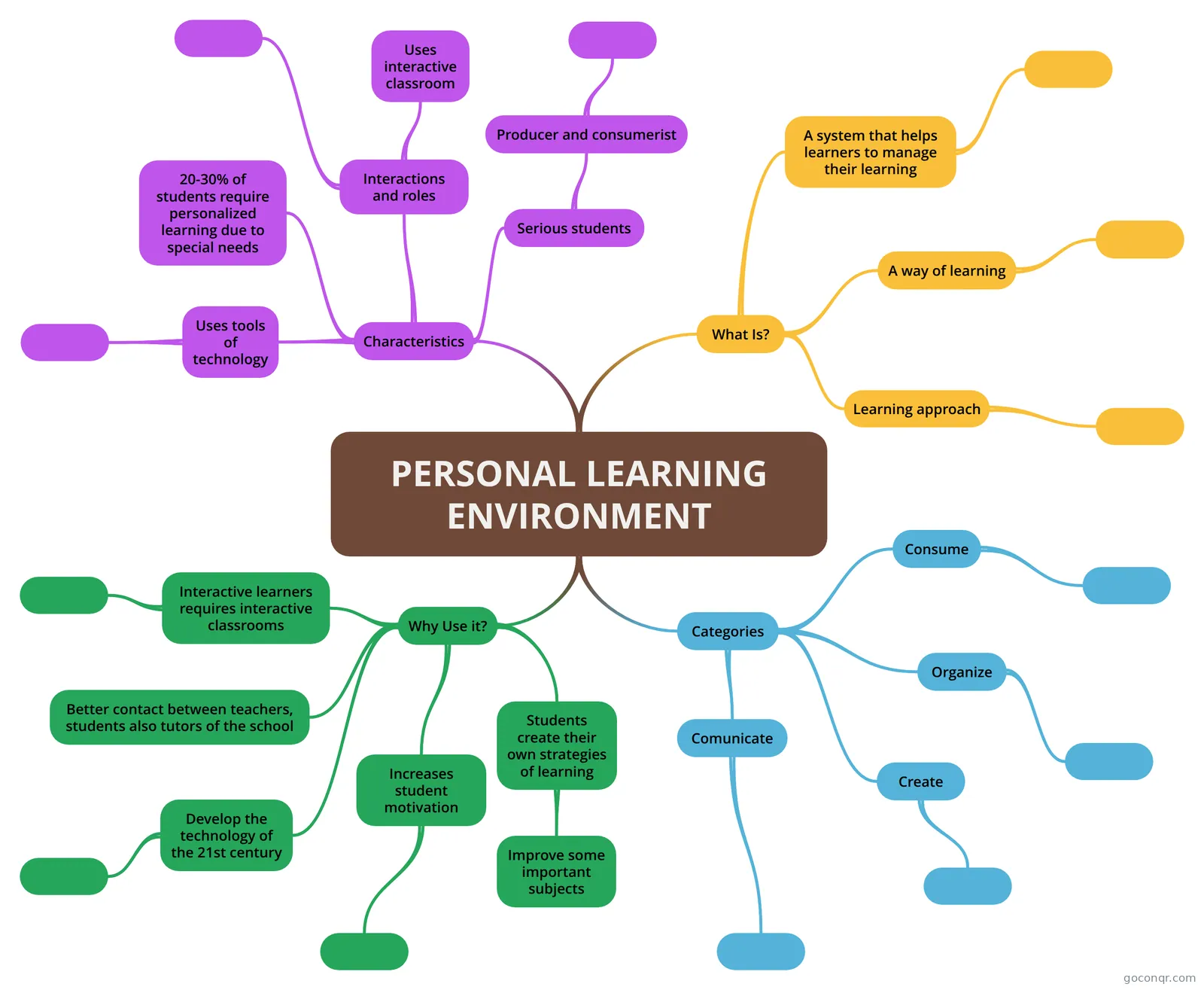 PERSONAL LEARNING ENVIRONMENT PERSONAL LEARNING ENVIRONMENT
-
Technology in Education This technology is very essential for both the students and the teacher but there are some instances wherei...
-
RESOURCES AND ICT
-
Computer-Based Instruction: Enhancing Learning Outcomes and Adaptation to Learner Differences
-
Chapter 15: Learning From and Learning With Technology
-
Virtual Reality Glasses
-
Topic 6 ICT and learning
-
Trends and Issues in Instructional Design and Technology (2nd Edition)
-
Constructing Personal Learning Environments through ICT
-
Virtual Learning Environments
-
Virtual Learning Environments
-
Digital content
-
Implementation of the Moodle System Into EFL Classes
-
PERSONAL LEARNING ENVIRONMENT (PLE) English Learning for Software Analysis and Development
-
ICT and Learning
-
Constructing Personal Learning Environments through ICT-mediated Foreing Language Instruction
-
Magic School AI and Eduaide.ai
-
An introduction to educational technology
-
ICT and Learning
-
Personal Learning Environments (PLE)
-
Topic 6- ICT and Learning
-
Integrating Technology in Education
-
VIRTUAL LEARNING ENVIRONMENTS
-
The use of ICTs
-
Constructing Personal Learning
-
Learning Environments Information and Communication technology can help education to develop and become more efficient for learne...
-
Contenido digital
-
COMPARATIVE STUDY OF THE USE OF ICT IN ENGLISH TEACHING-LEARNING PROCESSES
-
The Horizon Report
-
AI-Powered ICT Tools in EFL Education
-
Visual Communities Network
-
Task 2- Mind map and explanatory video
-
Applications of E-Learning in Engineering Education
-
E-learning
-
EDUCATIONAL TECHNOLOGY
-
Differences among LMS, CMS and LCMS
-
Technology and Schools of the Future
More Educational Technology, E-learning and Learning Environments resources
About educational technology, e-learning and learning environments mind maps
GoConqr OriginalEducational Technology, E-learning and Learning Environments mind maps
These user-made mind maps connect ideas about learning tools, educational software and virtual environments. Personal Learning Environment PLE groups digital tools by activities such as creating, communicating, organising and consuming. Technology in Education sets out advantages and disadvantages, while Educational software tools looks at the functions of educational programs.
Using the maps to revise
Start with Personal Learning Environment PLE if you want to explore how digital tools are grouped. Follow its branches, then look at a map on virtual learning environments to consider another setting. The visual design map offers a different route, with stages covering the instructional goal, context and visual approach.
Use the branches to organise your own summary or identify terms you want to revisit. When you are ready to check your understanding, switch to a quiz on the unit page; flashcards and notes offer other ways to review. Explore a map and see where its branches lead you.
Frequently asked questions
Which mind map is a useful starting point?
Personal Learning Environment PLE is a useful place to start if you want to look at how digital tools are grouped. Its branches cover creating, communicating, organising and consuming. You can then explore another map on educational software or virtual learning environments.
Are the mind maps free to use?
Yes. Every resource listed here is free to open and study without an account. A free account also lets you make your own mind maps, quizzes, flashcards and notes, and saves your quiz scores. The listed resources were made by GoConqr users.
Who are these mind maps for?
The collection includes material for university students and professional candidates, as well as school students and teachers. It covers topics such as personal learning environments, educational software and visual design. Some resources mention GCSE ICT, so school students can also look for material relevant to that exam.