
Flashcards
Computer Science
Cards in this deck (13)
- 1Factors affecting the performance of the CPU1. Clock speed
number of instructions a single processing core can carry out per second (Hz)
2. cache size
a data store inside the CPU that's much faster than RAM. A larger cache size gives the CPU the faster access to move data it needs to process. Frequently used instructions are stored here
3.number of cores
the cores work independently from each other. the more cores a CPU has the more instructions it can carry out at once, so the faster it can process a batch of data - 2Main parts of a CPU1.Control Unit
has overall control over the CPU, controls the flow of data inside the CPU and outside. Its job is to execute program instructions using the fetch-decode-execute cycle.
2.ALU
does all the calculations. performs logic operations and binary shifts. (Contains the accumulator register)
3. Cache
Stores regularly used data so the CPU can access it quickly the next time it is needed. Low capacity and expensive compared to RAM and secondary storage - 3Cache Memory levelsL1- Quickest but lowest capacity
L2- Slower but better capacity
L3- Slowest but best capacity - 4Registers(Temporarily hold bits of data needed by the CPU, they're quick to read/write to)
-PROGRAM COUNTER
holds the memory address of the instruction for each cycle
-MEMORY ADDRESS REGISTER (MAR)
holds any memory address about to be used by the CPU. this address might point to data or a CPU instruction
-MEMORY DATA REGISTER (MDR)
holds the actual data or instruction. This may have been fetched by memory waiting to be written to memory
ACCUMULATOR
stores intermediate results of calculations in the ALU. - 5MemoryRAM
- RAM is the main memory. It is volatile (all data is lost after the computer is shut down)
-when a computer boots up the operating system is copied from secondary storage to RAM.
RAM is slower than cache but way faster than secondary storage
ROM
- non- volatile memory
contains all the instructions needed for a computer to boot up. (BIOS) - 6Virtual MemoryVirtual memory is Secondary Storage used as extra RAM. Computers have a limited amount of RAM. When this RAM is full, the computer needs somewhere else to put application data. It moves the data that hasn't been used recently to virtual memory
- 7Secondary Storagestorage devices- Internal Storage:
HDDs
(high capacity and reliable)
cheaper
higher capacity
longer read/write life than SSDS
SSDs start to deteriorate faster
SSDs
(fast and reliable)
faster
dont need fragmenting
more shock-proof
durable (has no moving parts)
are silent - 8The fetch-decode-execute cycleFetch
1) copy the memory address from the pc to the MAR
2)Copy the instruction stored in the MAR address to the MDR
3) increment the pc to point to the address of the next instruction ready for the next cycle
Decode
The instruction in the MDR is decided by the CU. The CU prepares for the next step by loading values into the MAR
Execute
The instruction is performed e.g loading data from memory - 9Secondary Mediastorage media- the actual thing that holds the data
Optical disks: cheap and robust
e.g CDs (700Mb), DVDs (4.7Gb), Blu-ray (25Gb)
Their use is in decline because modern devices do not have optical drives and they have slow read/write speeds. However, they are cheap, portable and resistant to water and shocks.
Magnetic Tapes: used for archiving
Greater storage capacity than HDDS and are cheap per Gb.
comes in plastic cassettes. The tape is very slow when finding specific data stored on it, but has a fast read/write speed once it is in the correct place to being reading/writing - 10Networks: LANs and WANsNETWORK: created when more than one computer is connected together.
LAN- local area network, covers a small geographical area located on a single site.
LANs can either be wired using ethernet cables or wireless using wi-fi
These are mainly used in homes, schools or businesses. PCs, tablets, smart TVs printers can all be connected in a home to create a LAN
WAN- wide area network, connects LANs that are in different geographical locations e.g a business with shops in different countries or the internet.
WANs are much more expensive than LANs so need communication lines to manage the WAN. - 11Factors affecting the speed of a network1)BANDWIDTH is the amount of data that can be transferred in a given time (e.g 500 mbps) The greater the bandwidth the better the network can perform. Avaliable bandwidth is shared between users of a network. Heavy use (streaming video) may slow the network. You can fix this by limiting the available bandwidth to individual users.
2)WIRELESS- wired connectiond are generally faster and more reliable than wireless.
3)fibre optic cables give a better performance than copper cables.
wireless relies on signal quality so is affected by range, and the amount of interference from other objects e.g thick walls.
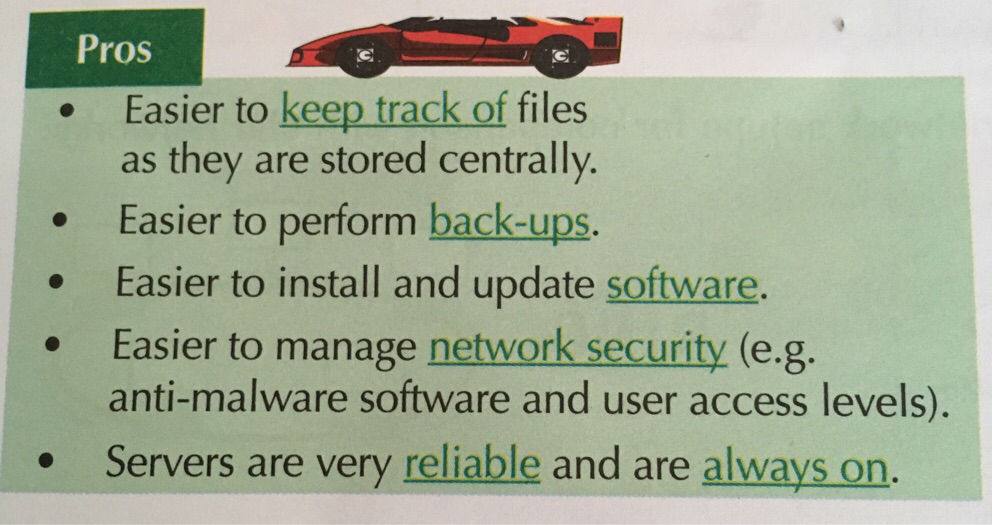
4)choice of HARDWARE and NETWORK TOPOLOGY - 12Client server and peer-to-peerA client-server network is managed by a server. The devices connected to the server are clients. The client makes a service request to the server, the client is always dependent on the server to provide and manage the information. (client-server relationship). The server stores user profiles, passwords, and access information that may require a password.
Peer-to-peer networks dont use servers
all servers are equal, connecting directly to each other without a server. You store files on individual devices and share them with others. - 13Wi-fiWiFi uses two radio frequency bands -2.4 GHz and 5Ghz. The bands are split into numbered channels that cover a small frequency range. The channels overlap
WiFi performance is affected by interference between networks using adjacent channels. to avoid problems only certain channels that are spaced apart tend to be used