
Mapa mental
Mind Mapping Features in GoConqr
Conteúdo do mapa
Mind Mapping Features in GoConqr
Create/edit/customize
- Texts
- Nodes
- resize
- delete
- Attach another resource (paperclip icon)
- Background colour
- Attach an Annotation/short note (notepad icon)
- This is an Annotation!
- Insert image/video/pdf/URL
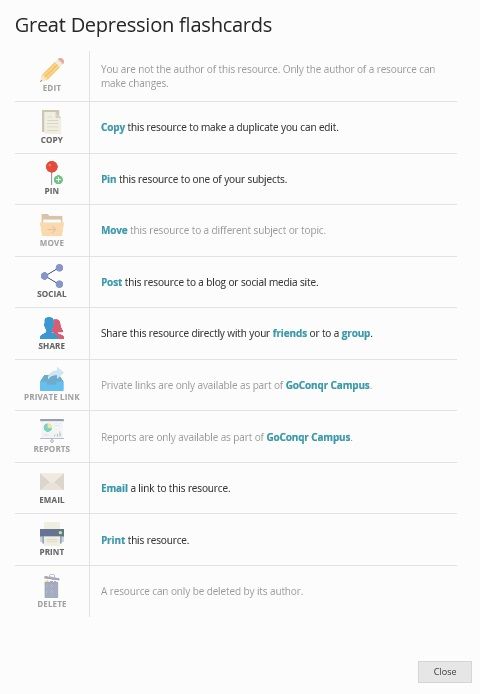
‘Actions’ menu
- Edit
- Allows you to edit the resource. You can only edit your own resource, however if the owner of the resource allows copies to be made, you can copy the resource and edit the copy.
- Copy
- Allows you to take a copy, if the author has permitted copies. A premium user may lock their resources so that other users cannot take copies.
- To own subject
- Pin
- Allows you to ‘pin’ a resource to one of your subject folders (or topics if you have specified them). You can then easily find the resource in the future. Pinning resources to your folder also helps us to suggest other relevant resources for you. You can see in ‘Info’ how many times a resource has been pinned by others.
- Move
- If you have created the resource, or already pinned it, this allows you to move it to a different subject or topic.
- To own subject
- Social
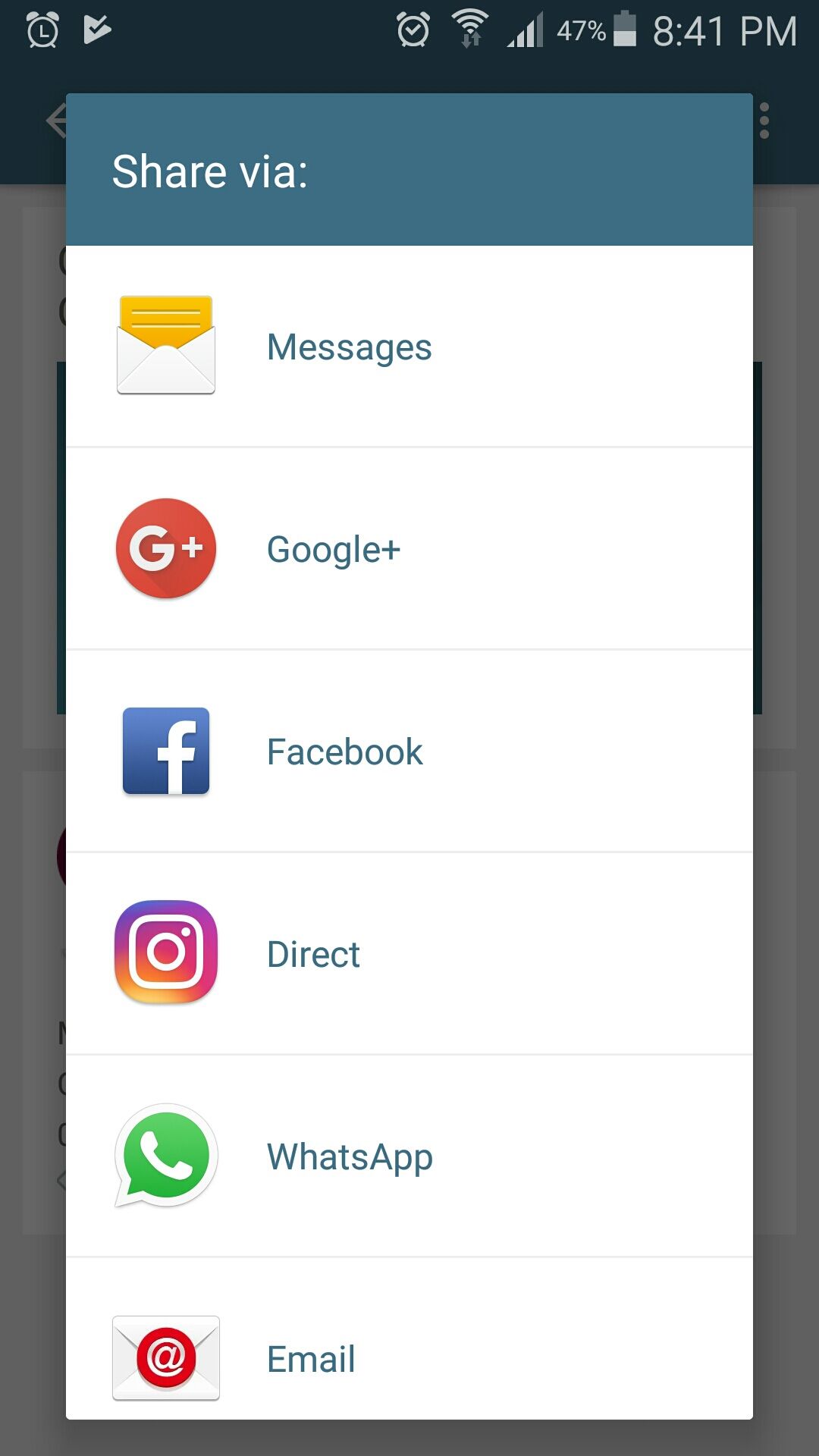
- This allows you to share a resource on Google, Facebook, Twitter or LinkedIn, or to embed the resource in a blog or website. The resource must be public to do this.
- embed in blog or website
- Share
- You can share resources that you have made directly with friends on GoConqr, or you can share any public resource with groups that you are a member of.
- Friends in GoConqr
- Groups in GoConqr
- Email
- Allows you to send a link via email, including to a friend who is not a GoConqr member.
- Print
- Allows you to print you resource! (bear in mind that GoConqr is optimised for online experience).
- Delete
- Allows you to delete the resource.
- Play
- Edit
Presentation Mode
- A Mind Map plays the central node first and then plays the first layer of nodes. It starts at 9 o’clock and works clockwise around the central node. Once it plays each node in the inner layer it moves on to the next layer. Once it has shown all nodes it then shows the images you have inserted in the same way.
- play button
- speed control
- step by step play-through
Tracking Mode
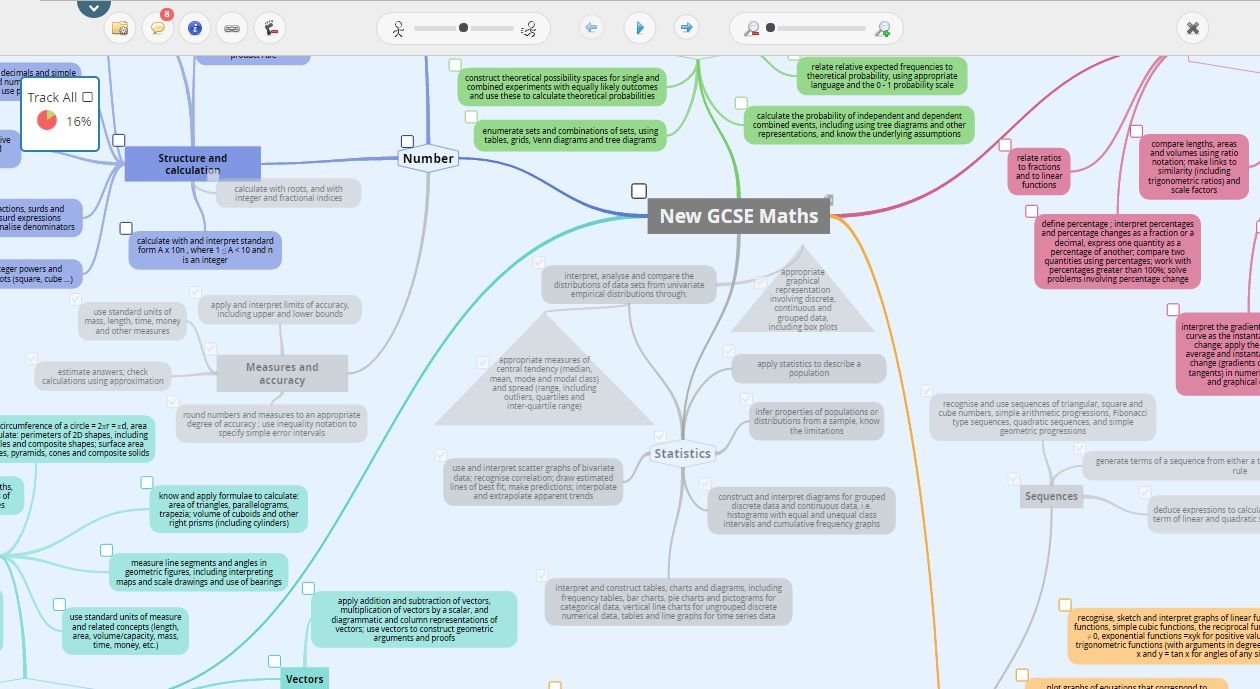
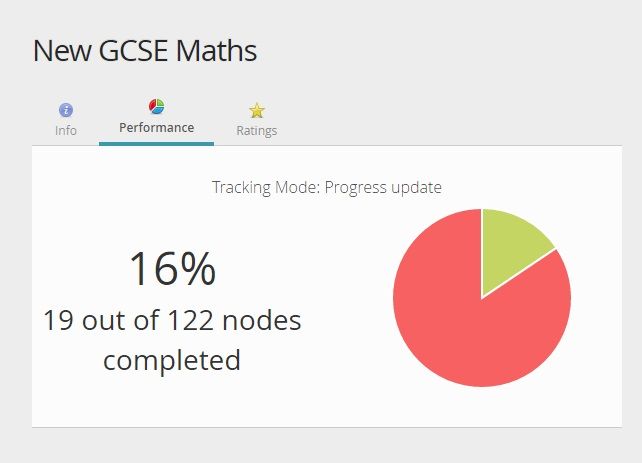
- Tracking allows you to easily tick off areas of a Mind Map that you feel you know or that you have completed tasks for. To access this feature, click footprint (tracking!) button in the view mode of a Mind Map. You will be able to tick the corner of nodes or medias. Tick all the nodes or medias you have completed or learned. You will notice a small completion box appear on the resource showing an update of the % completed and the parts you completed will be grayed out.
- tick completed nodes
- track progress
Use other users' mind maps
- Copyable resources can be copied and edited by others. This is useful,for example, if you want to provide a template of a mind map and have students or colleagues work on their own copies.
- copy to own subject
- Edit
- search & view
- copy or original?
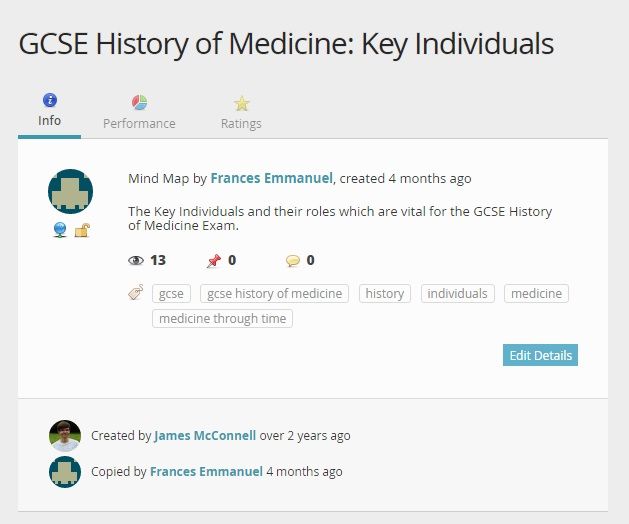
- You can click on info to see if it has been copied, and who the original author was.
Mobile app
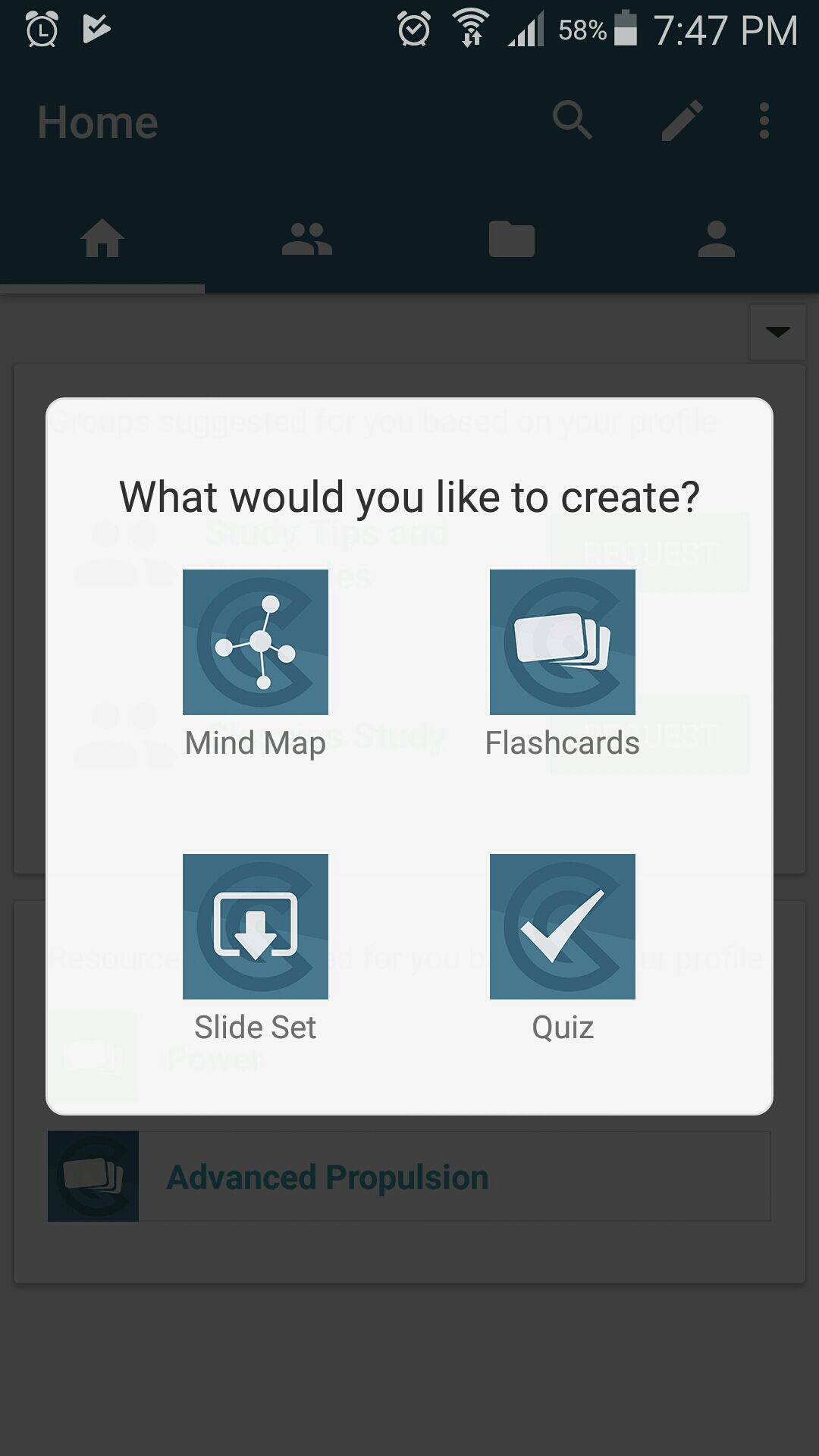
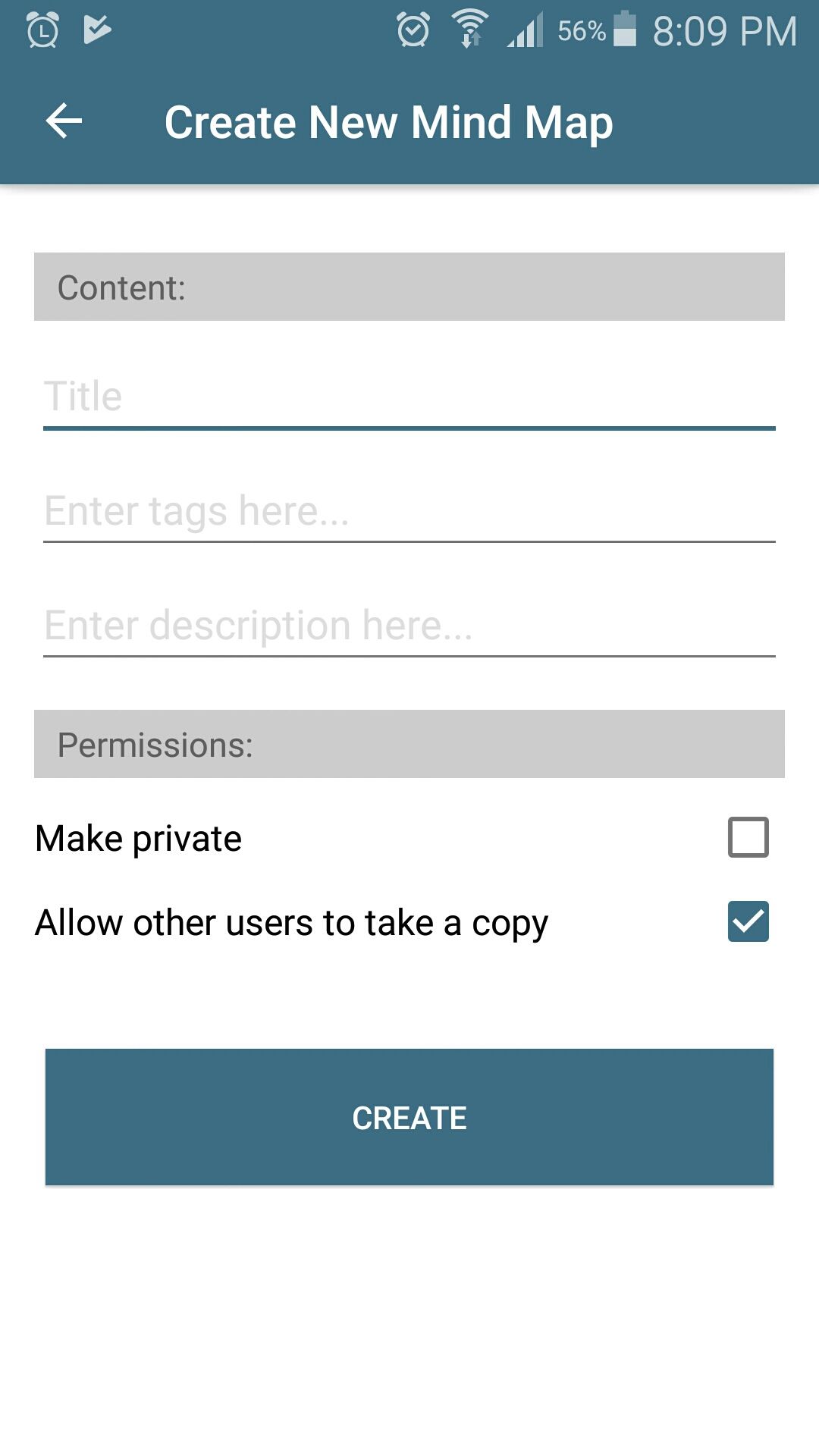
- Create or search mind maps
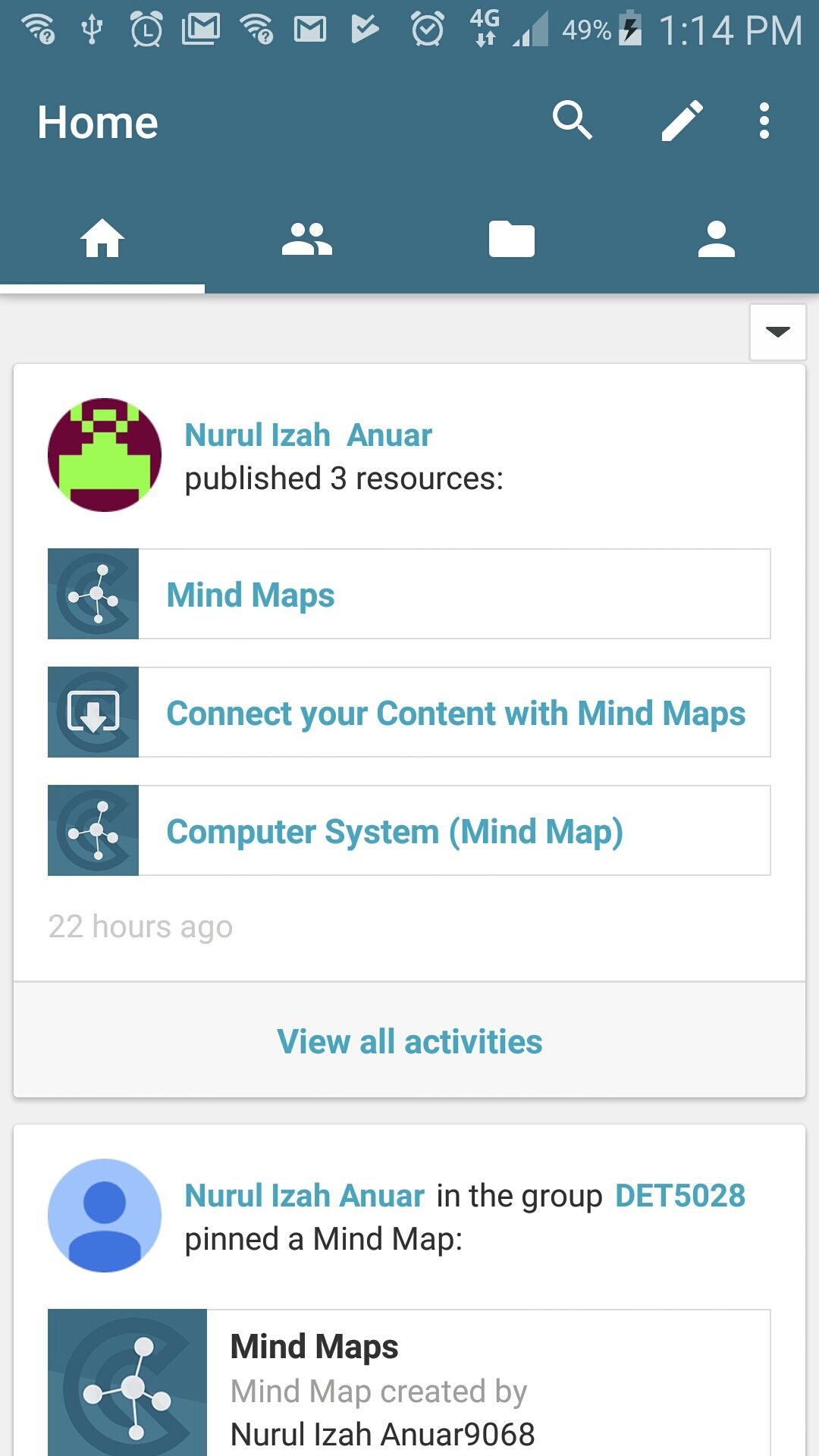
- Activity feed
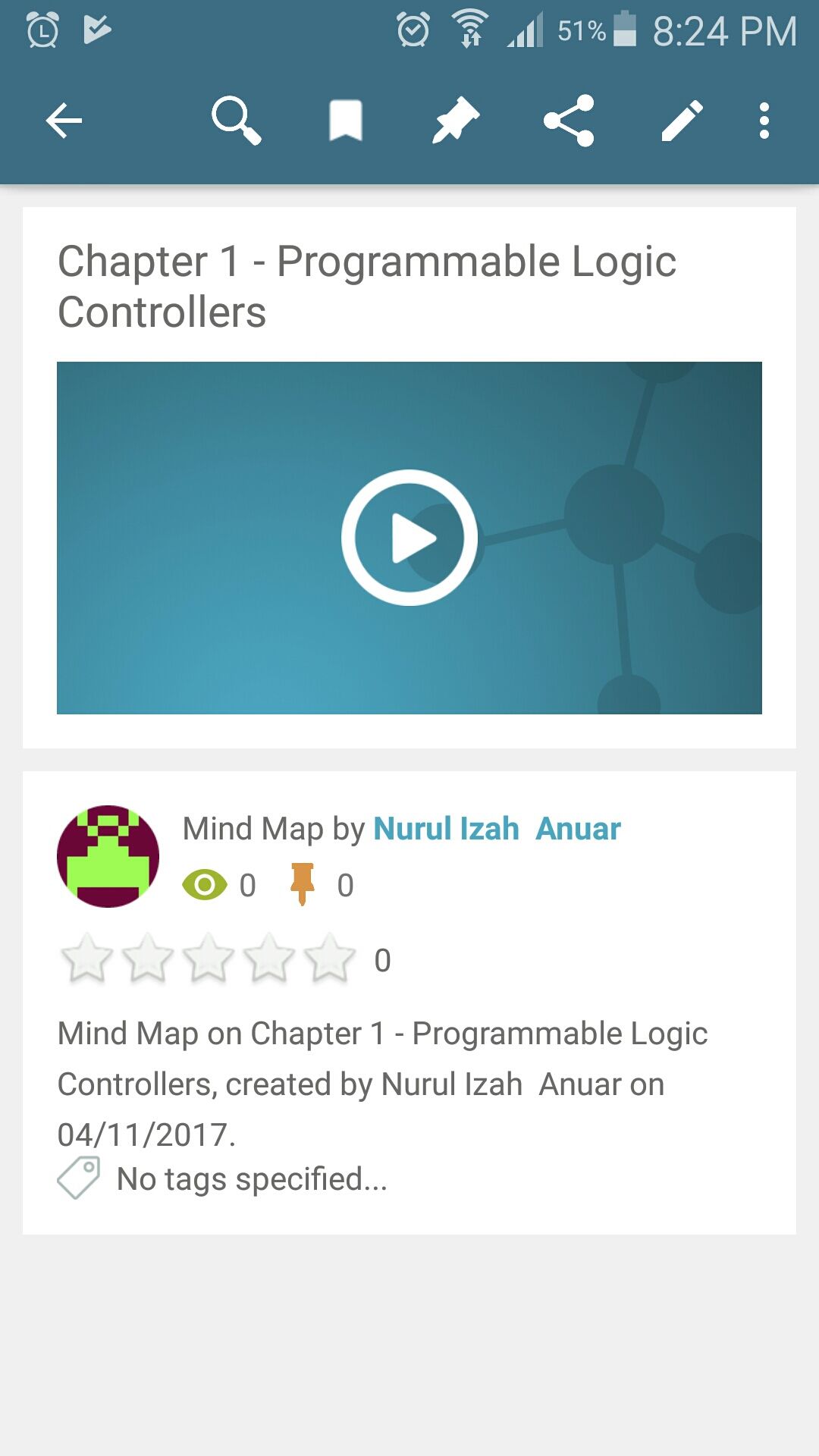
- View, share or play mind maps
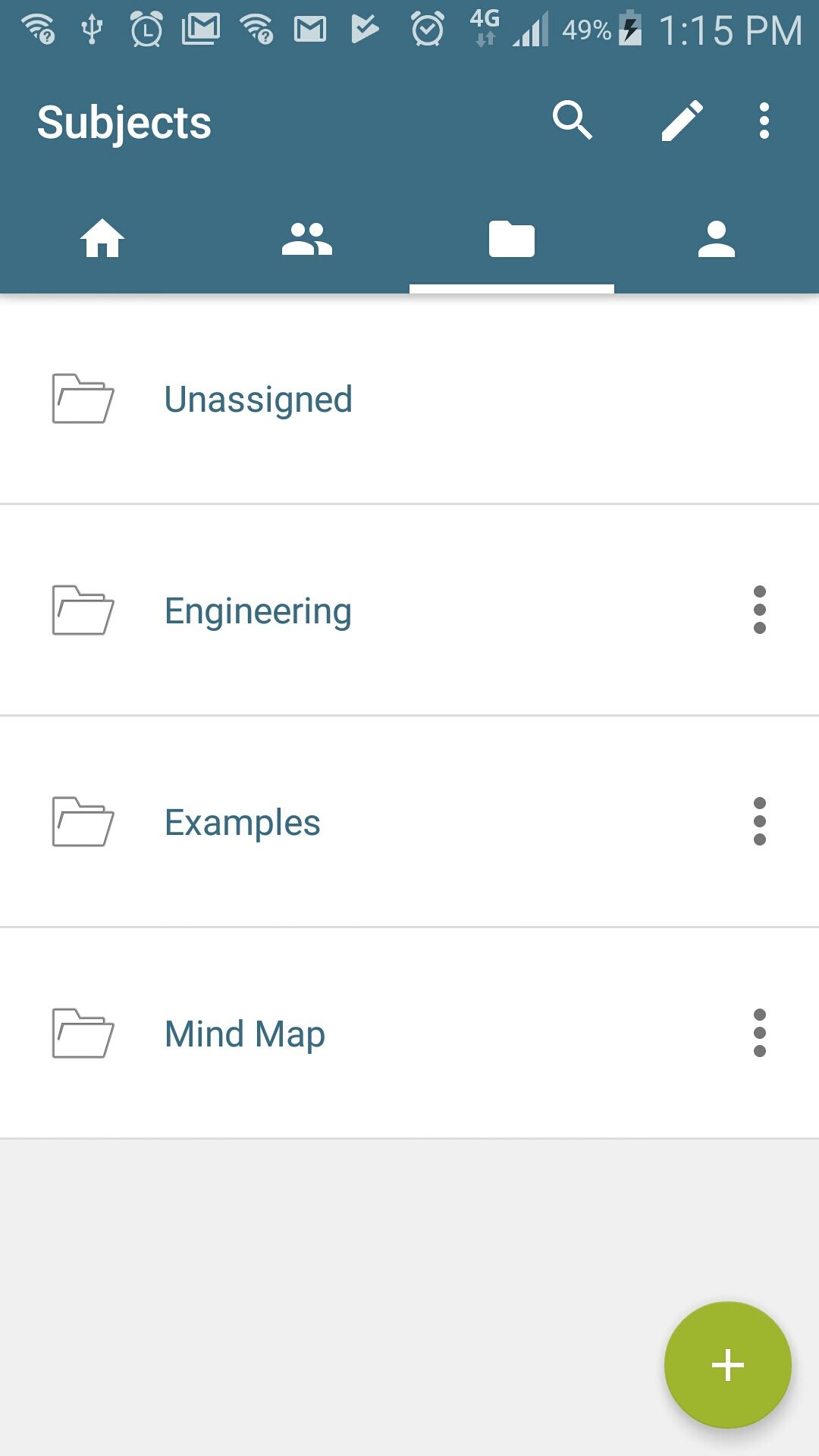
- Subject folders
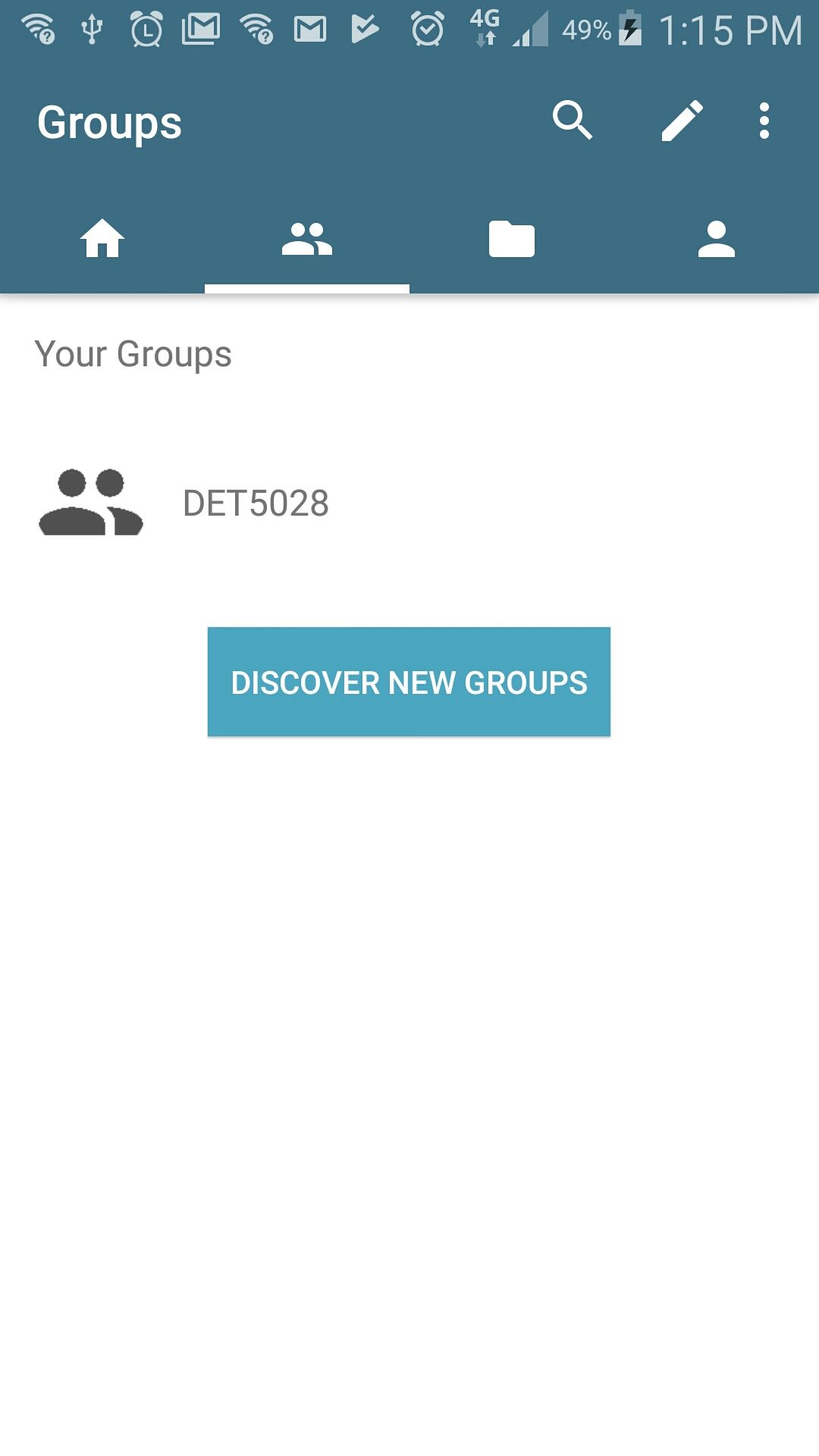
- Group activity & resources
- and many others...
Imagens e arquivos do mapa



Informações
- Descrição
- Mind Map Mapa Mental sobre Mind Mapping Features in GoConqr, criado por Nurul Izah Anuar em 06-11-2017.
- Criado por
- Nurul Izah Anuar
- Visualizações
- 50
- Avaliação