
Design Tips for Non-Designers
Slides do conjunto (11)
-
-
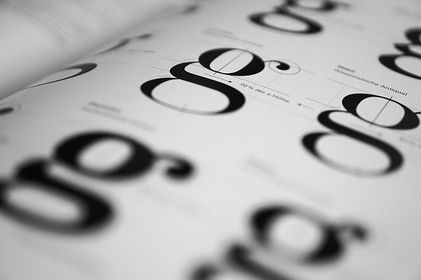
- Typography is 90% of design. This is why getting it right is so hard.
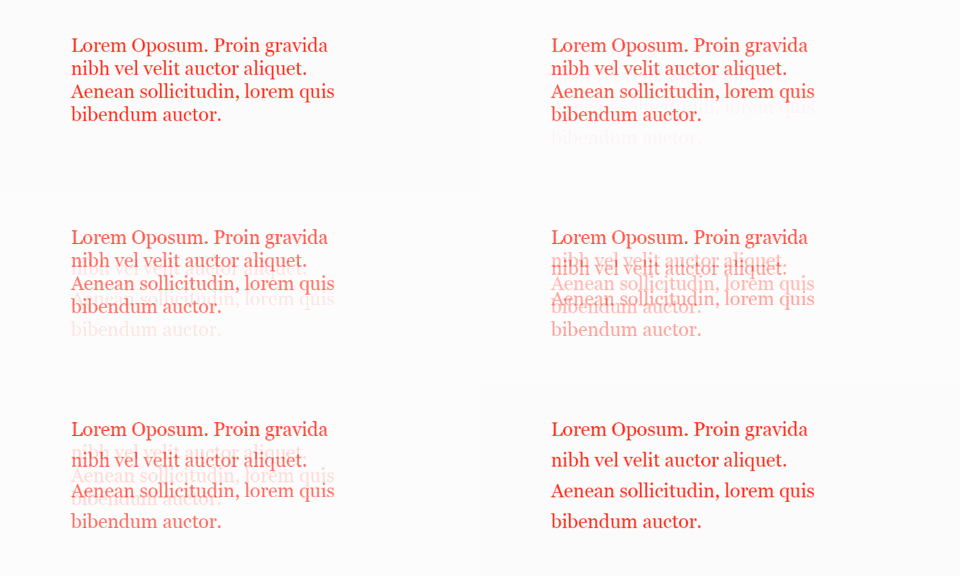
- Apply the line height of 1.6 to all body text. In CSS, you’d simply add line-height: 1.6 to all p elements. If this is a printed piece, simply take the body text font size and multiply it by 1.6.
-
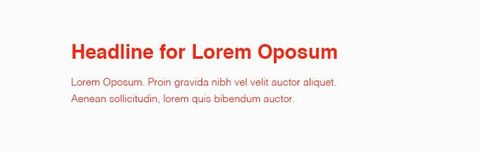
- Properly picking fonts and combining them is hard. To make things easier on yourself, pick only 2 — one for body text and one for headlines. Then multiply the body font size by 2.5 to get the headline size.
- See? Design is math.
-
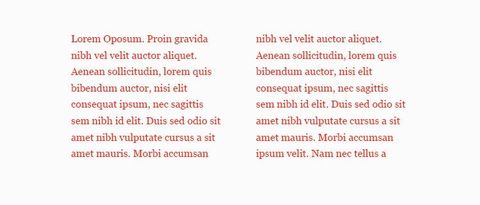
- Each time we get to the end of a column, our eyes struggle to catch the next line. To make the text more scannable (and to make design look more professional), limit your lines to 58 characters per line.
- Here’s a jQuery plugin to help you with that.
-
- Pick only 2 colours to work with and give each one a task. For example, you may use orange for all call to actions and blue for branding elements.
- Most of all, make sure to only use exactly the chosen colours — don’t try to match it by feeling as it will look totally different on different screens. Use a colour picker and sass variables.

-
- In designs with heavy use of typography, it can be hard to get it all right.
- Adding a line underneath the text or on the side will help visually separate content. Take any printed news for example — chances are, they use the same technique to group content together.

-
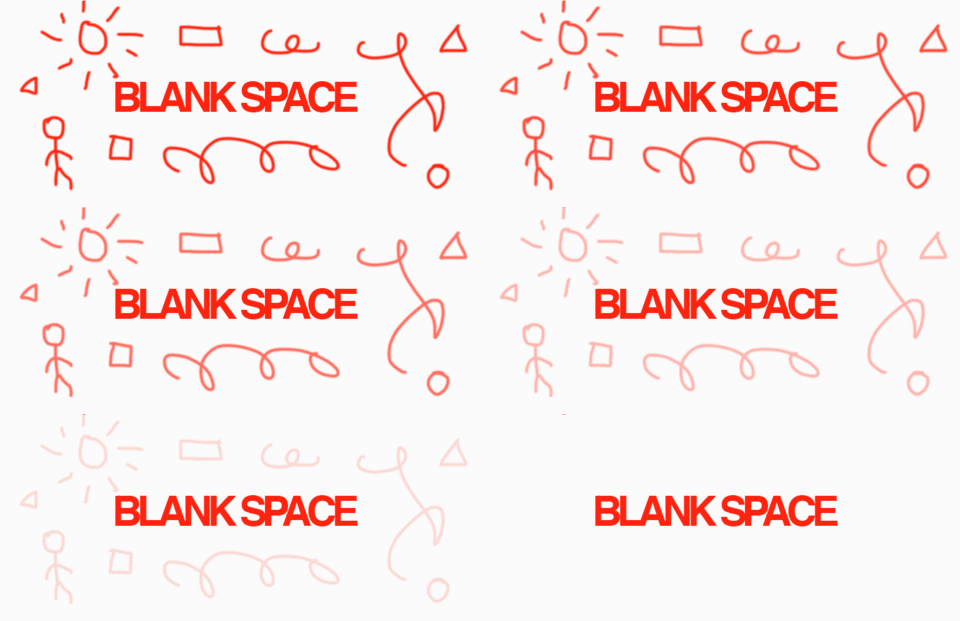
- If a layout doesn’t look quite right, it’s very likely the result is due to a lack of macro white space.
- The trick here is to start leaving more space around elements than you’re comfortable with. Keep in mind that white space is not empty space. It’s a graphical tool.
-
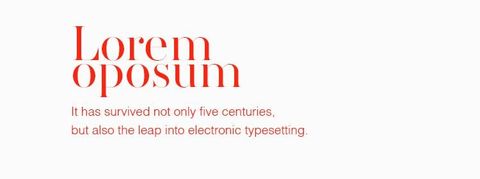
- Instead of using centre align on everything, try aligning your text it to left to spice things up. In layouts rich in white space, aligning to left can give off a sense of luxury.
-
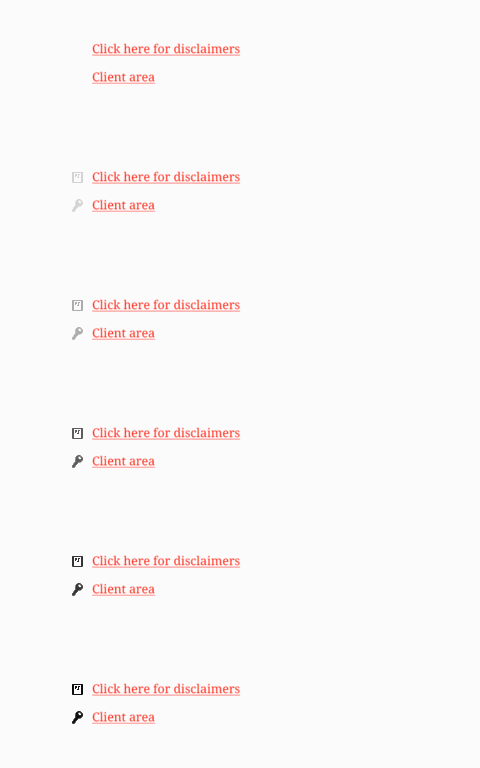
- When you need a quick illustration, icons can save your life. You can even use them to create simple logos.
- But where they shine the most is in adding that extra little touch to information design. Instead of simply listing stats, add tiny icons to each list item.
-
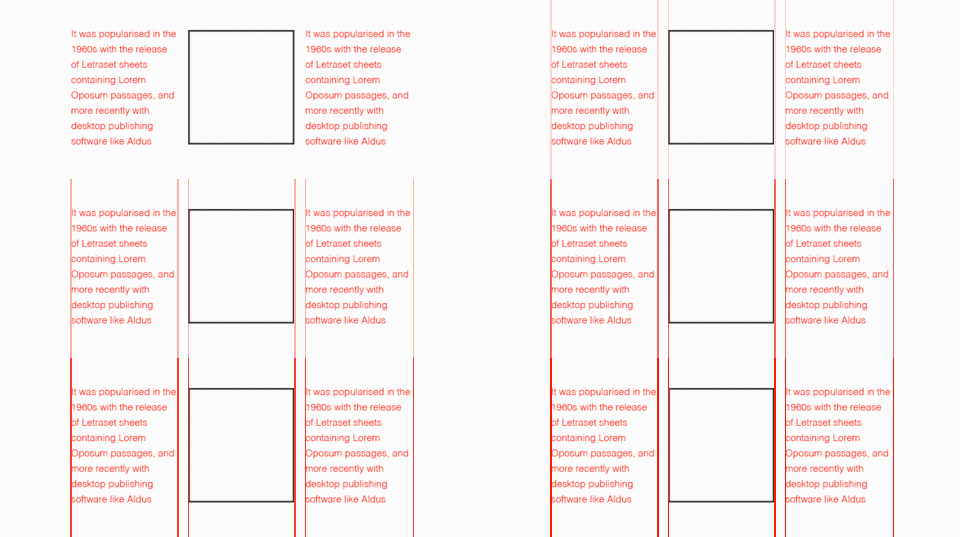
- Instead of using grids with 12 columns, you can simplify the concept and simply split your layout into 3 of 4 columns and make sure elements are aligned to the same vertical and horizontal lines.
-
- Staying consistent should be your number one priority when you’re build a brand. Large companies may have 100-page documents for this, but ain’t nobody got time for that! Simply create a short style guide using the template below.
- Click here for a free template.
- Source: Design for Founders

Informações
- Descrição
- Good design is vital for brand building and customer acquisition, but it takes extreme attention to detail. These tips cover the most important things to watch out for if you're a non-designer.
- Criado por
- Micheal Heffernan
- Visualizações
- 749
- Tags
- Avaliação