
Notizen
Android - menus
Inhalt der Notizen (2)
Seite 1
This guide shows how to create the three fundamental types of menus or action presentations on all versions of Android:
1.Options menu and app bar - global action on activity, on appbar
2.Context menu and contextual action mode
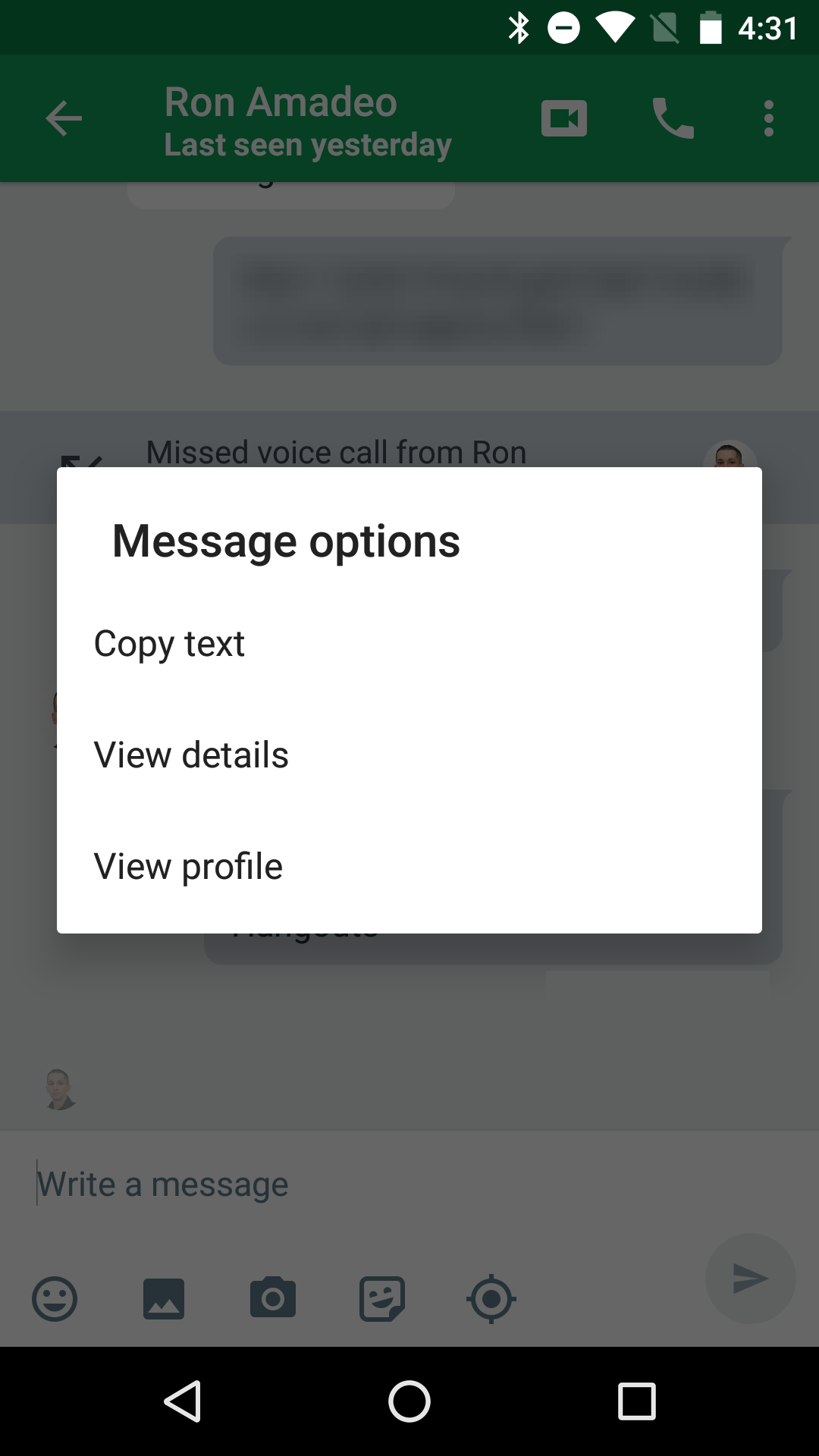
A context menu is a floating menu that appears when the user performs a long-click on an element. It provides actions that affect the selected content or context frame.
The contextual action mode displays action items that affect the selected content in a bar at the top of the screen and allows the user to select multiple items.(Multi-select and actions to do on top side technique)
3.Popup menu
A popup menu displays a list of items in a vertical list that's anchored to the view that invoked the menu. It's good for providing an overflow of actions that relate to specific content or to provide options for the second part of a command.(see image)
Defining a Menu in XML:
For all menu types, Android provides a standard XML format to define menu items. Instead of building a menu in your activity's code, you should define a menu and all its items in an XML menu resource. You can then inflate the menu resource (load it as a Menu object) in your activity or fragment.
To define the menu, create an XML file inside your project's res/menu/ directory and build the menu with the following elements:
1.<menu>
Defines a Menu, which is a container for menu items. A <menu> element must be the root node for the file and can hold one or more <item> and <group> elements.
2.<item>
Creates a MenuItem, which represents a single item in a menu. This element may contain a nested <menu> element in order to create a submenu.
3.<group>
An optional, invisible container for <item> elements. It allows you to categorize menu items so they share properties such as active state and visibility. For more information, see the section about Creating Menu Groups.
Seite 2
EG.
<?xml version="1.0" encoding="utf-8"?>
<menu xmlns:android="http://schemas.android.com/apk/res/android">
<item android:id="@+id/new_game"
android:icon="@drawable/ic_new_game"
android:title="@string/new_game"
android:showAsAction="ifRoom"/>
<item android:id="@+id/help"
android:icon="@drawable/ic_help"
android:title="@string/help" />
</menu>
<item > property :
android:showAsAction -
Specifies when and how this item should appear as an action item in the app bar.
Informationen
- Beschreibung
- Coding Notiz am Android - menus, erstellt von vishal bhalerao am 15/02/2018.
- Erstellt von
- vishal bhalerao · Feb 2018
- Aktualisiert
- 15 Feb 2018
- Aufrufe
- 0
- Bewertung