
Mind map
Computer systems
Map content
Computer systems
input
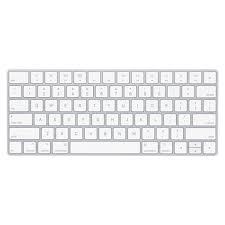
- keyboard : allows user to enter data by pressing keys
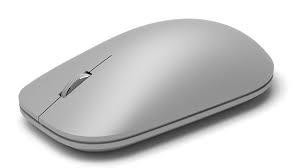
- mouse : allows user to navigate and select data/ software by moving an arrow around a screen
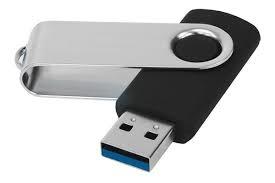
- USB : allows user to transfer and add data and software to the computer device
- touch screen : the touch screen senses movement on the screen and transfers it into readable data that can be acted upon
- microphone : the microphone system records and picks up signals in your voice and amplifies them through a speaker
output
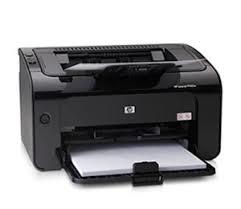
- printer : this device accepts text and images and transfers it to paper.
- headphones : users can transfer songs and other sound from their computer device to a private listening device.
- screen : used to give us access to files and data through a 'command line interface' or a 'graphic line interface'
- television : an electronic device that recieves audio and visual signals and plays it to the viewer
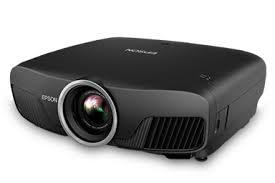
- projector : take images and videos and generates it onto a surface.
storage
- software
- proctection : allows user to protect device from malware and other malicious actions
- games : user can access gaming data and files by downloading files and software of a program or the internet or cloud.
- The cloud : a remote database providing storage that can be accessed anywhere.
- Optical
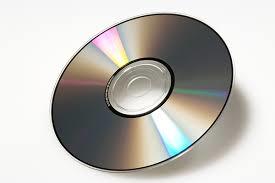
- CD : a convenient external storage device that has bumps in the plastic that are read by a special scanner that are scanned.
- DVD : a storage device that can store large amounts of data. you must have a disk drive to use this devise (however if you do not you can use an external disk drive)
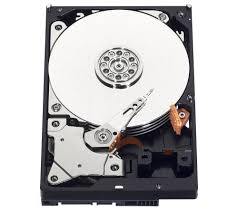
- hard drive : allows user to store data and files on a disk that is connected to the motherboard and are set in the drive bay
- Solid State
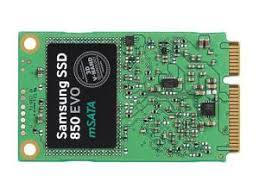
- ssd : this is a drive that uses 'non volatile memory' as a way of storing and accessing data and files.
- USB : allows user transfer data using reliable non moving parts
- memory card
- external SSD
- magnetic
- floppy disk : allows user to store use data using a needle that reads rings on the disk
- magnetic tape
- software
Images and files in the map






Information
- Description
- Input process output storage software
- Created by
- Amelia Godfrey-Brookes
- Views
- 19
- Rating