
System Administration, Linux and Servers mind maps
88 mind maps by 70 users · Page 1 of 3
This page gathers user-made mind maps on System Administration, Linux and Servers, from Linux package management to Windows Server and Active Directory. It offers university students and professional candidates material to review these topics, and teachers ready-made material to use. There are over 80 mind maps across university and professional levels. Pick a map to explore.
Select topic
- Server Concepts and Types21
- Linux Basics18
- Command Line Basics and Linux Commands52
- Shell Scripting11
- Linux File Management and Permissions24
- Linux System Management16
- Storage, Backup and Recovery12
- Windows Server Installation and Configuration55
- Active Directory34
- Group Policy and Windows Server Security9
- Windows File Servers6
- PowerShell7
Mind maps
-
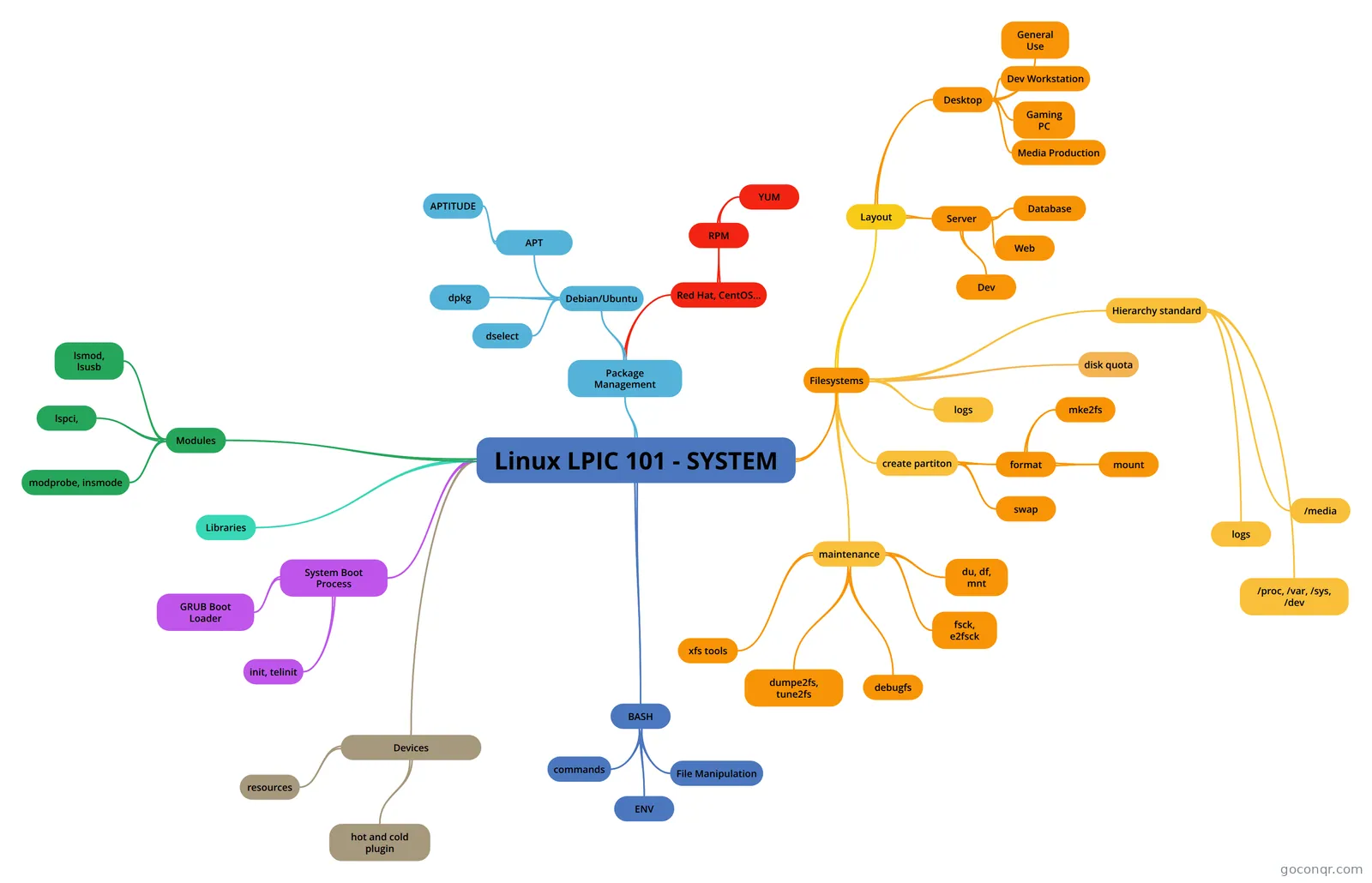 Linux LPIC 101 - SYSTEM
-
102.4 Use Debian package management 102.4 Use Debian package management
-
Windows Server 2012 R2 - Chapter 3
-
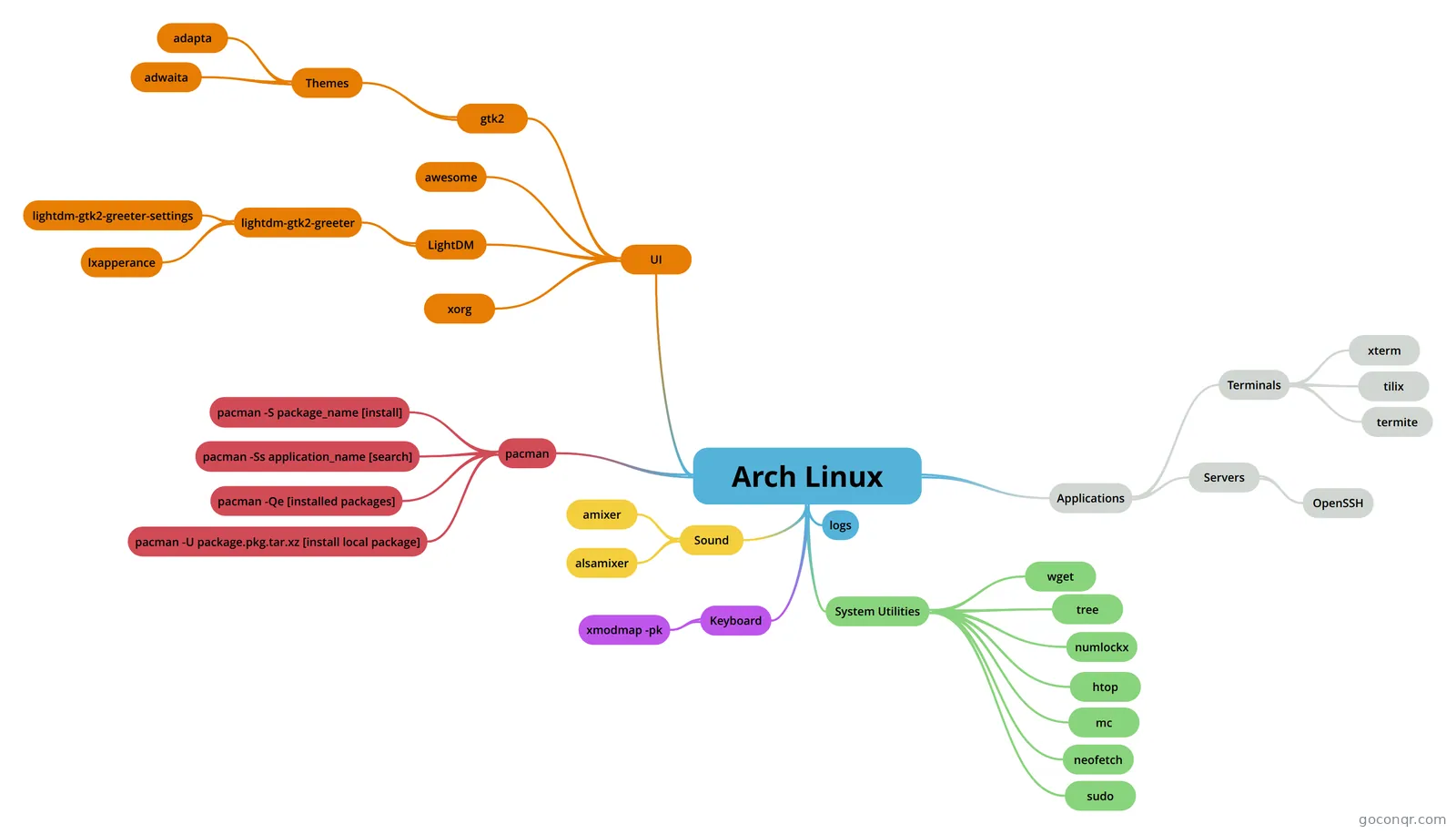 Arch Linux iqb33795
-
servers
-
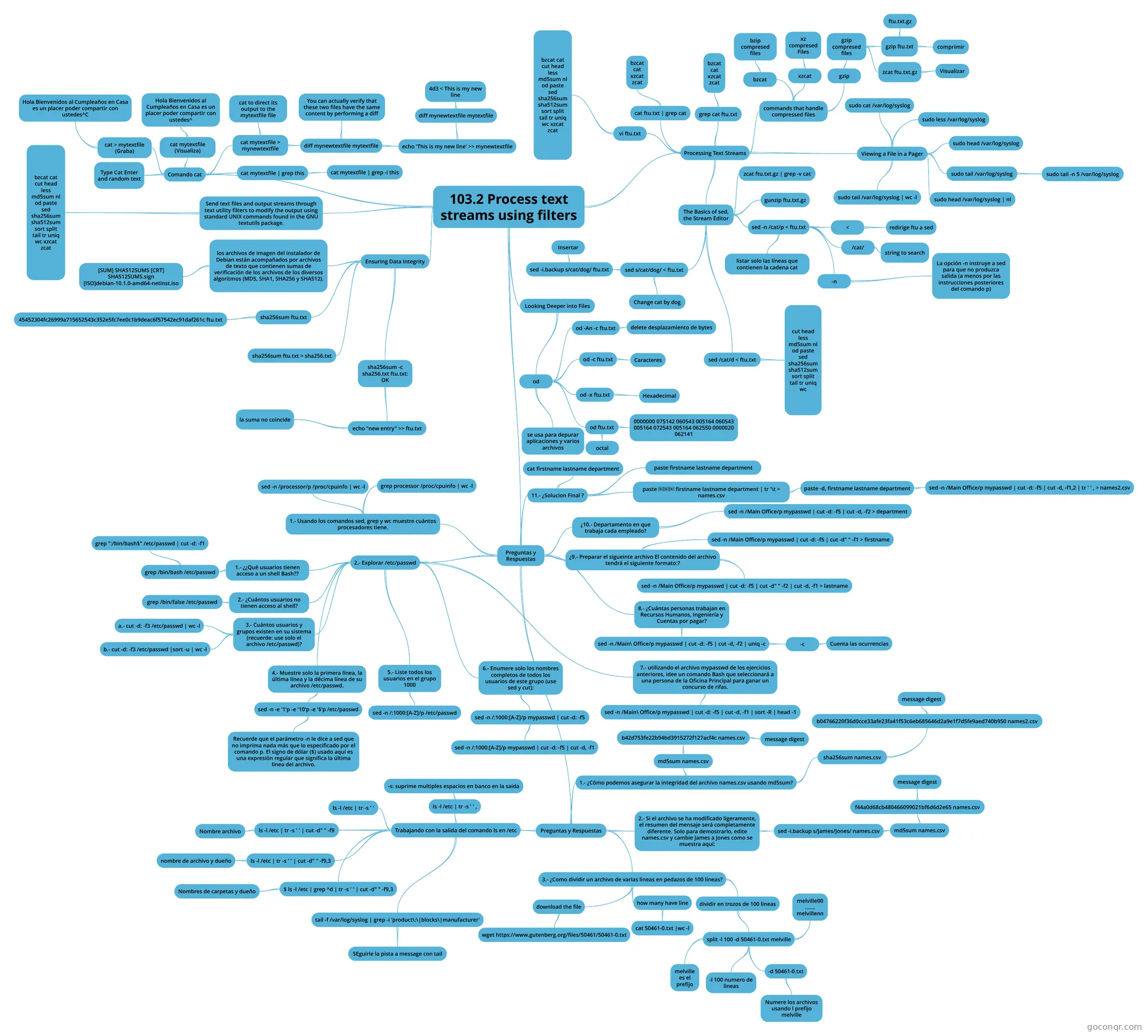 103.2 Process text streams using filters 103.2 Process text streams using filters
-
102.3 Manage shared libraries 102.3 Manage shared libraries
-
 102.5 Use RPM and YUM package management 102.5 Use RPM and YUM package management
-
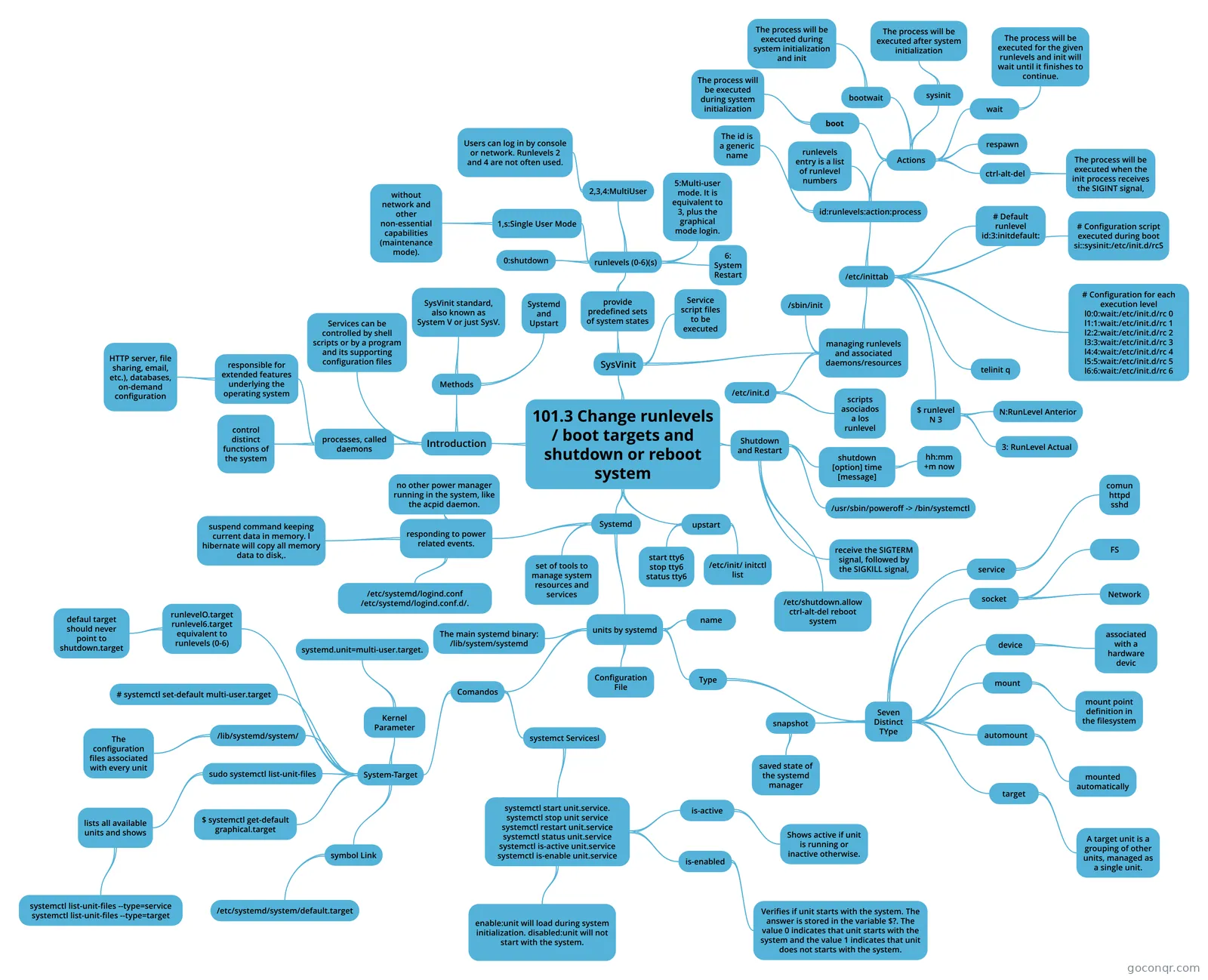 101.3 Change runlevels / boot targets and shutdown or reboot system Change runlevels / boot targets and shutdown or re
-
Week_Two_Revision Week two condensed
-
SERVERS
-
1_70-410: Installing and Configuring Windows Server 2012 Mindmap of topics from the Microsoft 70-410 exam.
-
rh
-
Server Concepts
-
Create, Delate, Move, Copy Directories and files
-
SERVERS INGLÉS
-
Week_Four_Revision Week four condensed - Back up, recovery and users
-
Configure Local Storage - RHCSA
-
servidores.
-
Active Directory
-
Shell Utilities
-
Process Management III
-
server concepts
-
Pig bic
-
server concepts
-
Chapter 1
-
102.1 Design hard disk layout 102.1 Design hard disk layout
-
server concepts
-
Active Directory
-
8.5 Domains and Organisational Units
-
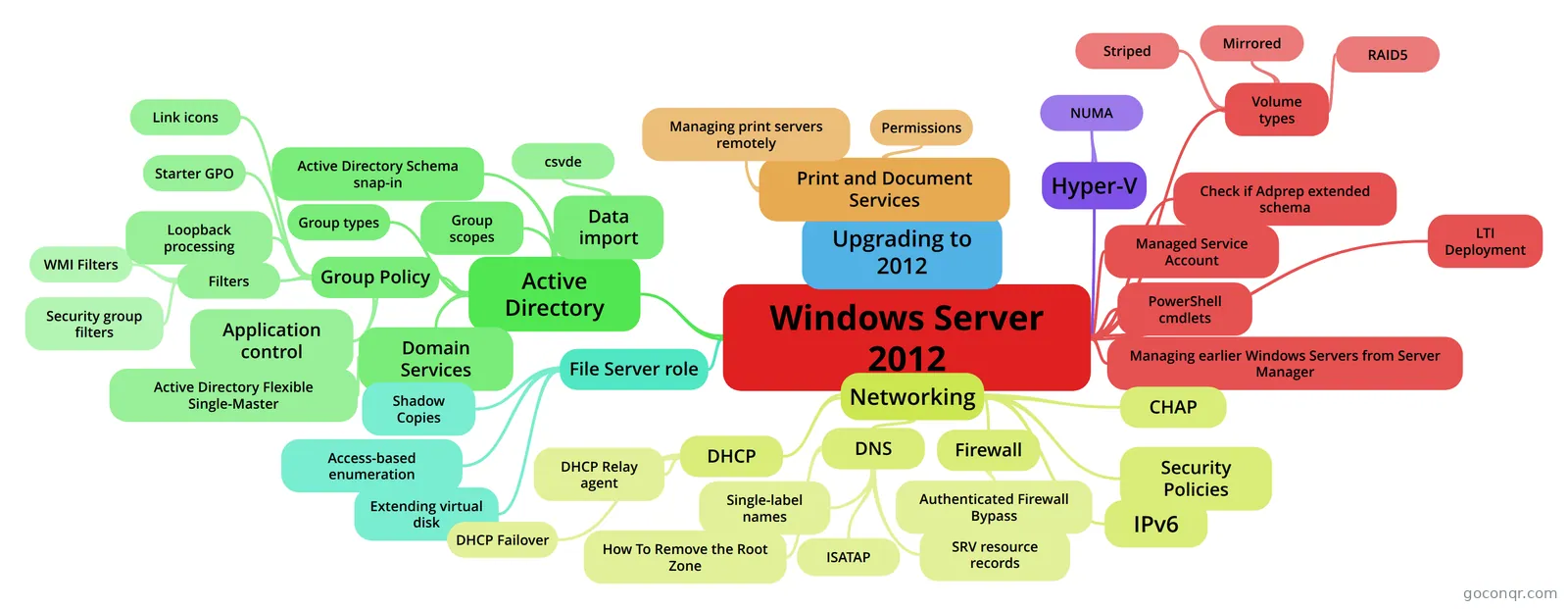 Windows Server 2012
-
COM584 Class Test #1 Week #3 Notes
-
File Permissions
-
TREINAMENTO 70-410
-
Server concepts
-
Lec7 More on Installing and Configuring Active Directory
-
RHEL7 p1
-
LPIC 102
-
TYPES OF SERVERS
-
102.2 Install a boot manager 102.2 Install a boot manager
More System Administration, Linux and Servers resources
About system administration, linux and servers mind maps
GoConqr OriginalSystem Administration, Linux and Servers mind maps
These maps cover Linux packages, file permissions and server topics. A map on Debian package management introduces the package format and tools such as dpkg and apt. On the Windows side, Windows Server 2012 brings together Active Directory, Group Policy, networking and other topics.
Choose a map for your revision
For a broad Windows overview, start with Windows Server 2012, then use Active Directory to focus on identity, access and centralised management. For Linux, the map on LPIC system topics connects package management with filesystems and different system layouts.
Follow a branch at a time and note the terms you want to revisit. When you want to check your recall, switch to a quiz on the unit page. Flashcards can help you revisit individual terms and commands. Choose a topic and see where its branches lead.
Frequently asked questions
Which mind map should I start with?
For a Windows overview, start with Windows Server 2012. It brings together Active Directory, Group Policy, networking and the file server role. If you are reviewing Linux instead, the LPIC system map covers package management and filesystems, making it a useful place to begin.
What do the Linux mind maps cover?
The listed maps include Debian package management, file permissions, shell utilities and the Linux kernel. There are also maps on shared libraries, hard disk layout and RPM and YUM package management. You can choose a topic that matches what you are currently studying or revising.
Are the mind maps free to use?
Yes. Every resource listed here is free to open and study without an account. The mind maps were made by GoConqr users, not by GoConqr. A free account also lets you make your own mind maps, quizzes, flashcards and notes, and save quiz scores.